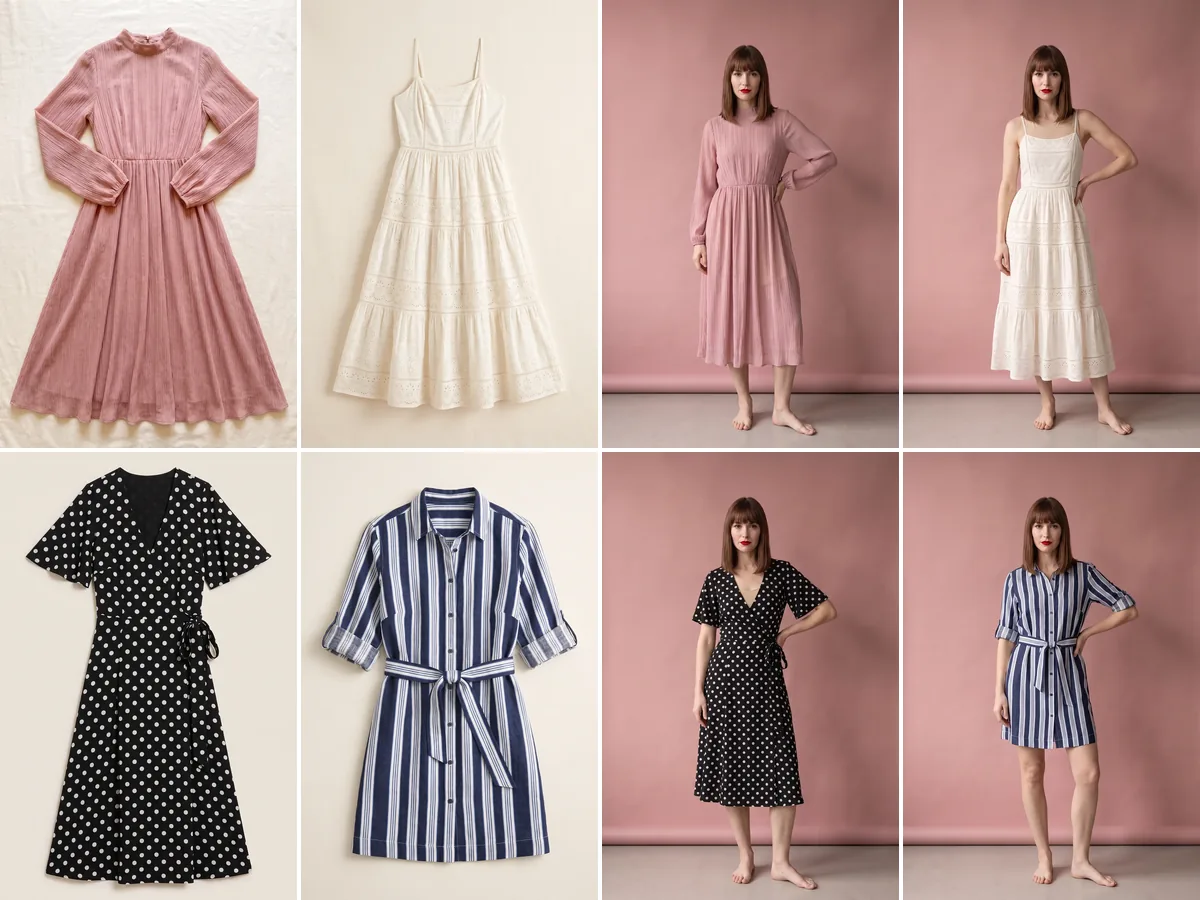
AI ecommerce product photography for your whole collection
Prepare hundreds of products in one upload, with the same model and the same light. Bulk apparel photography for your new season, without waiting for a shoot date.
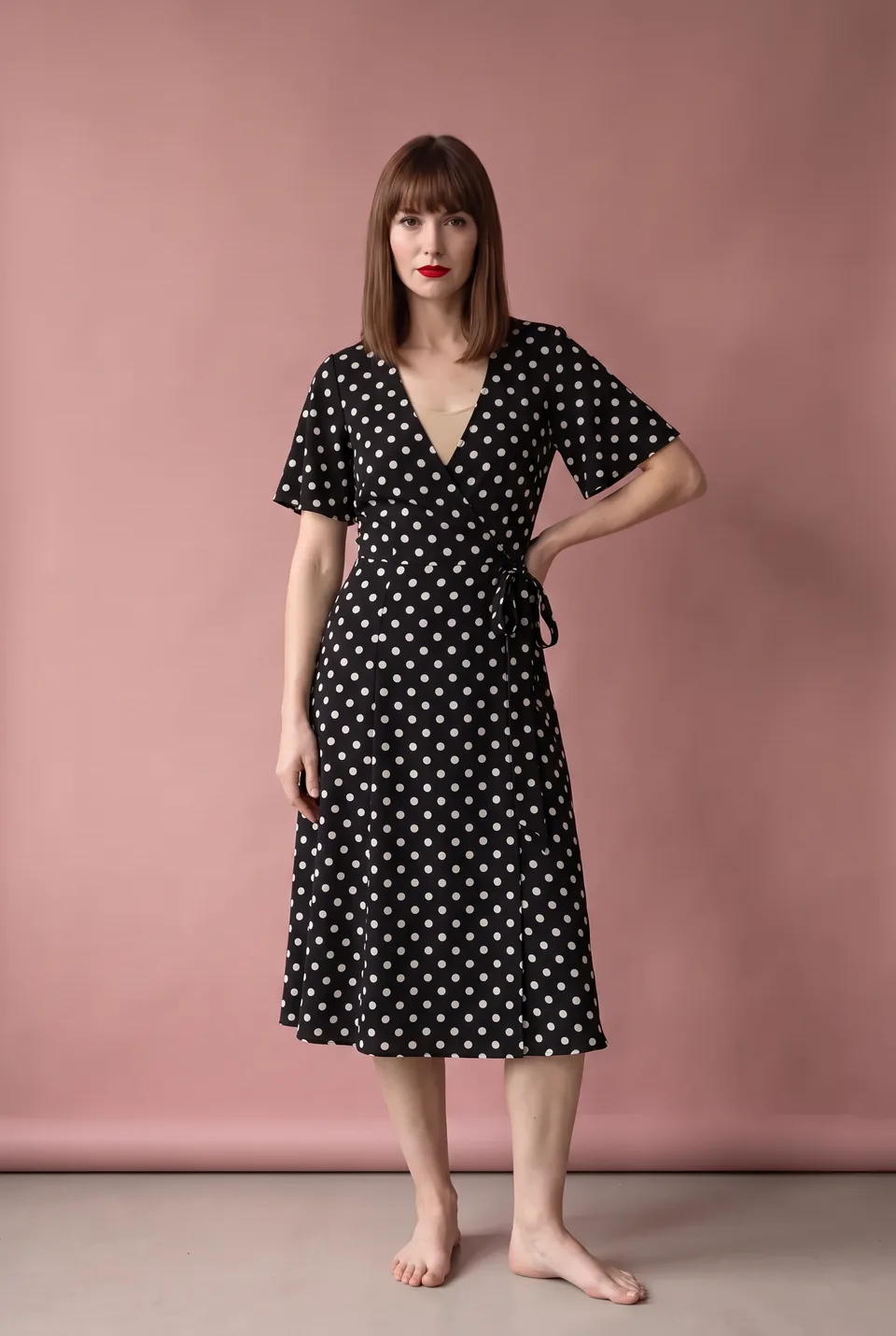
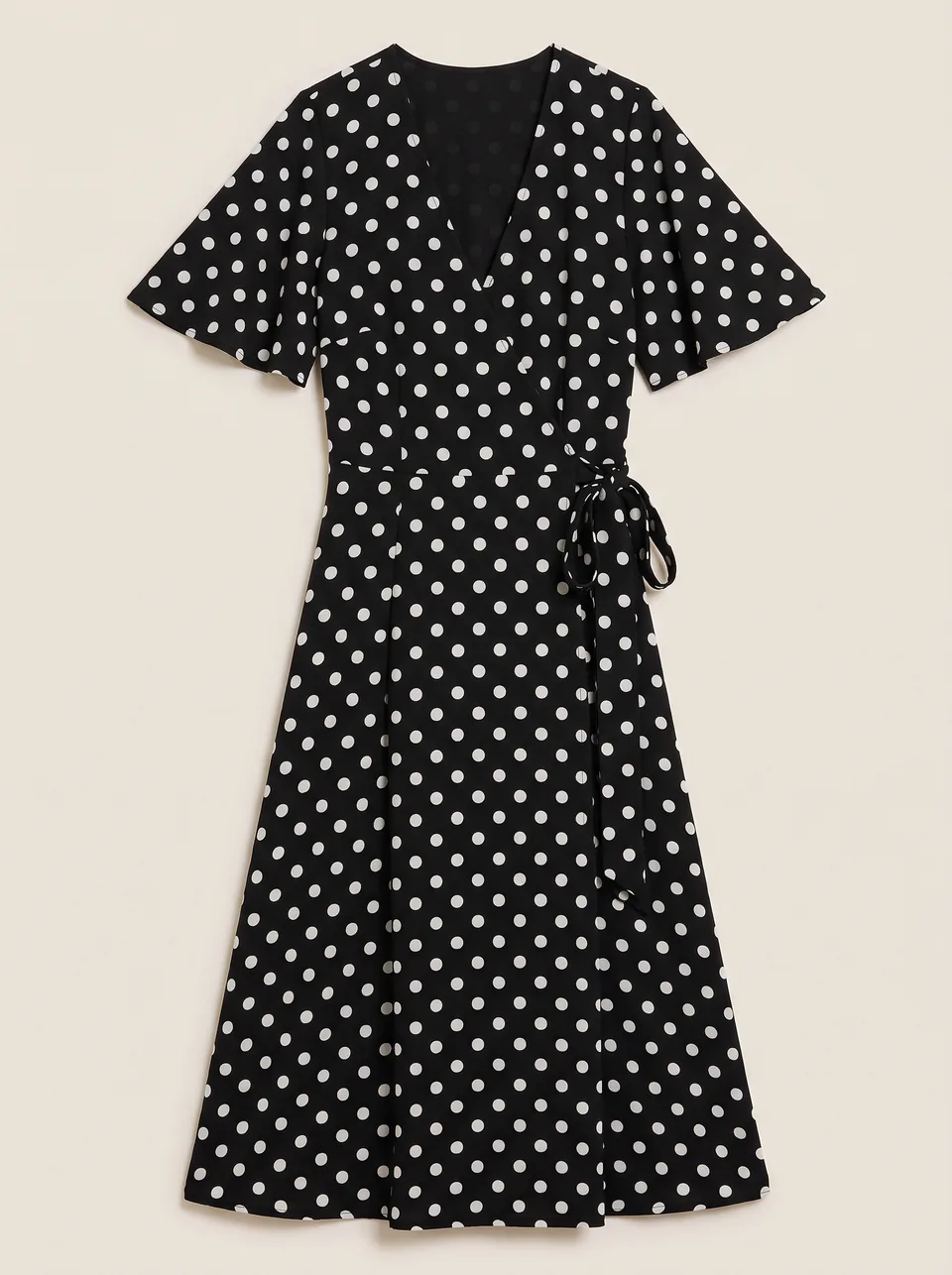
Real frames from the catalog
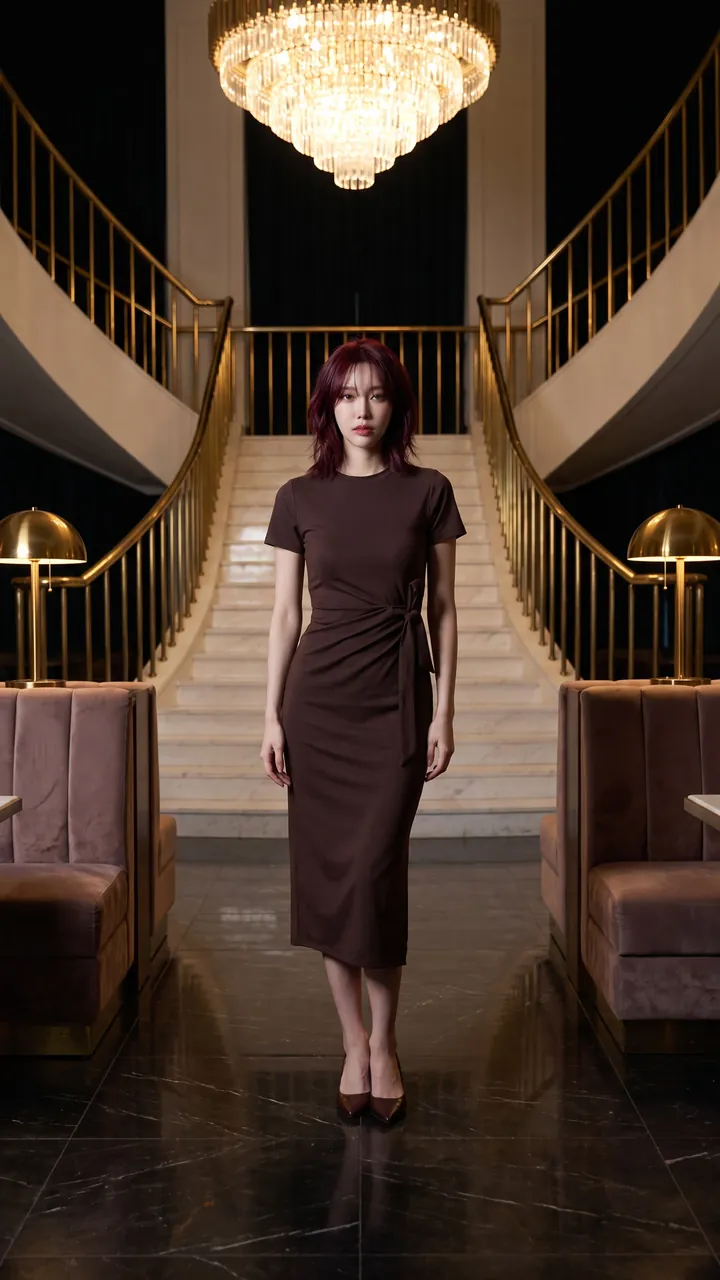
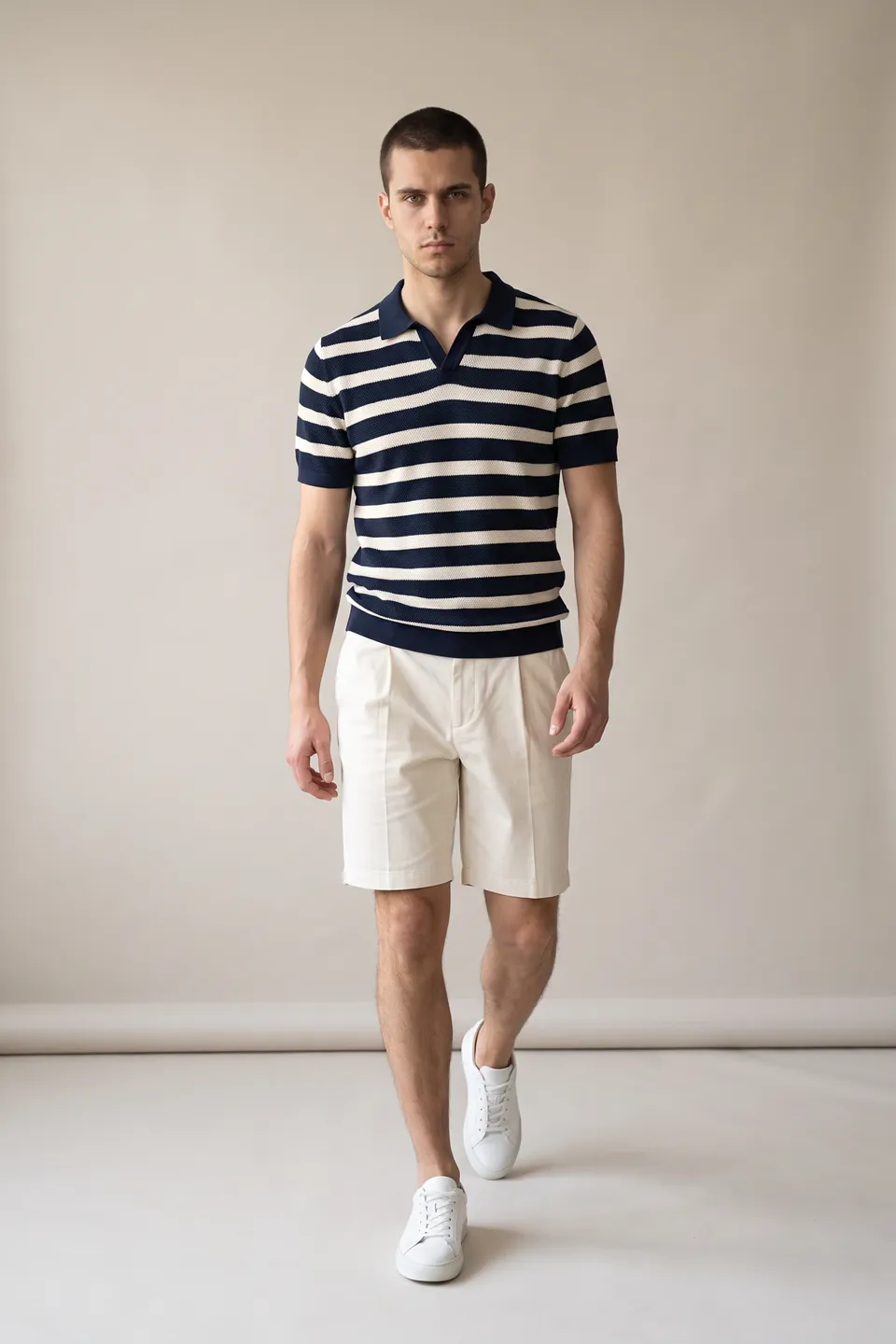
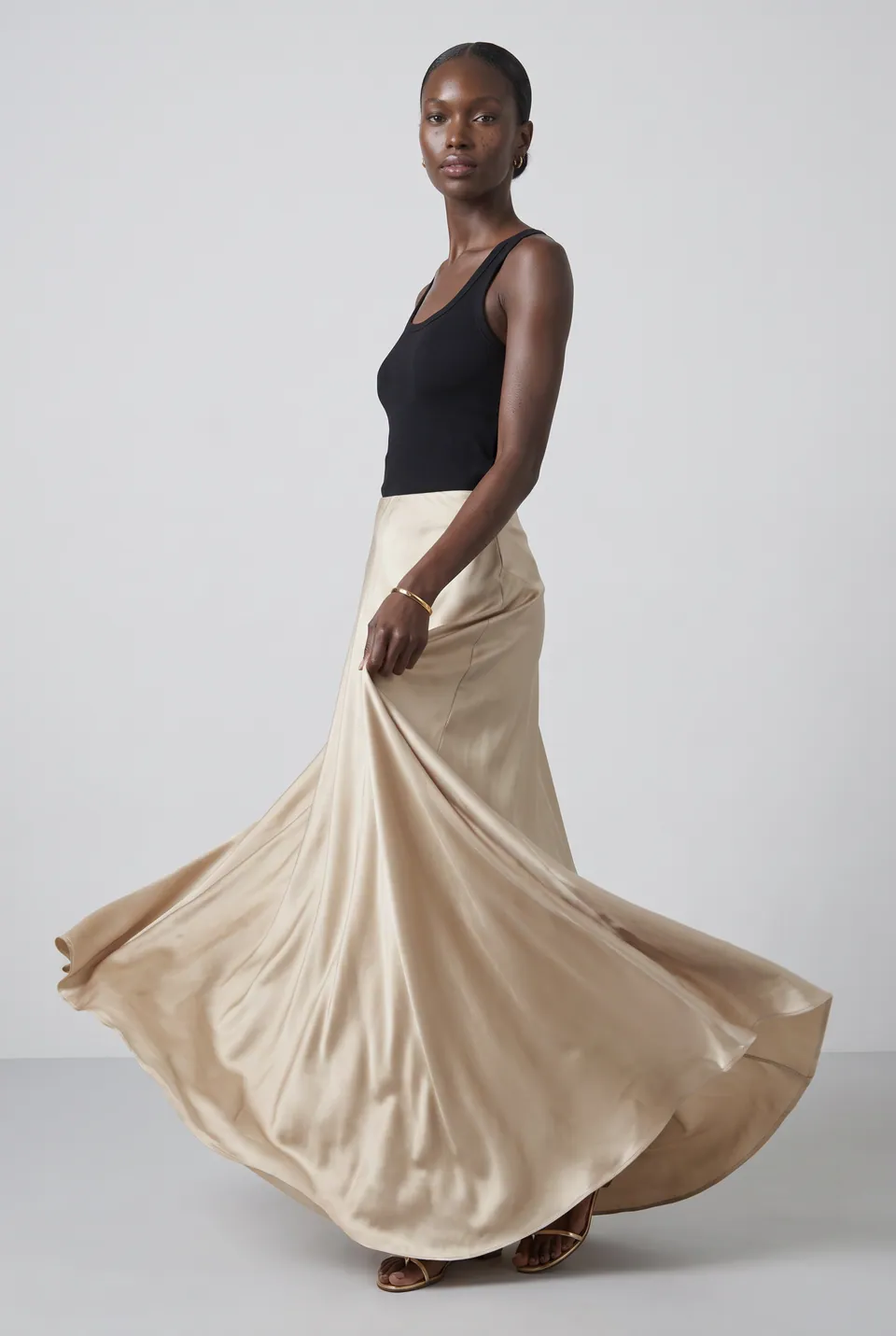
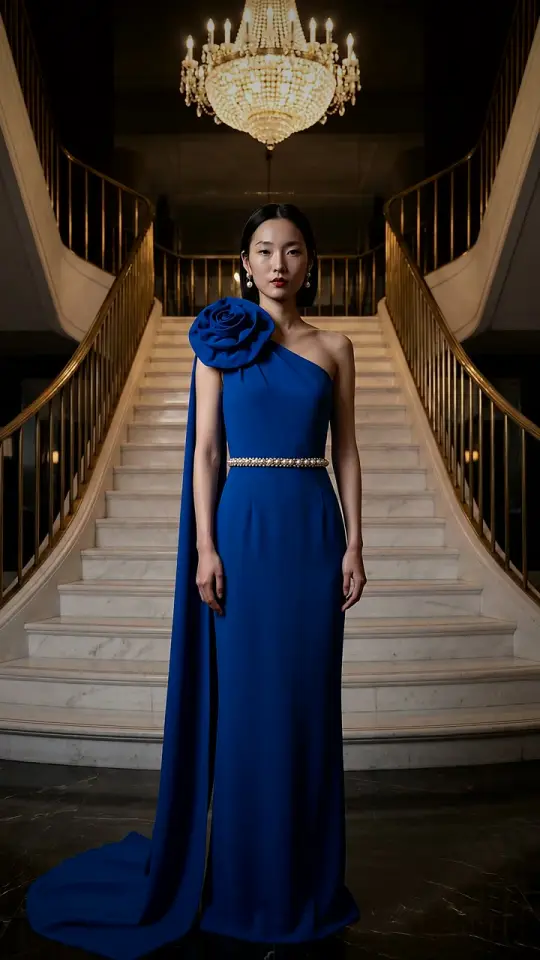
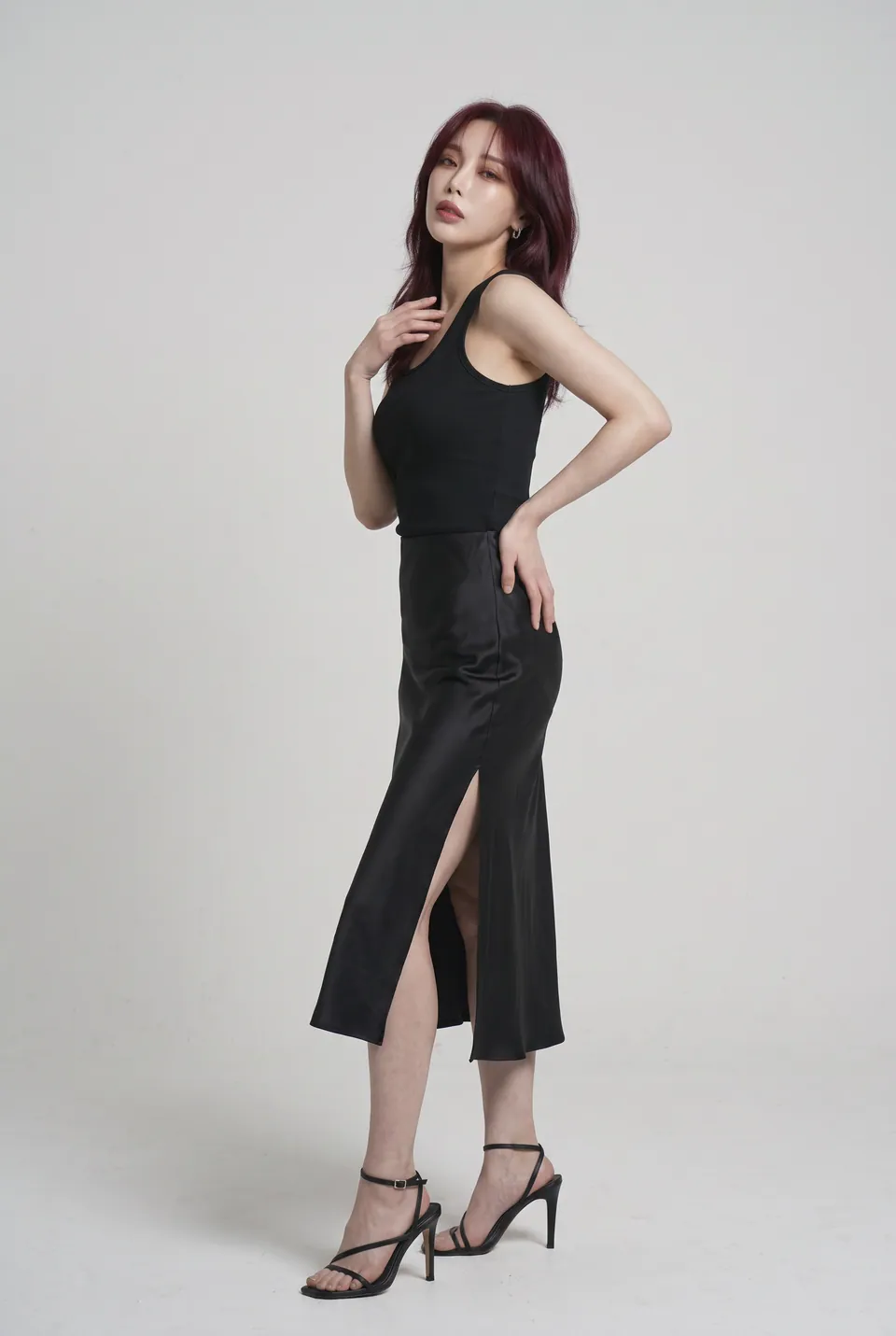
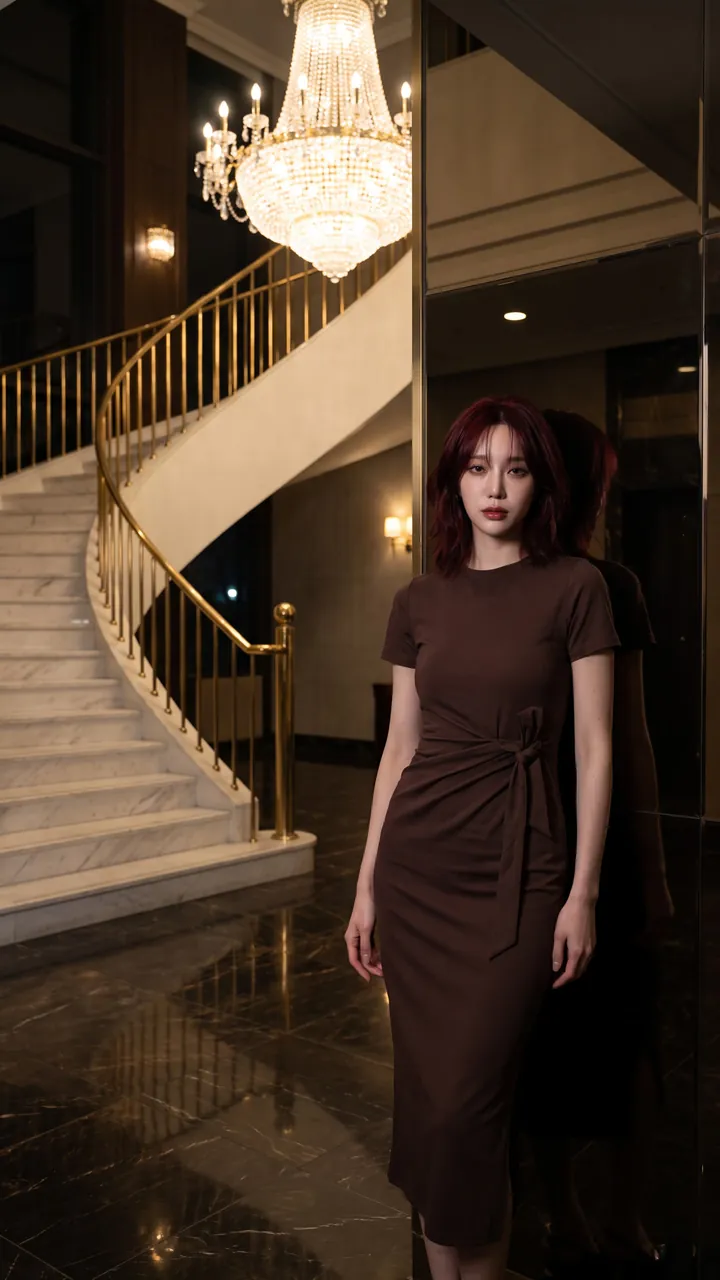
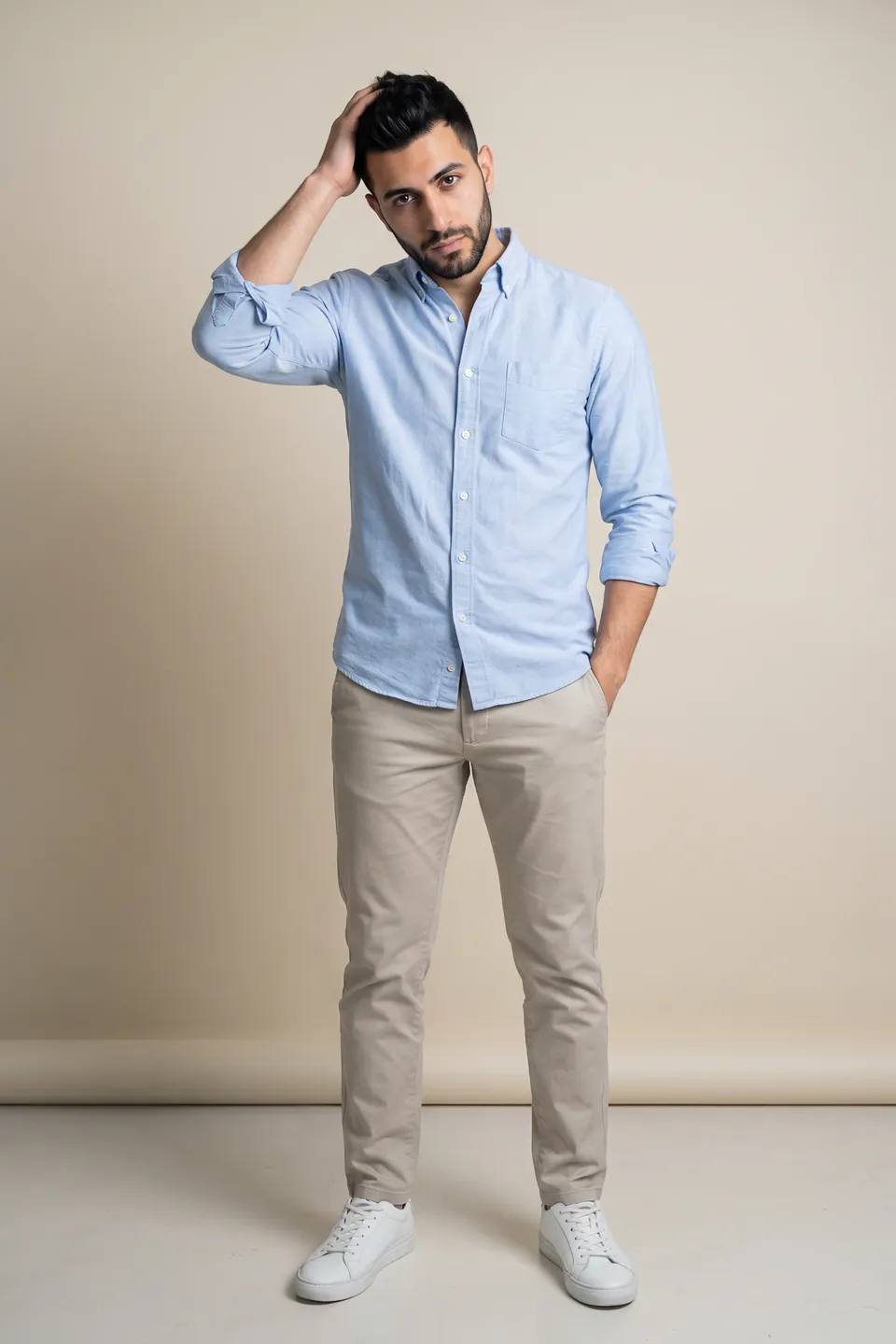
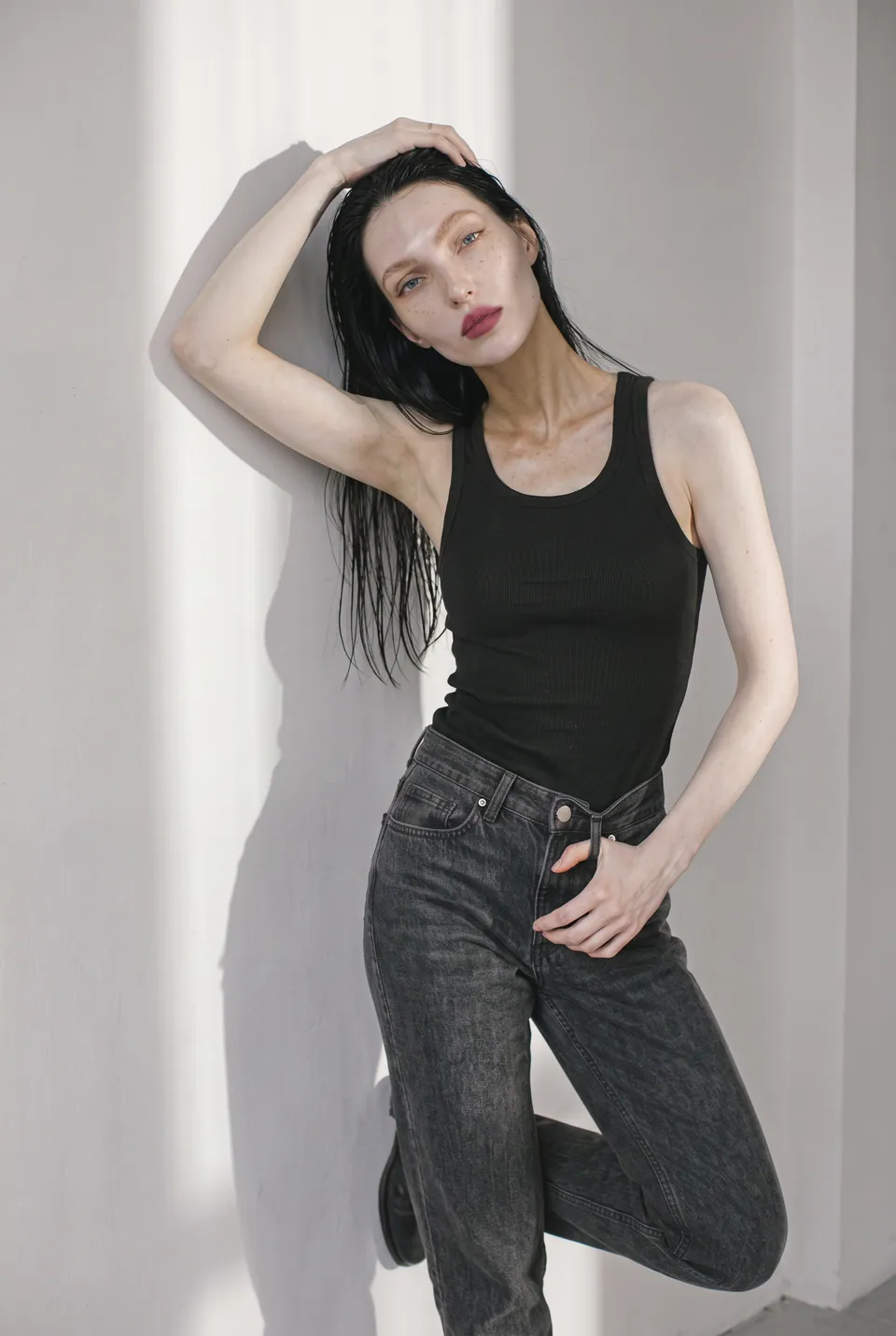
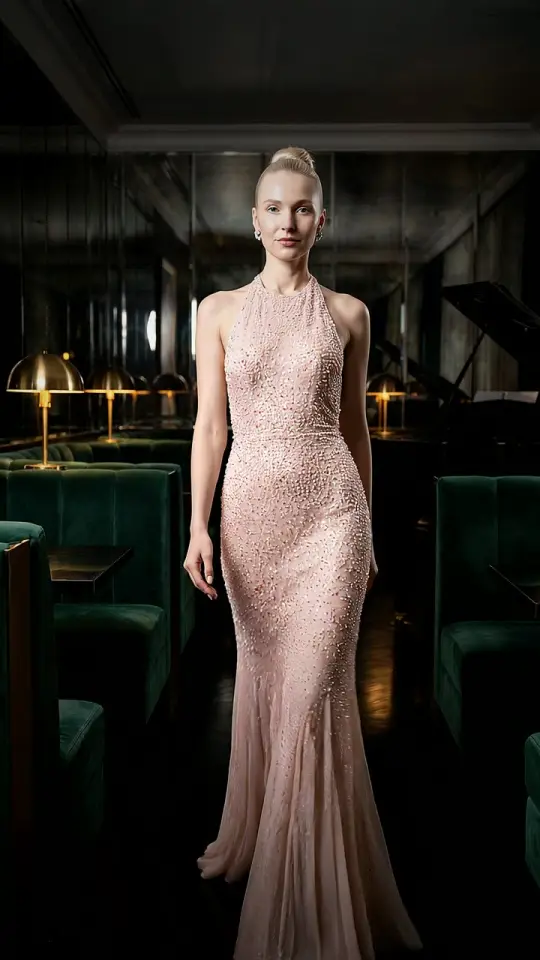
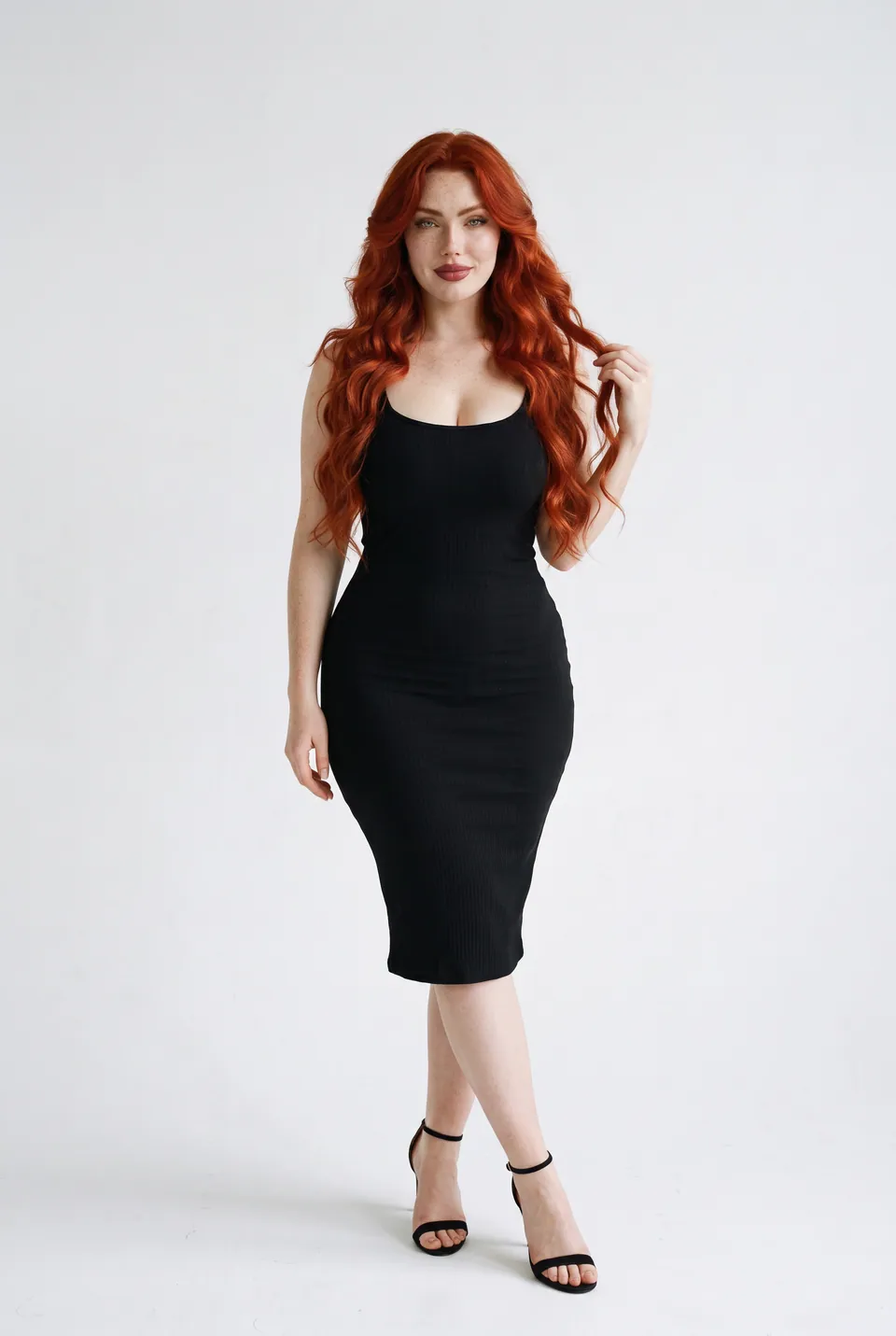
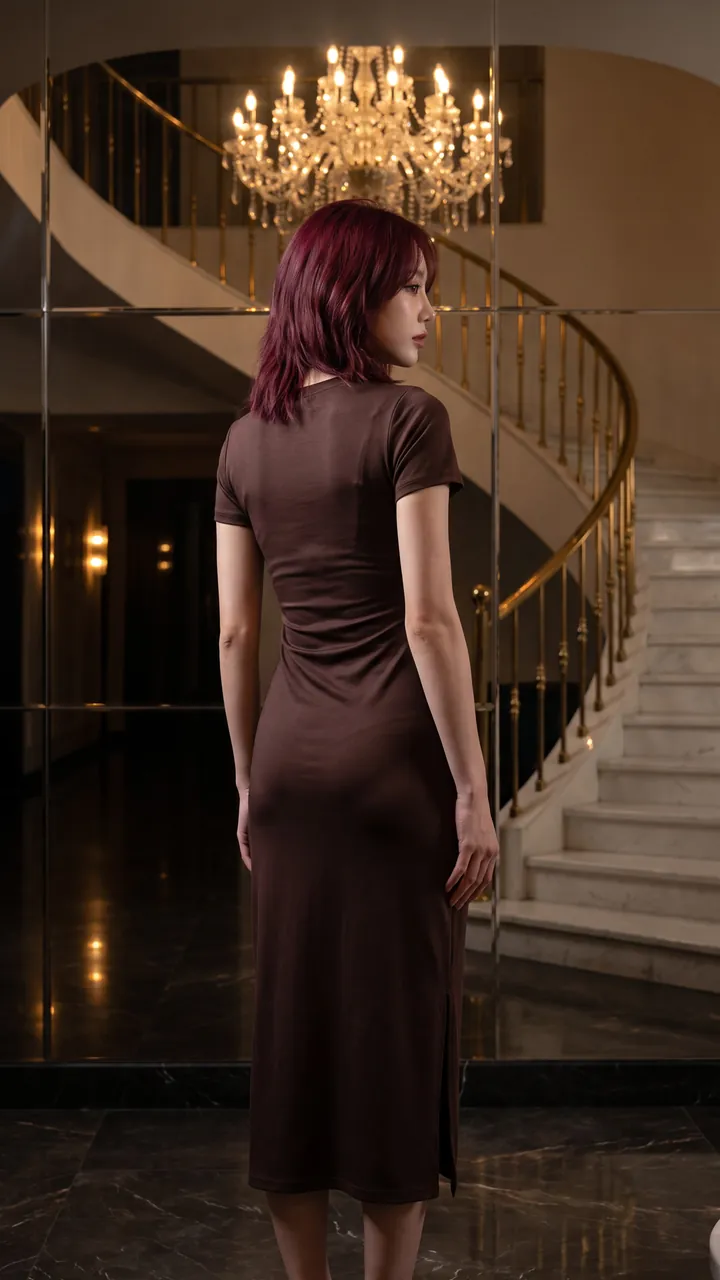
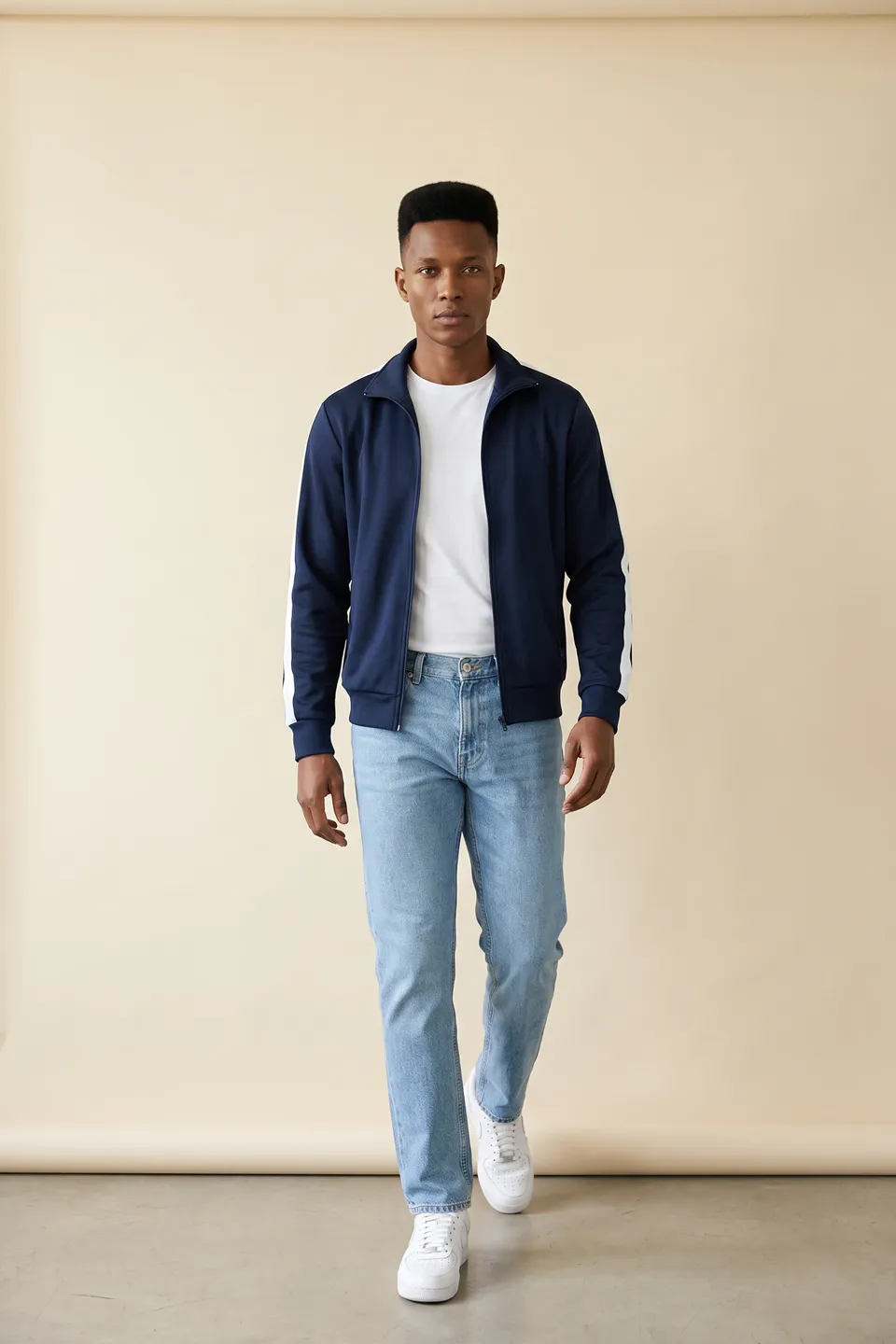
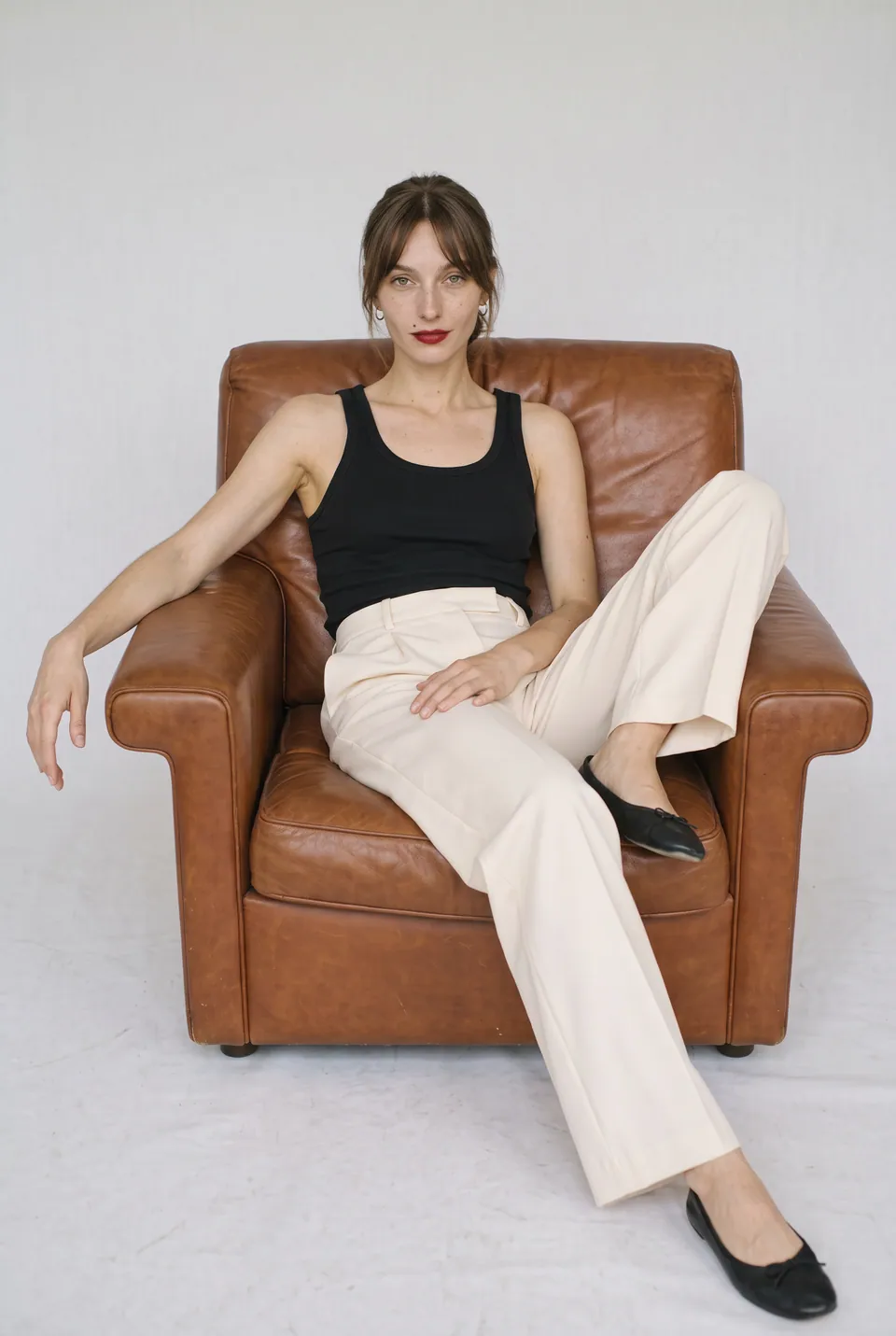
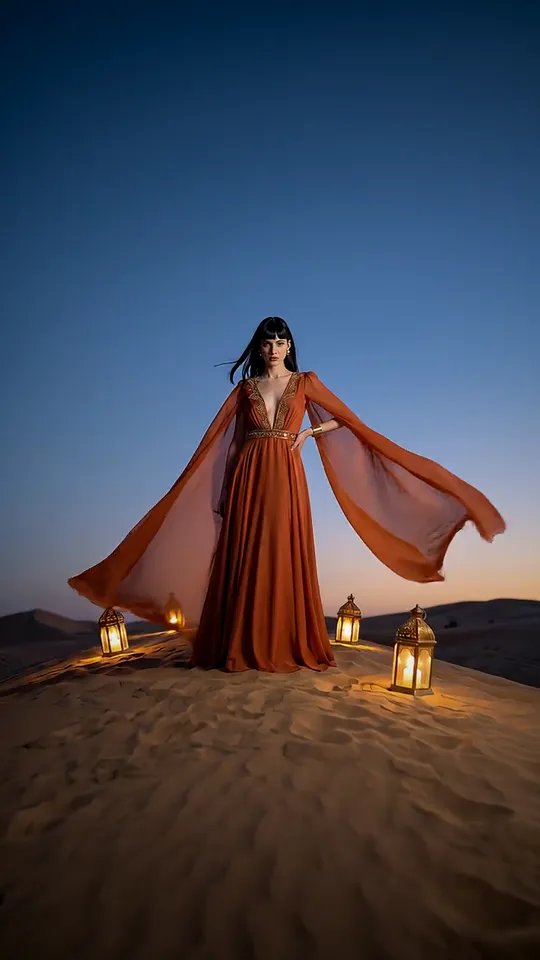
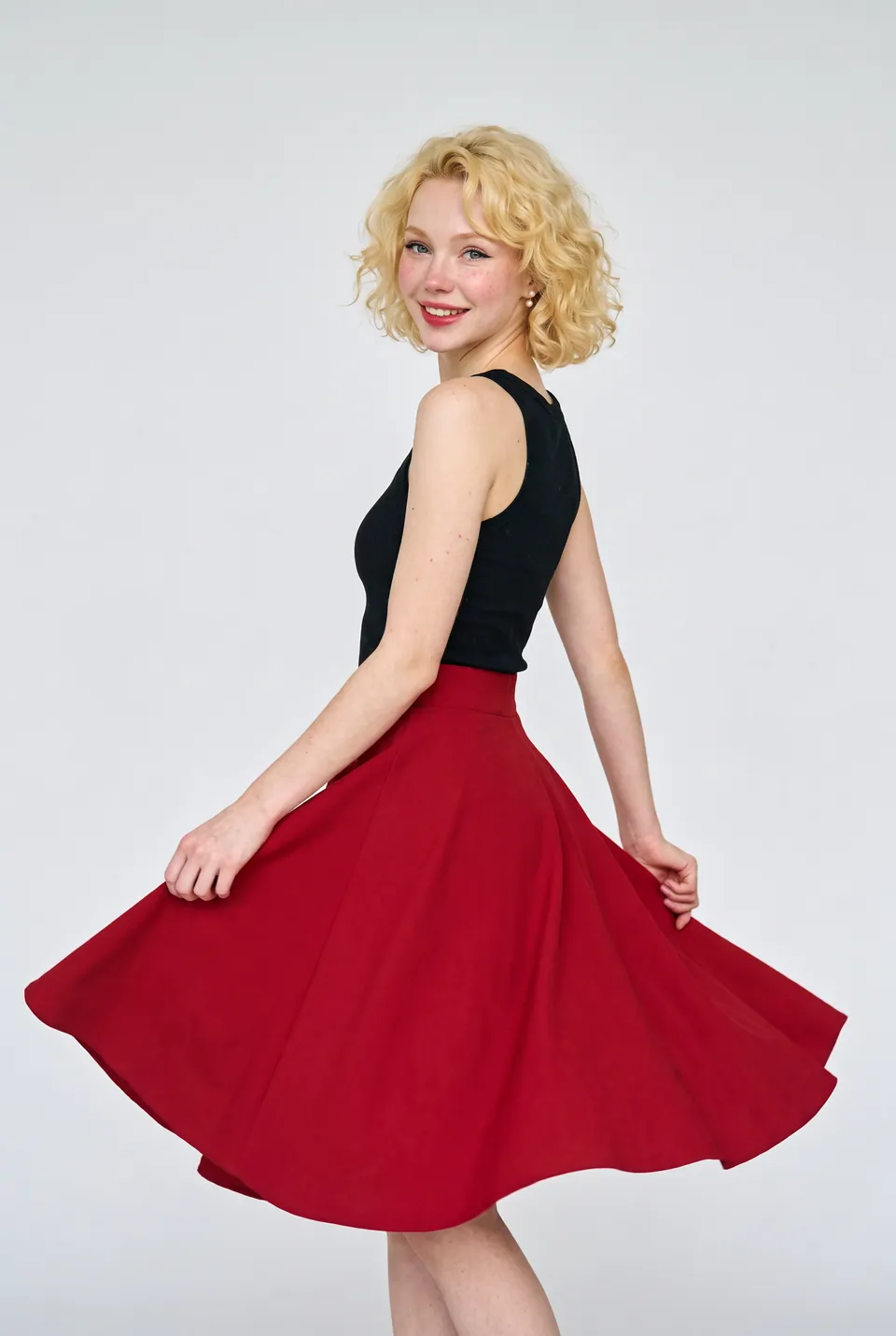
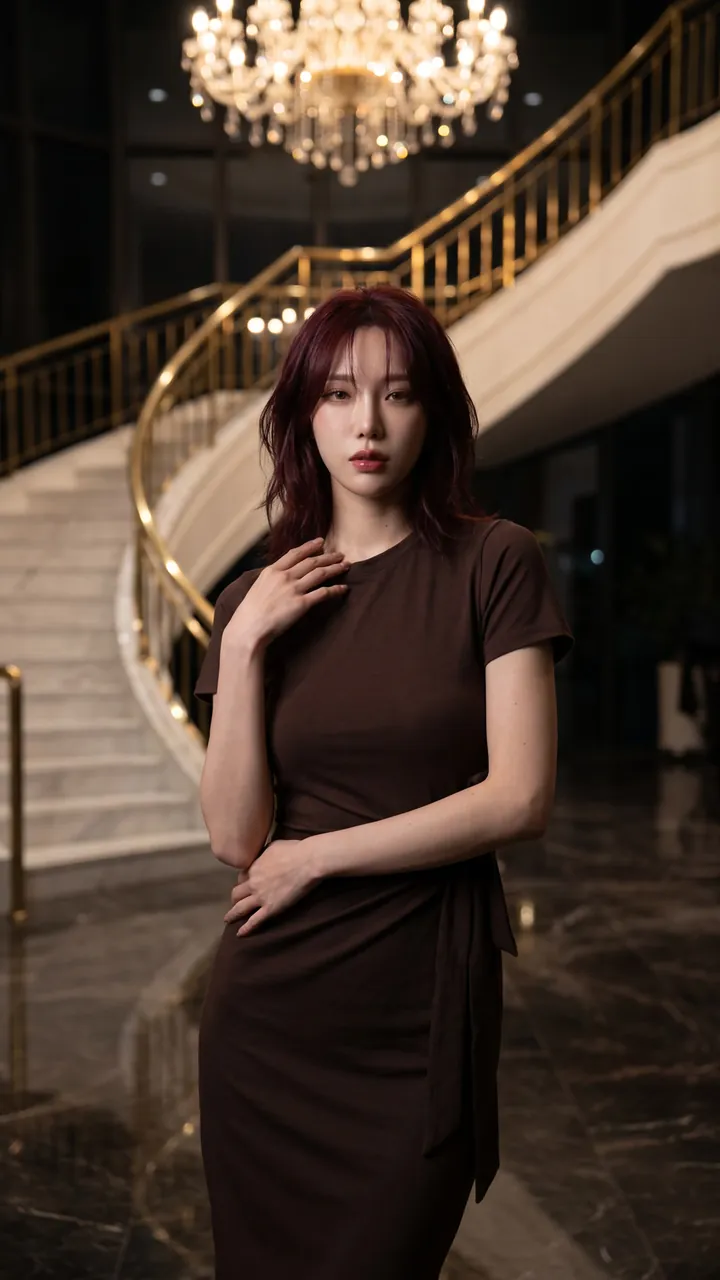
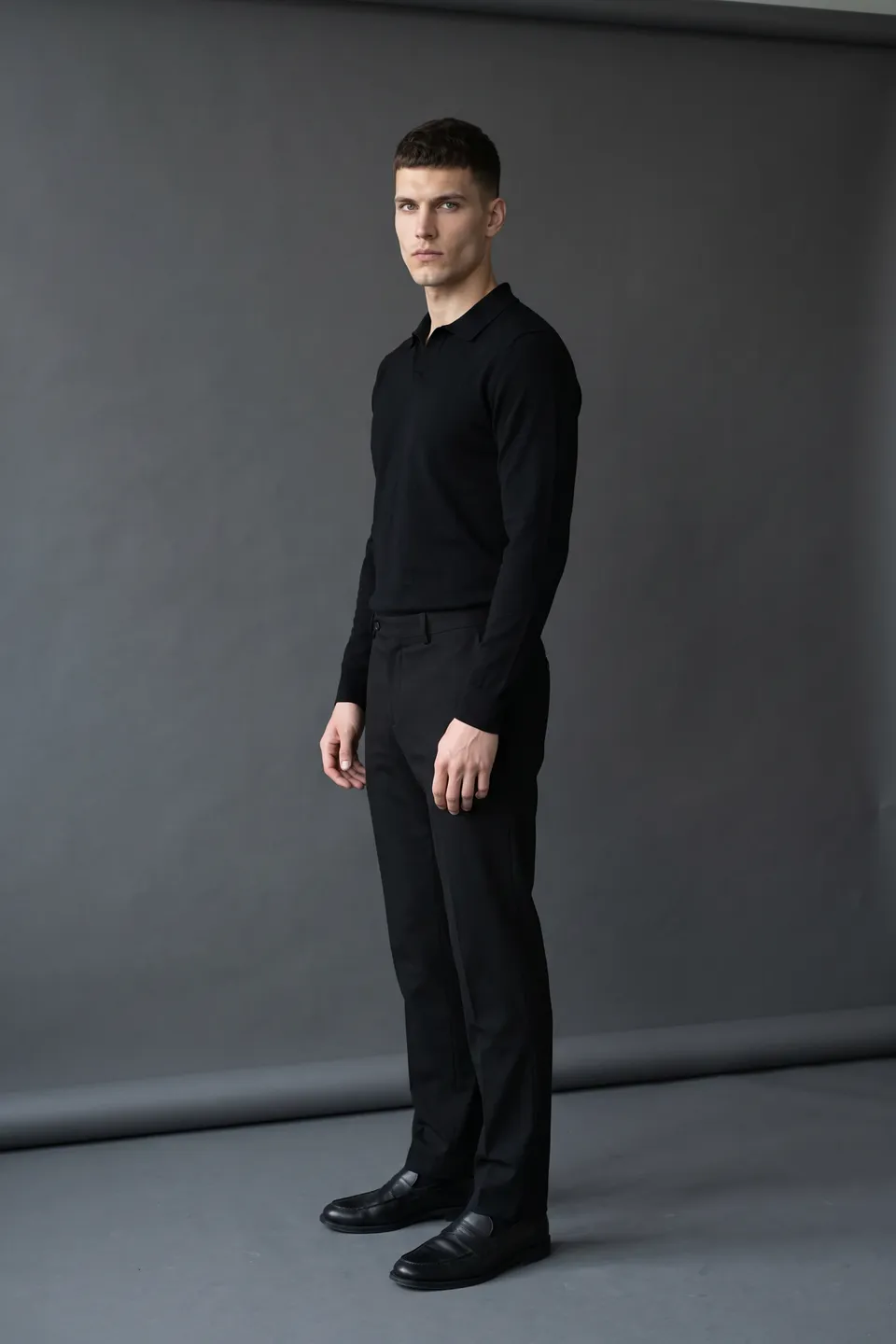
The whole season in one consistent ecommerce photoshoot
The whole season at once
Upload every product and generate them together.
One model, one light
The whole collection comes back with the same model and language.
Bulk download
Download the finished frames as a single ZIP file.
How bulk catalog photography works, step by step
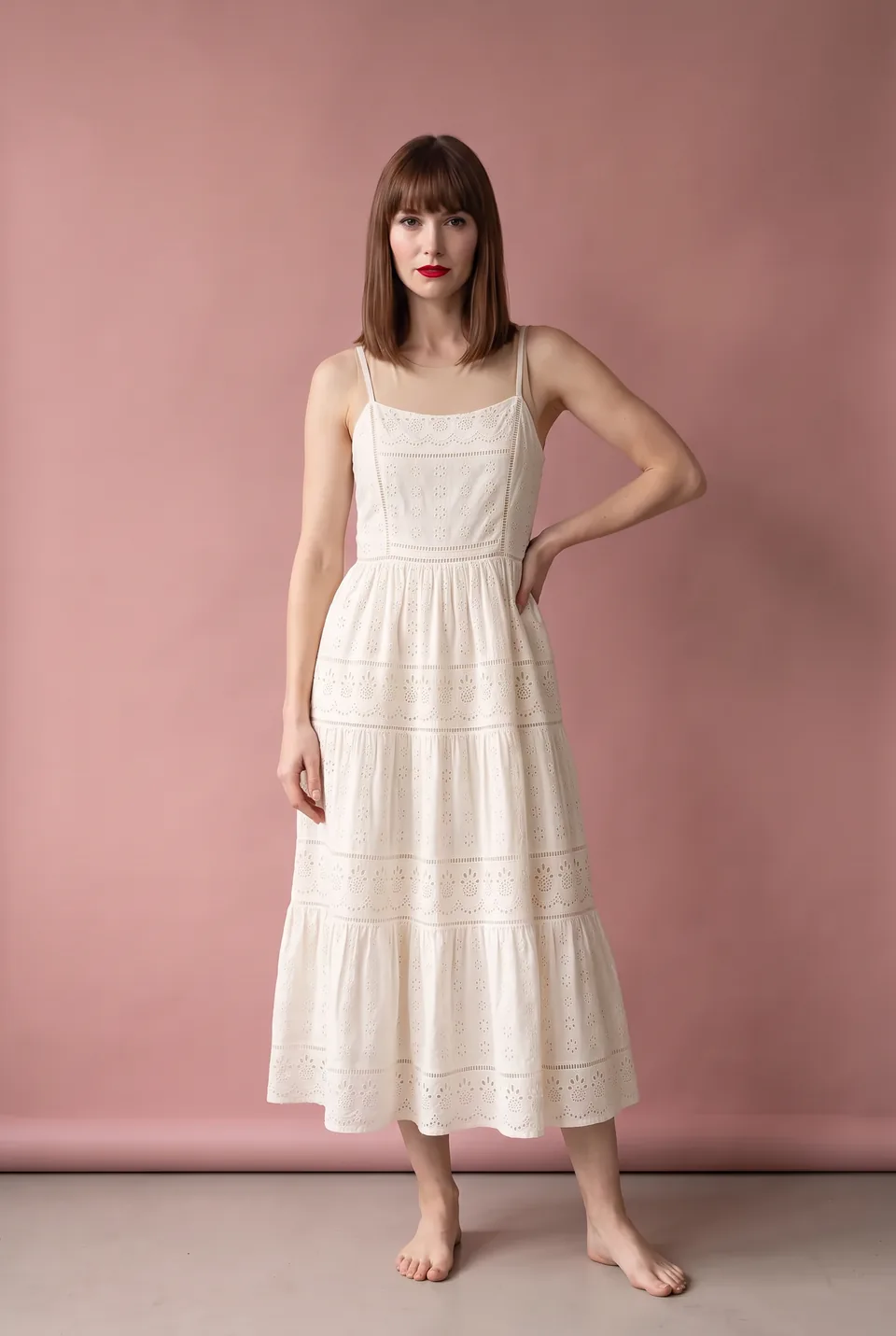
Every frame in this section comes from the same production: the uploaded product, the chosen model, the poses and the result.
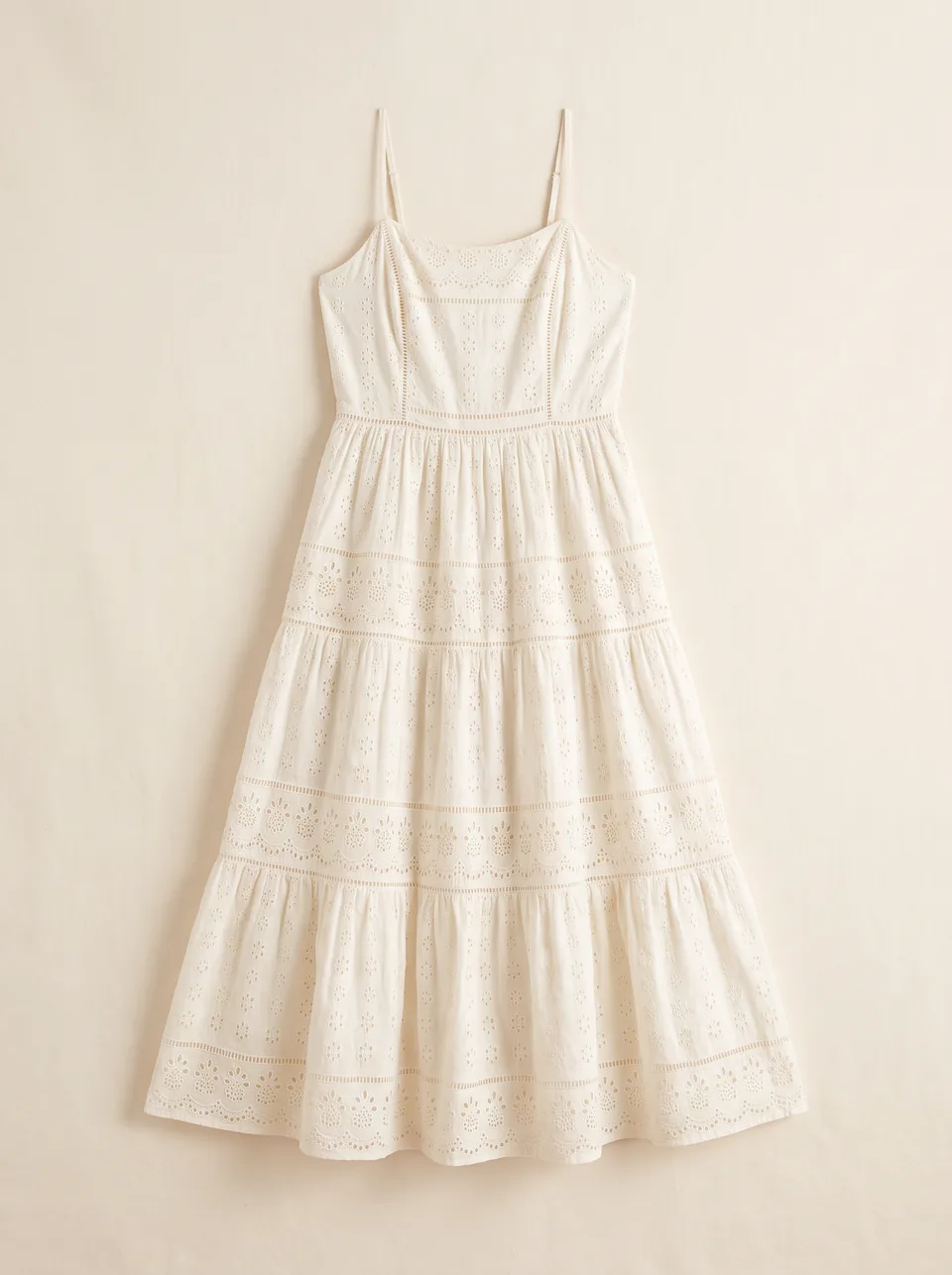
Broderie sundress Polka dot wrap dress 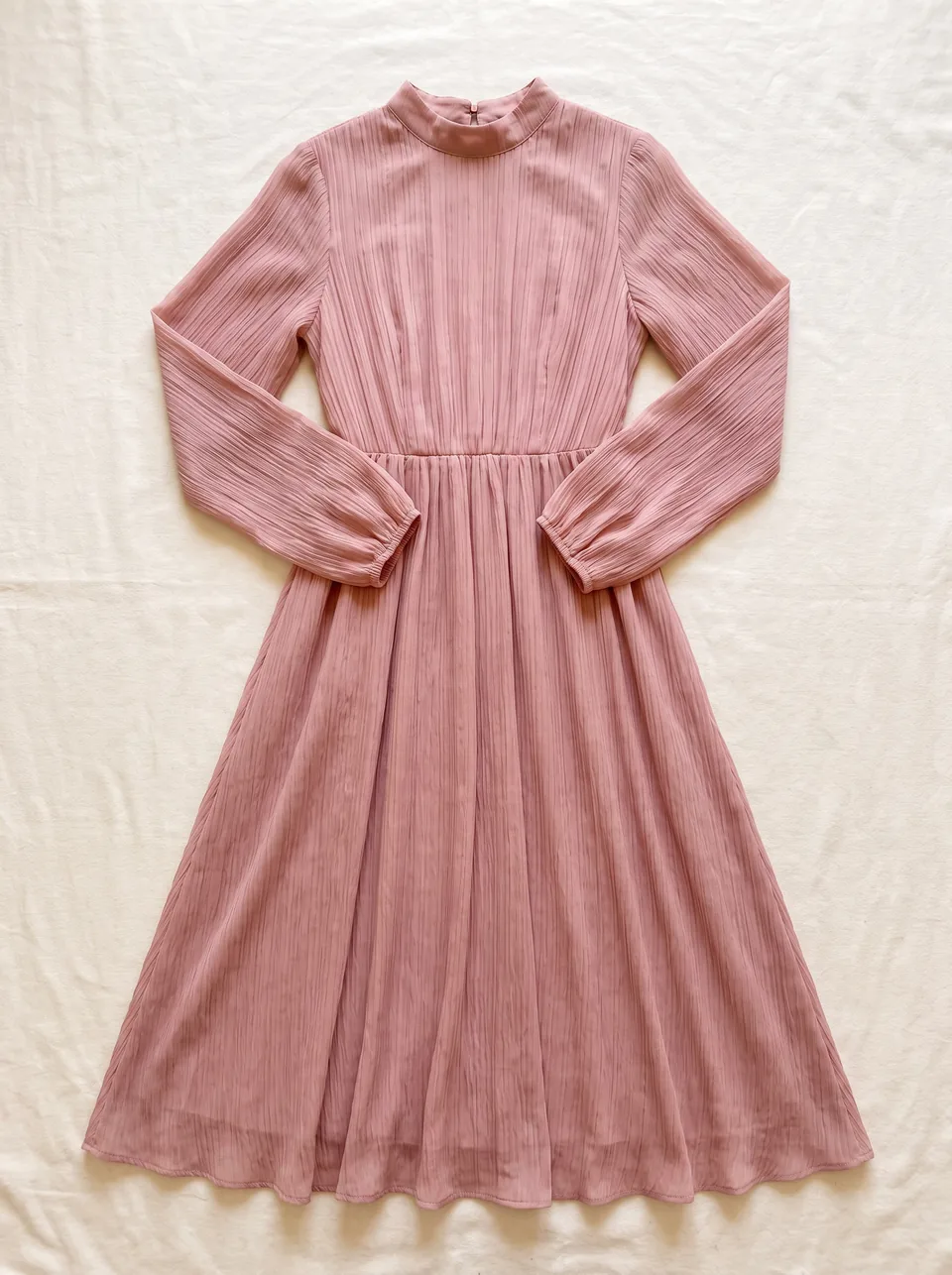
Blush pleated dress 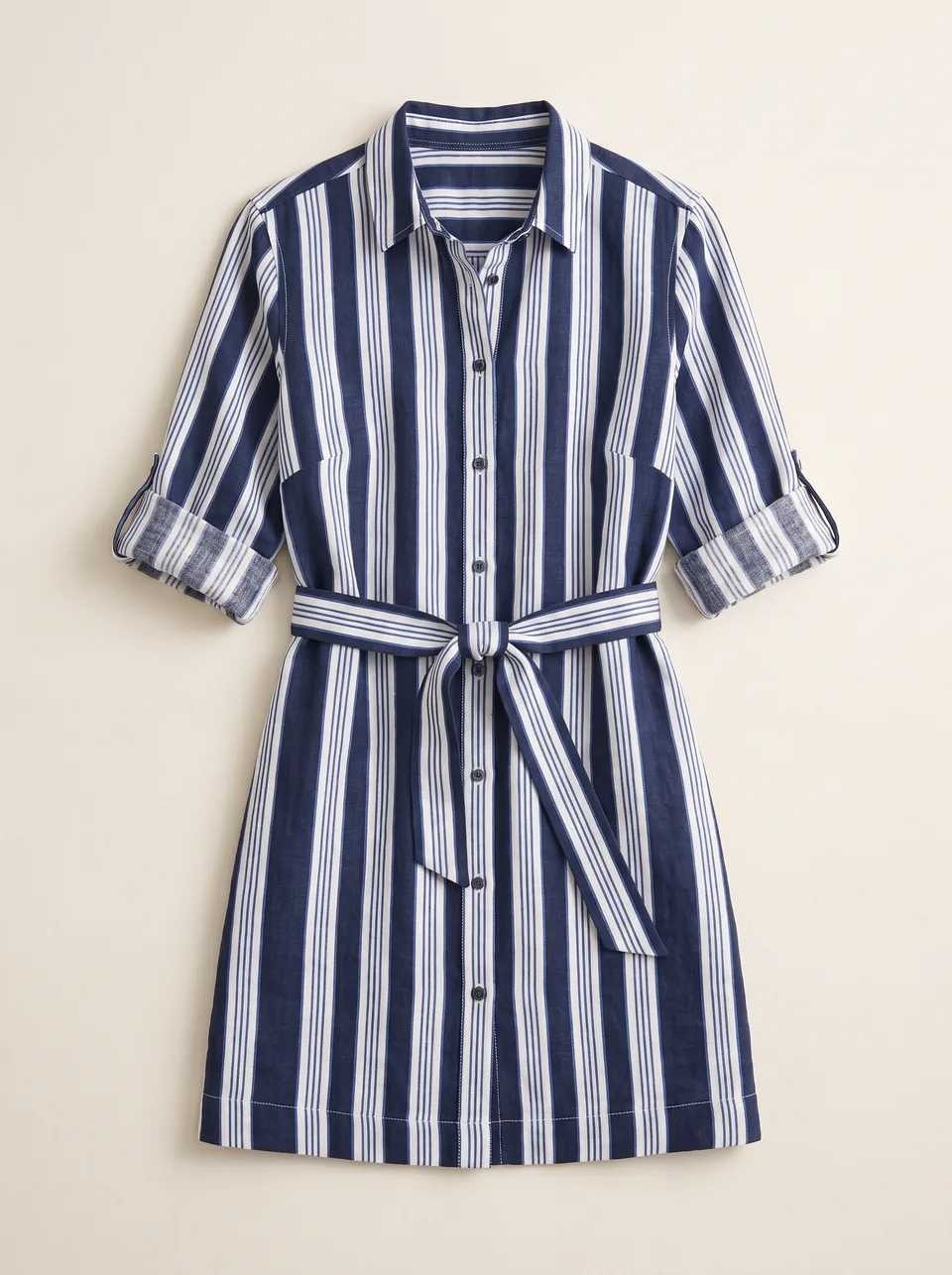
Striped shirt dress 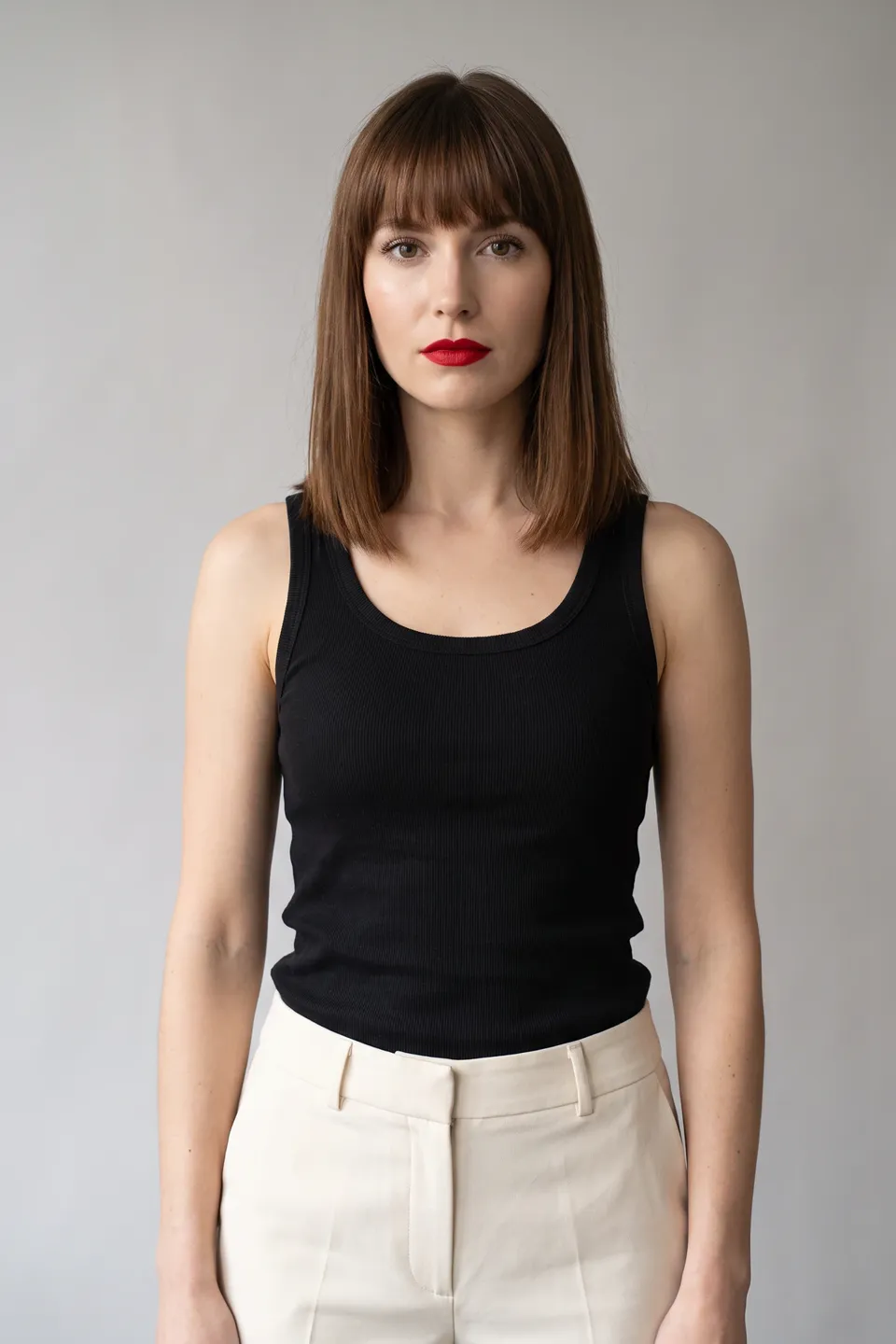
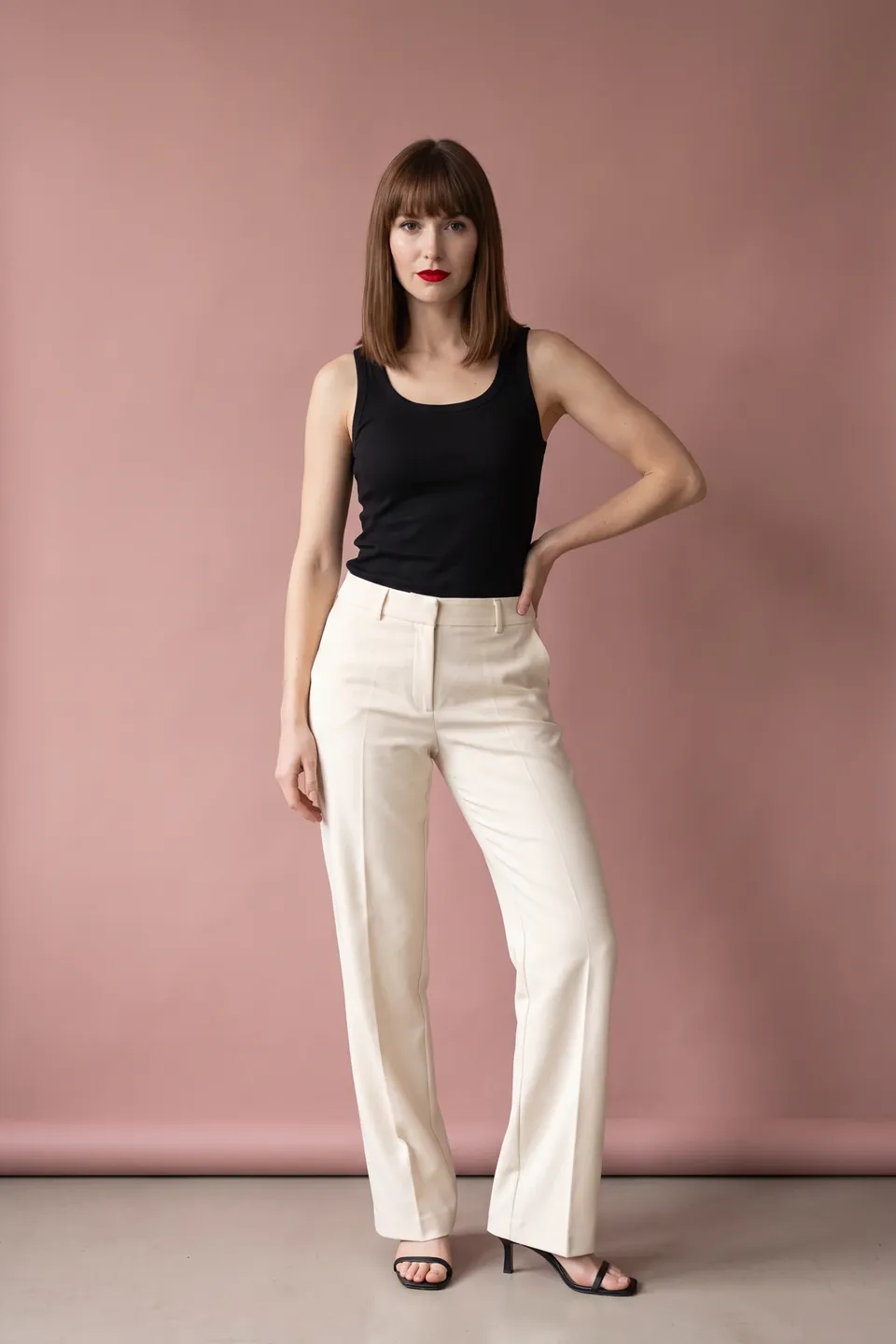
Pose base 02Model and pose
Lock the model and pose
Celine and a single pose were locked for the whole collection.
- LoraLook
Polka dot wrap dress
03Result
The whole collection, one language
Four products; same model, same pose, same light.
 Pose baseLoraLook
Broderie sundress Pose baseLoraLookPolka dot wrap dress 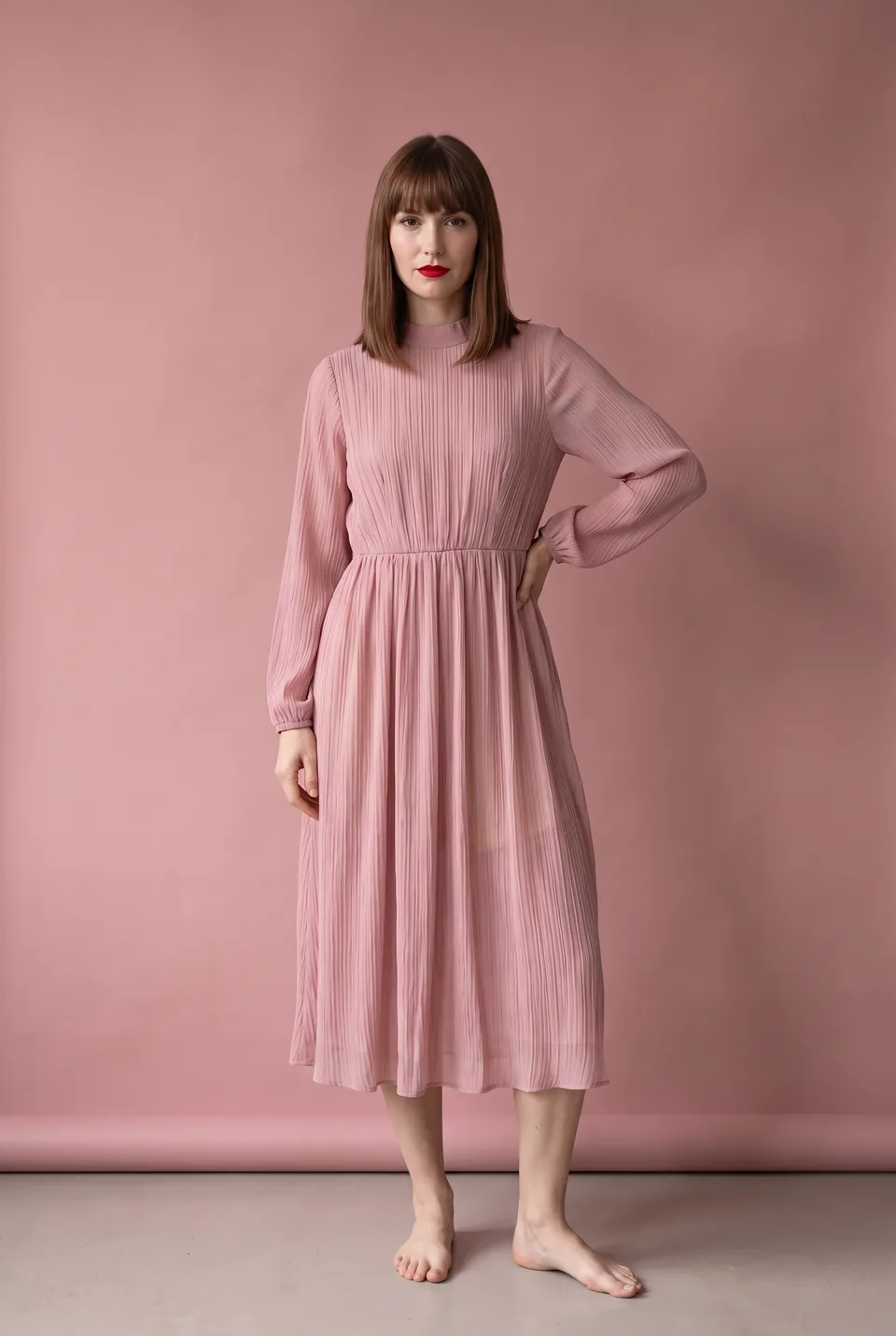 Pose baseLoraLook
Blush pleated dress 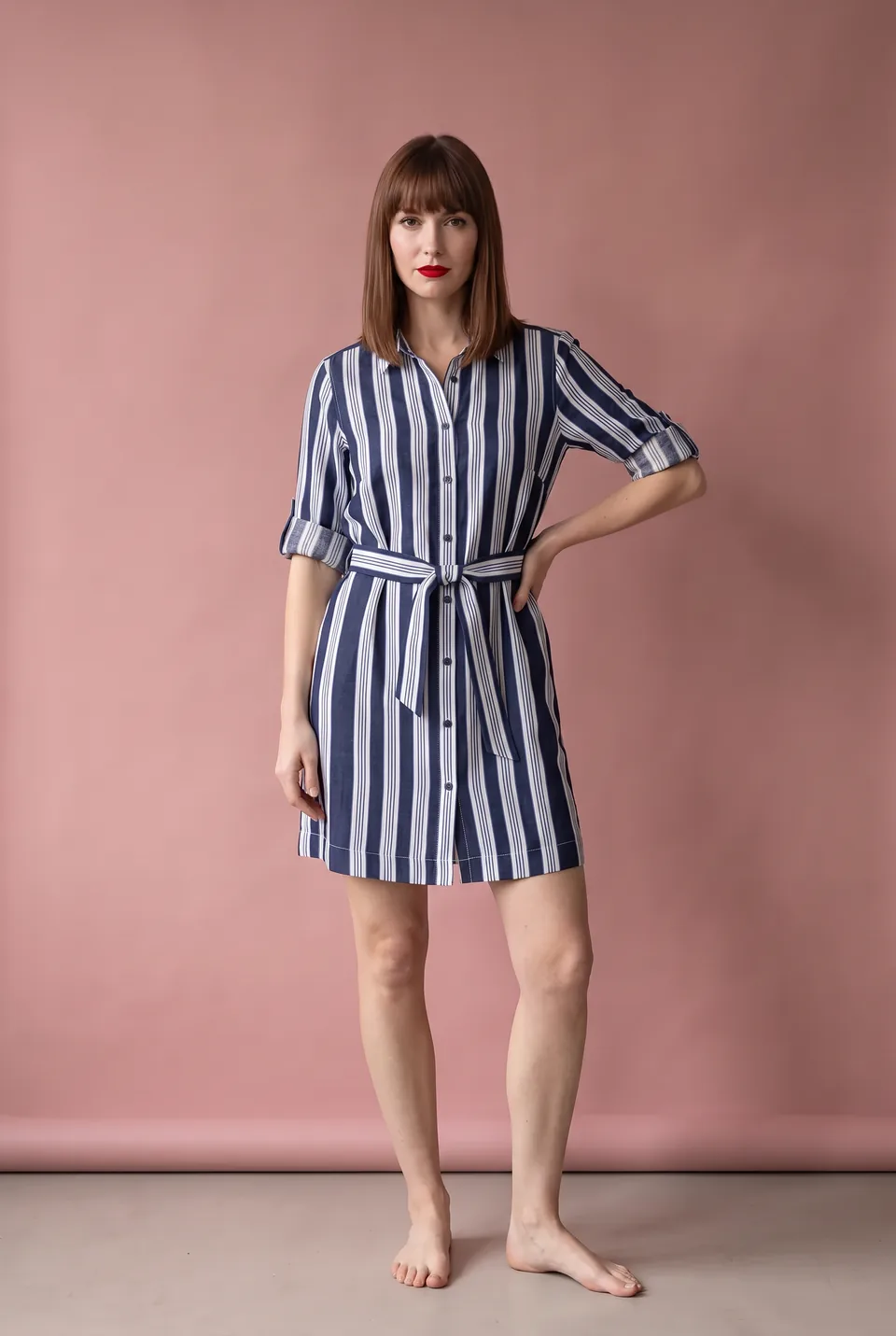 Pose baseLoraLook
Striped shirt dress 04Result
The whole collection
Four products; same model, same pose, same light.
You choose the format and quality
Aspect ratio, resolution and delivery are yours on every generation; the ratio you pick shows up in the preview instantly.
Ratio
Resolution
Delivery
1:1 · 2KWhich product photos work best in bulk?
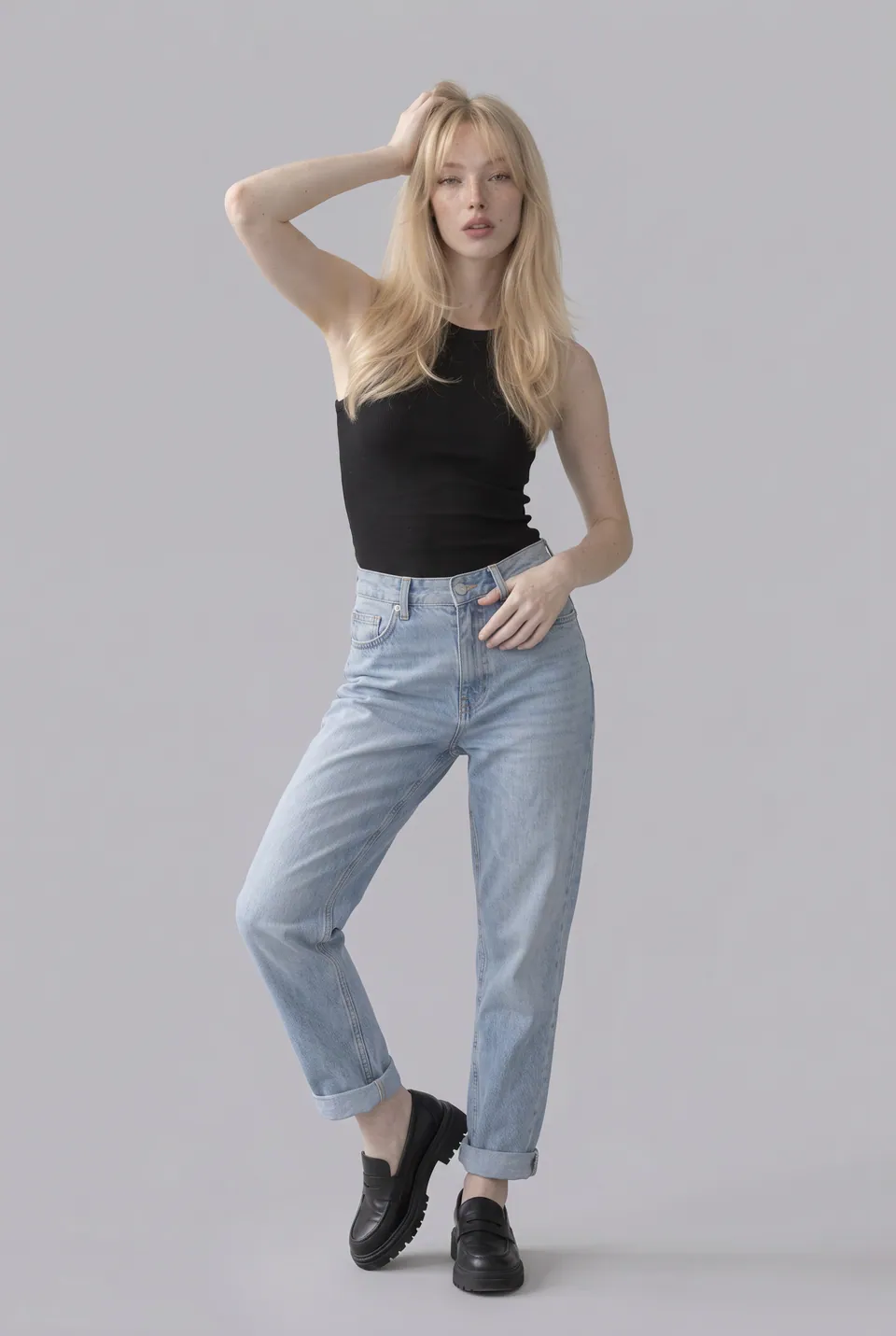
Sample inputUpload like this
- Shoot the products in the same light
- One clear photo per product
- Pick a single model for the collection
Avoid these
- Several products in one frame
- A mix of photos shot in different light
A studio catalog shoot or AI ecommerce photography?
Send straight to your store and marketplaces






Frequently asked questions
Bulk ecommerce product photography: FAQ
Can't find your answer? Write to us at info@loralook.com.
Hundreds of products at once. Track each one on the board: queued, generating, ready.
Yes. Your chosen models and poses apply to every product, and identity consistency is measured on every frame.
Download the whole project as a ZIP, or send frames straight to product pages through your store connections.
Frames that fail quality control are rejected and their credit refunded. If a frame still bothers you, request a fix from the project details.
Yes. Upload products and start generations through the public API, and receive results via signed webhooks.
One frame per product × model × pose; each standard frame is one credit. The full cost is shown before you start.
Other solutions
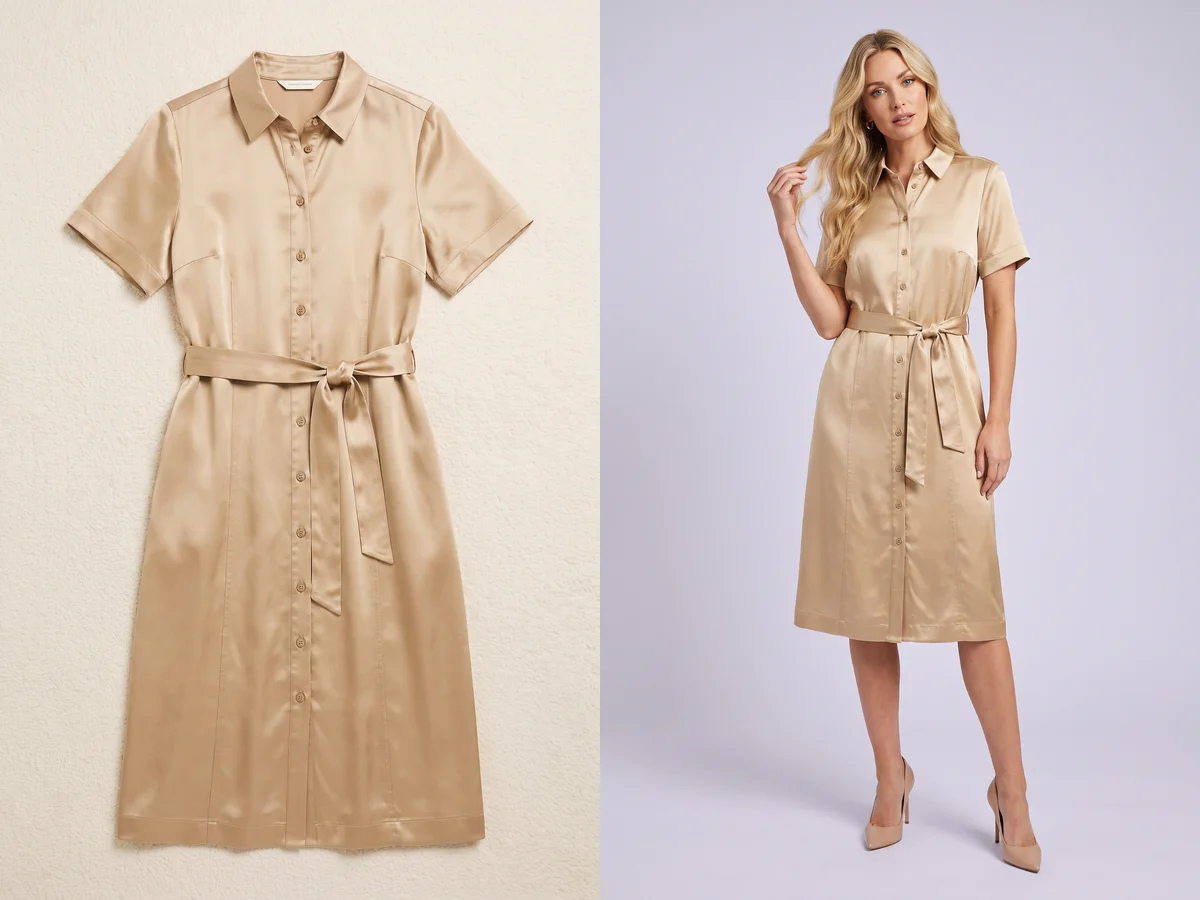
Flat lay → on-model→
From a flat lay product photo to an on-model shot.

On-model reshoot→
Swap the model and the scene in existing shoots.
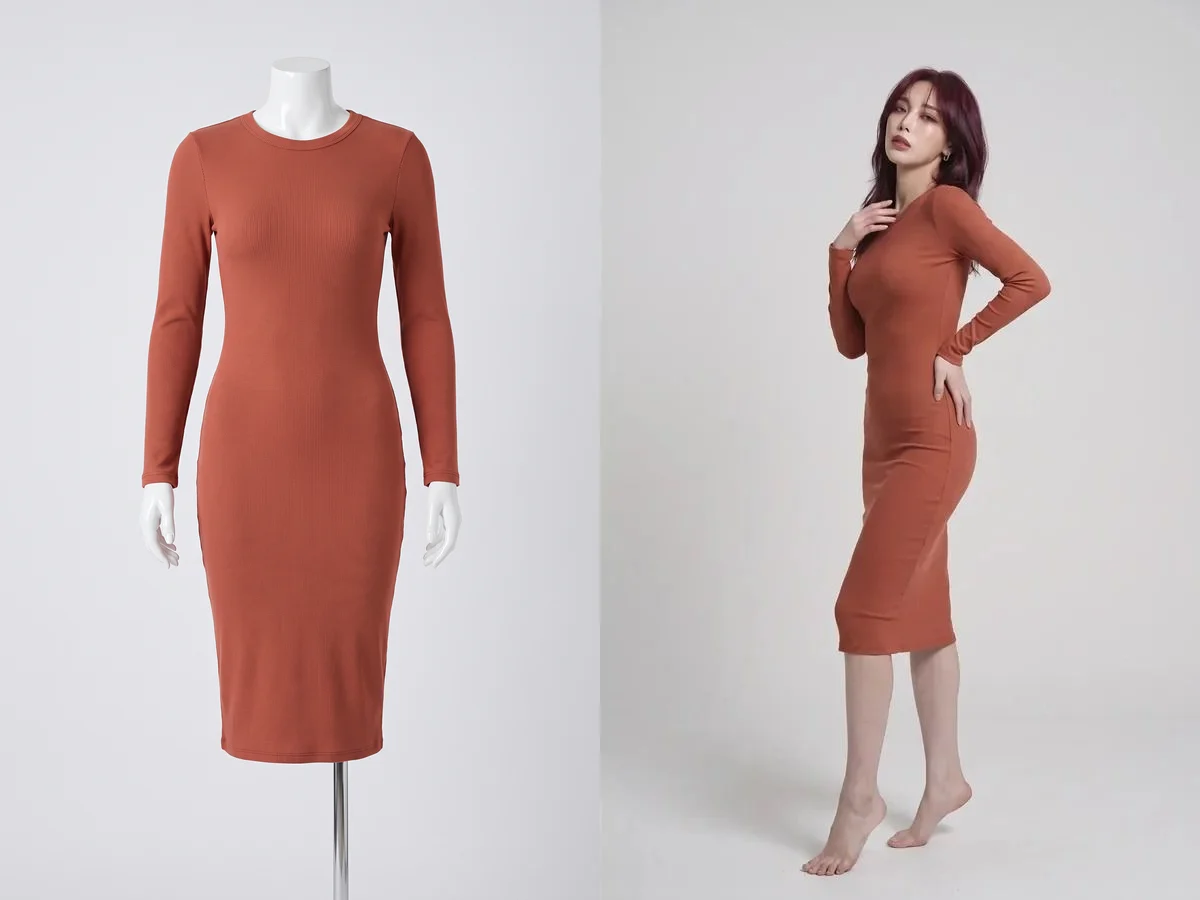
Mannequin → model→
From a mannequin shot to a real on-model image.

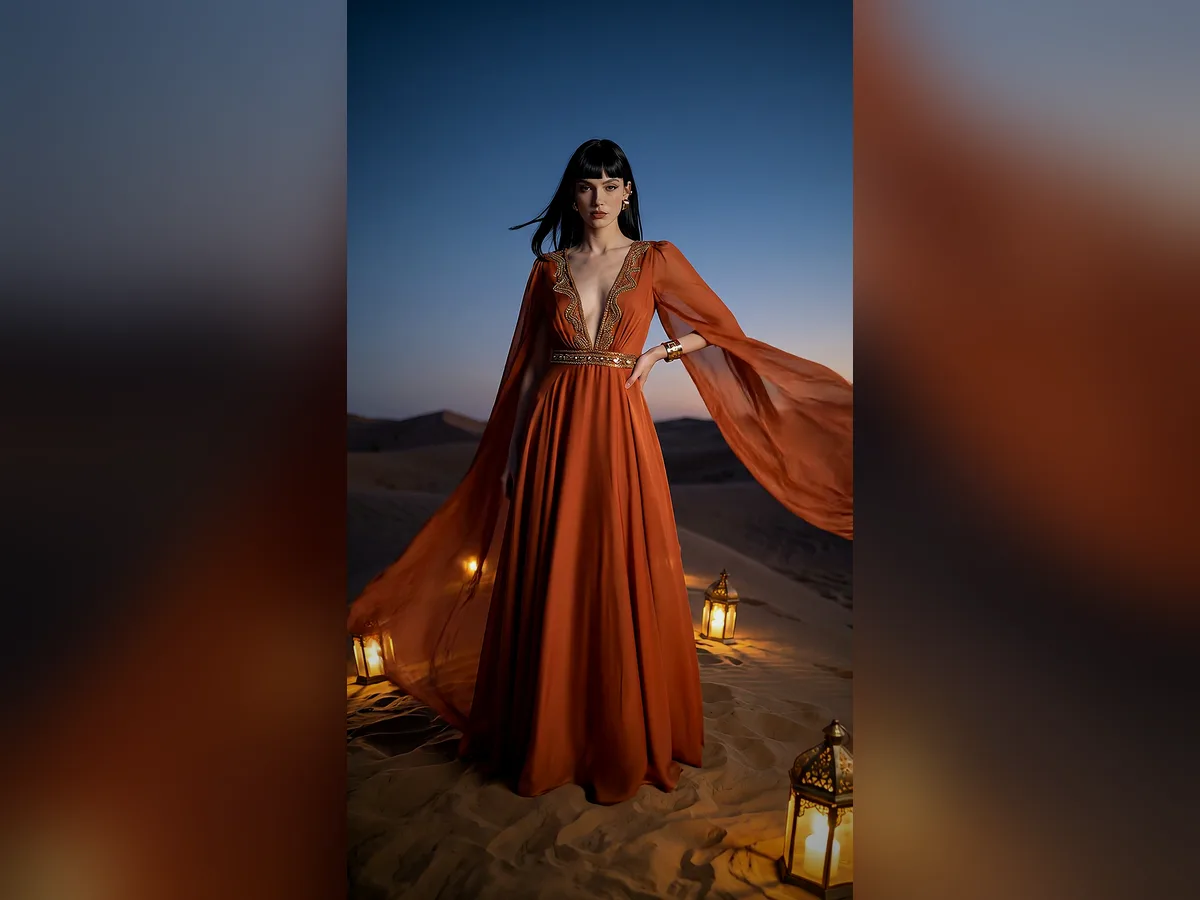
Editorial shoot→
Campaign images with scene, pose and framing.
Short video→
Ad and storefront videos from a photo.