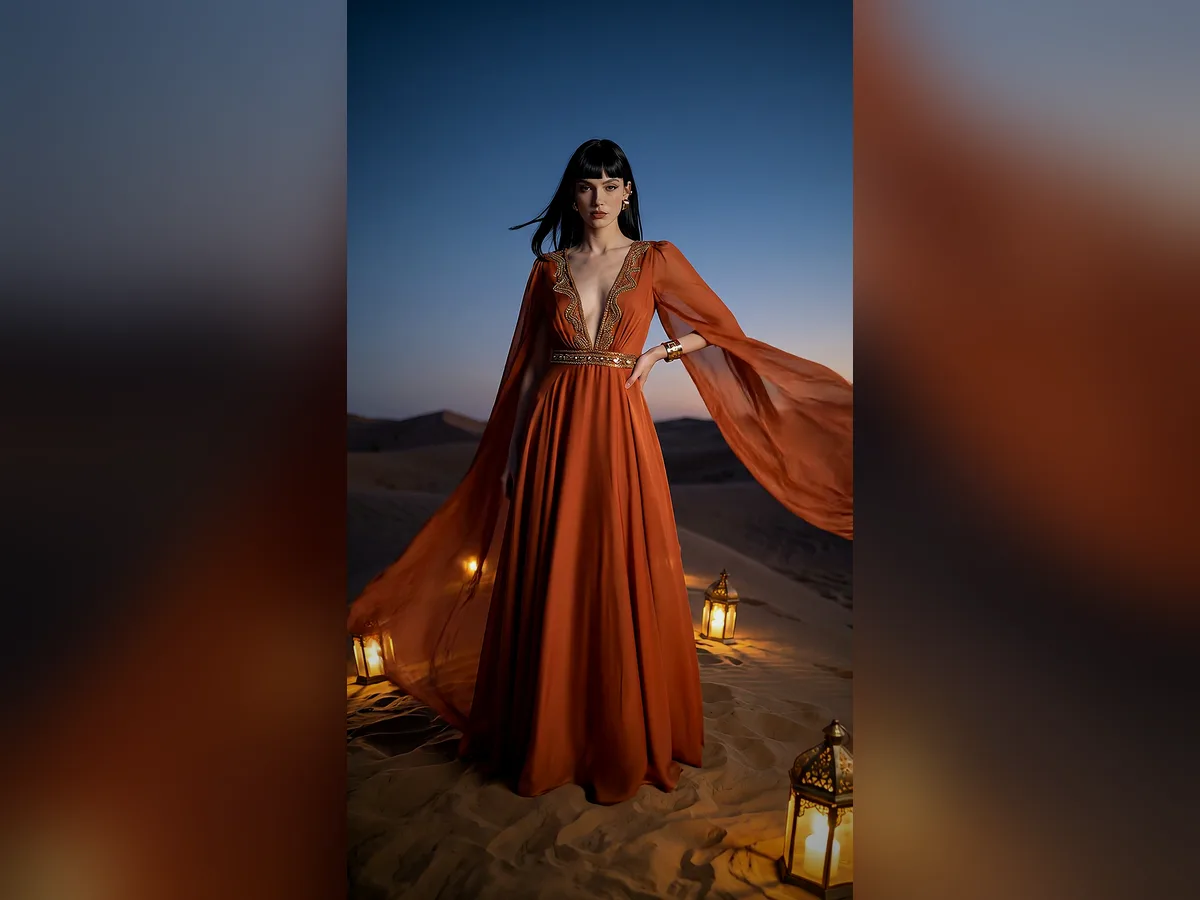
Image to video AI for your product photos
Turn a single product photo into short, eye-catching videos with our AI product video generator. No shoot and no editing, ready in 9:16, 1:1 and 4:5.
Real frames from the catalog
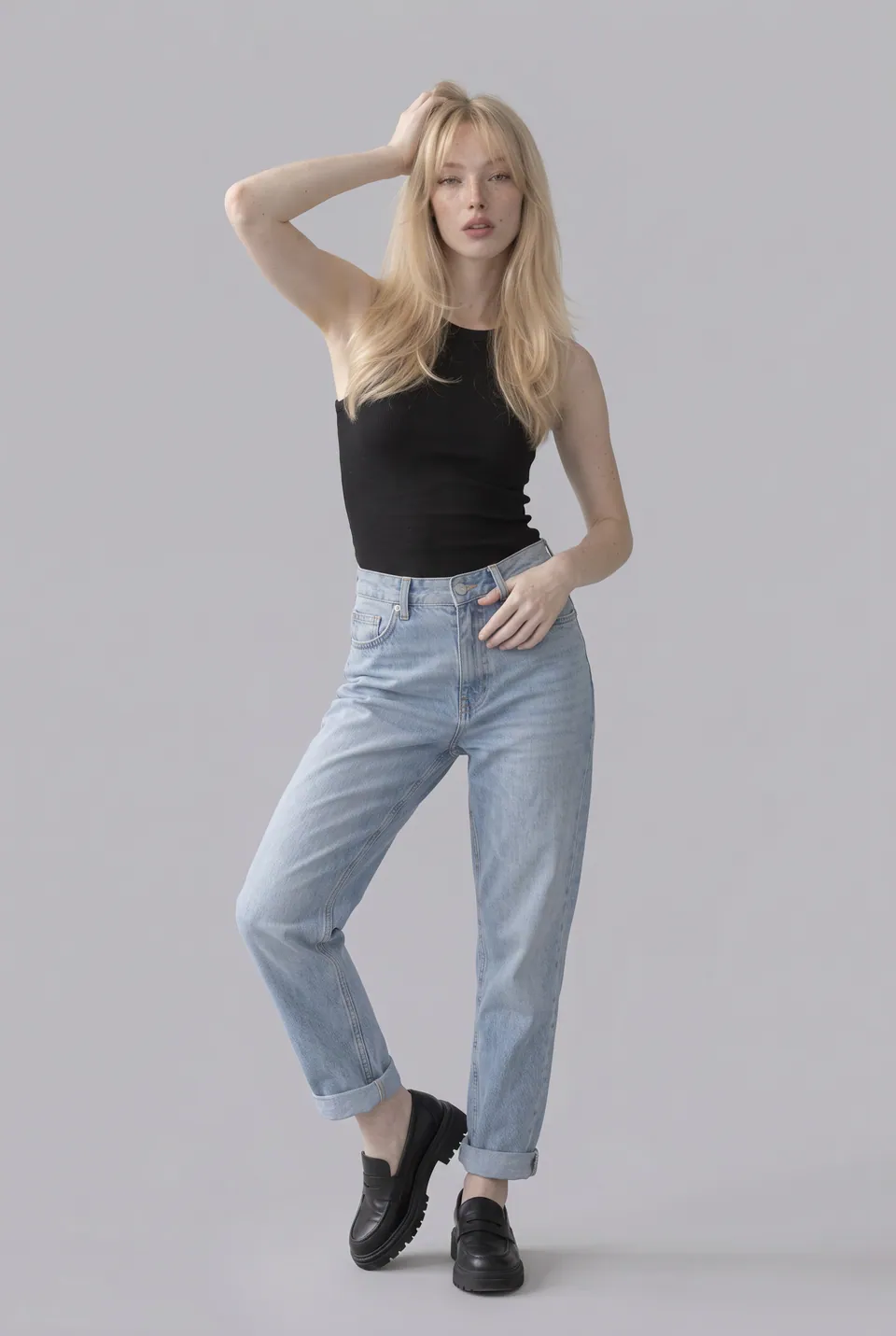
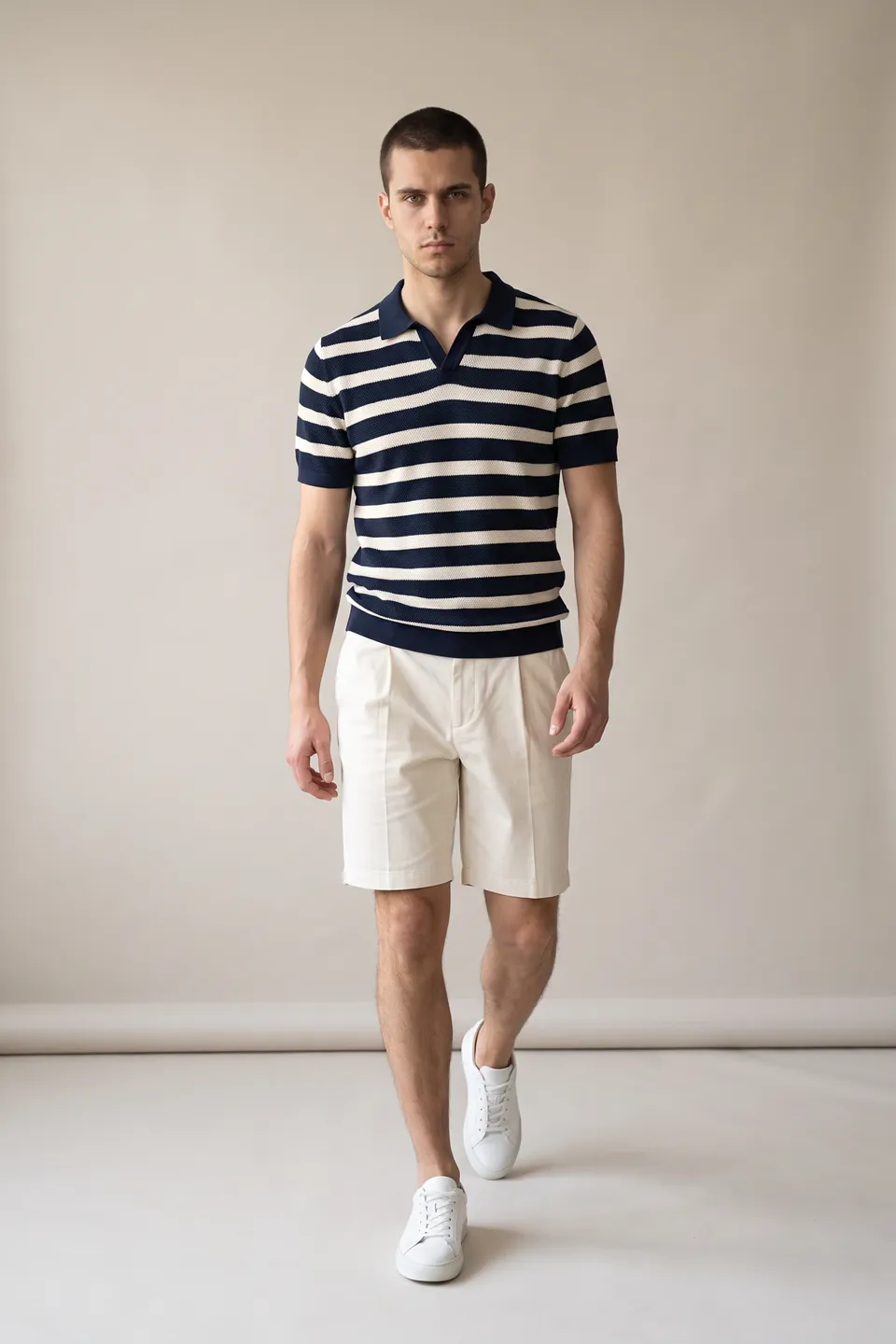
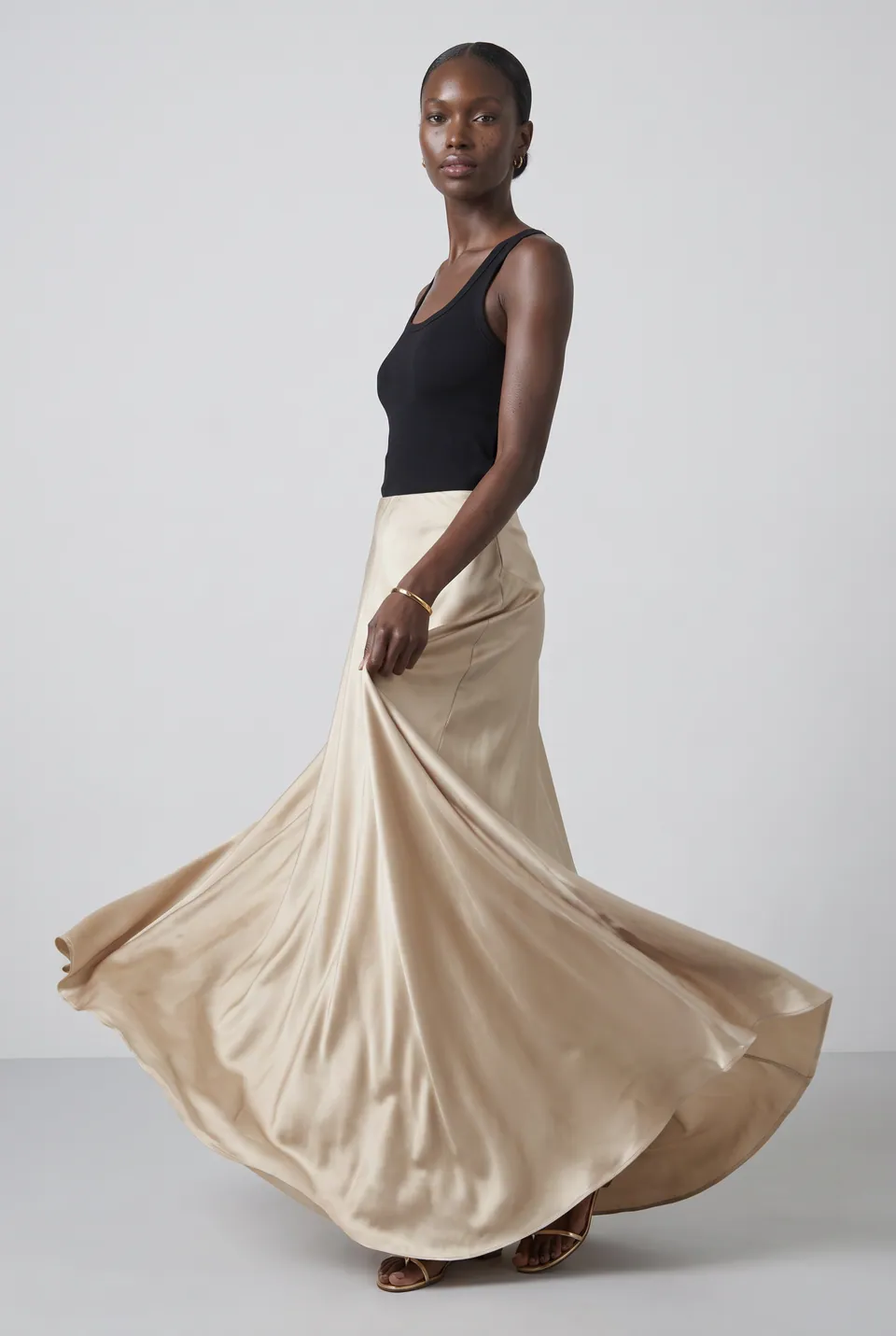
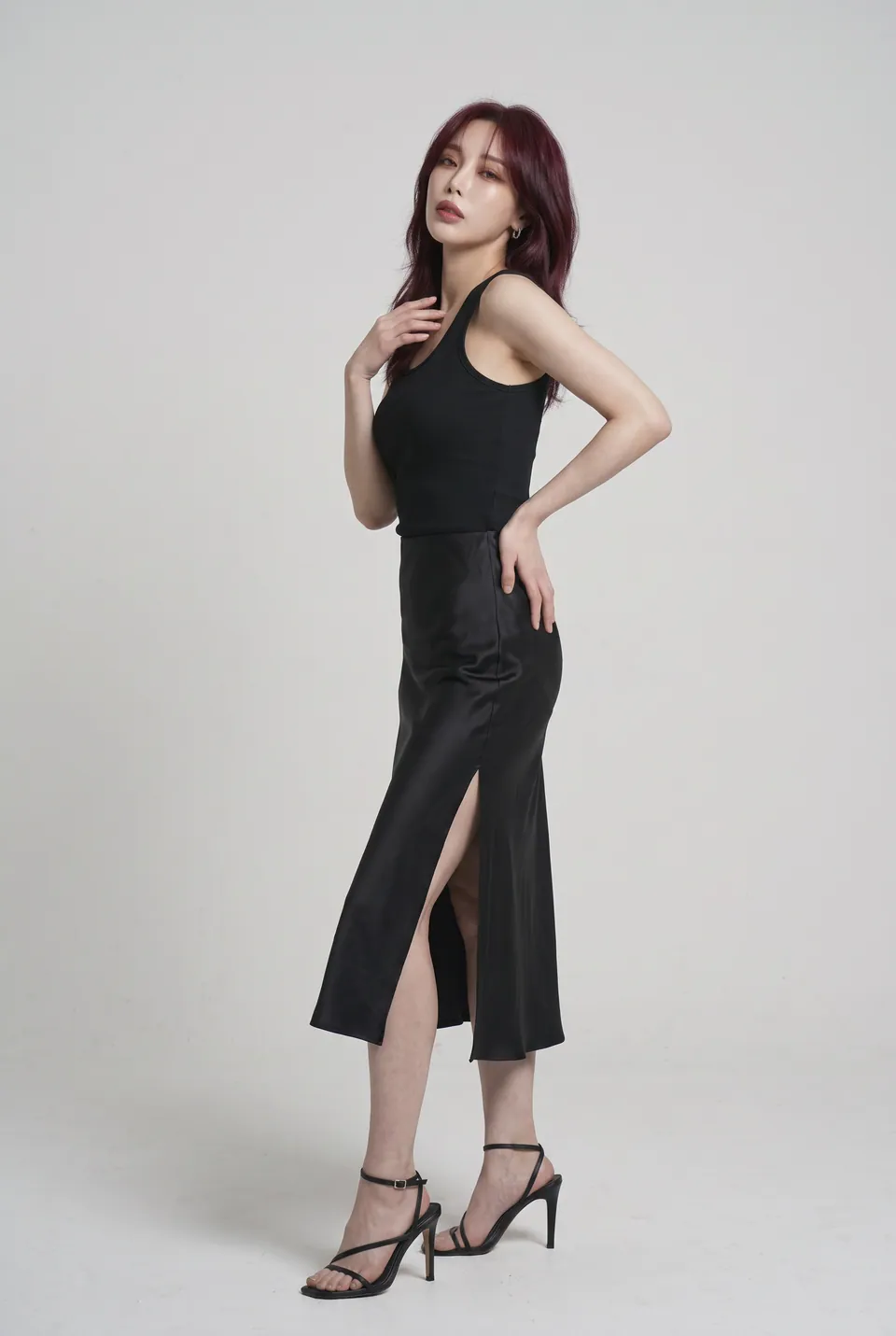
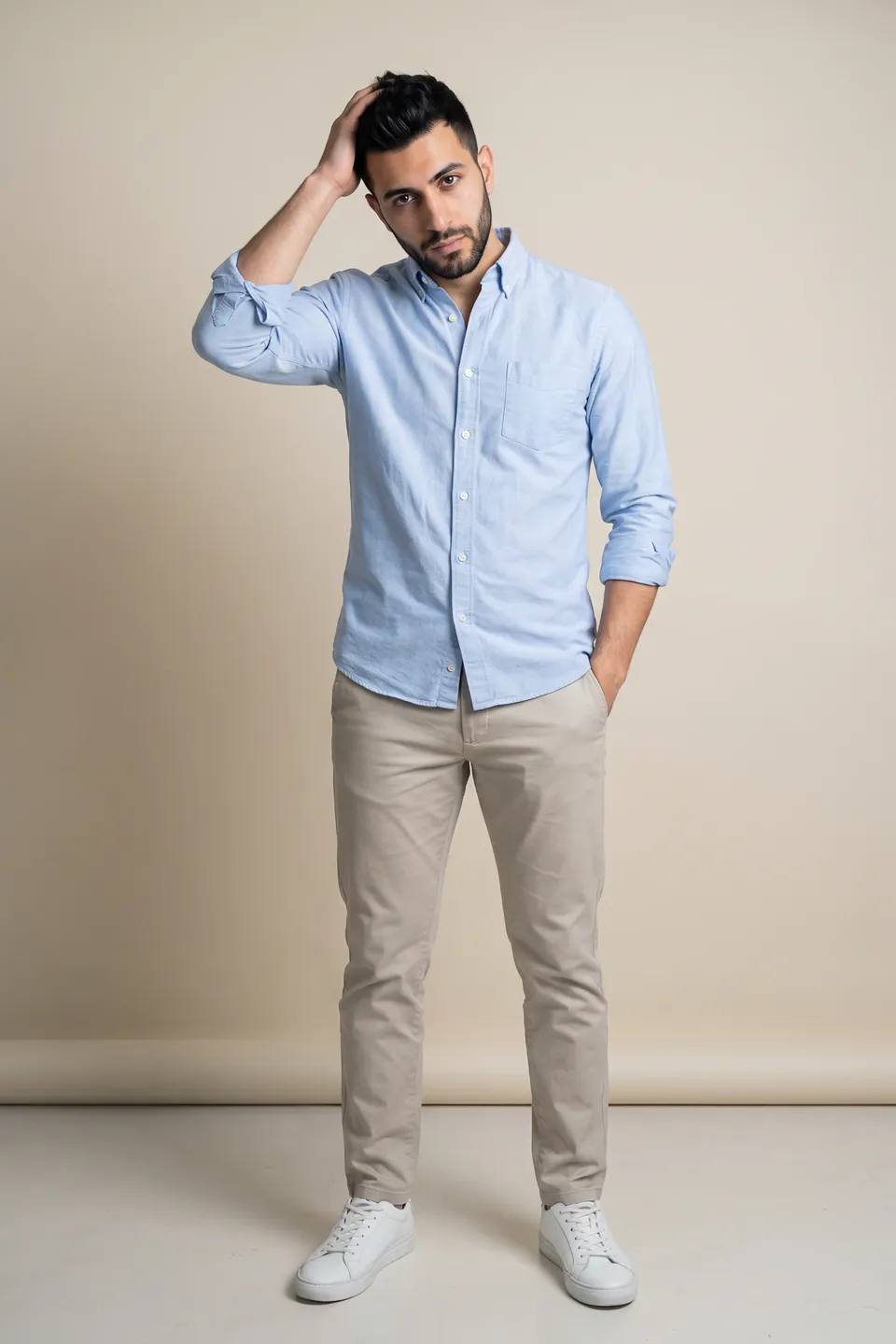
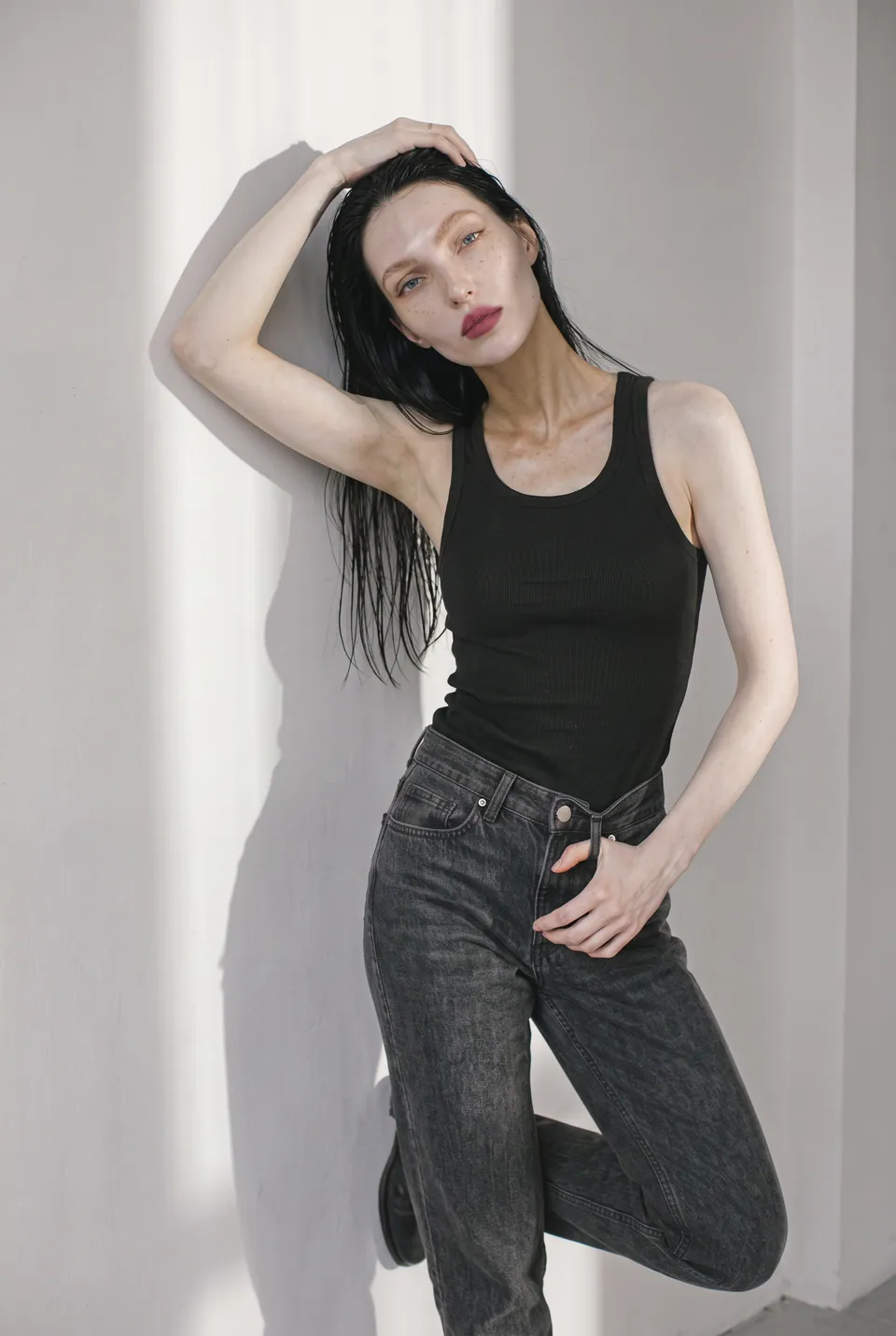
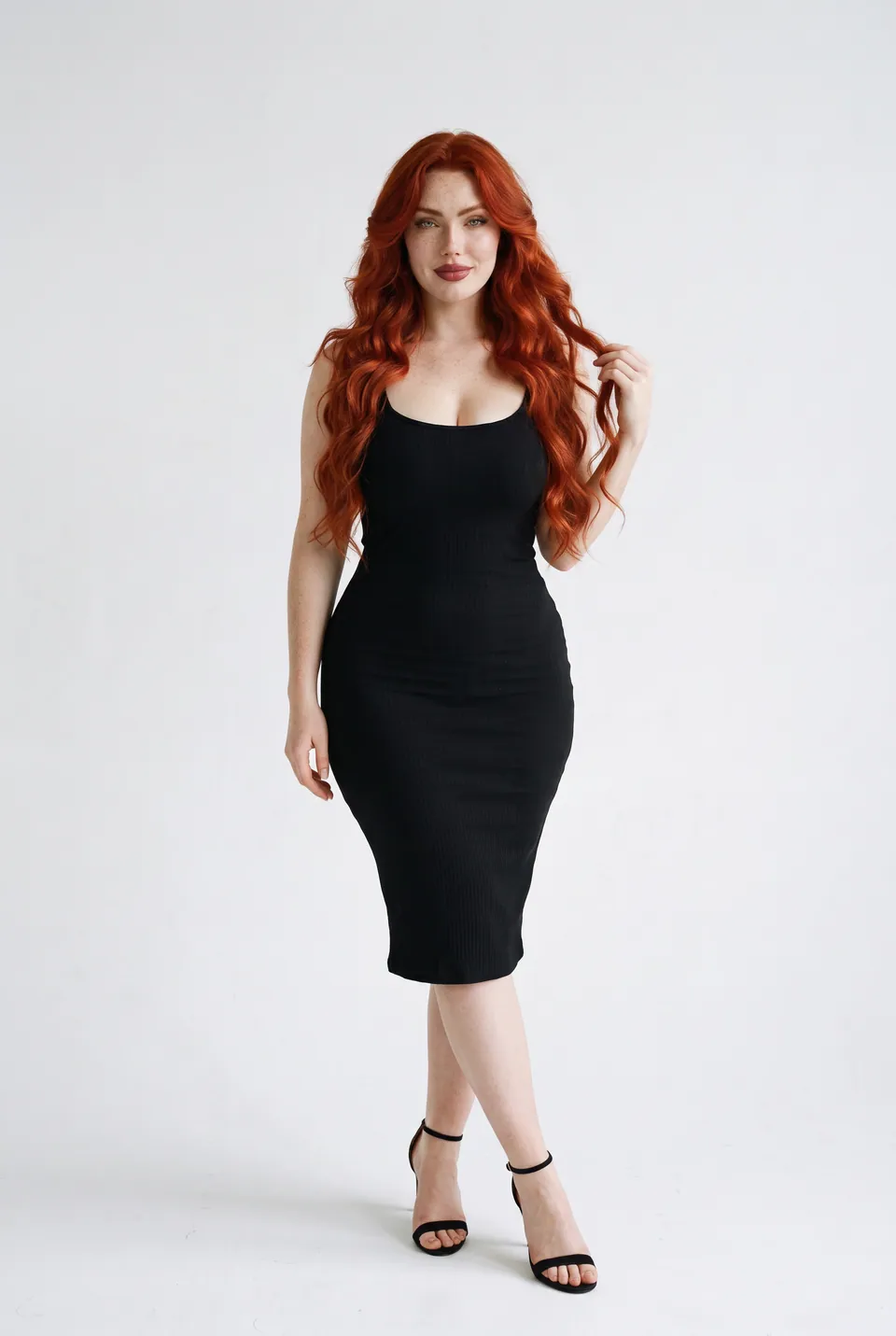
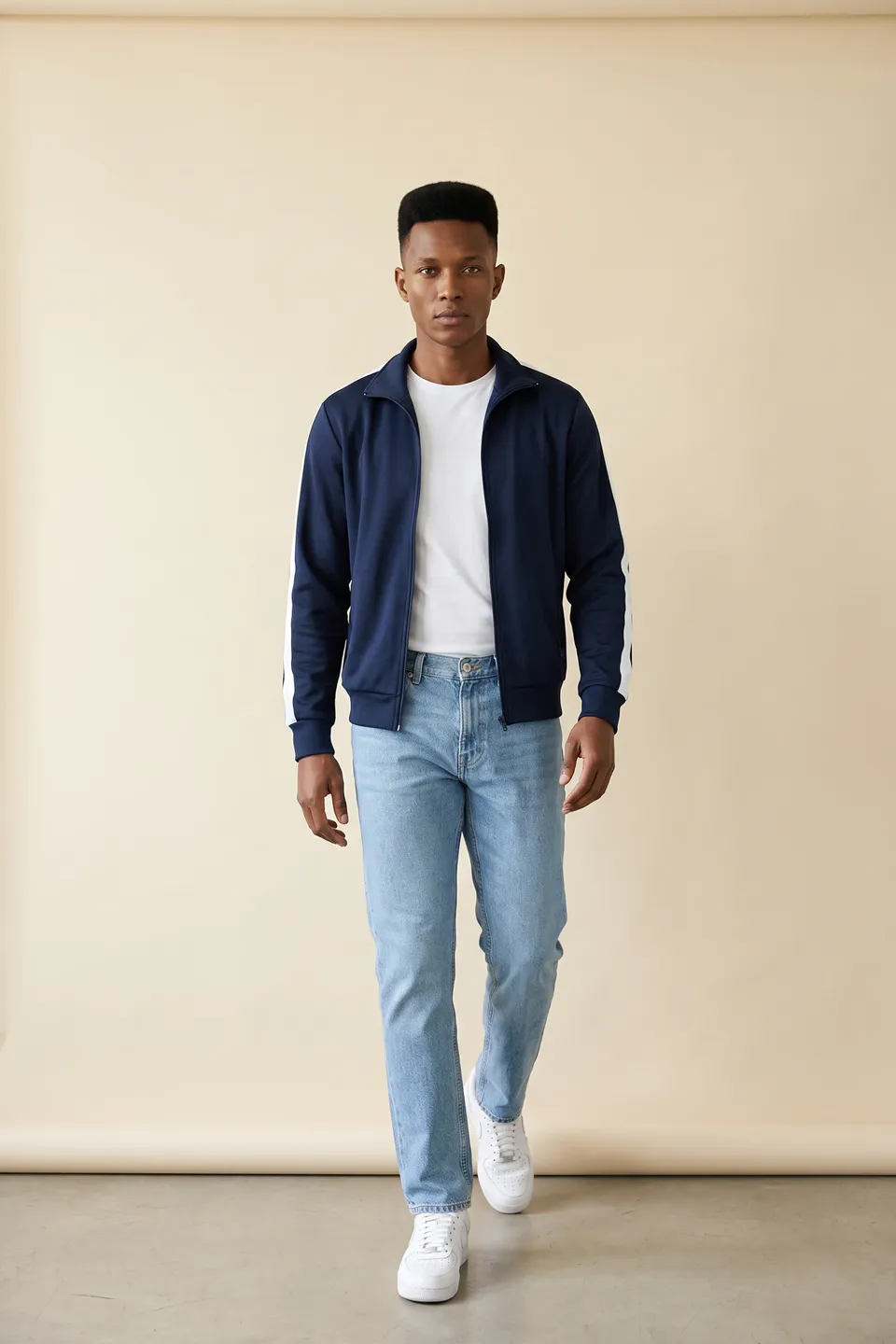
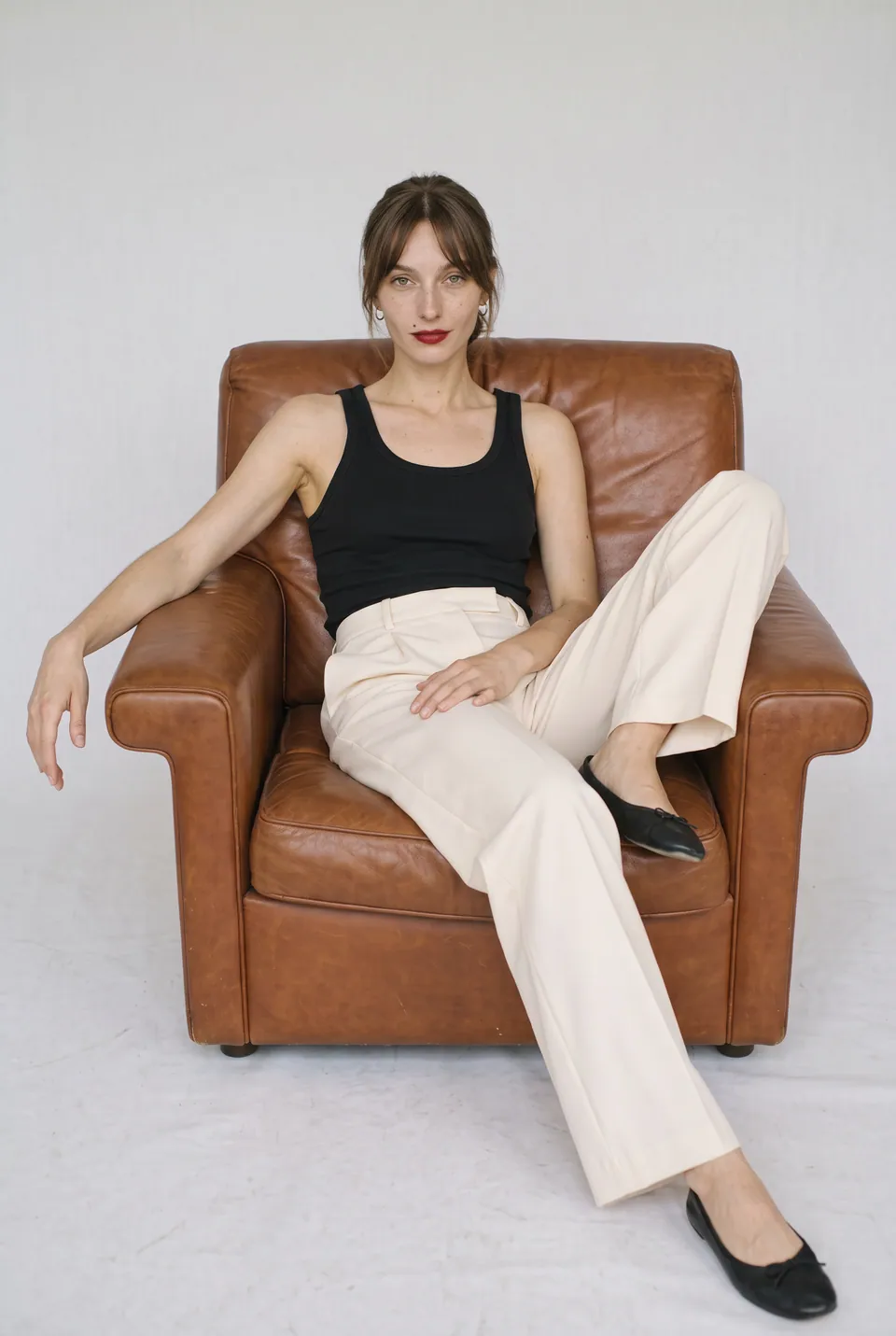
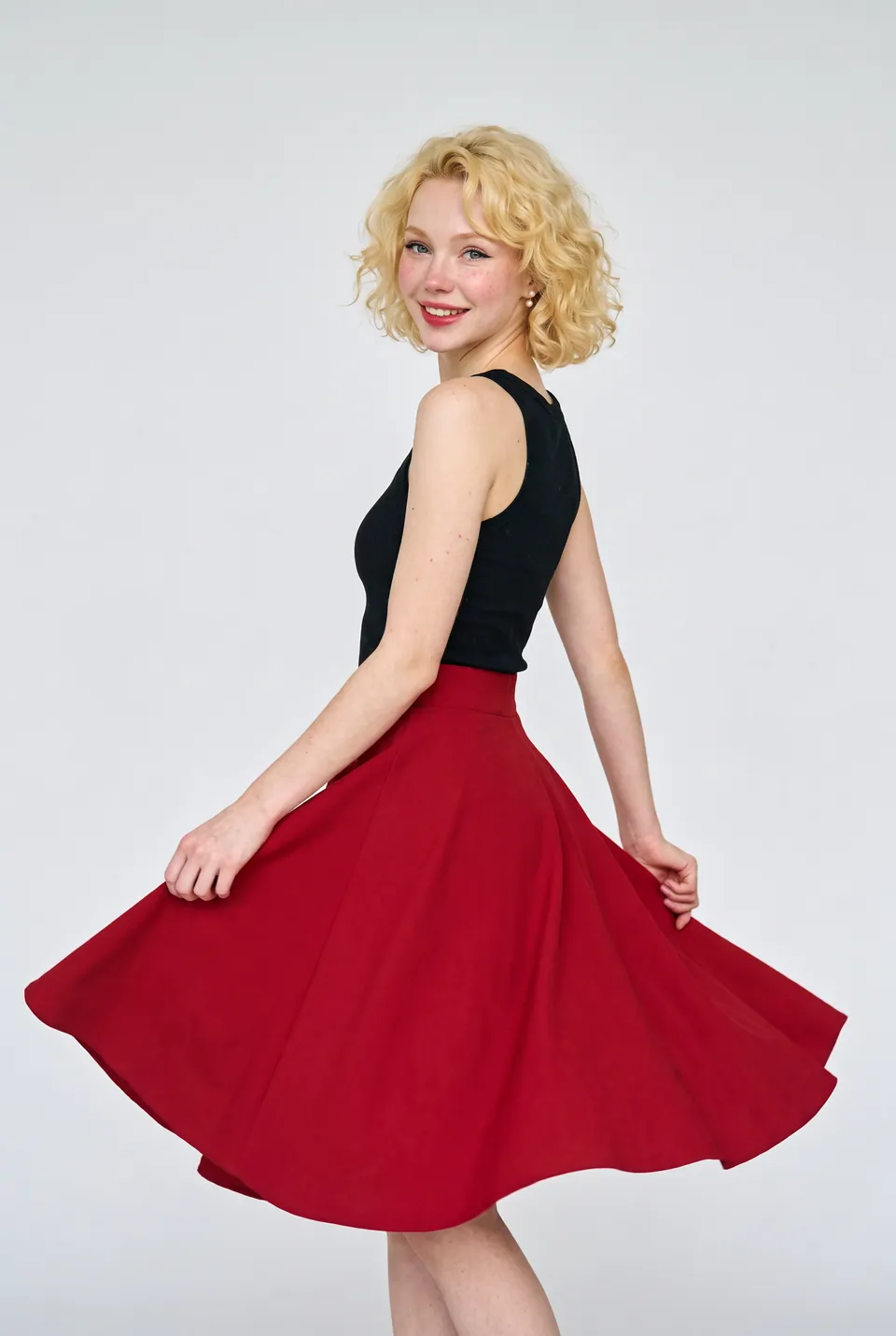
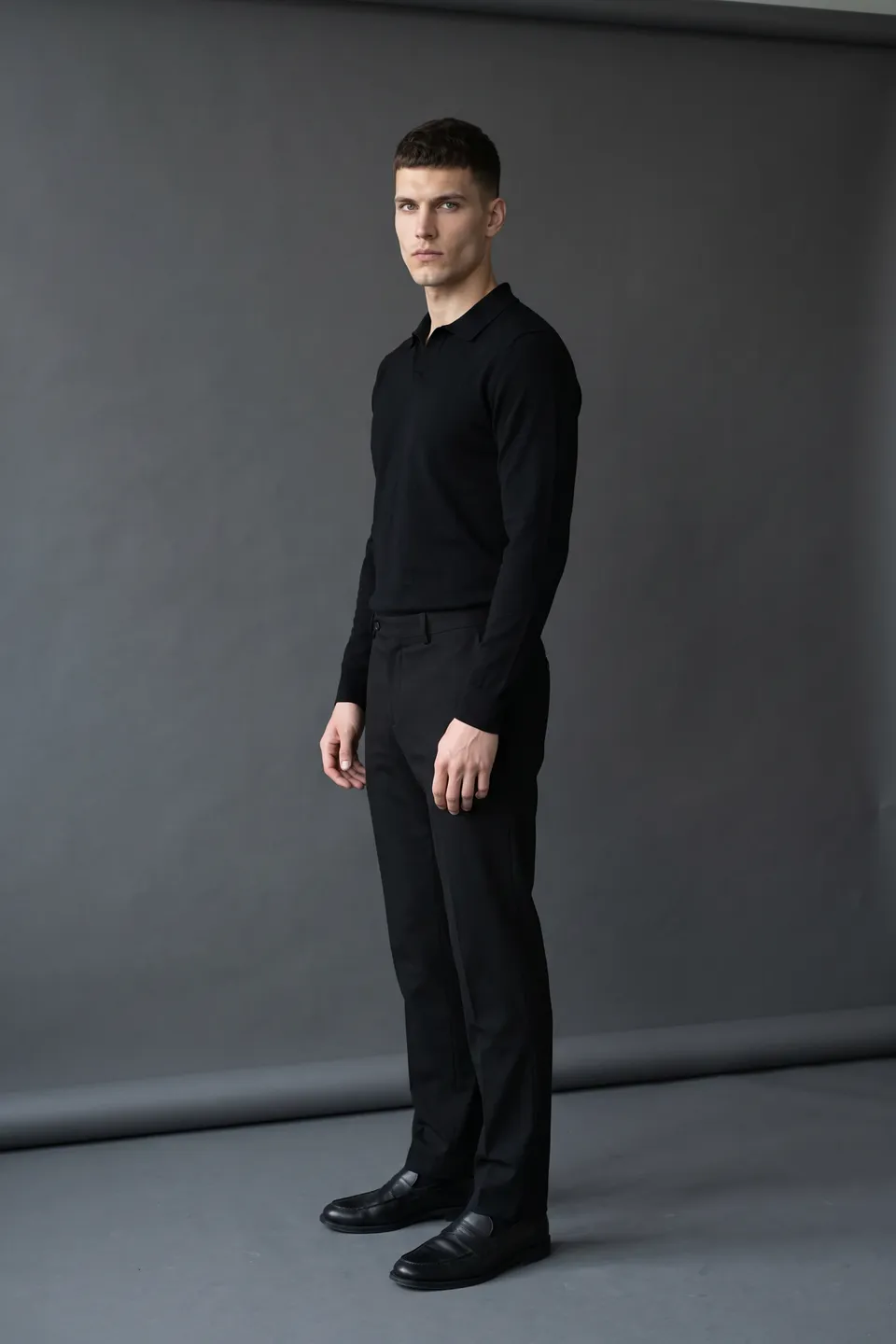
Photo to video AI, no editing
From photo to video
A smooth few-second video from a single frame.
Ready for ad formats
9:16, 1:1 and 4:5; for Reels, feeds and product pages.
Model and product preserved
Face and garment stay as in the frame.
From product photo to video, step by step
Every frame in this section comes from the same production: the uploaded product, the chosen model, the poses and the result.
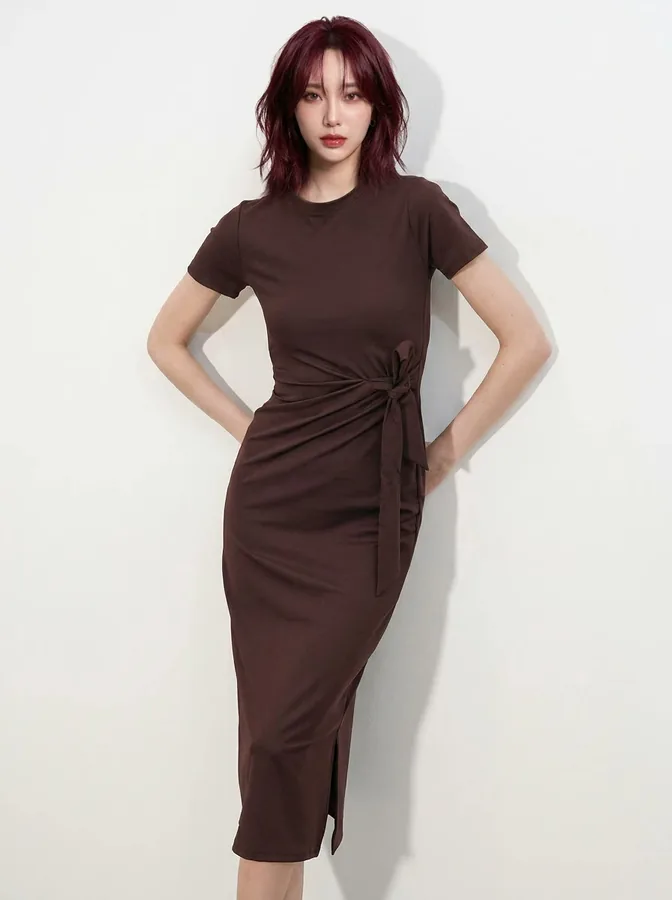
Brown tie-waist dress 01Source frame
Pick the frame
Brown tie-waist dress: the studio frame is the source of the video.
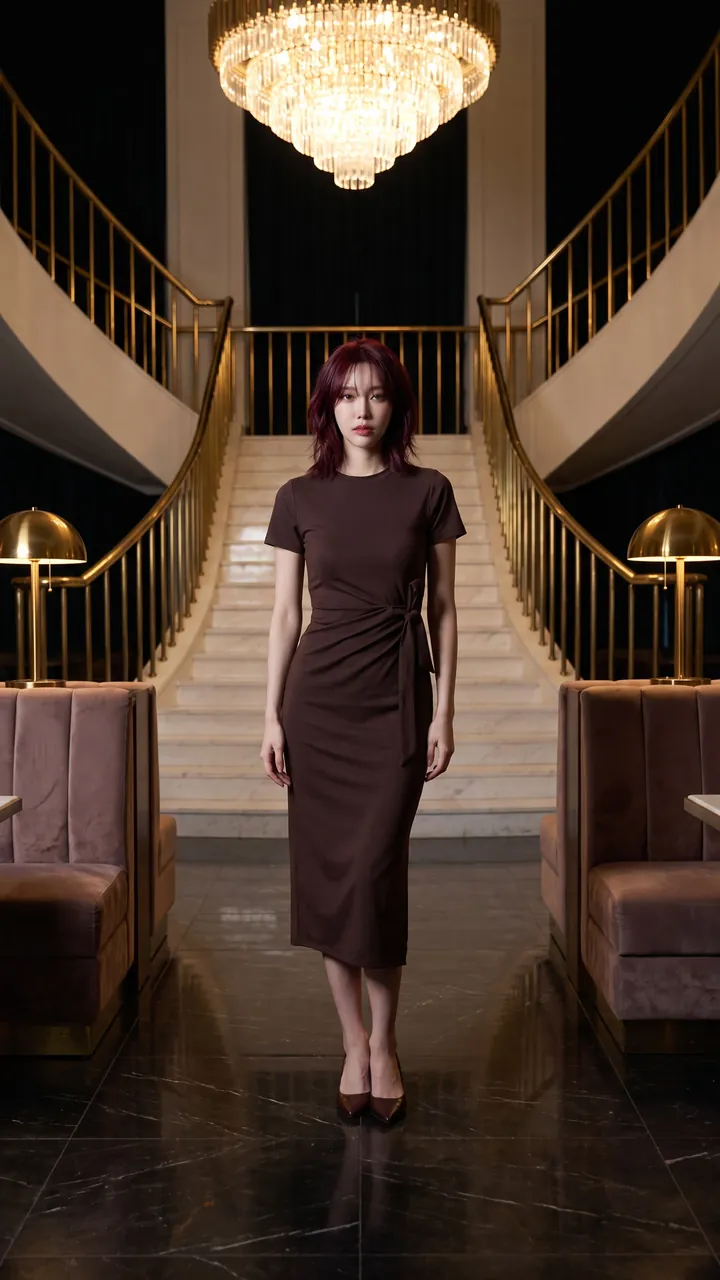
Walk 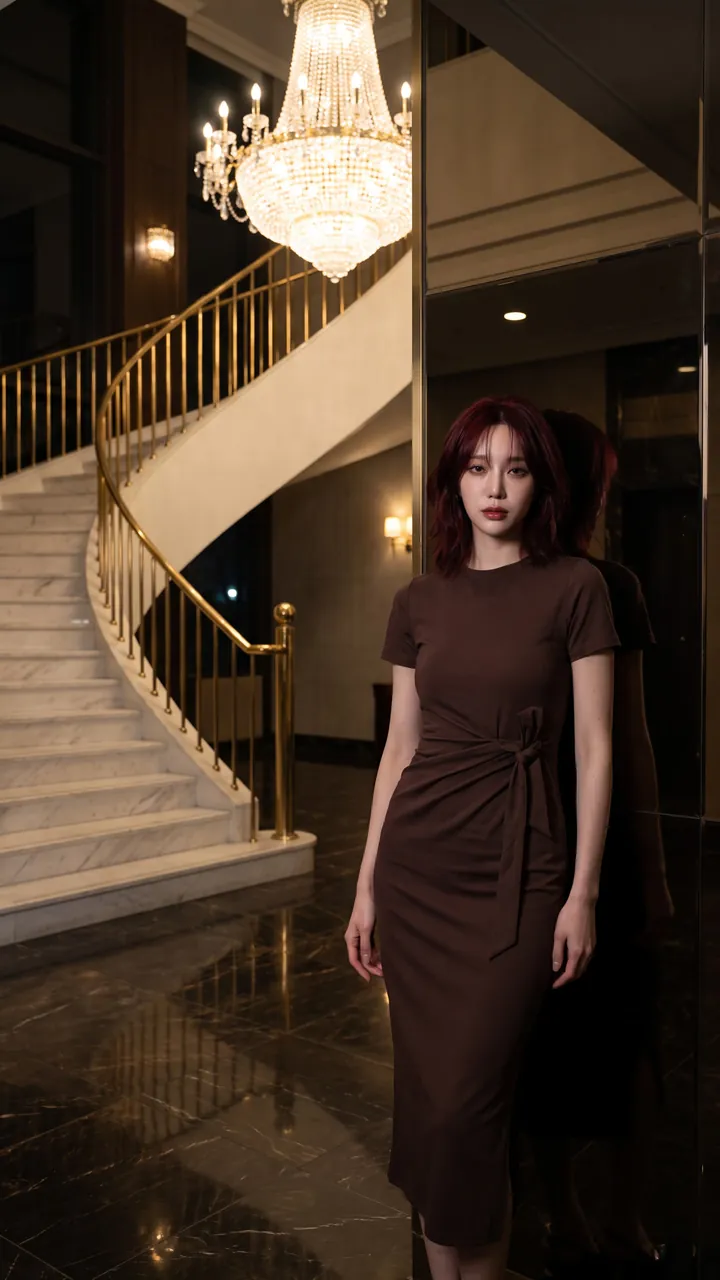
Turn 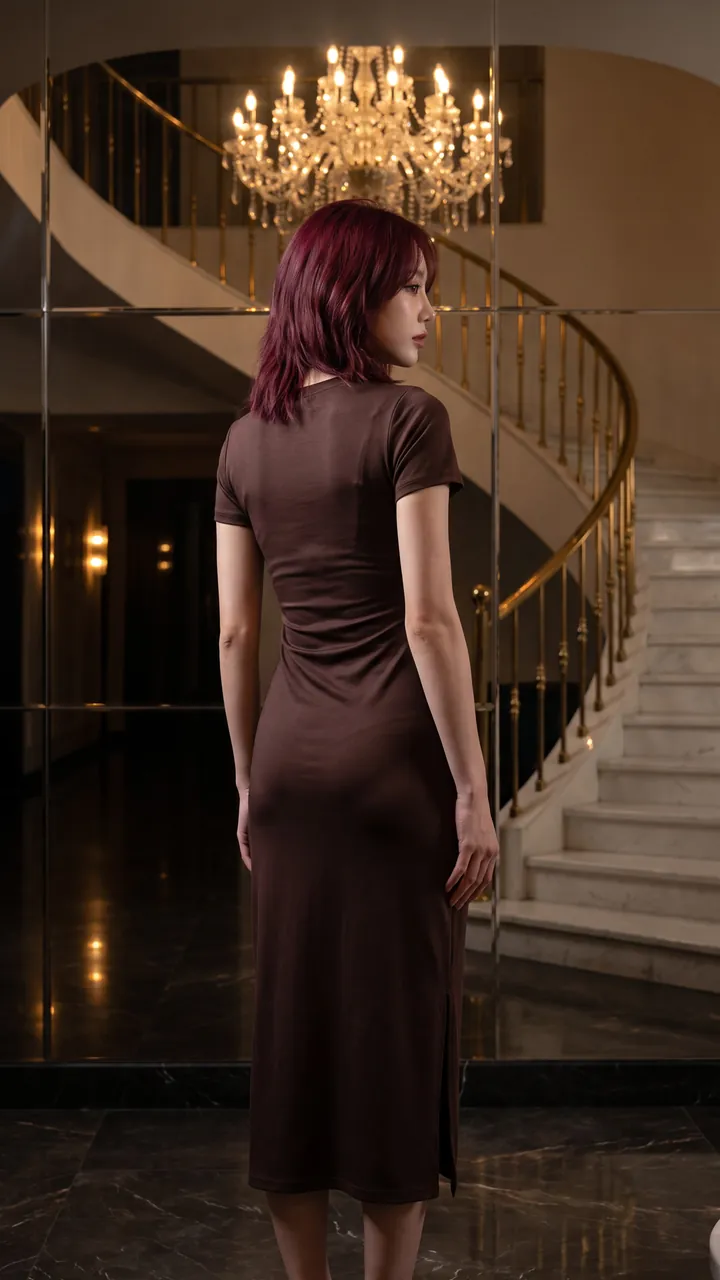
Back 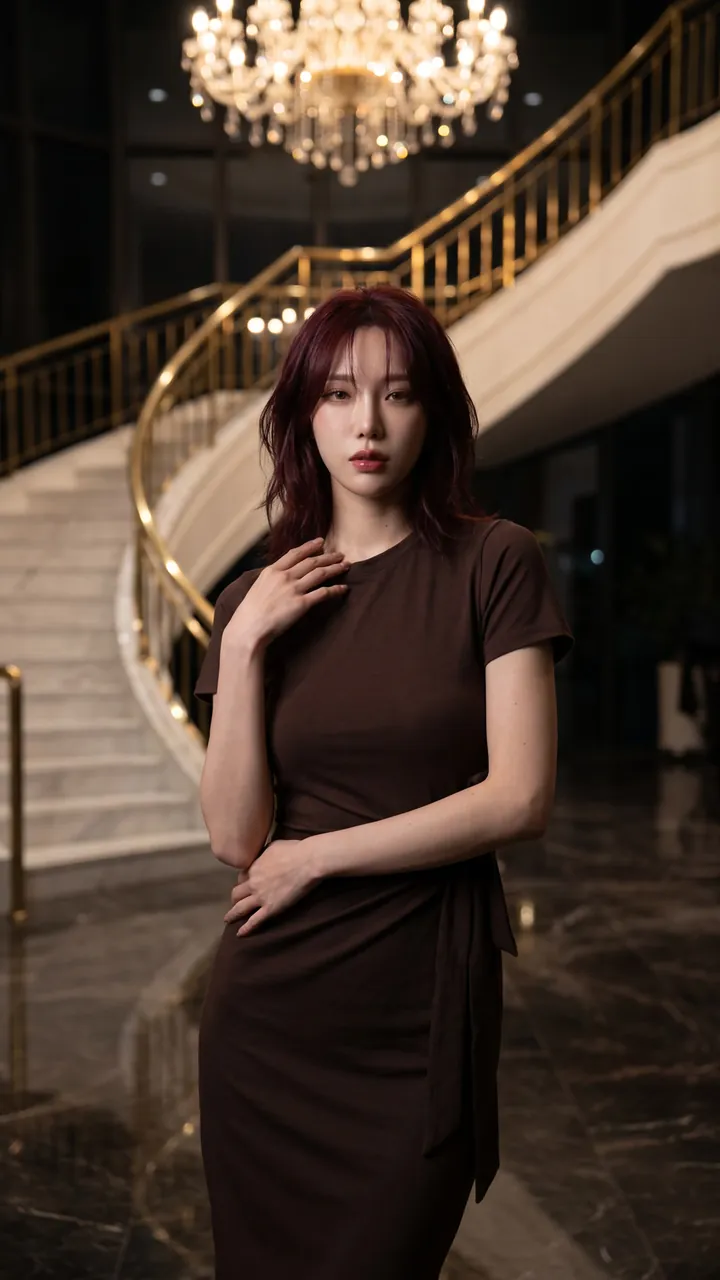
Close-up 02Film frames
Scene and motion
The same dress in a marble staircase hall: walk, turn, back and close-up.
- LoraLook
Brown tie-waist dress
You choose the format and quality
Aspect ratio, resolution and delivery are yours on every generation; the ratio you pick shows up in the preview instantly.
Which photos make the best product videos?
Sample inputUpload like this
- A frame with the model in full length
- A simple background with some depth
- A pose that lets the garment move
Avoid these
- Cropped limbs or garments out of frame
- Frames with heavy text or logos
A video shoot or image to video AI?
Send straight to your store and marketplaces






Frequently asked questions
Image to video AI: frequently asked questions
Can't find your answer? Write to us at info@loralook.com.
9:16, 1:1 and 4:5 — suited to Reels, TikTok, Shorts and product pages.
Yes. Adapt the video to social formats with your headline, price and logo.
The video starts from a frame you approved; the model and product come from that frame.
Short product videos of a few seconds, made to loop on social media.
Yes. You own the right to use your videos in ads, in your store and on social media.
Videos are priced separately from images; the credits required are shown before you start.
Other solutions
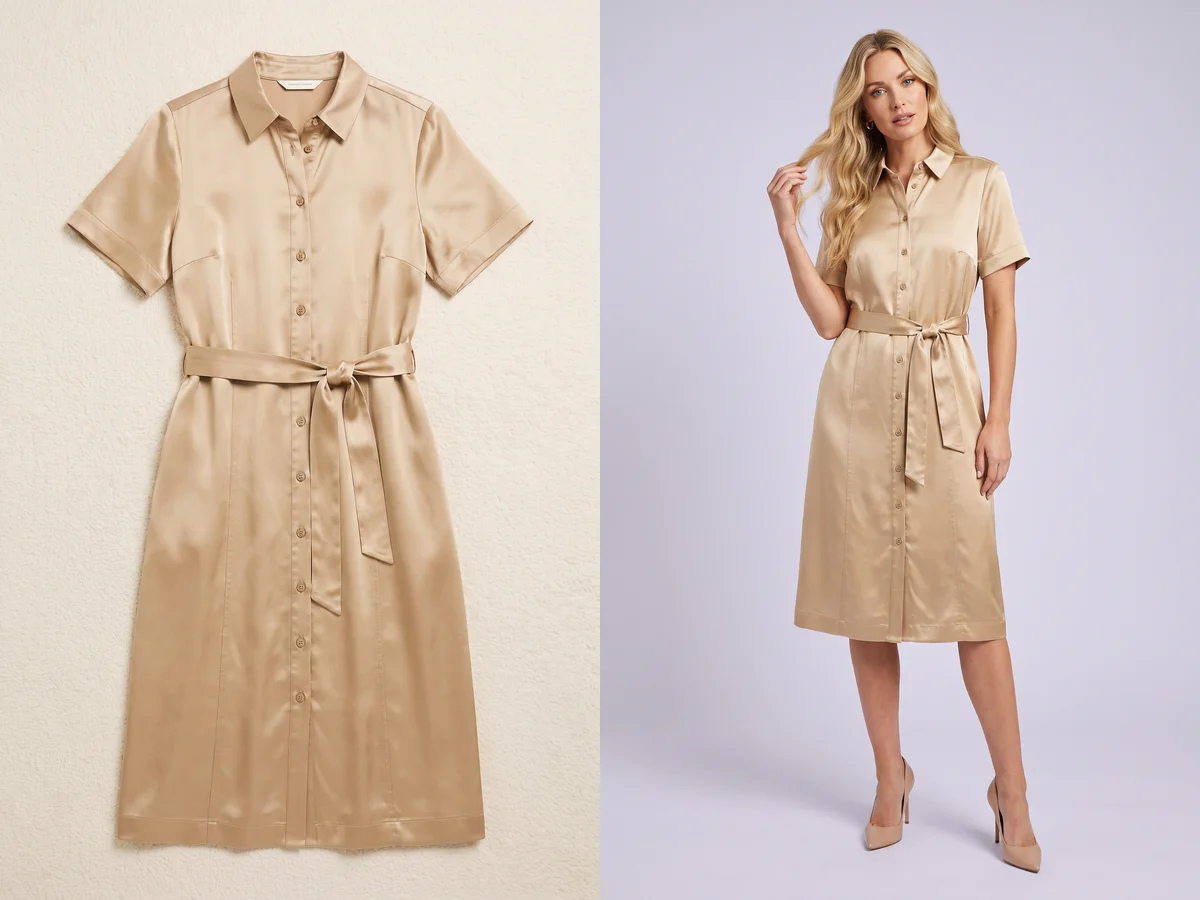
Flat lay → on-model→
From a flat lay product photo to an on-model shot.

On-model reshoot→
Swap the model and the scene in existing shoots.
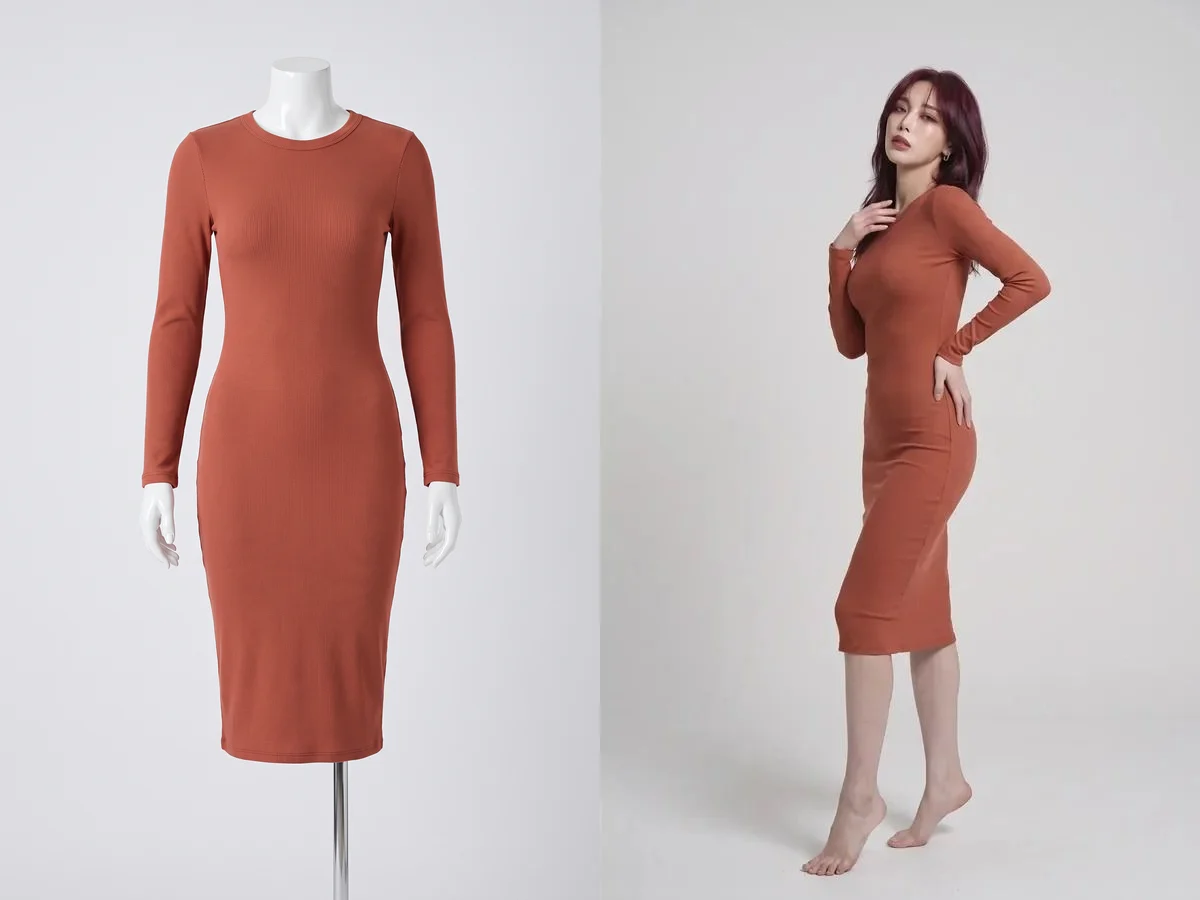
Mannequin → model→
From a mannequin shot to a real on-model image.

Editorial shoot→
Campaign images with scene, pose and framing.
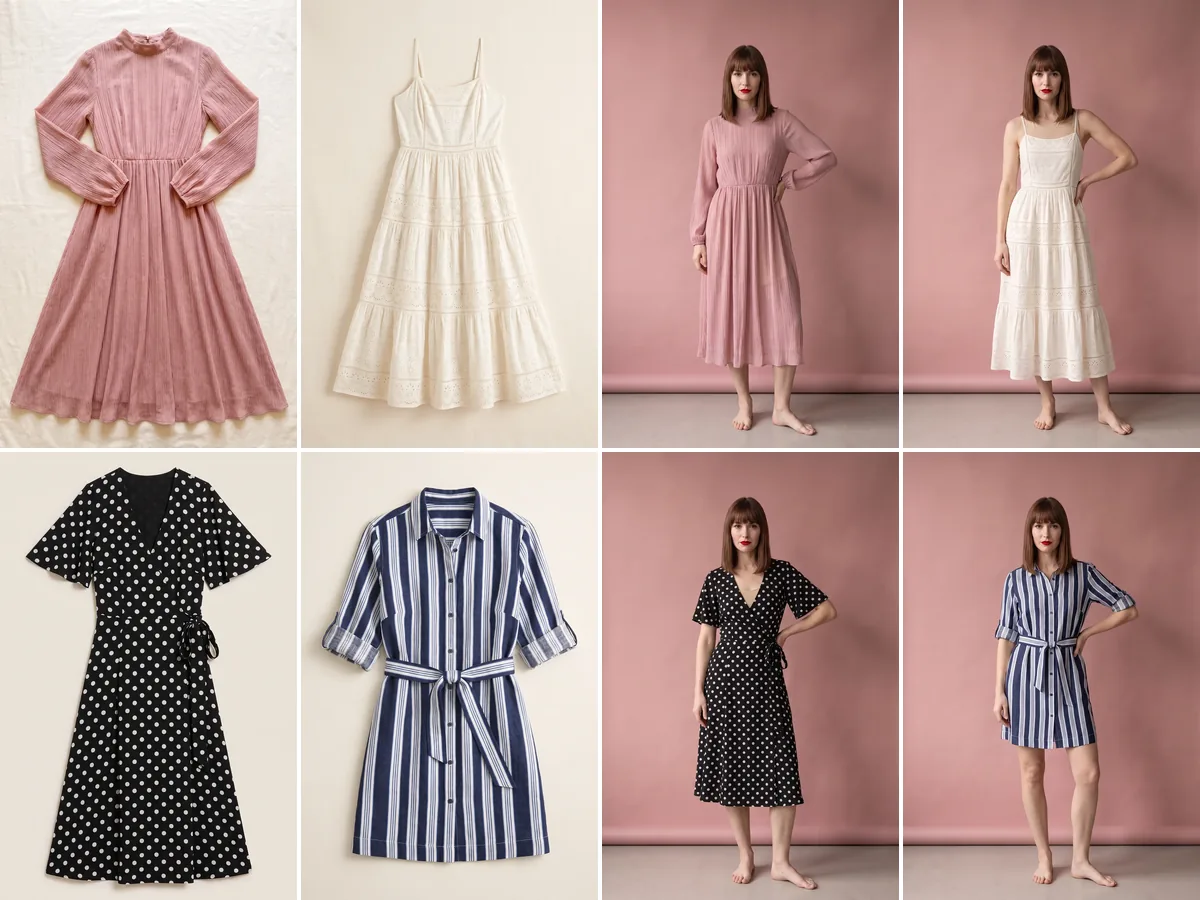
Collection mode→
The whole season at once, consistently.