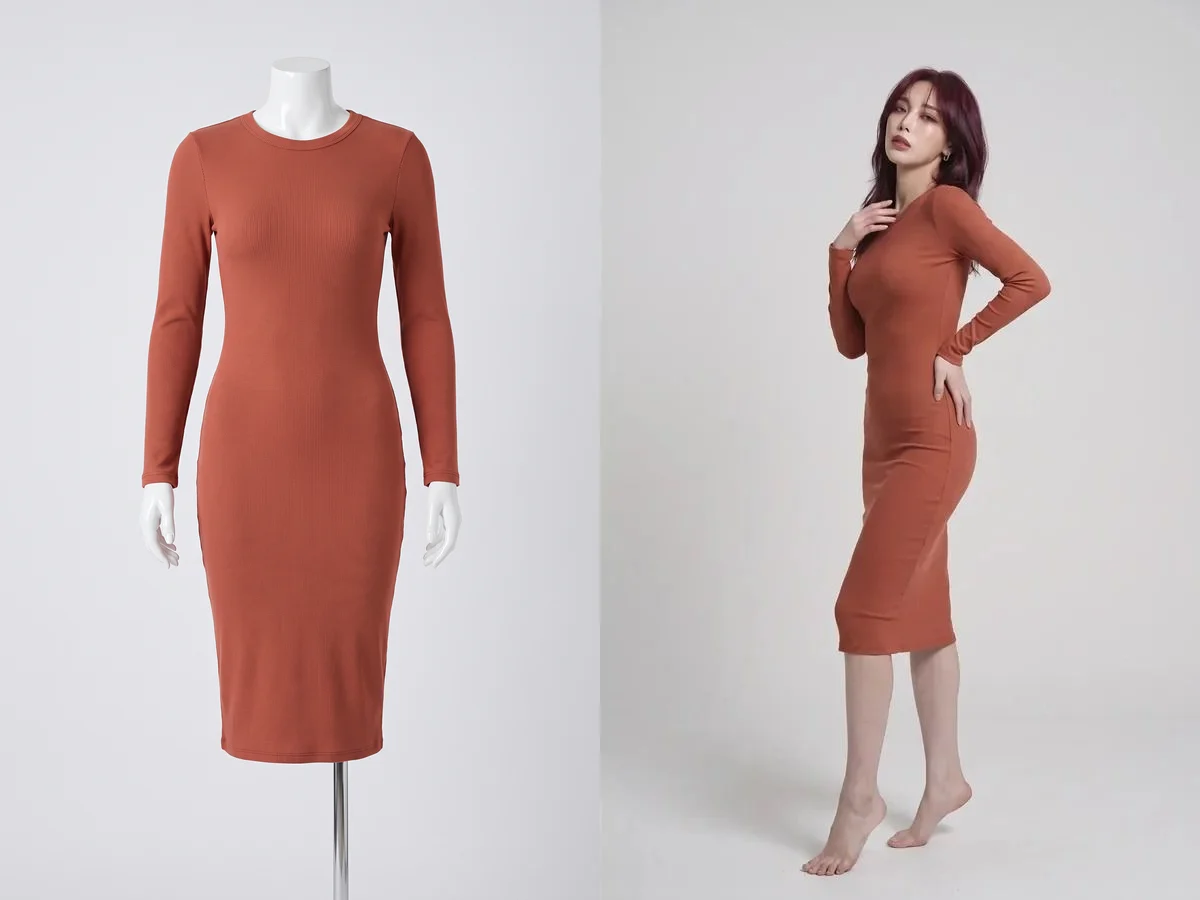
Turn ghost mannequin photography into model photos
Move your ghost mannequin and store mannequin shots onto a lifelike AI model in a few clicks, with no reshoot and no styling team.
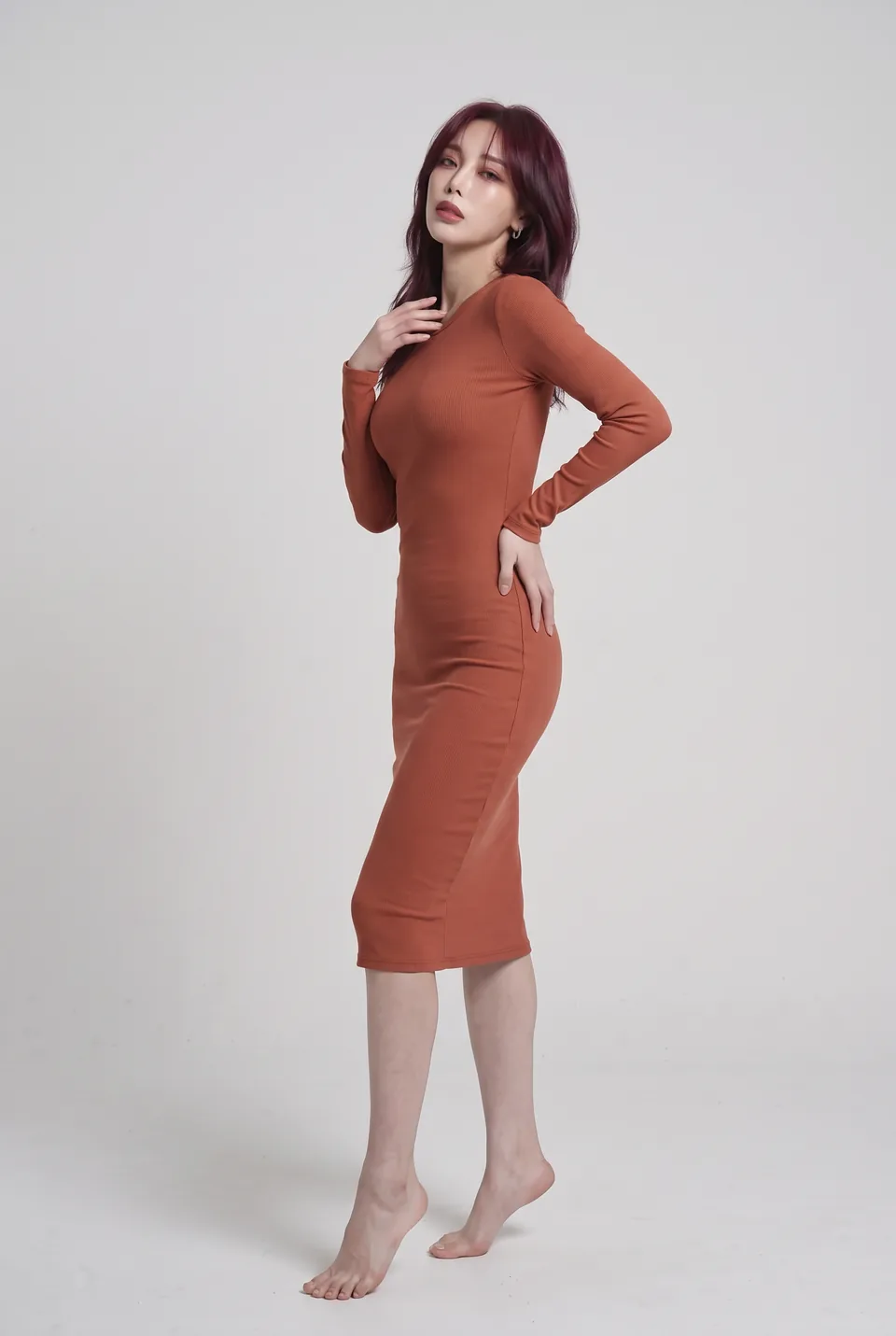
Real frames from the catalog
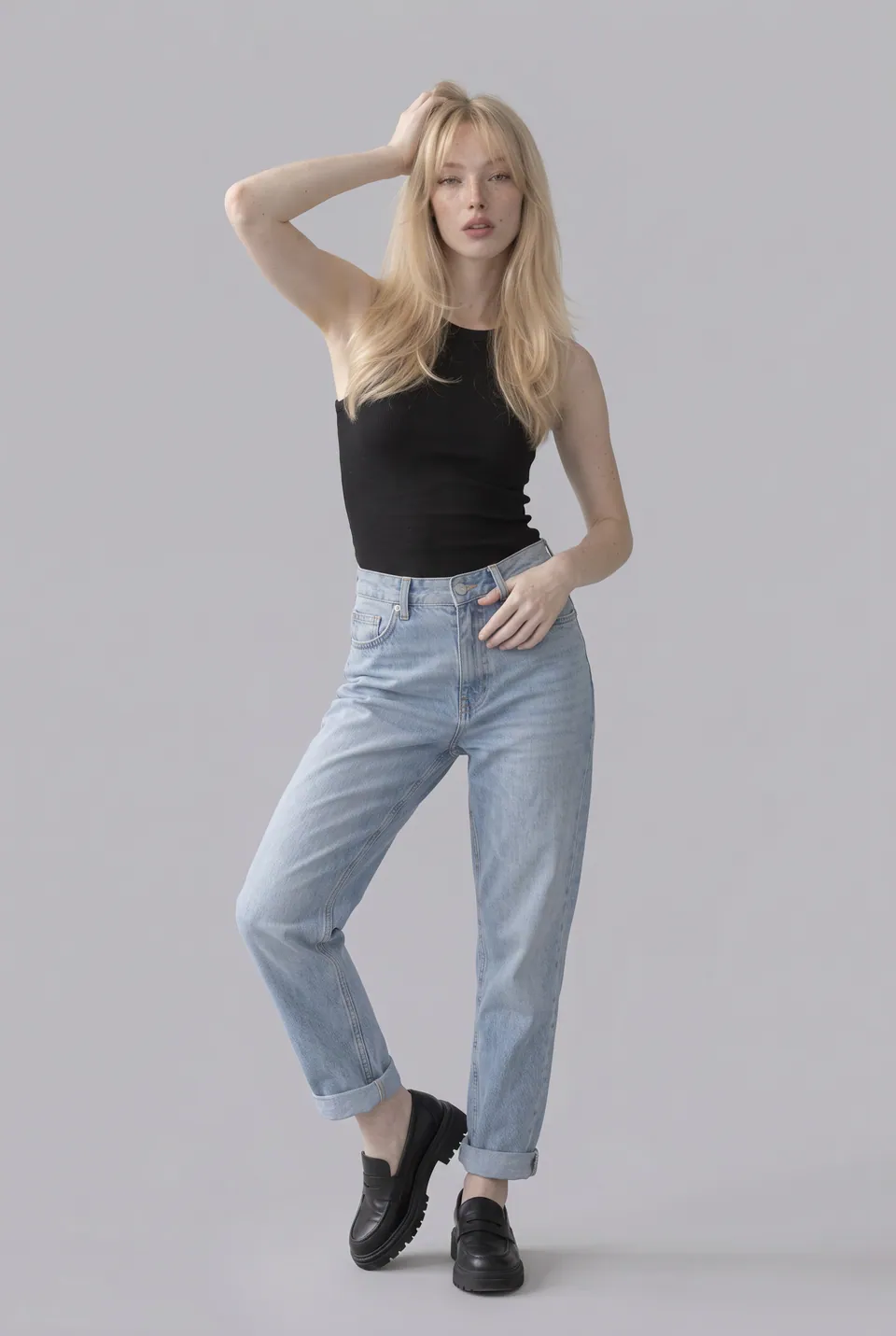
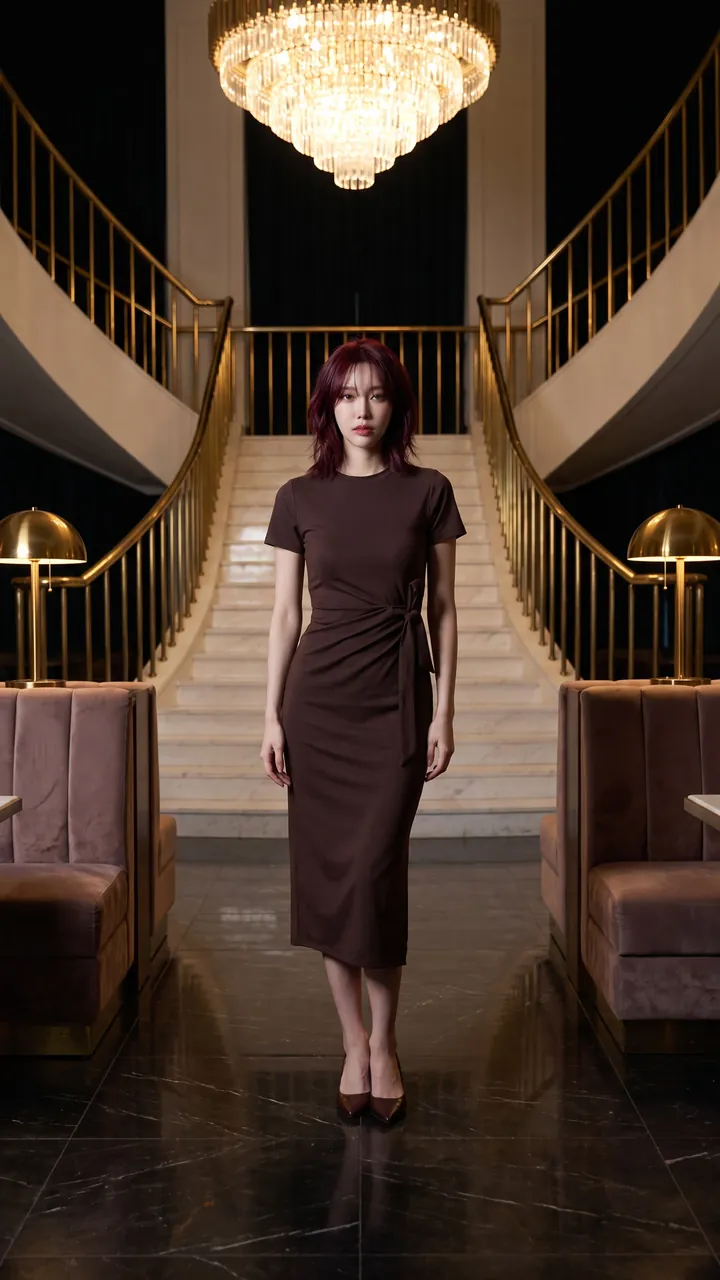
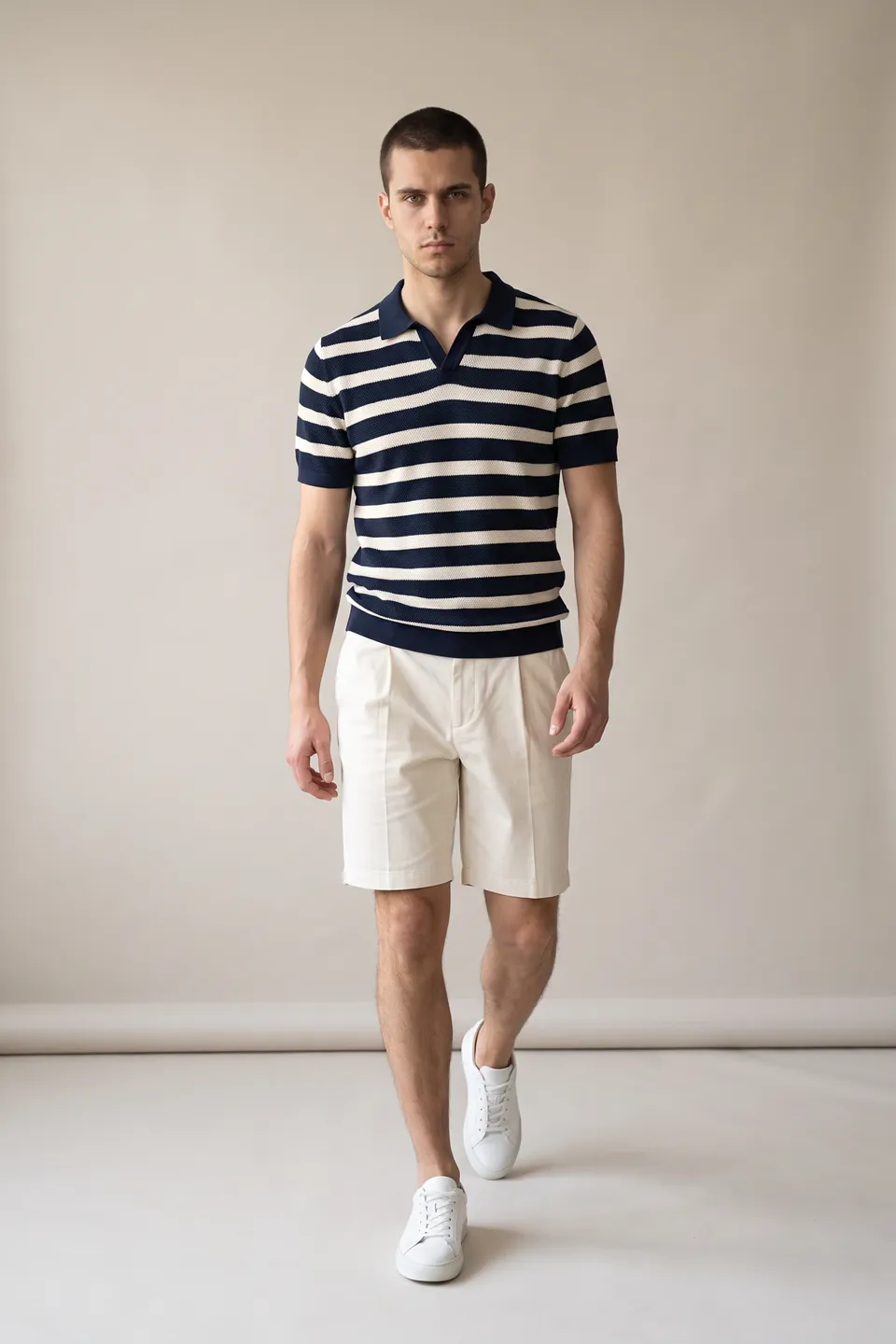
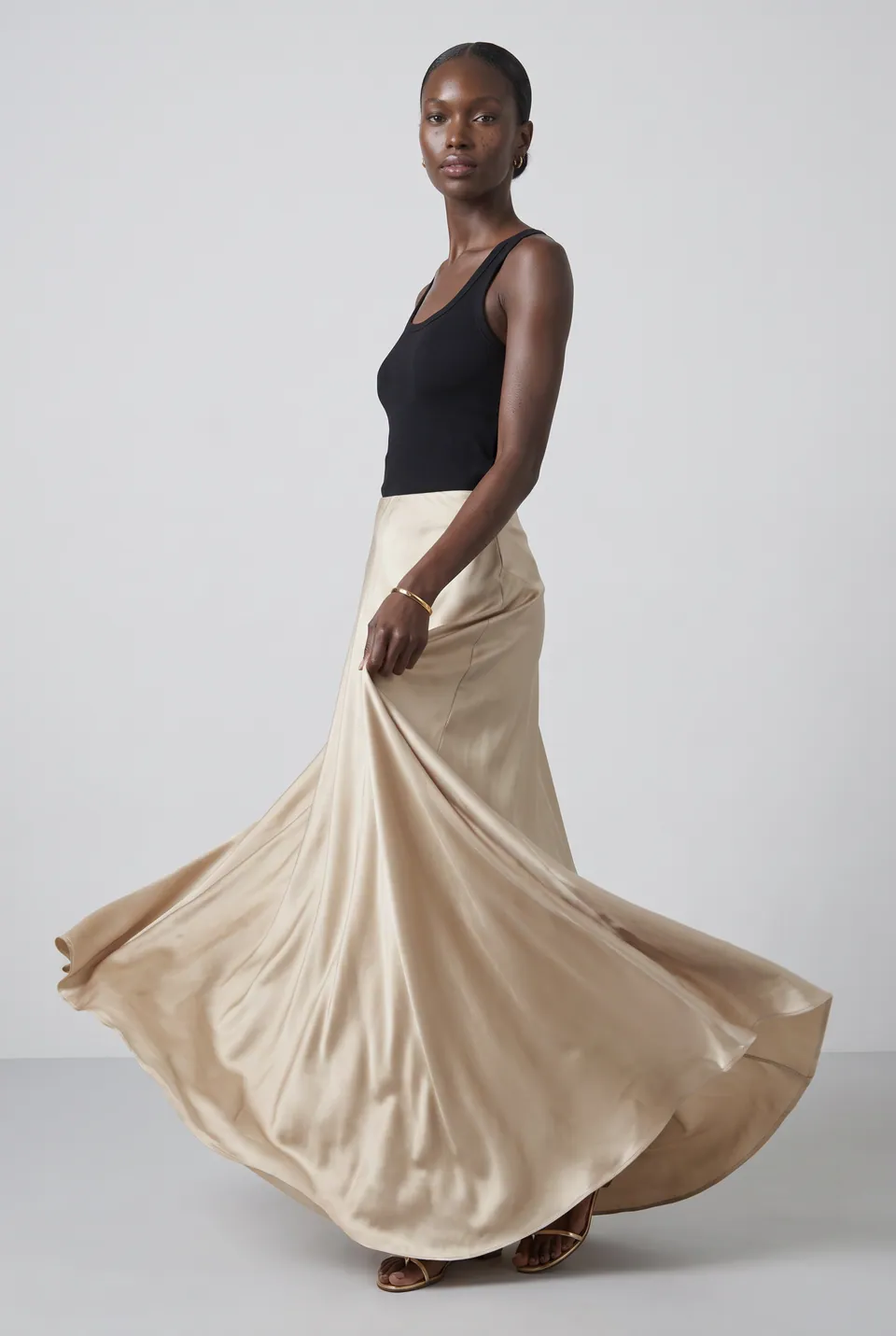
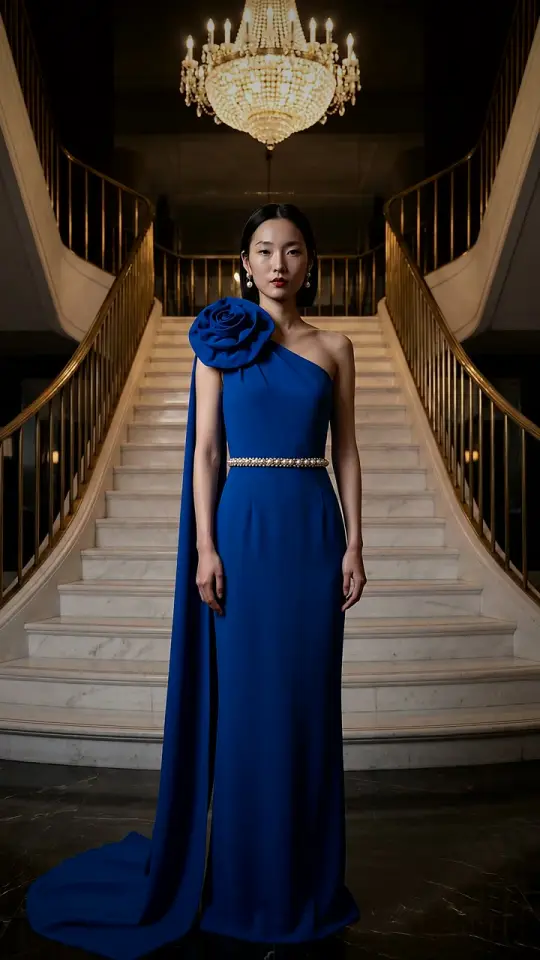
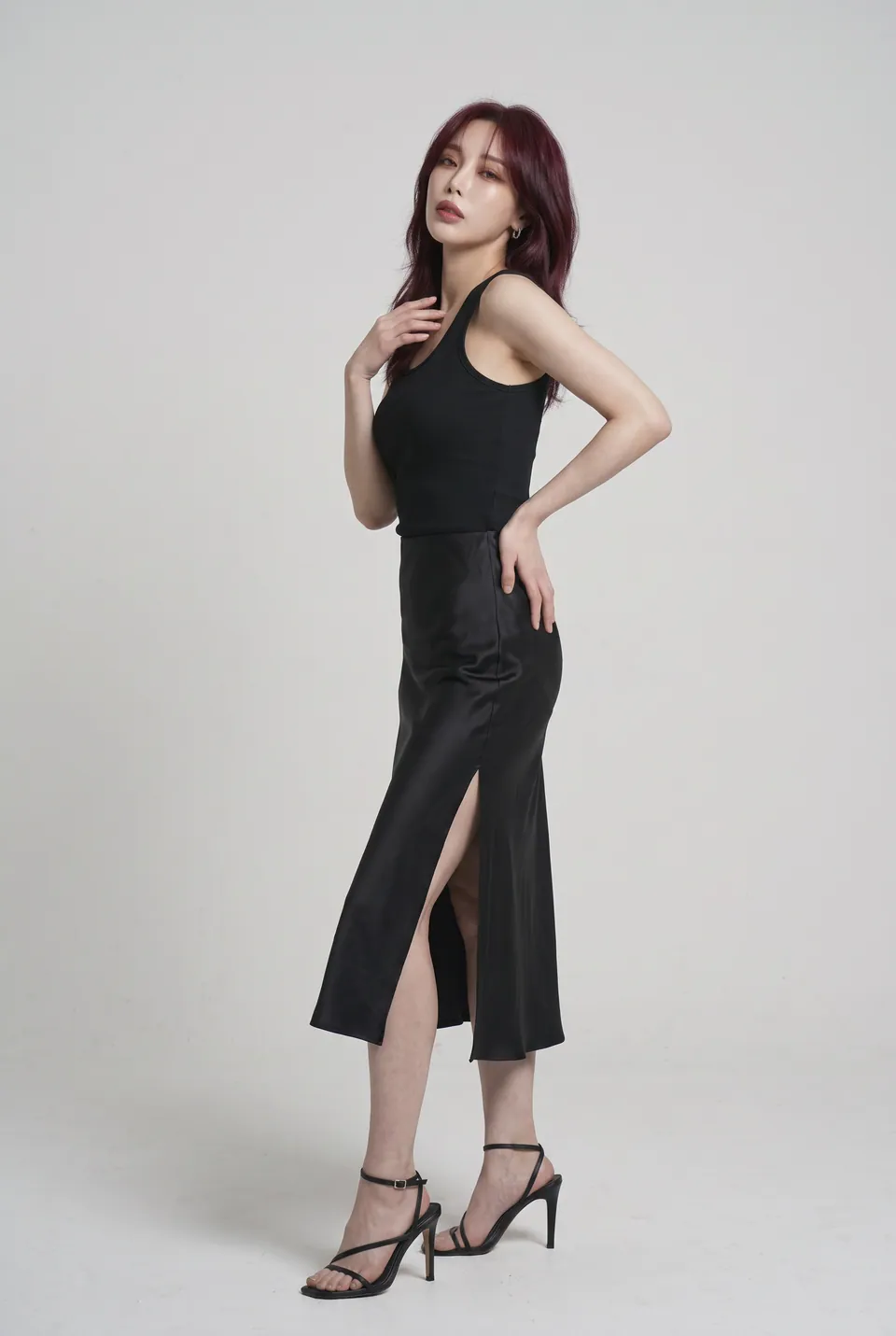
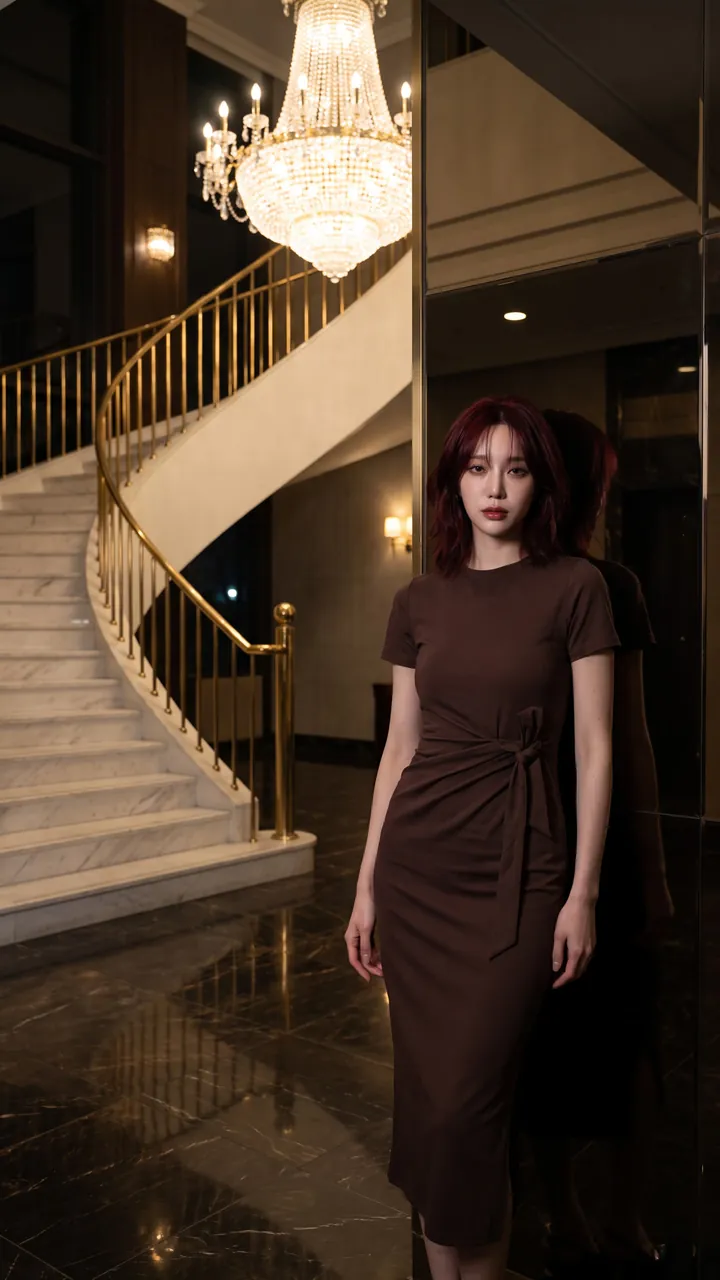
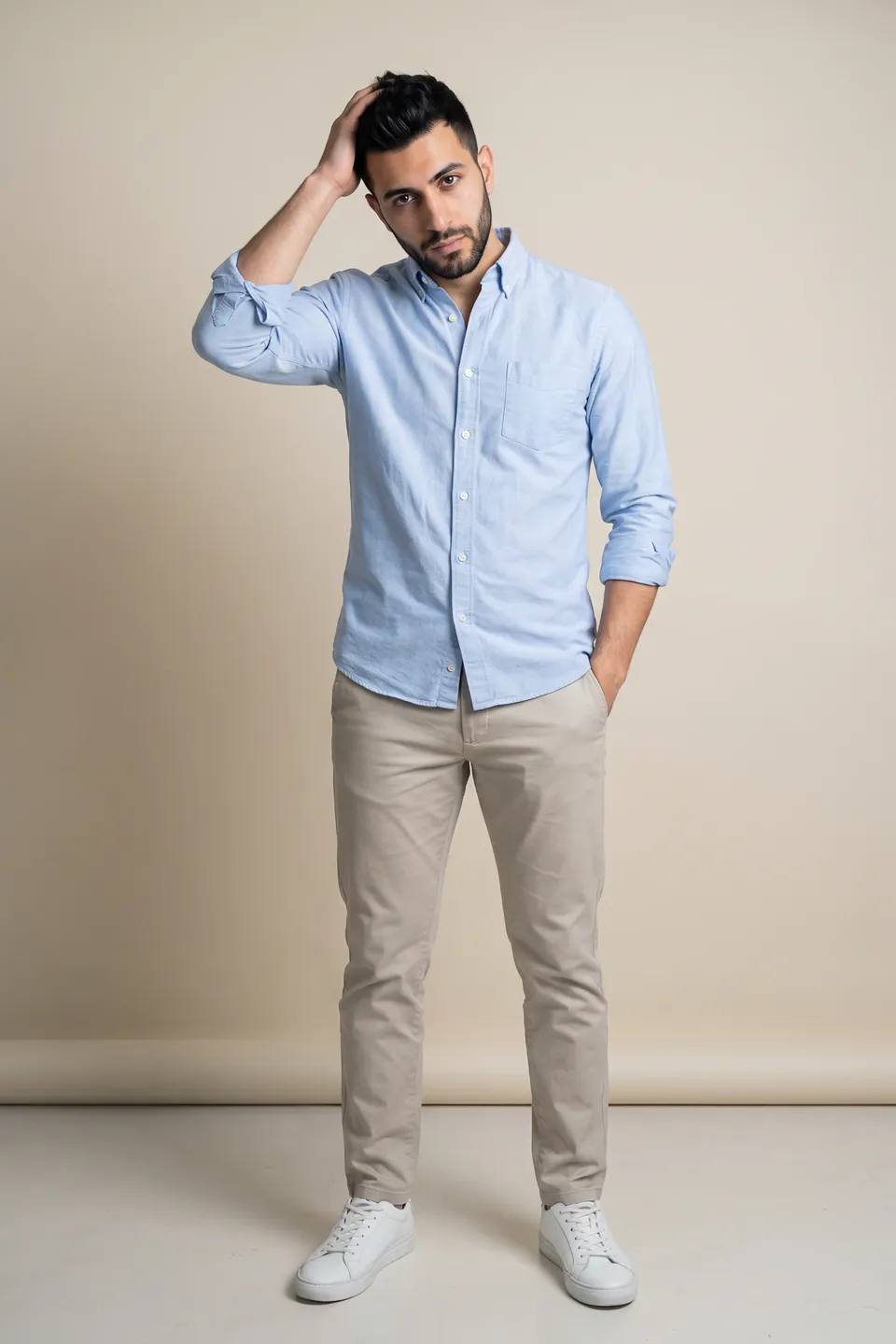
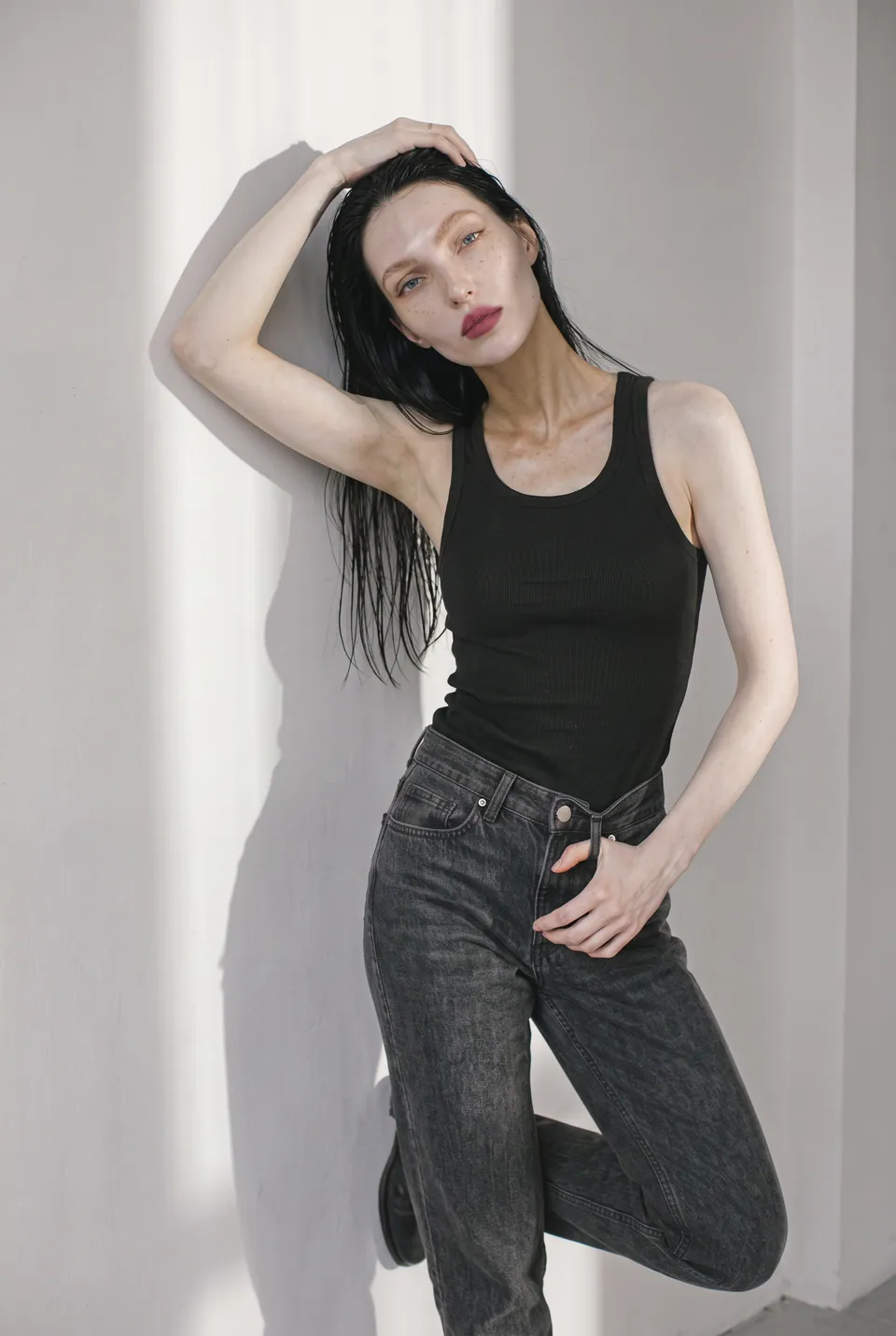
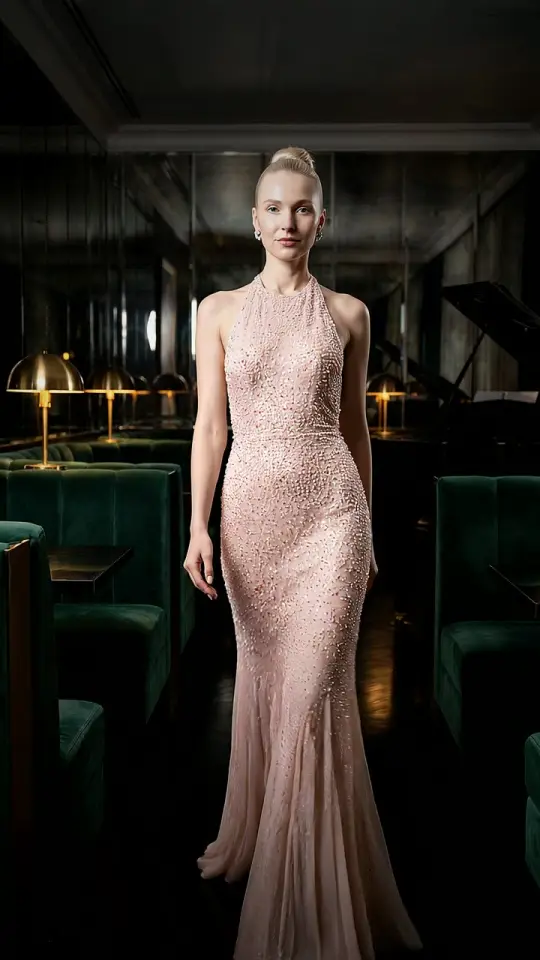
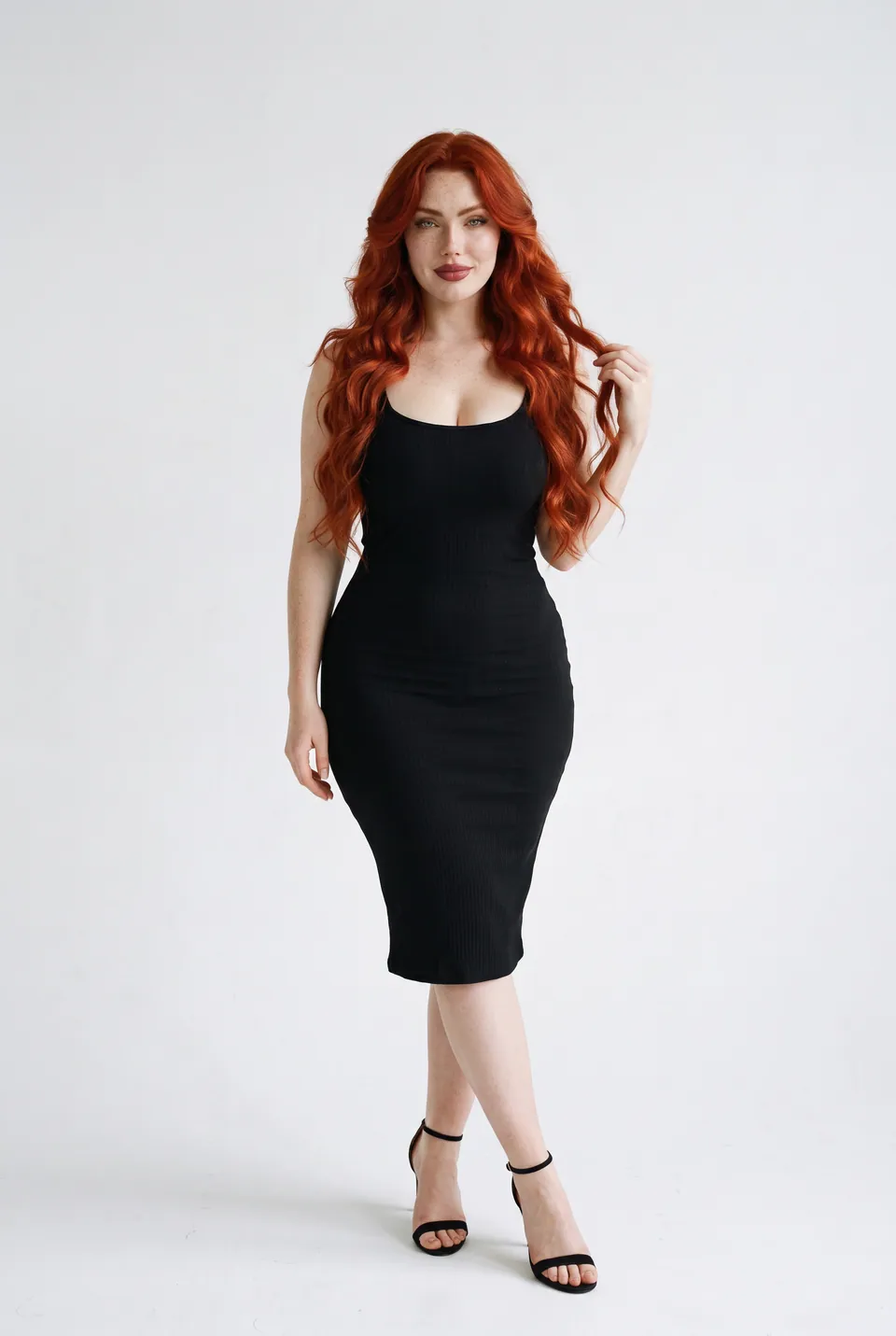
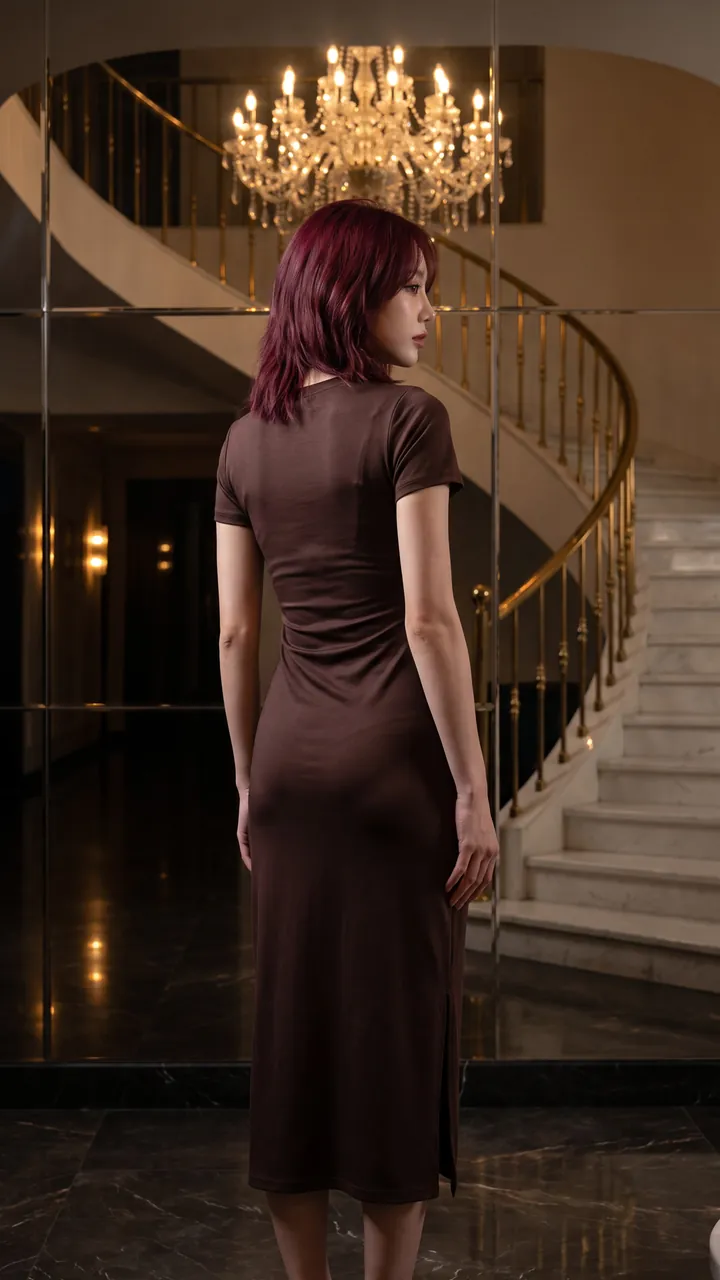
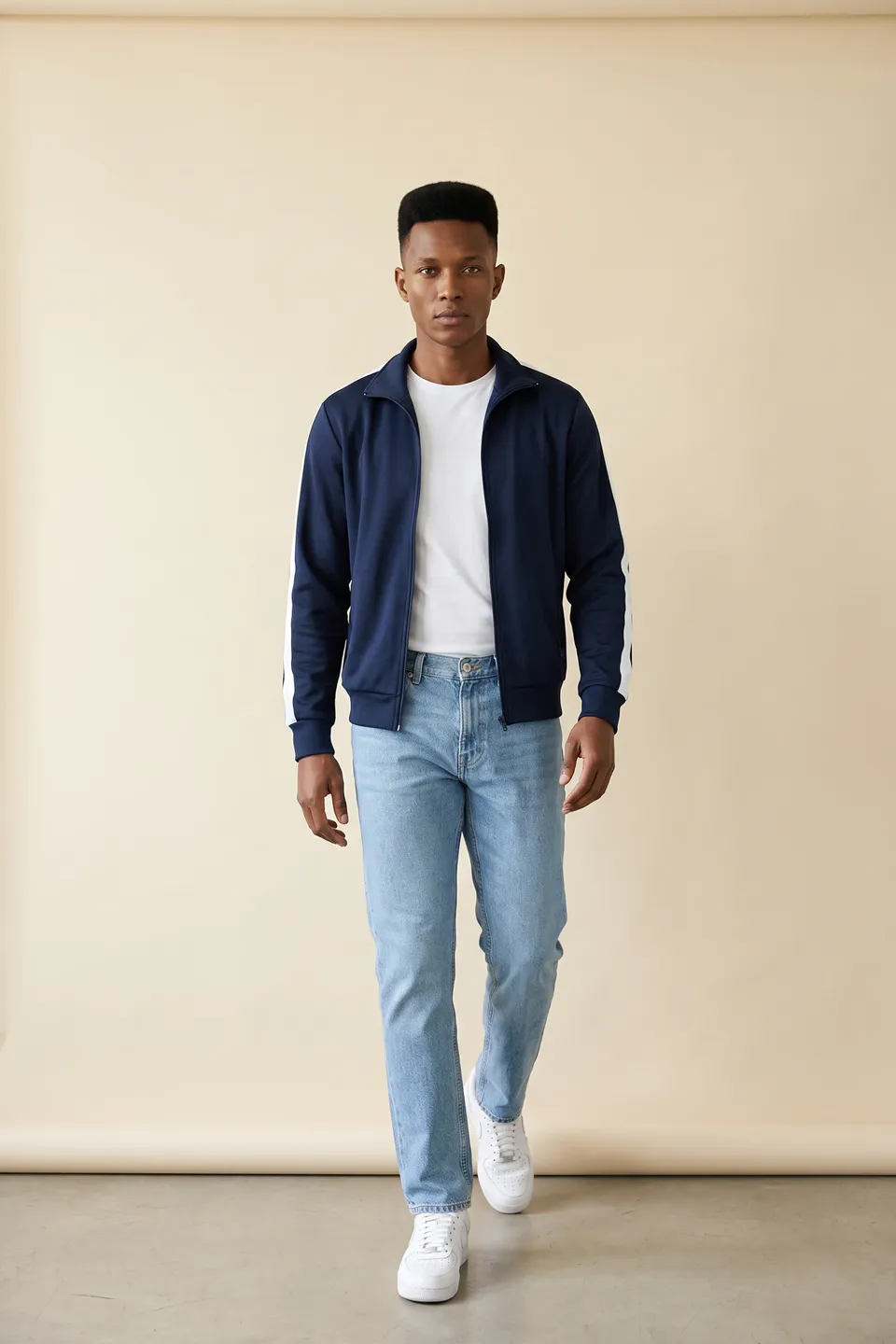
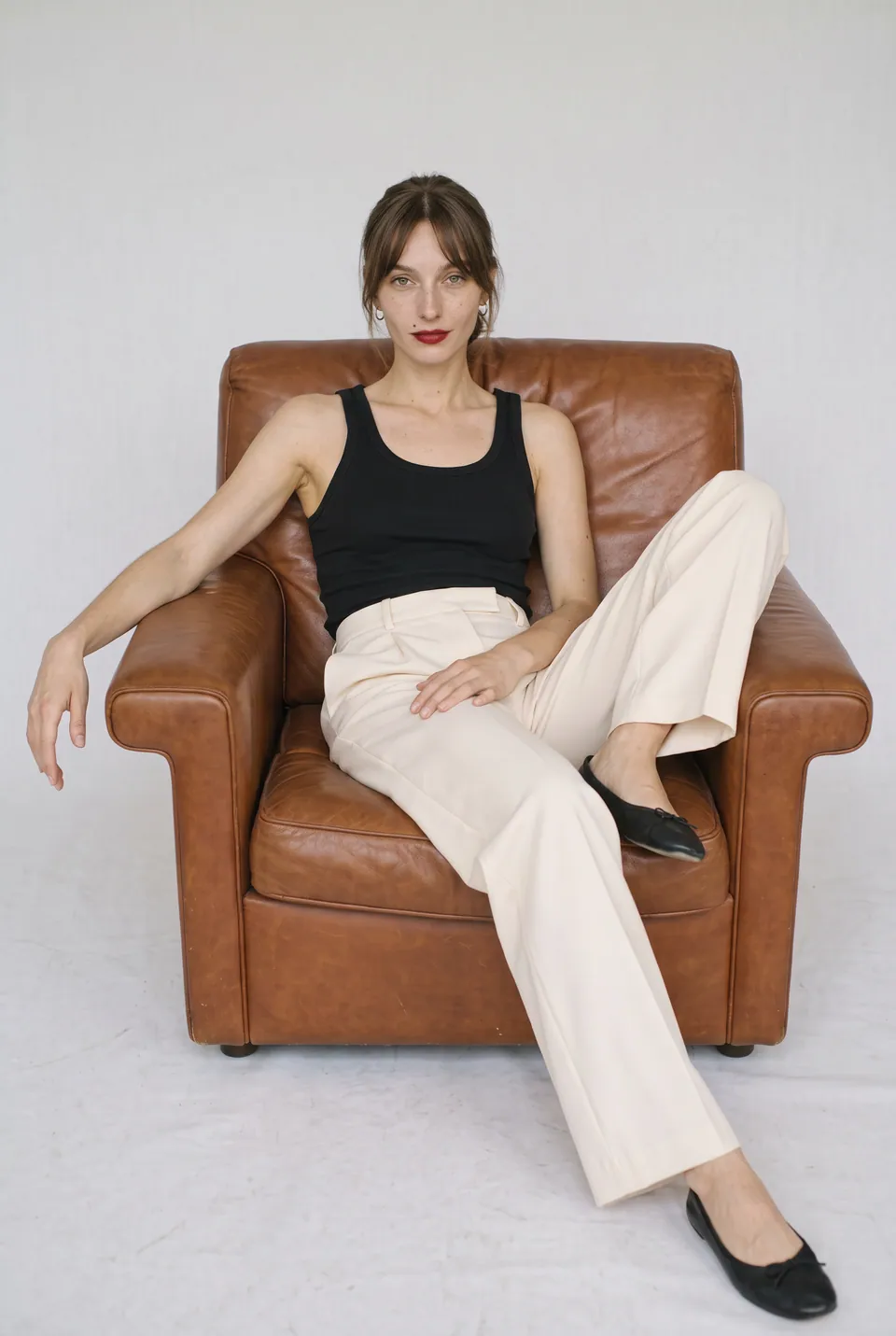
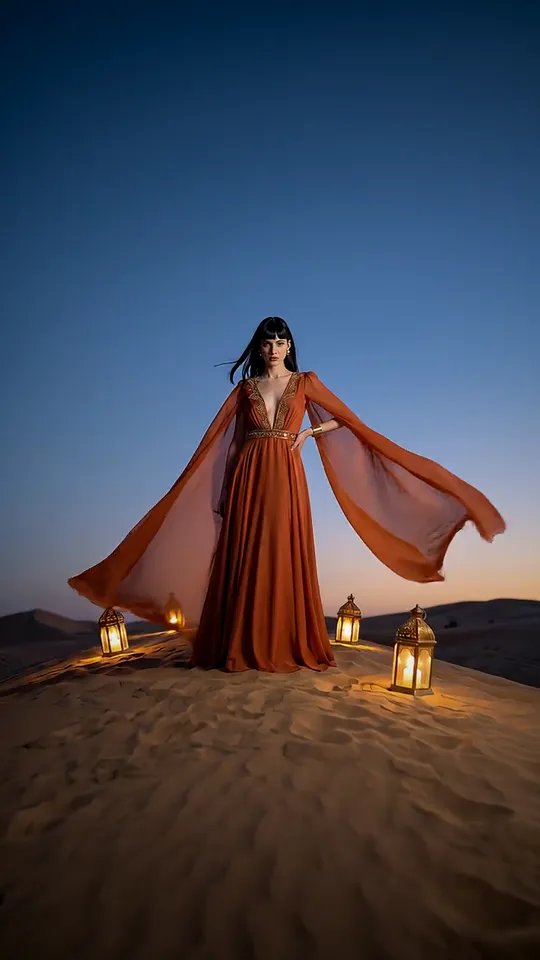
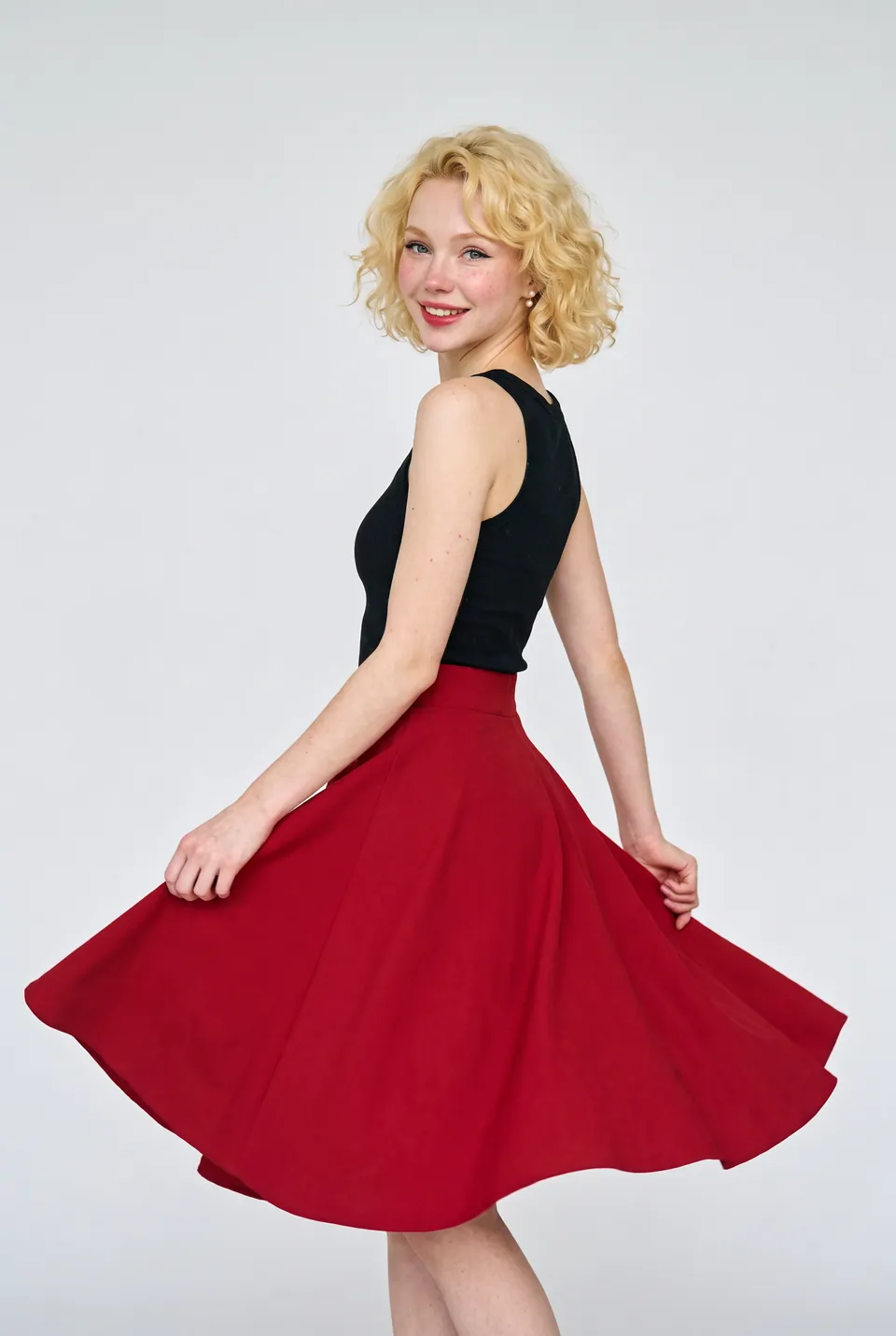
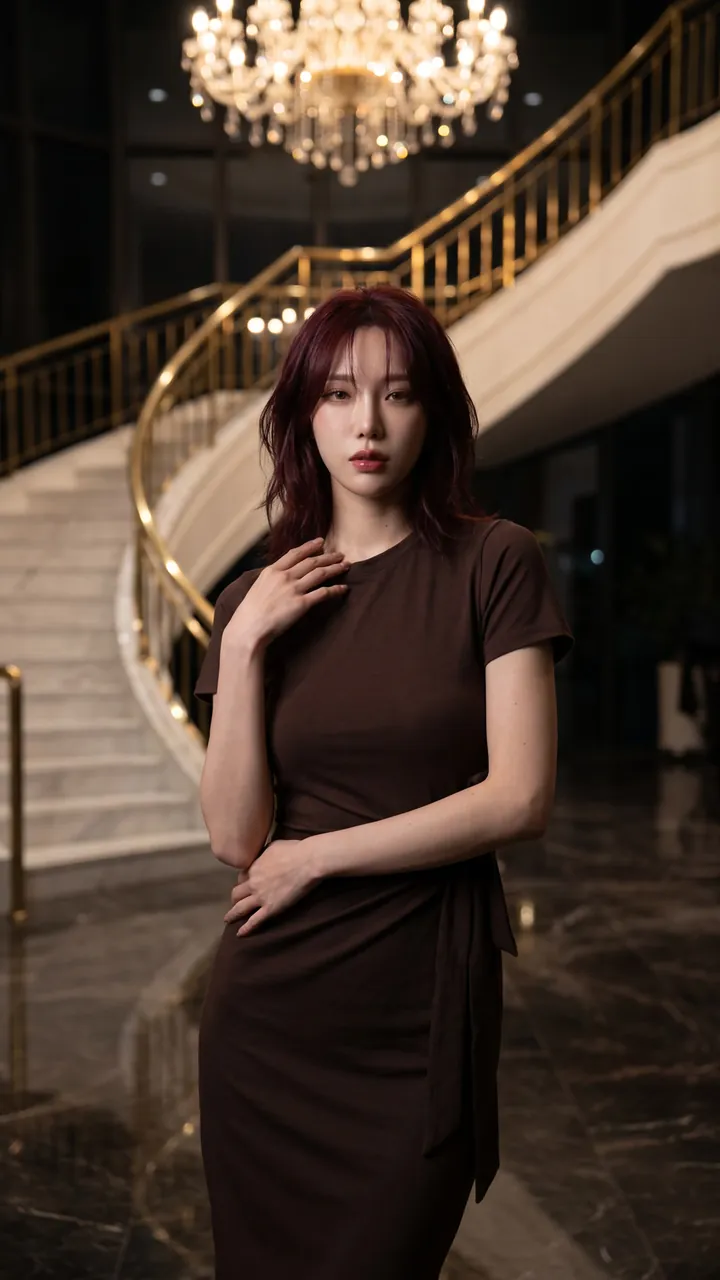
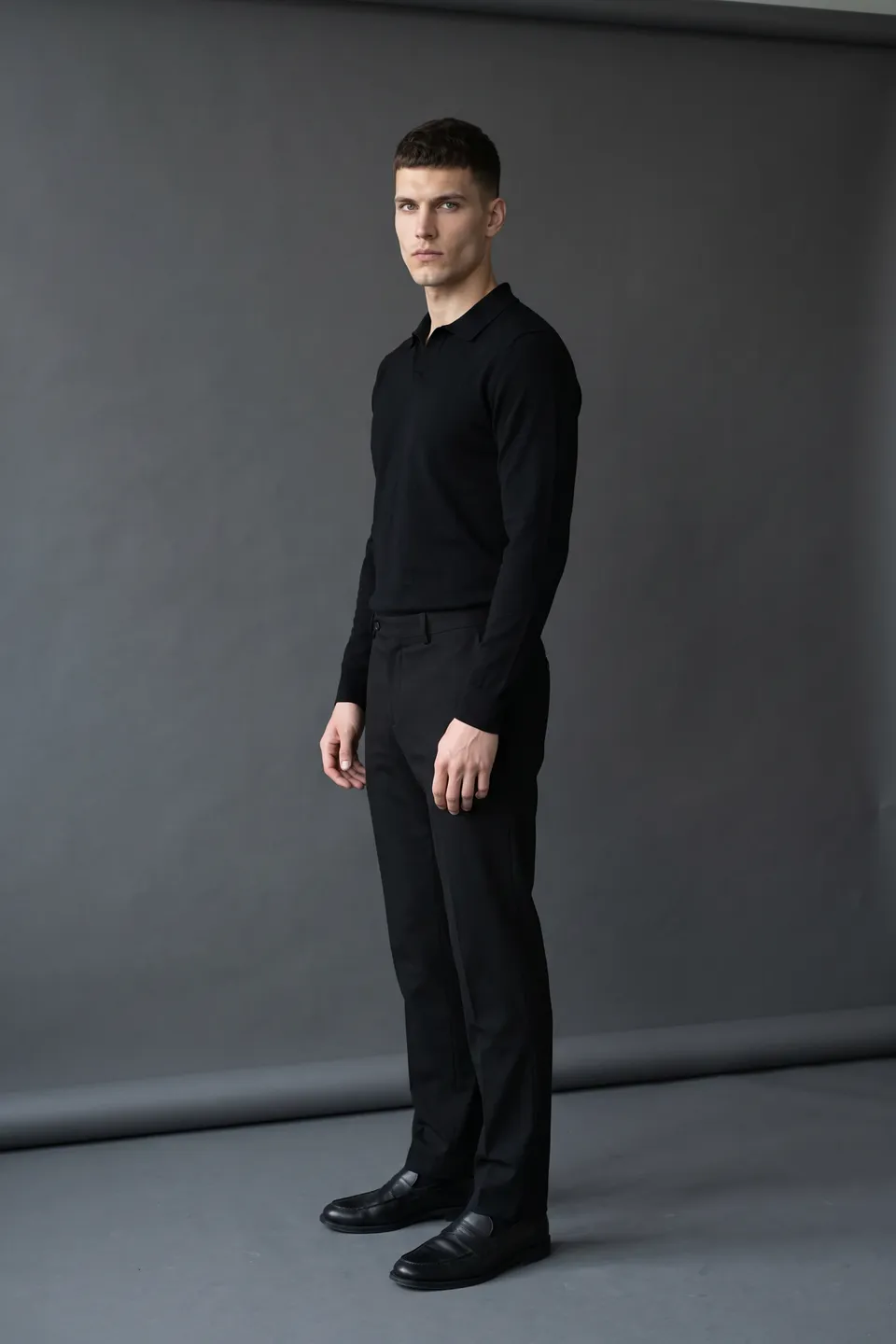
From invisible mannequin to model in a few clicks
From mannequin to a living frame
Move store and warehouse shots onto a real model.
Cut and fit are preserved
The product's cut and drape stay as on the mannequin.
Live without waiting
Publish new arrivals without waiting for a shoot day.
From ghost mannequin to model, step by step
Every frame in this section comes from the same production: the uploaded product, the chosen model, the poses and the result.
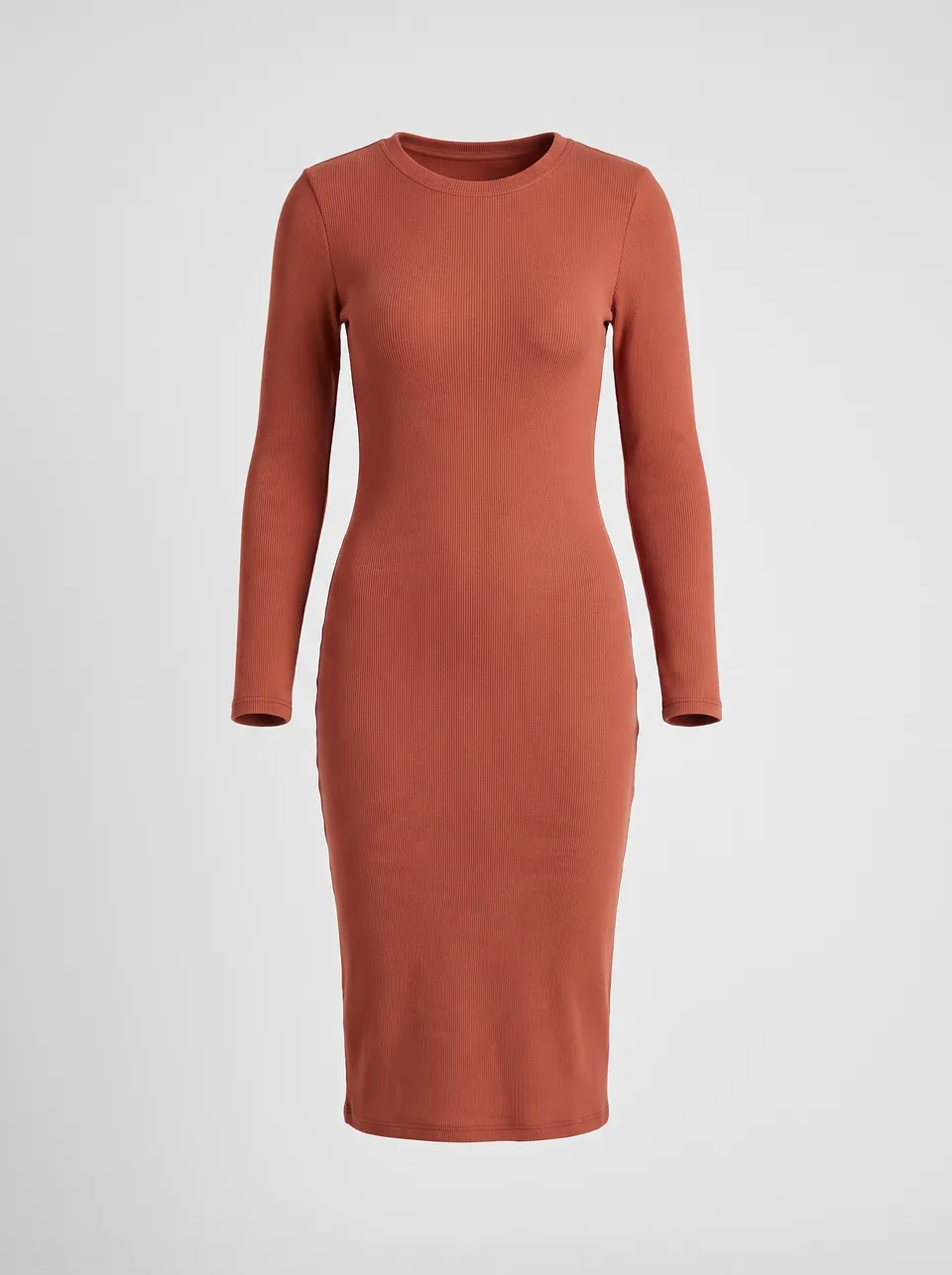
Terracotta rib-knit midi dress 01Product
Upload the product
Terracotta rib-knit midi dress. A single photo is enough; no model, studio or crew needed.
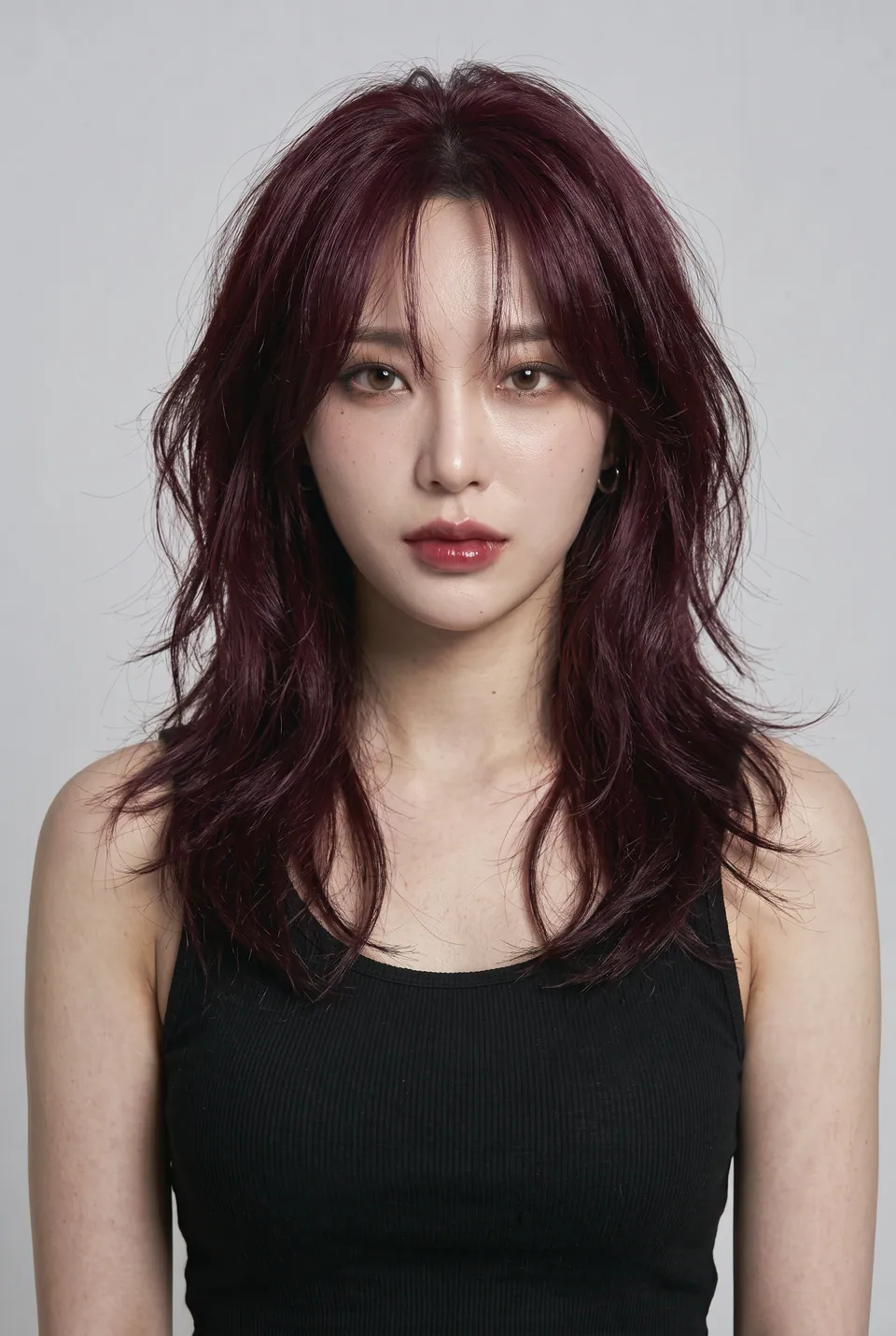
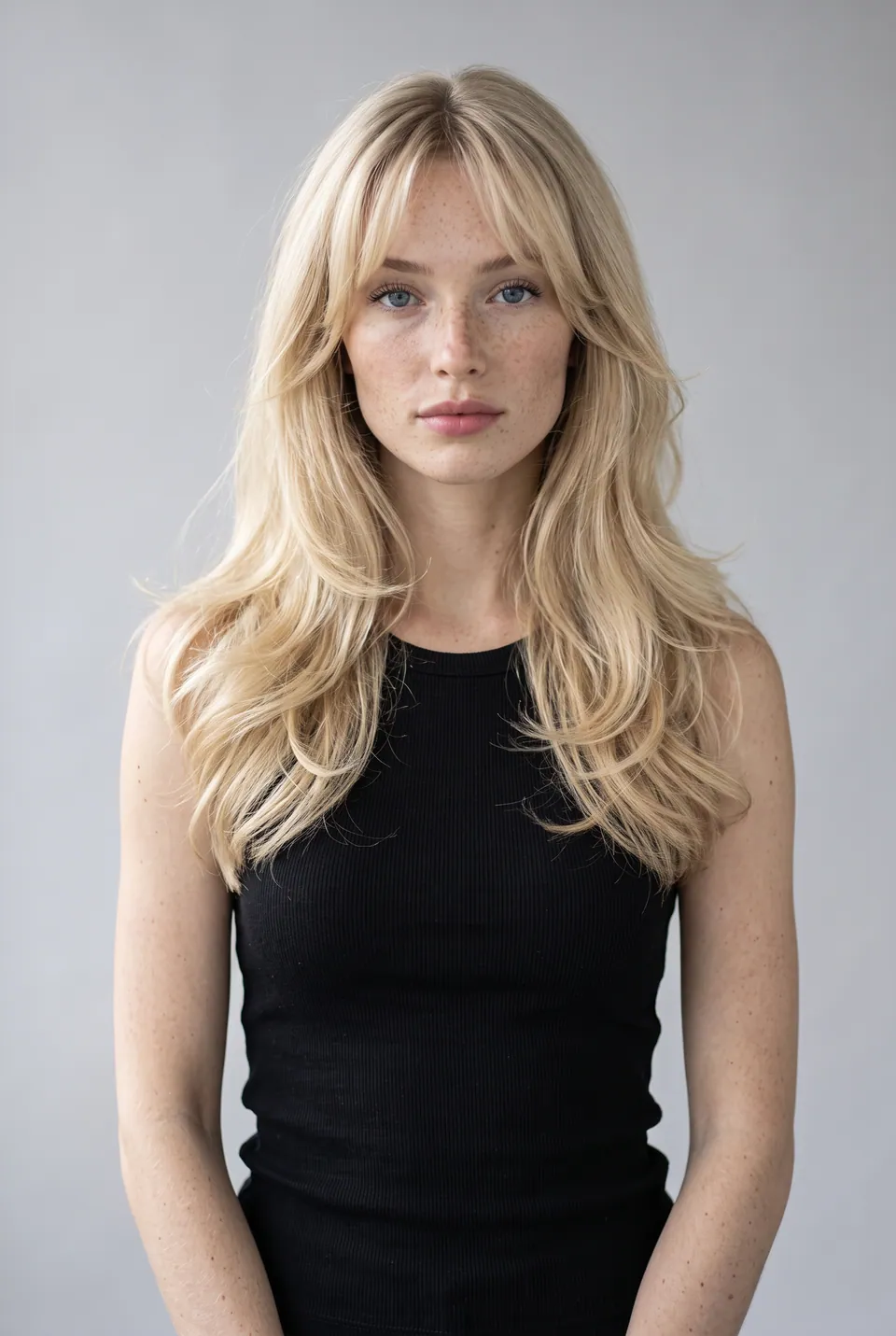
Jiwoo
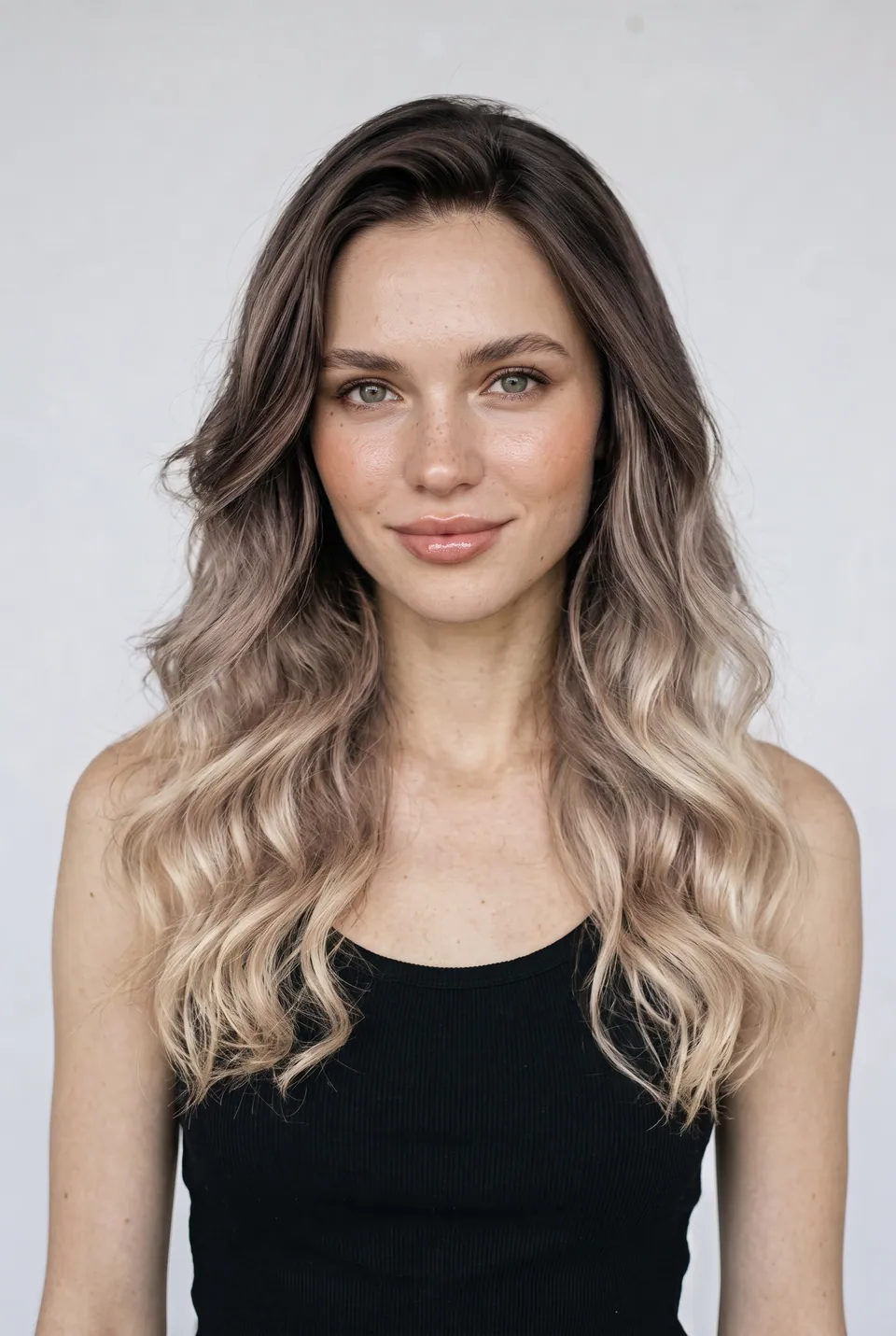
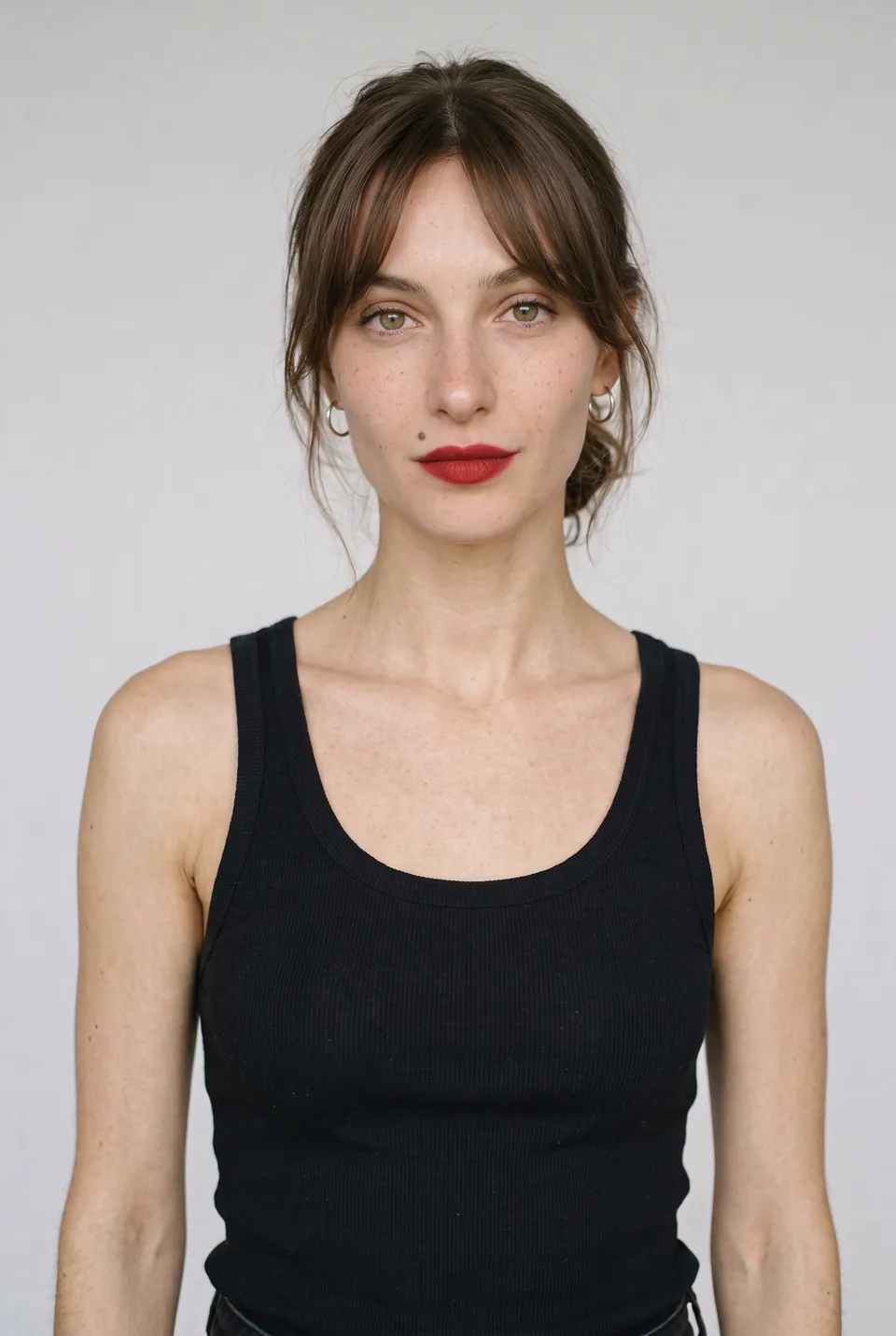
02Model
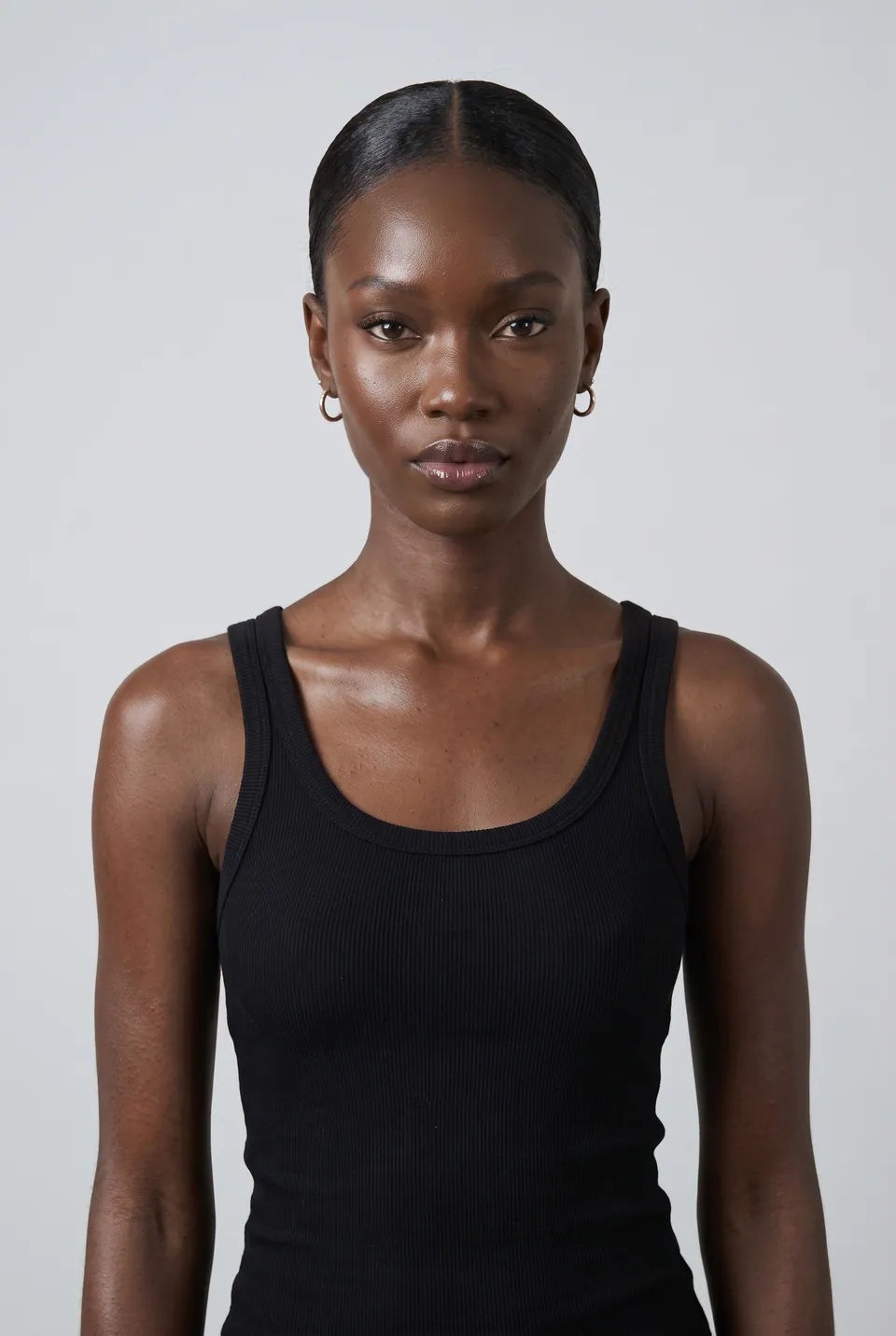
Choose the model
Jiwoo was picked from the catalog. Her face and body stay the same in every frame.
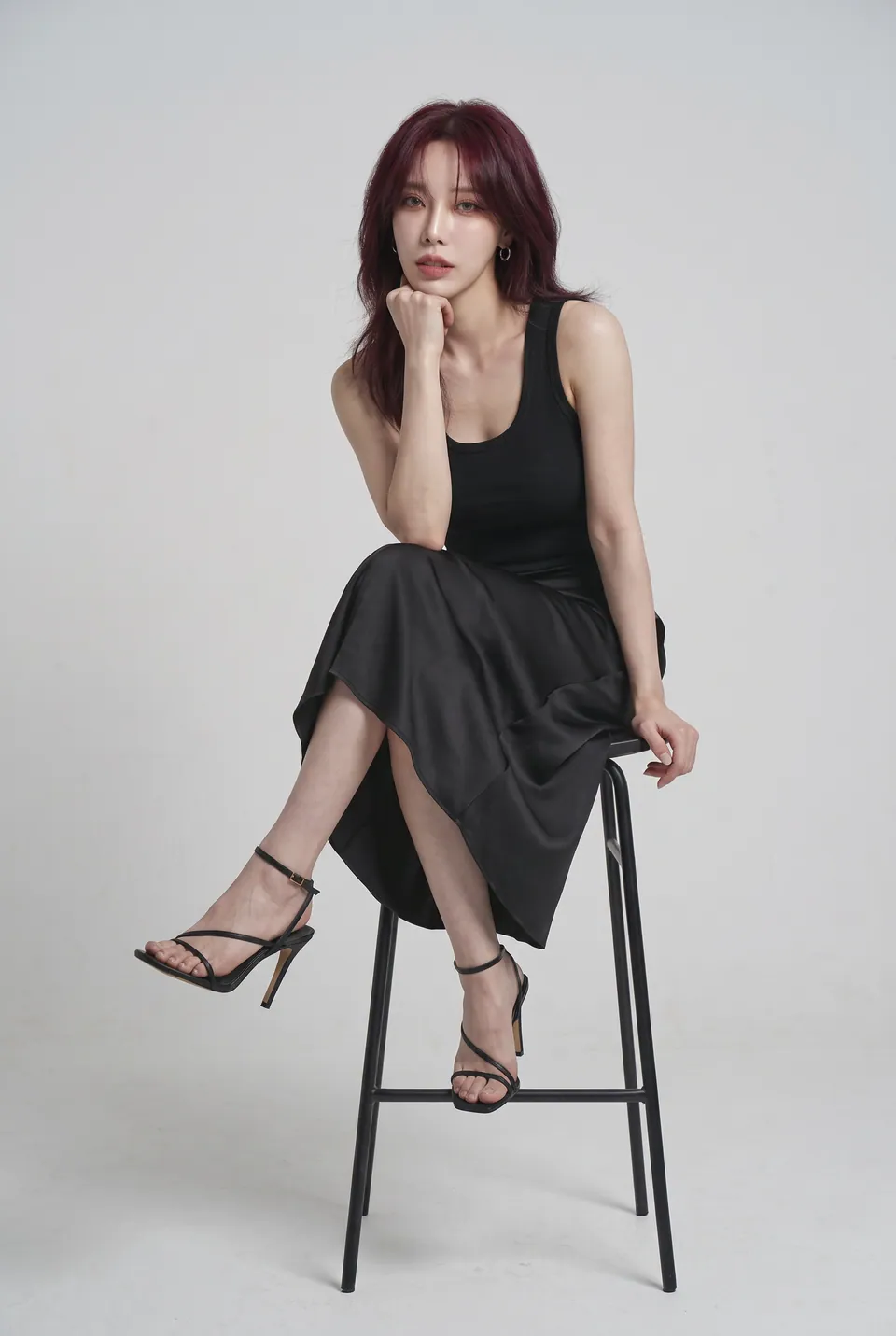
Standing 03Poses
Set the poses
Jiwoo's ready pose bases. Identity and pose are fixed; only the garment changes.
- LoraLook
Terracotta rib-knit midi dress
04Result
Get the result
The Terracotta rib-knit midi dress became a ready-to-publish frame on Jiwoo. No studio, crew or shoot day needed.
- Pose baseLoraLook
Standing 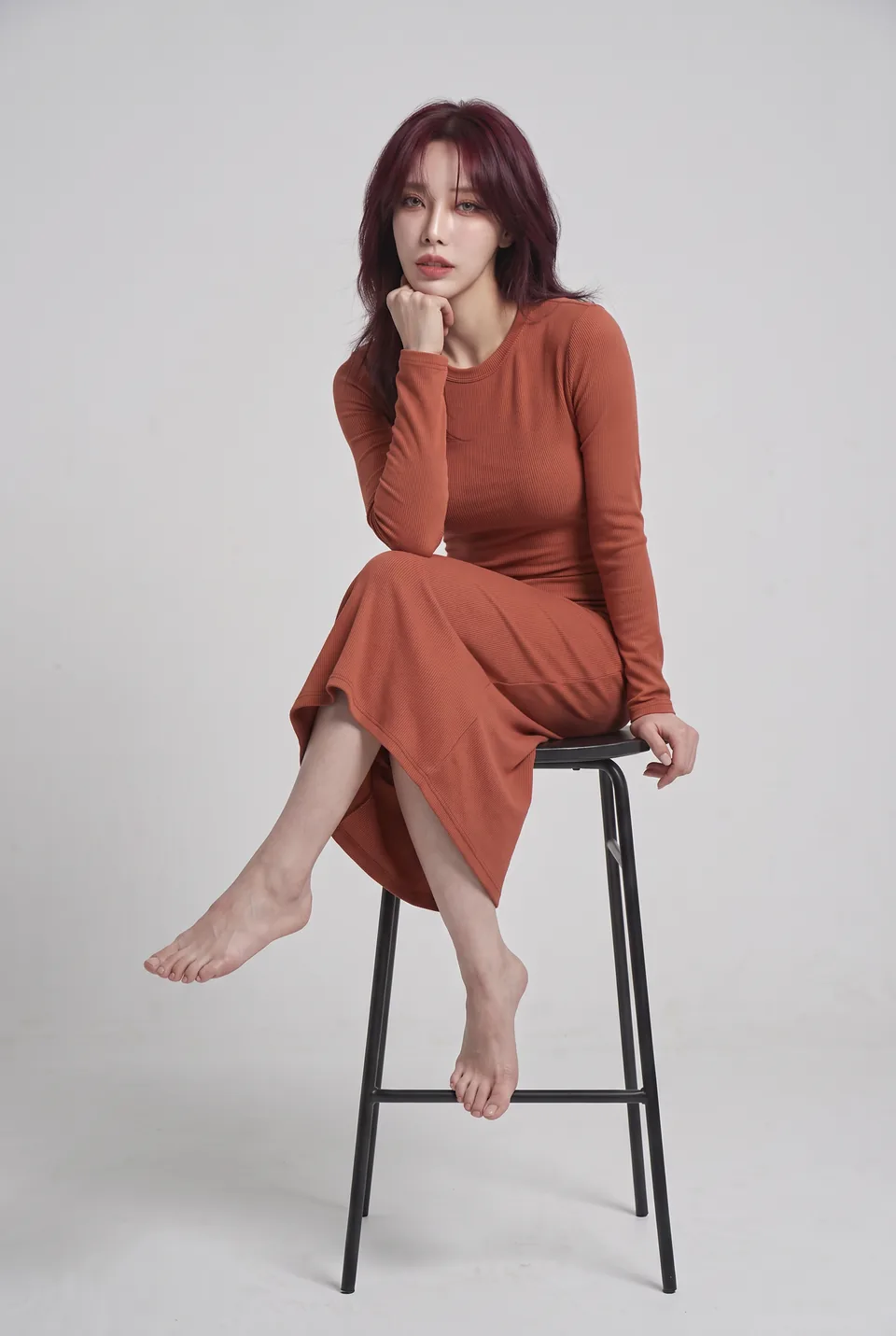 Pose baseLoraLook
On a stool 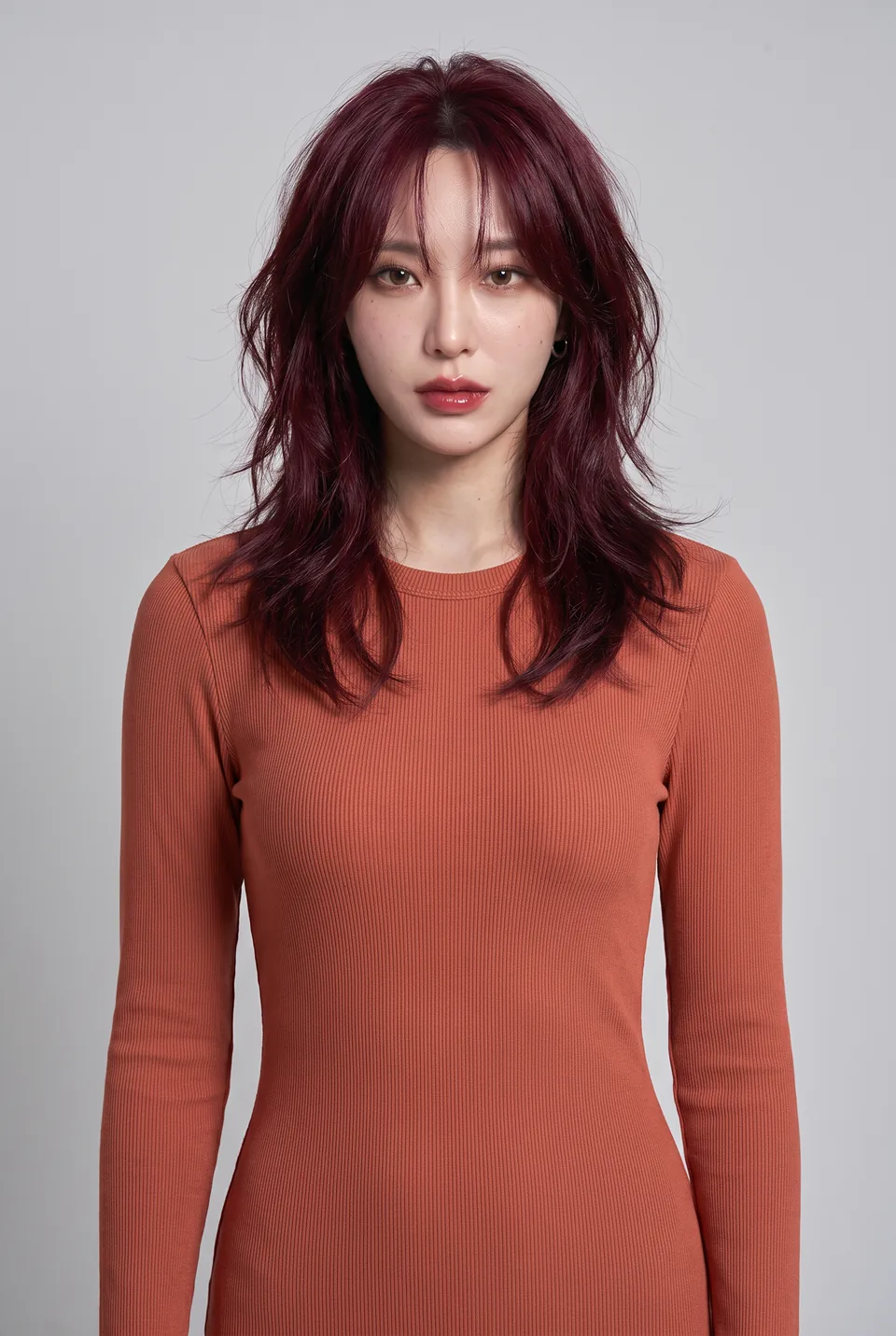 Pose baseLoraLook
Waist up 05Result
The same product in every pose
The same product on Jiwoo in three poses. Hover a frame to see the pose base it came from.
- Pose baseLoraLook
Jiwoo 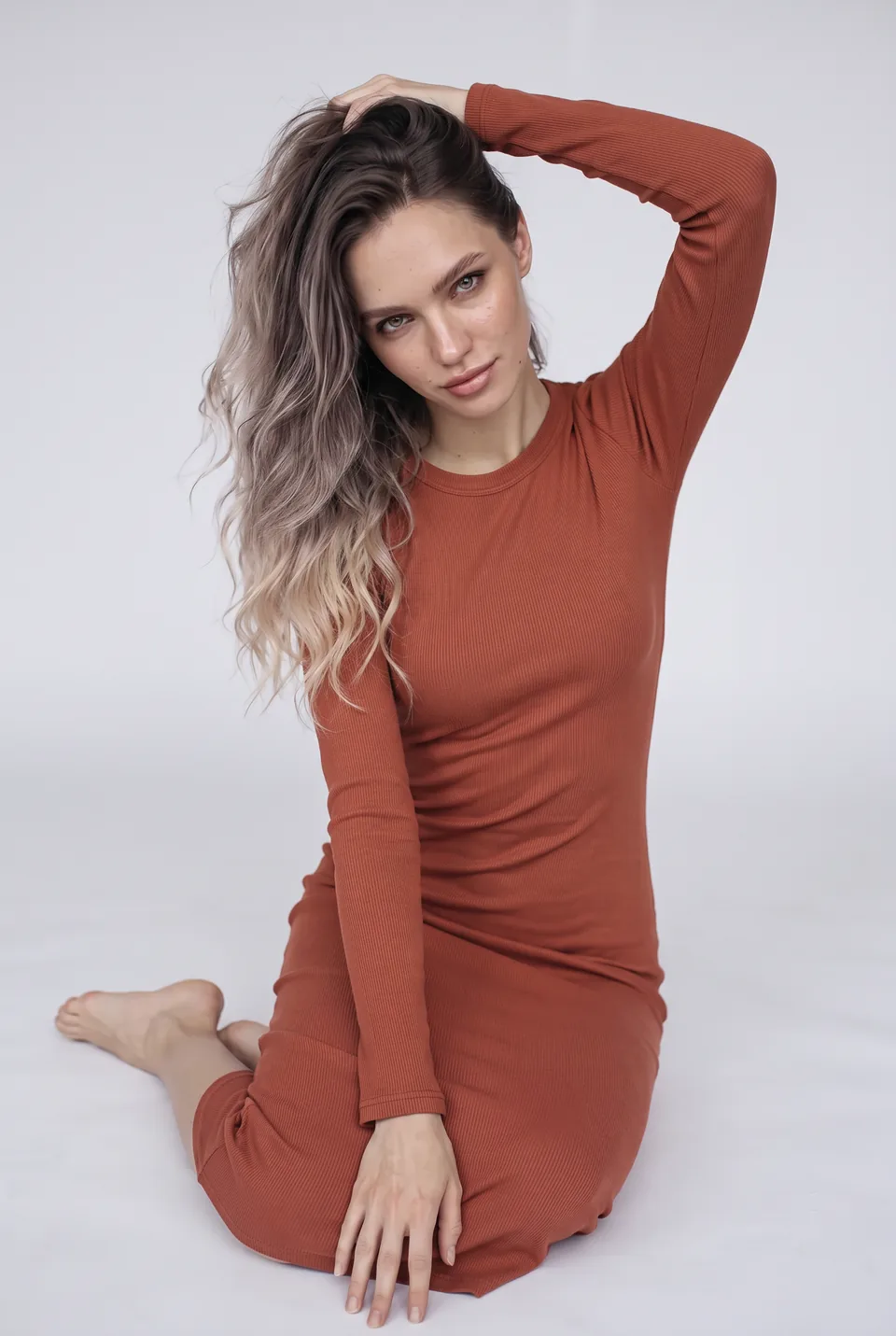
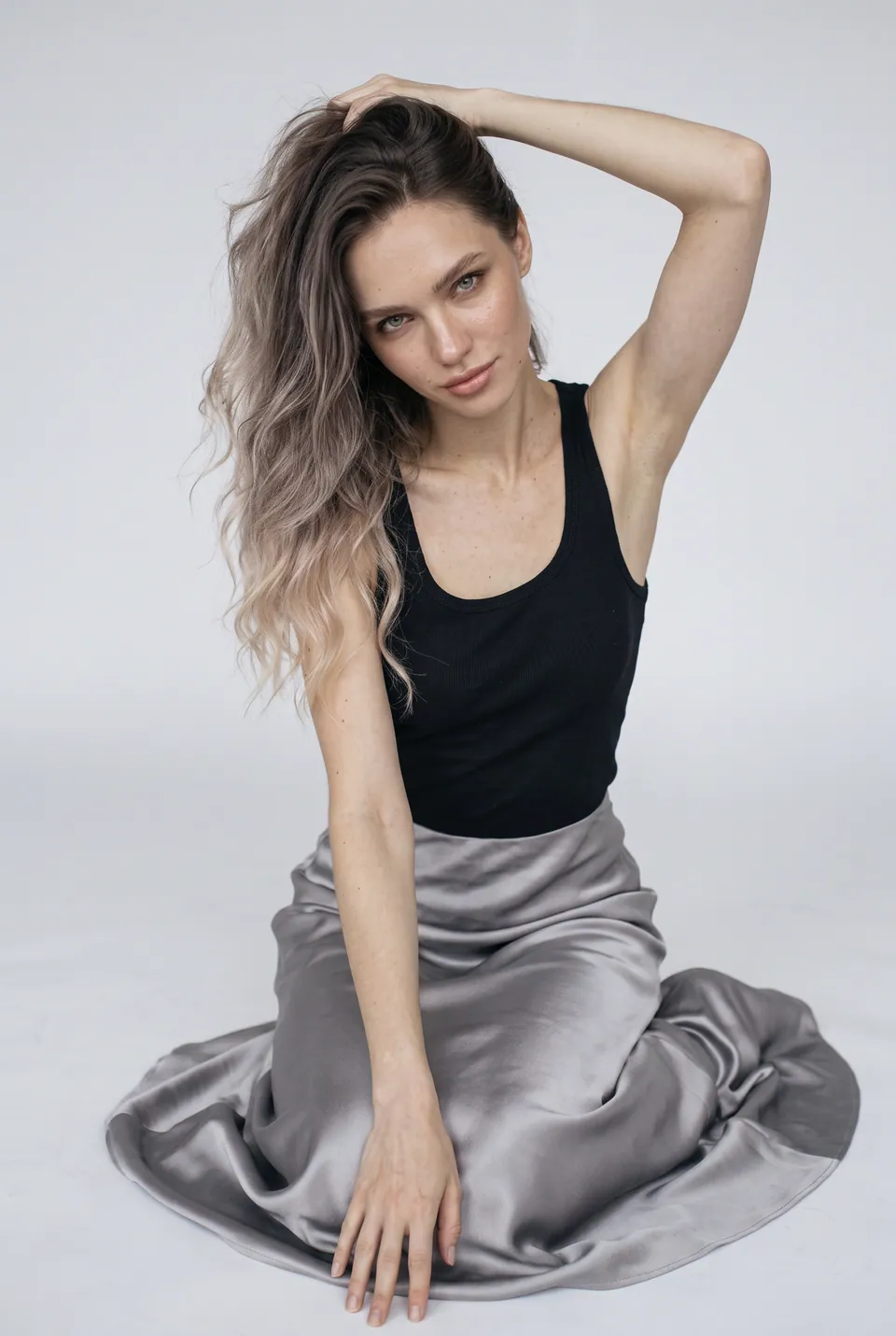 Pose baseLoraLook
Polina 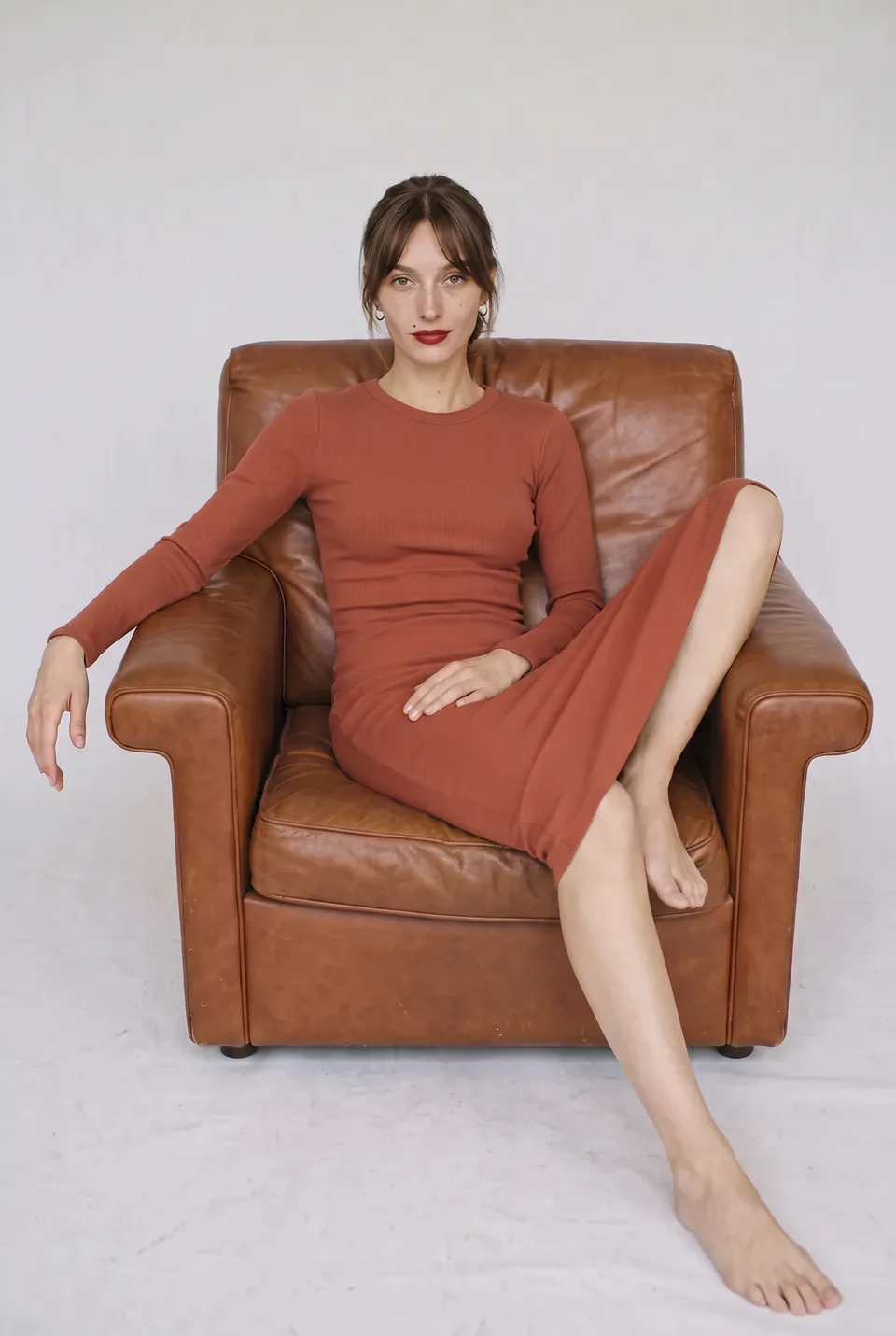 Pose baseLoraLook
Camille 06Diversity
Same product, different model
Try the same product on other faces; each model in her own pose.
You choose the format and quality
Aspect ratio, resolution and delivery are yours on every generation; the ratio you pick shows up in the preview instantly.
Ratio
Resolution
Delivery
1:1 · 2KWhich ghost mannequin photos work best?
Sample inputUpload like this
- Place the mannequin in front of a plain backdrop
- Shoot the product from the front, full length
- Use even, soft light
Avoid these
- Busy shop-window backgrounds
- Side angles or very tight framing
A model shoot or ghost mannequin to model with AI?
Send straight to your store and marketplaces






Frequently asked questions
Ghost mannequin to model: frequently asked questions
Can't find your answer? Write to us at info@loralook.com.
The cut and drape of the garment are read from the photo; the mannequin itself does not appear in the result.
That is the goal. Every frame passes quality control; if a pattern, logo or cut is distorted, the frame is rejected and its credit refunded.
Yes. Choose from more than 200 poses; because each pose comes from a ready reference, the model stays the same in every frame.
A plain backdrop, even light and a front-on frame showing the whole product are enough. A short edge of 1024 pixels or more is recommended.
Generate with the same model and scene and every frame looks like part of one series. For many products, use collection mode.
Each model × pose frame is one credit at standard resolution; 2K and 4K cost extra. The full cost is shown before you start.
Other solutions
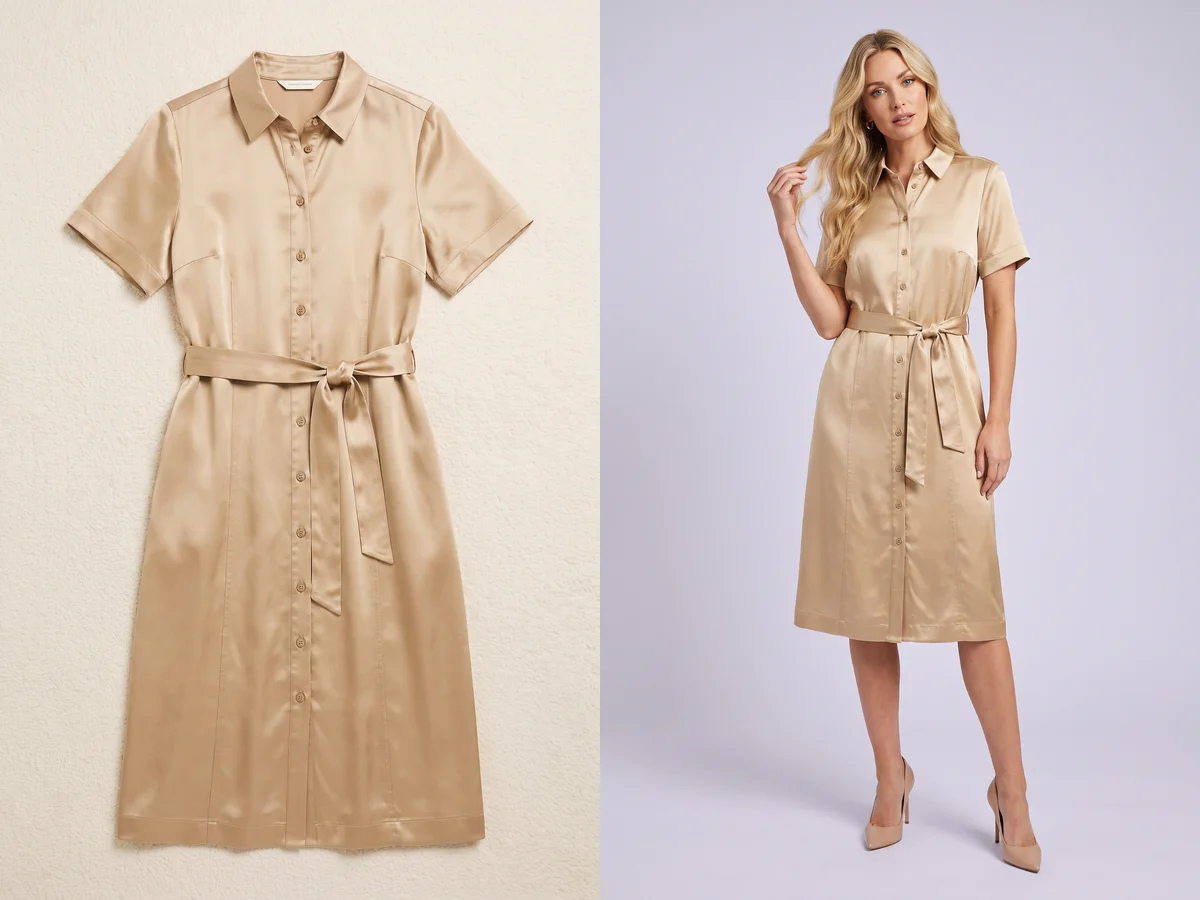
Flat lay → on-model→
From a flat lay product photo to an on-model shot.

On-model reshoot→
Swap the model and the scene in existing shoots.

Editorial shoot→
Campaign images with scene, pose and framing.
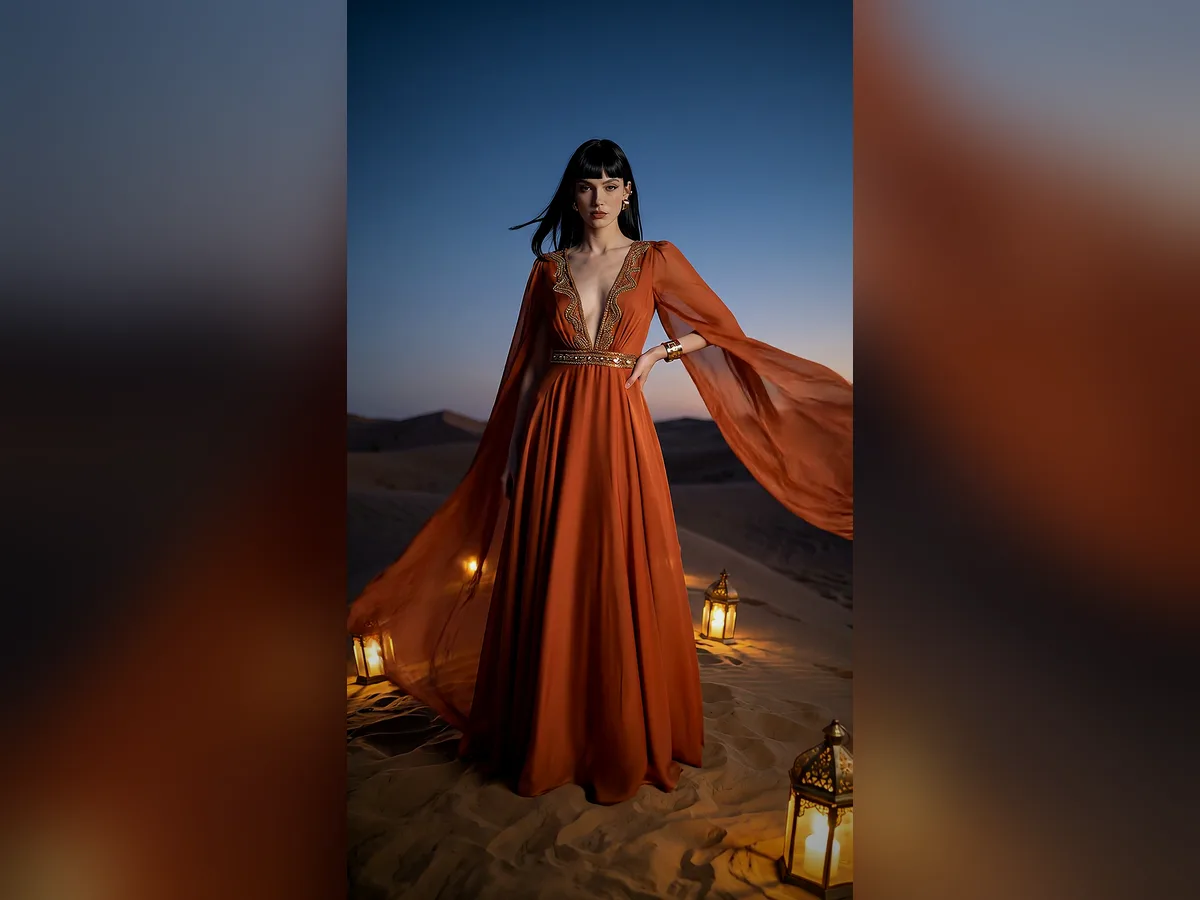
Short video→
Ad and storefront videos from a photo.
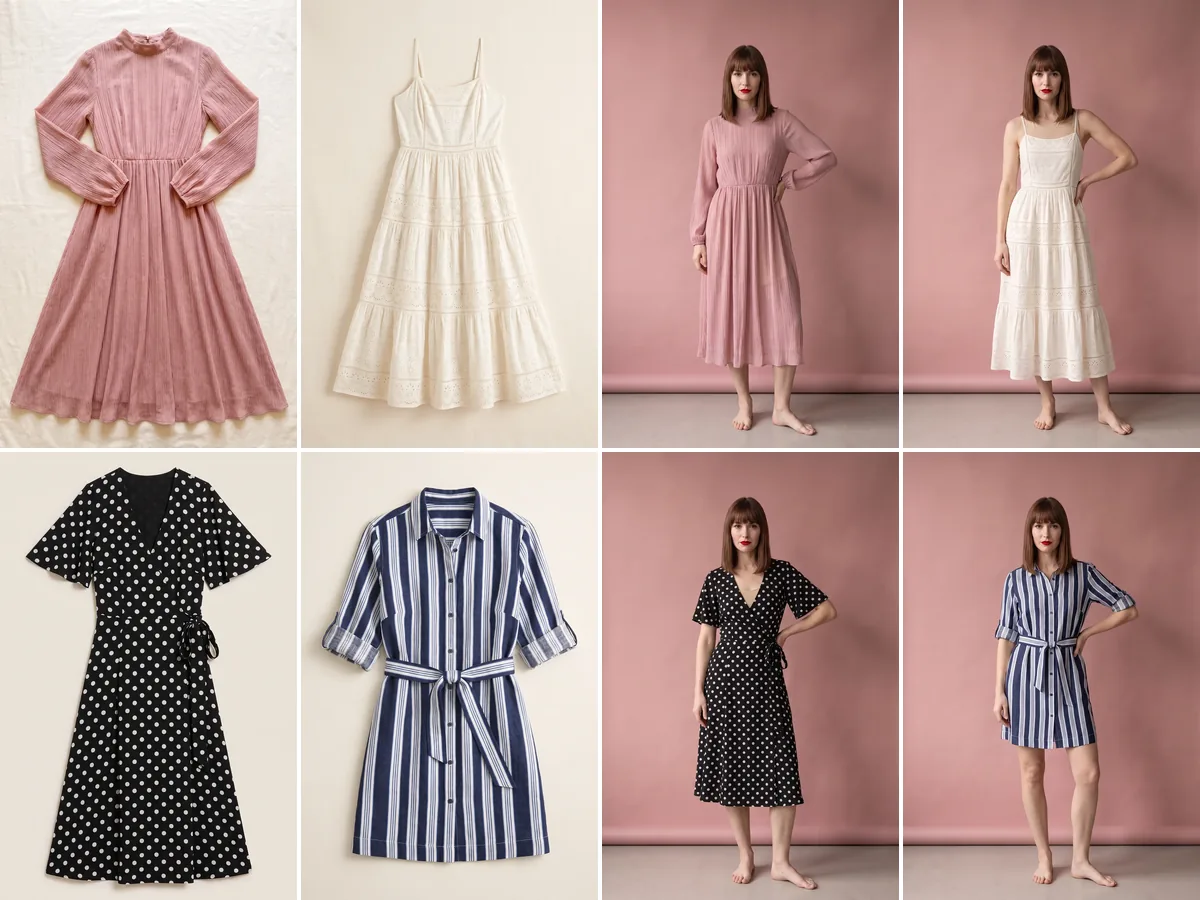
Collection mode→
The whole season at once, consistently.