

Bring flat lay photos to life
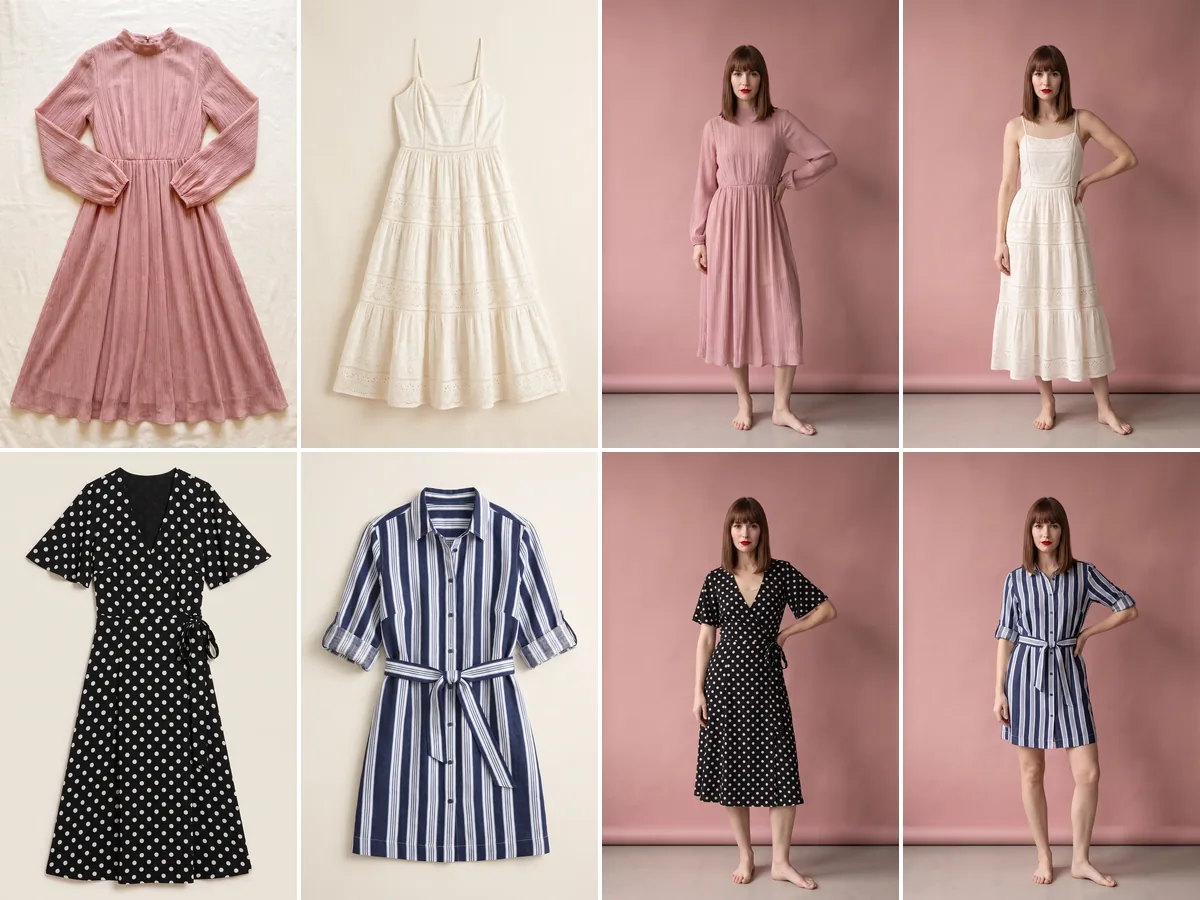
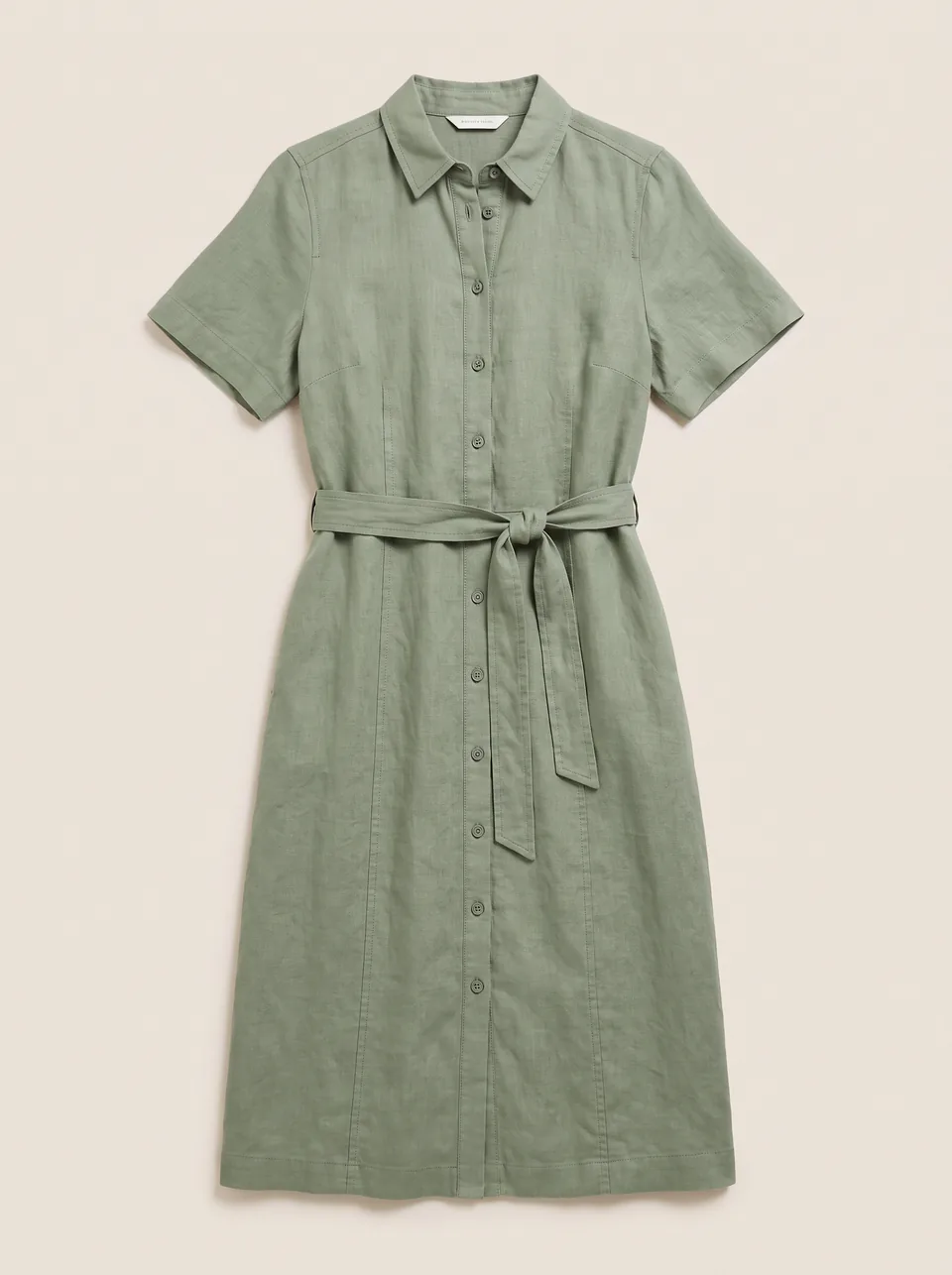
Only have flat lays? Get them on a model, in different poses, within minutes.
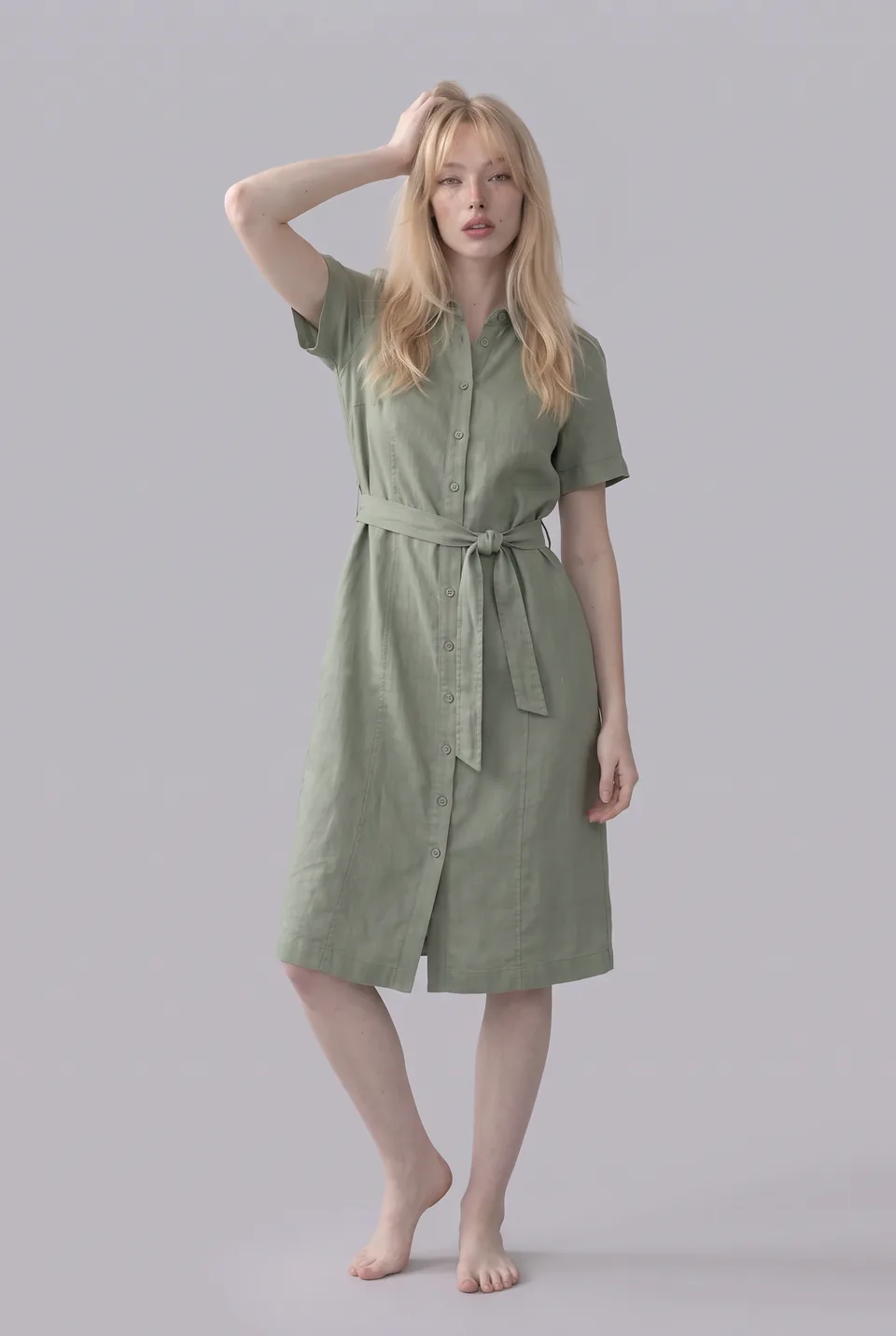
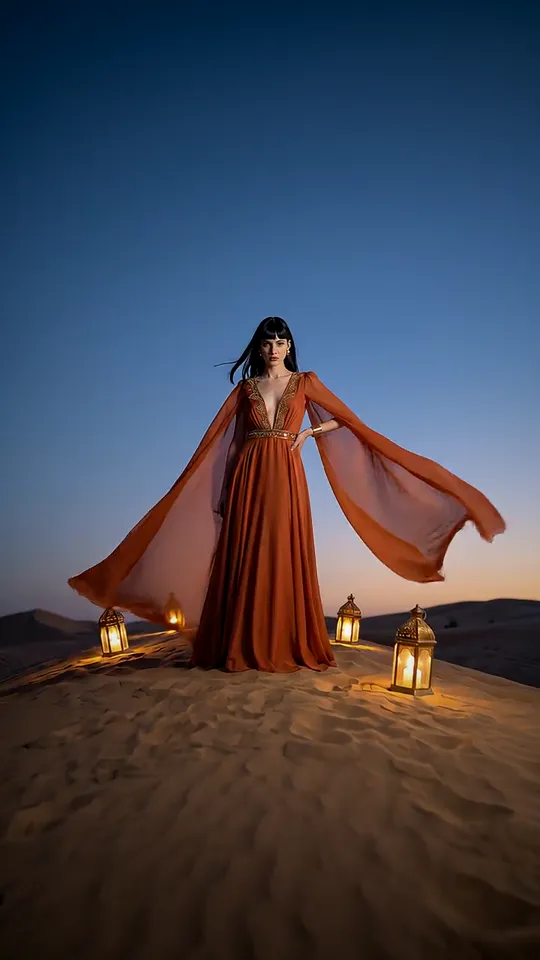
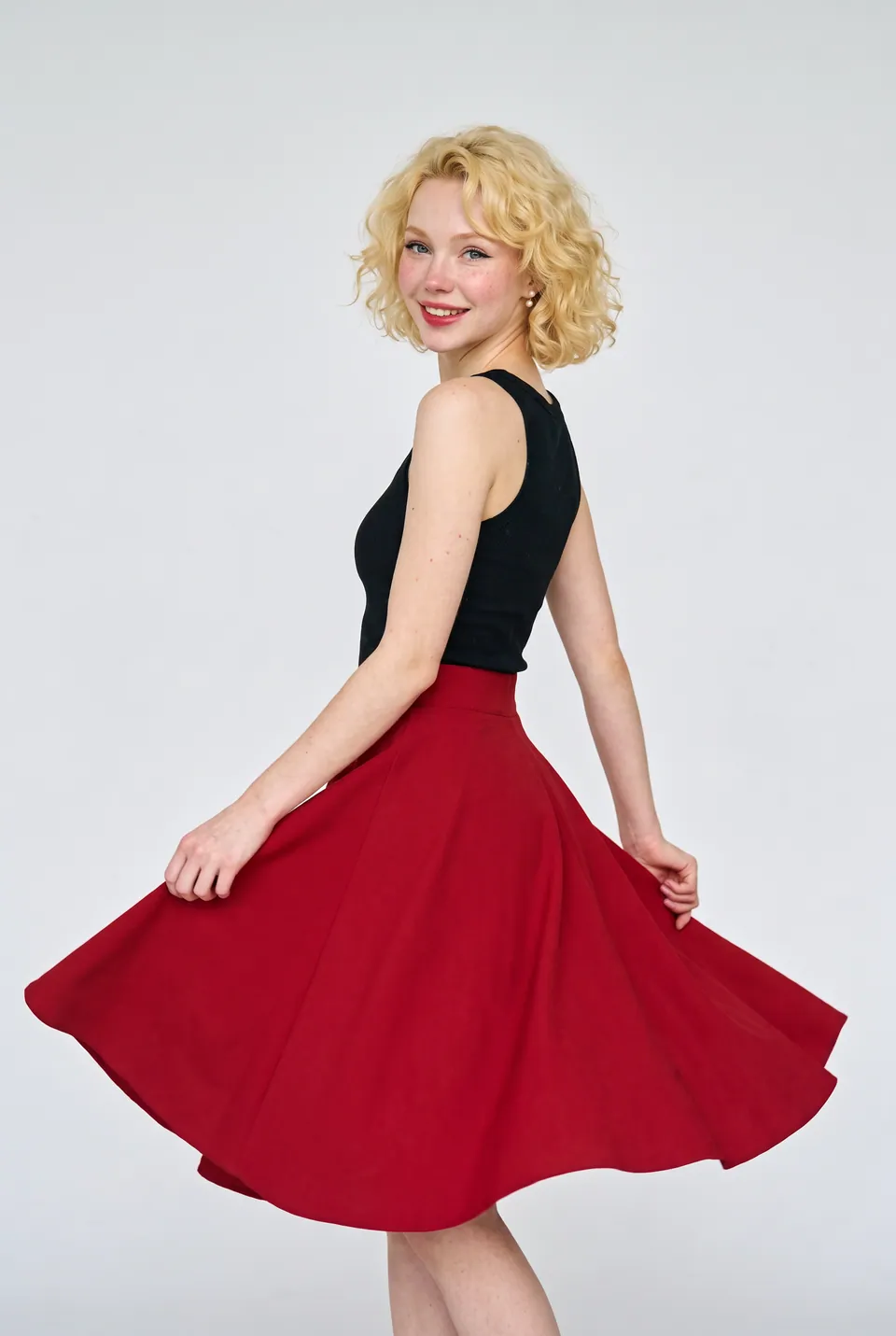
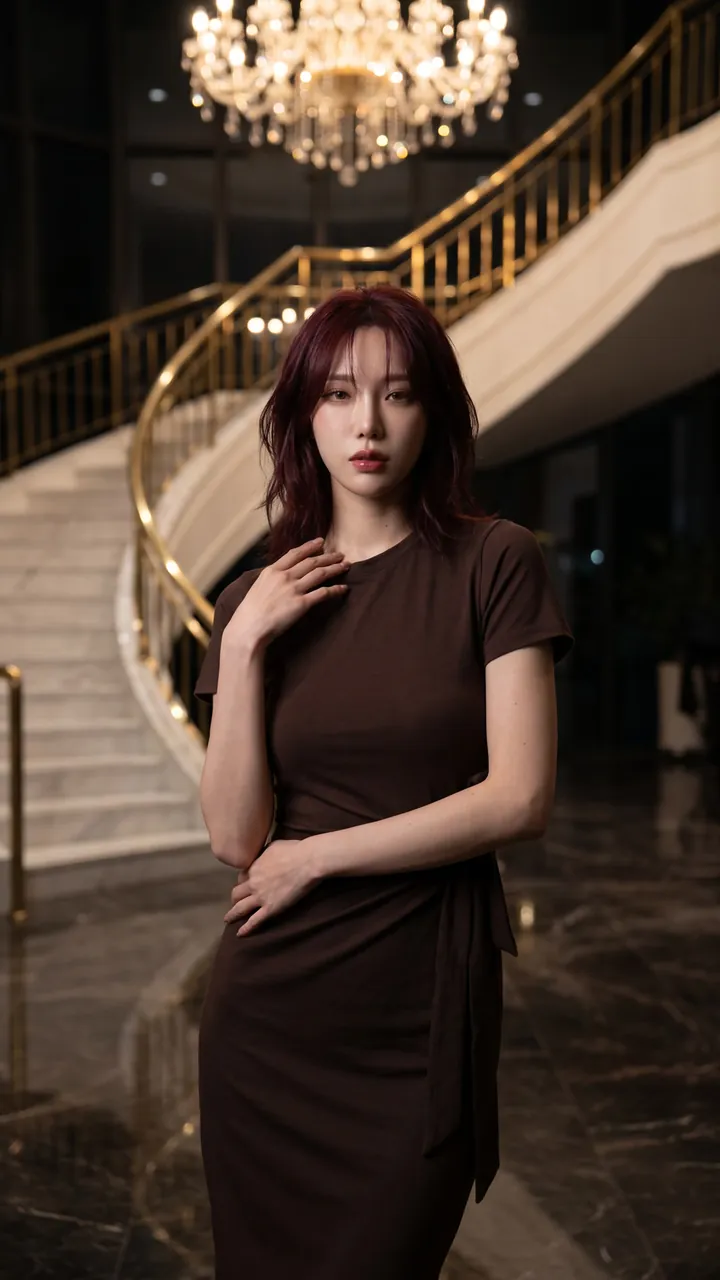
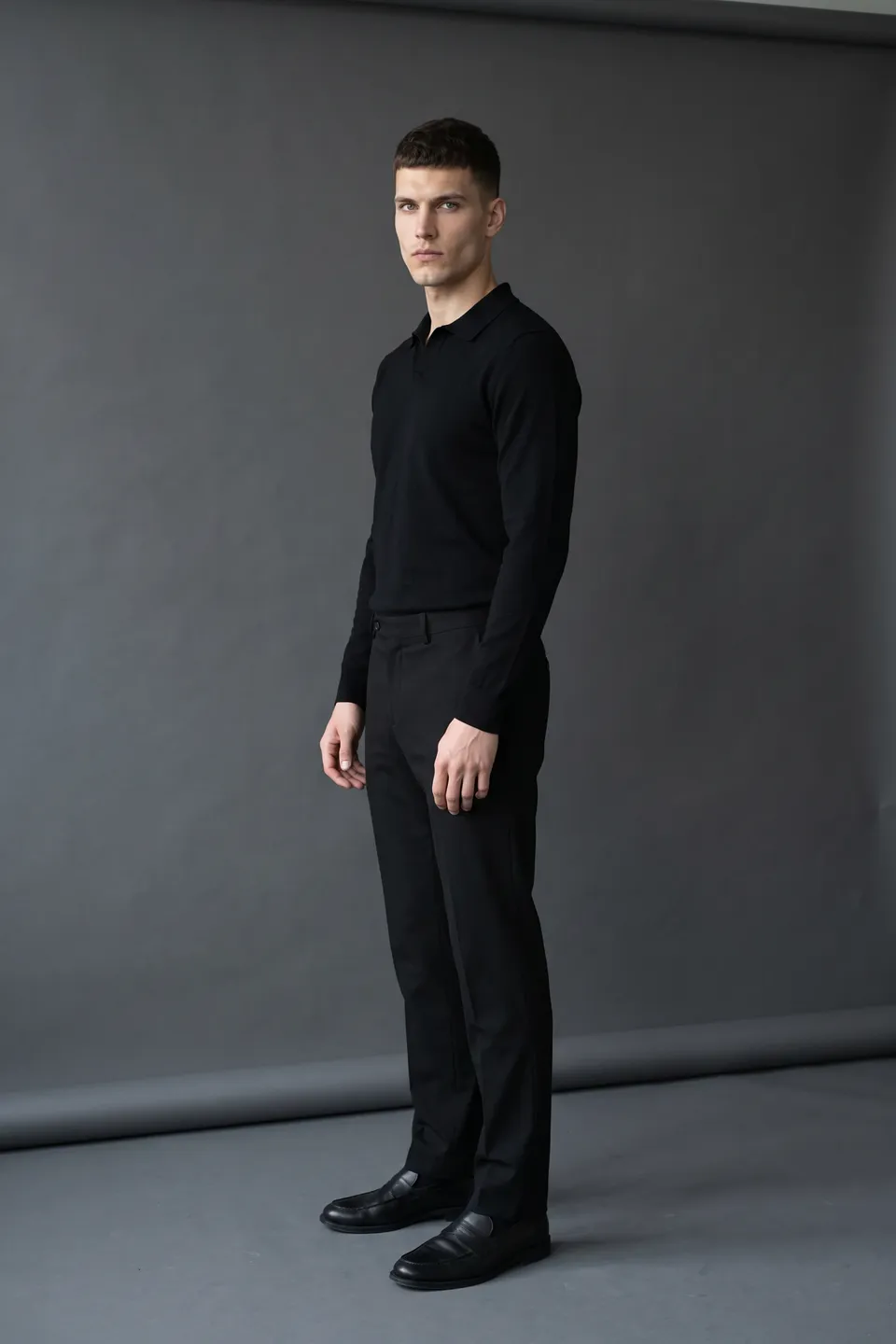
Real frames from the catalog
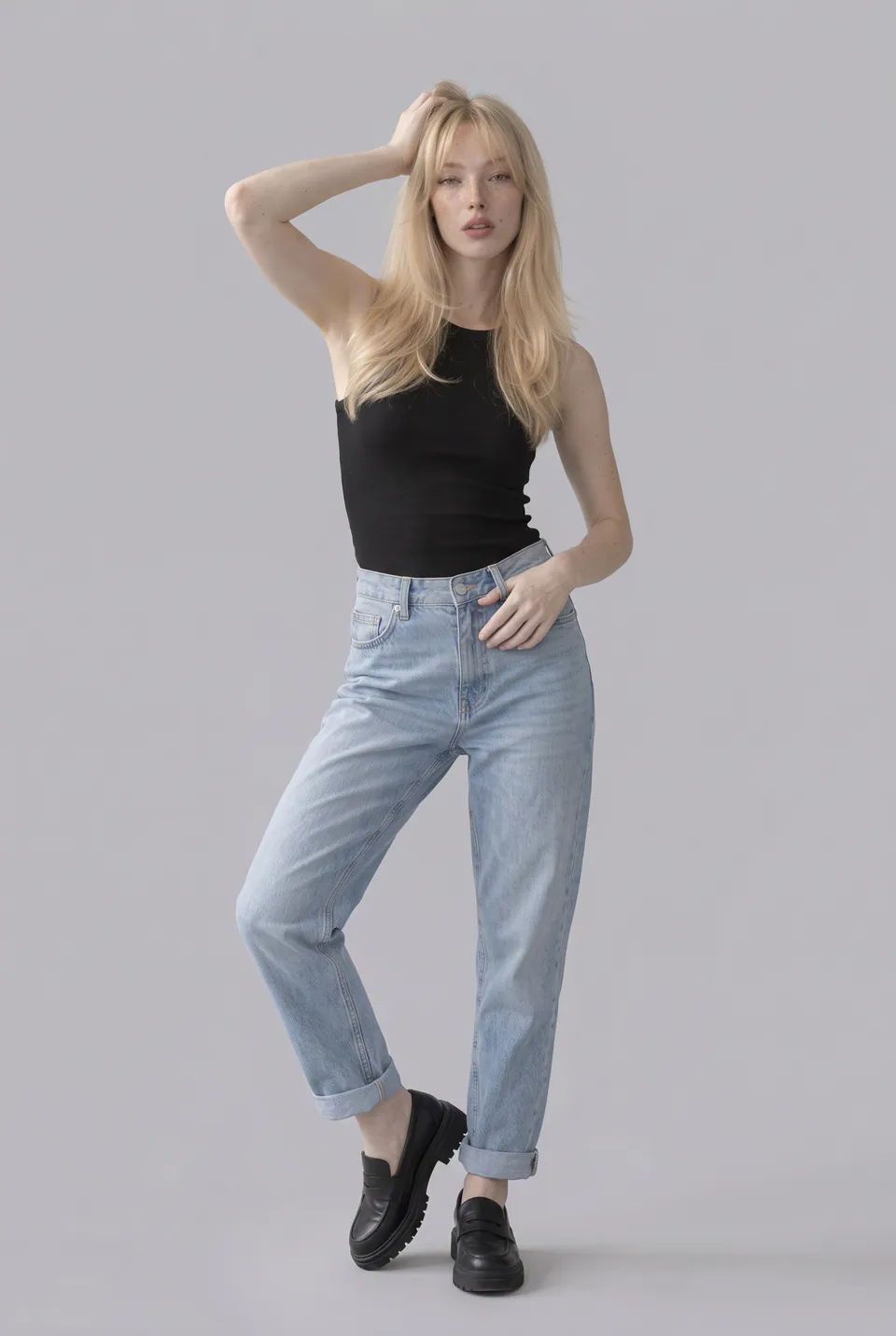
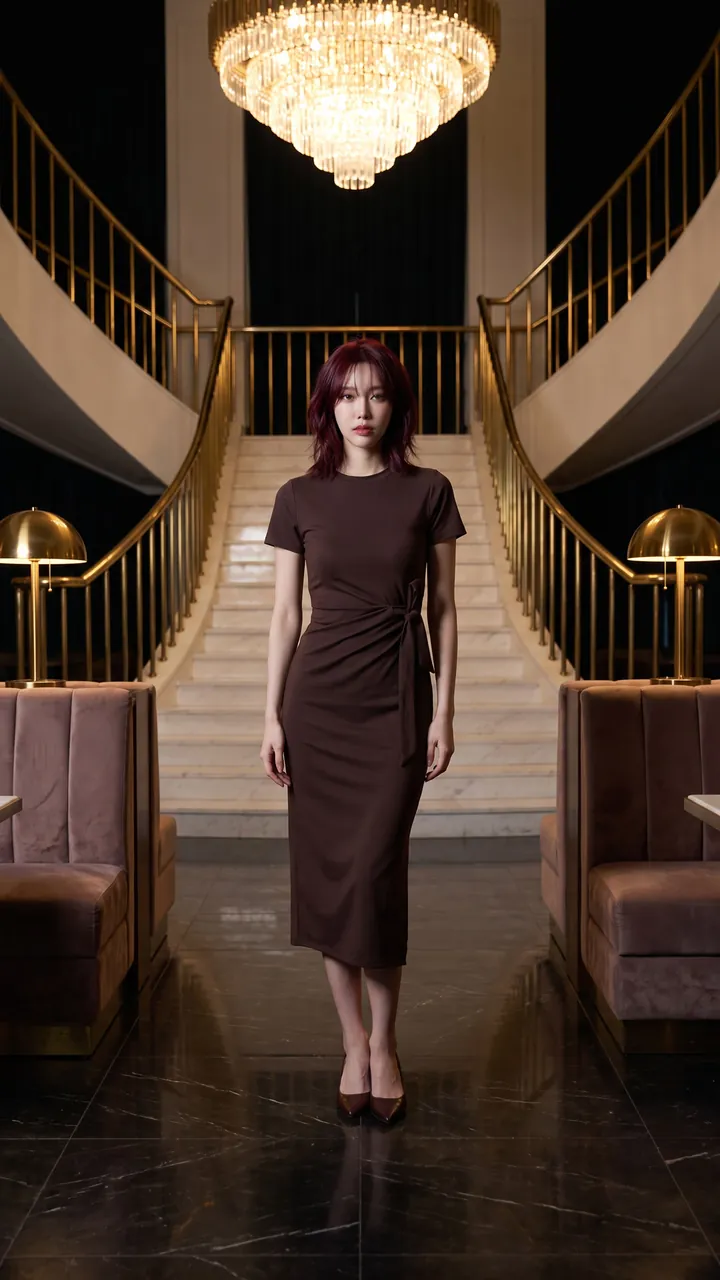
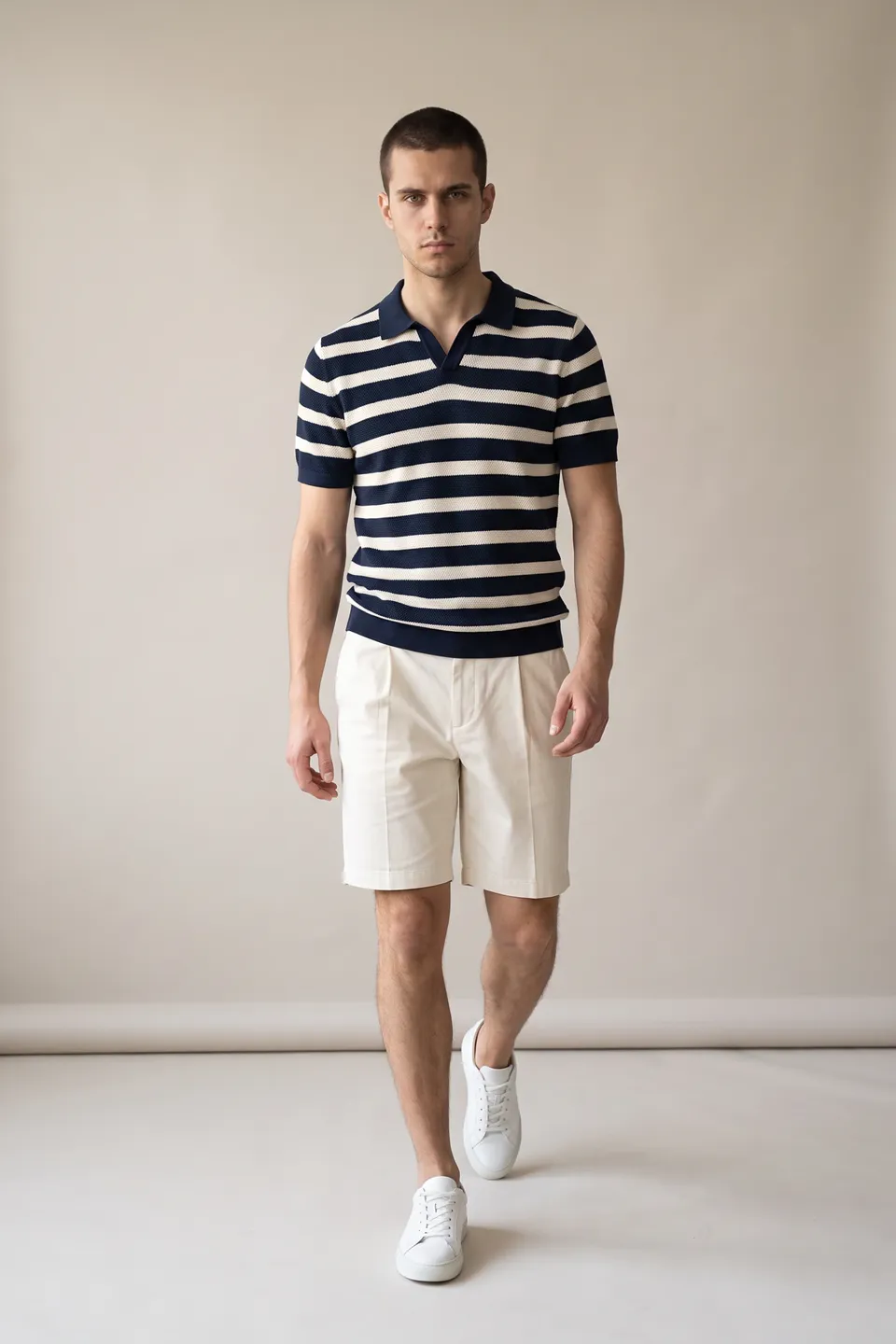
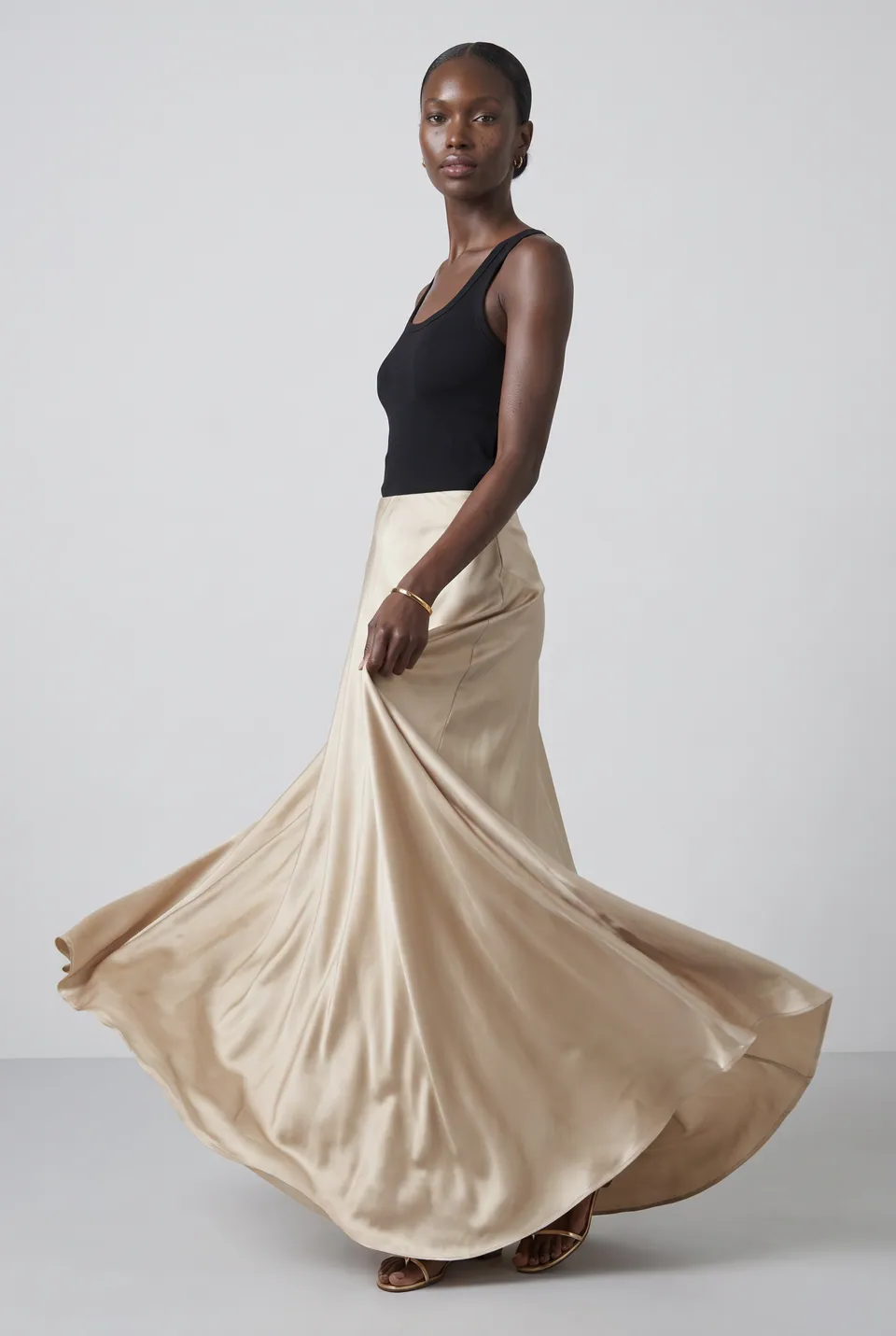
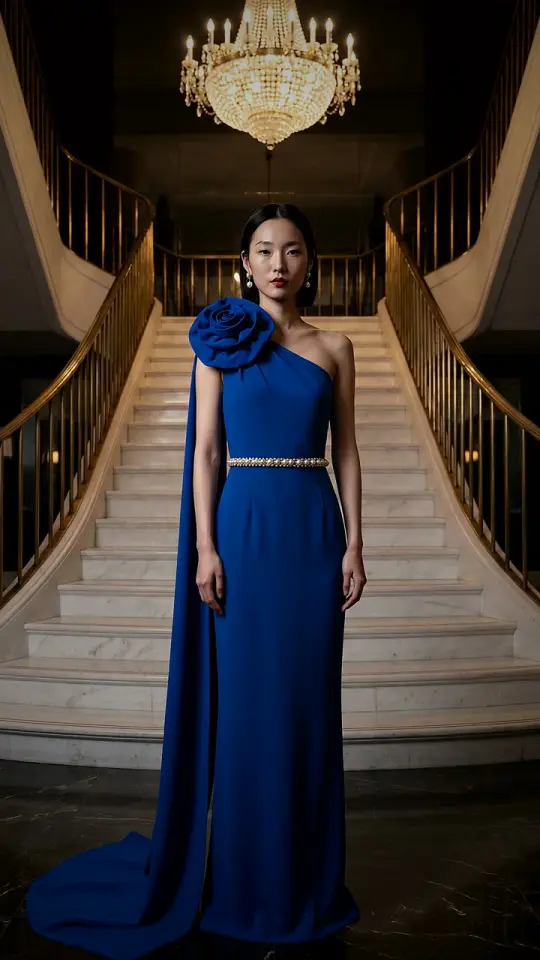
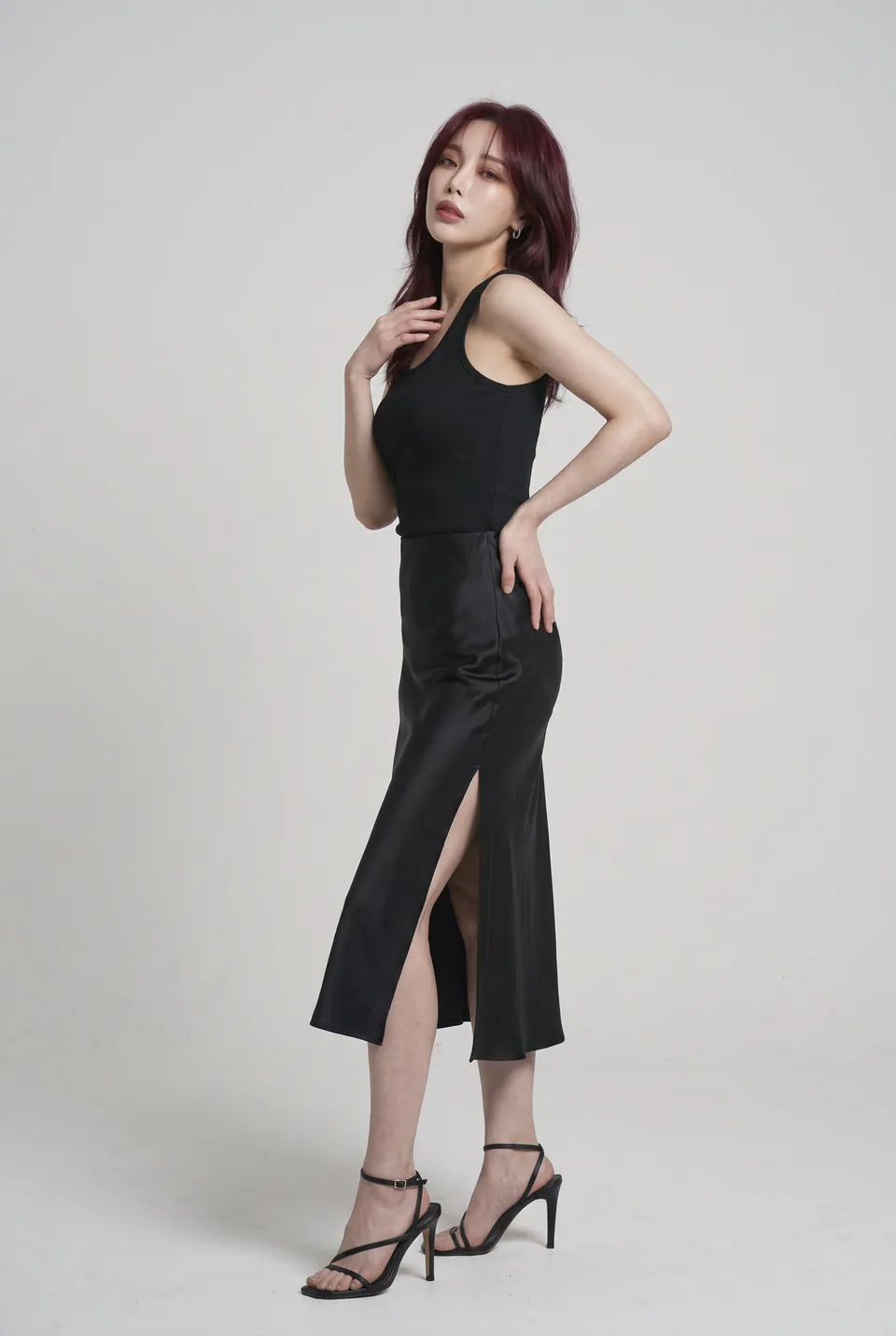
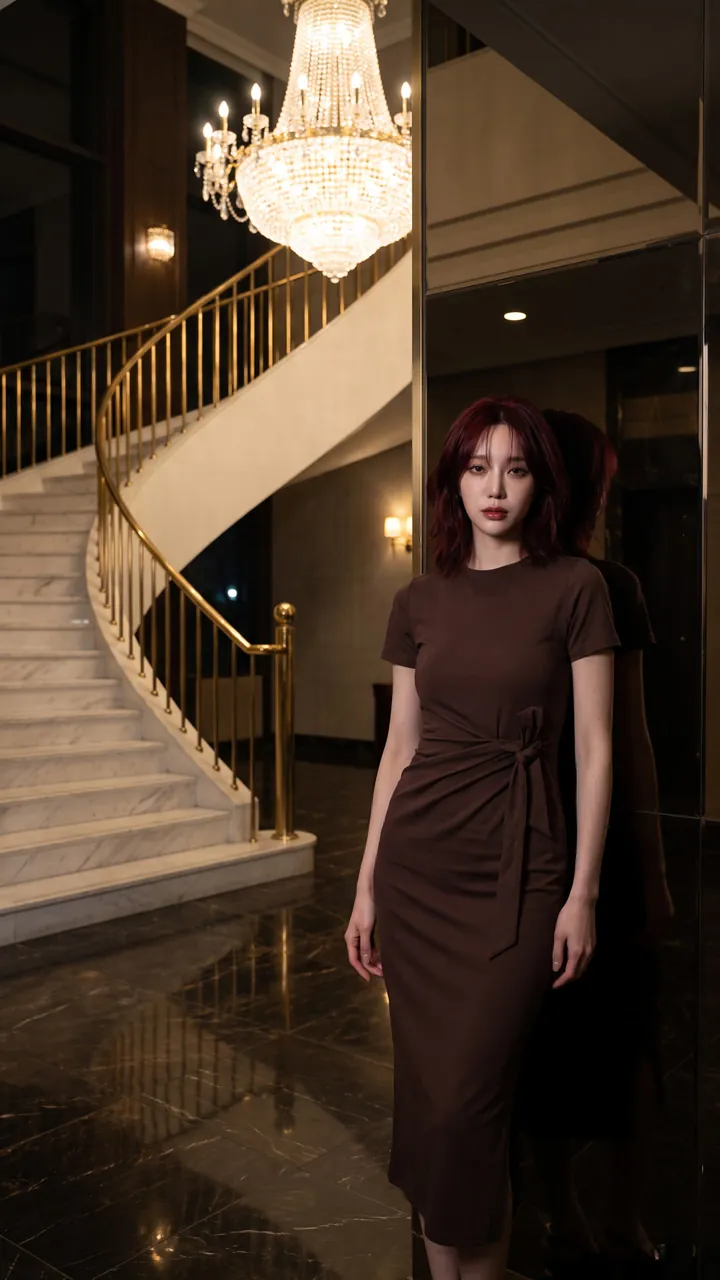
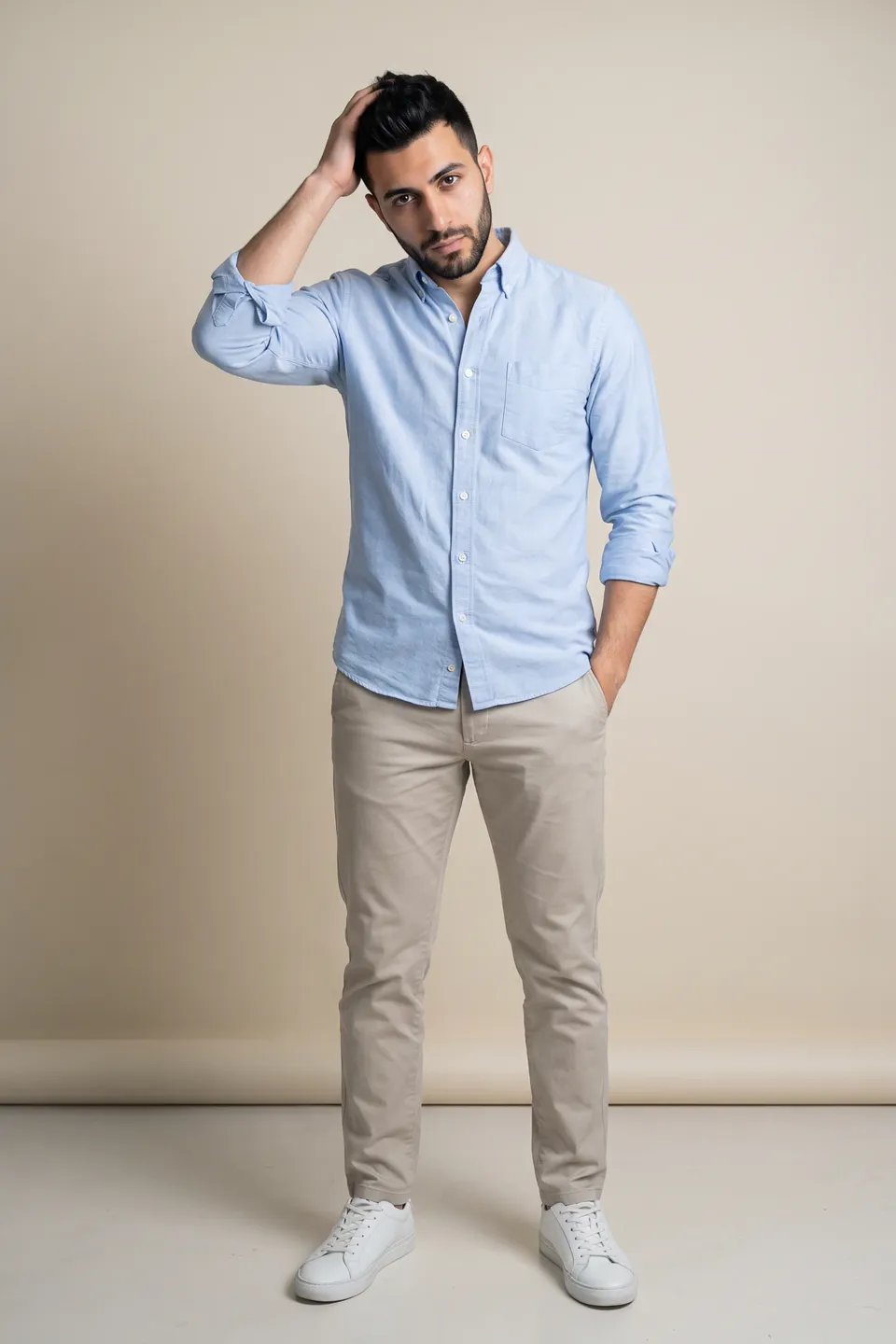
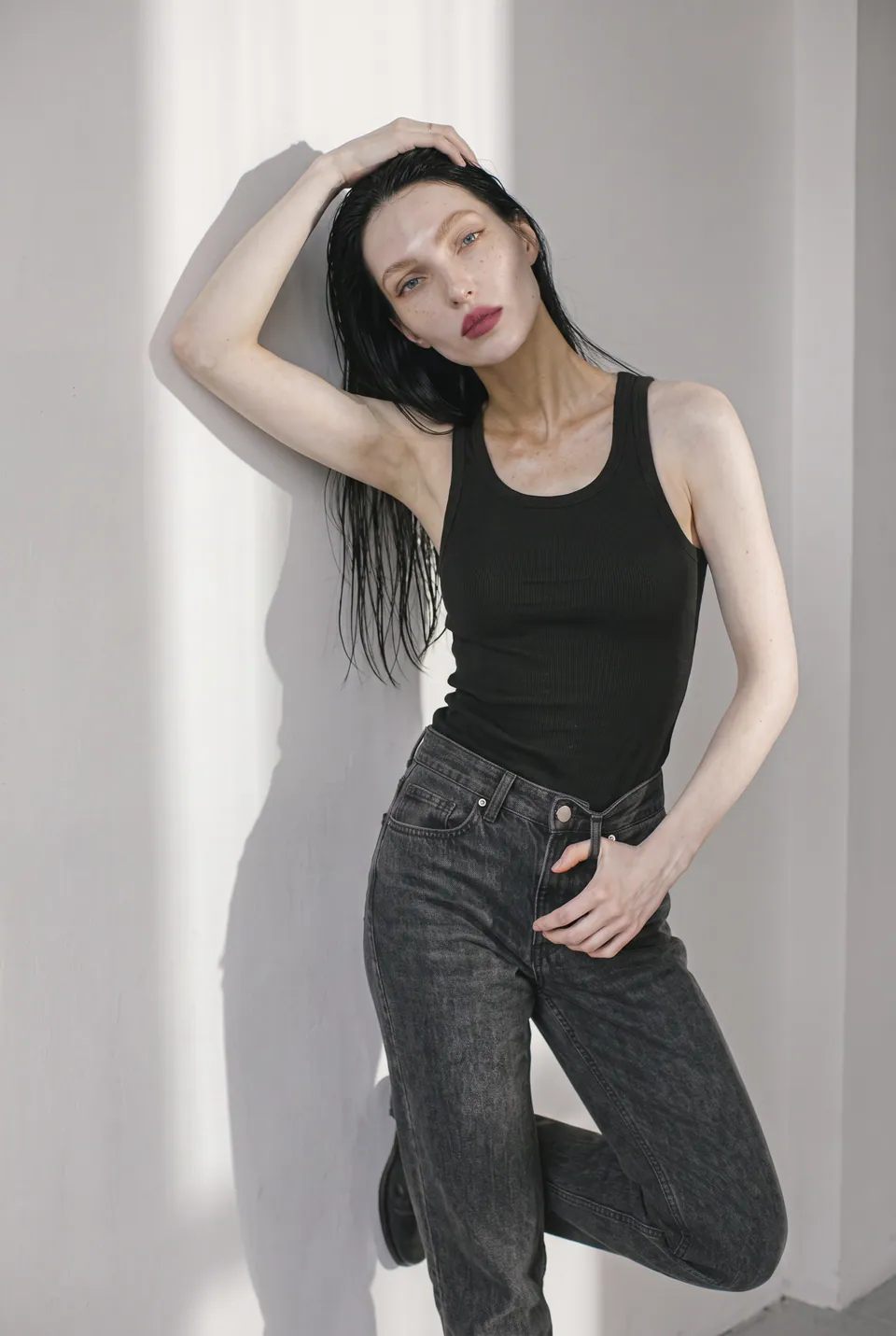
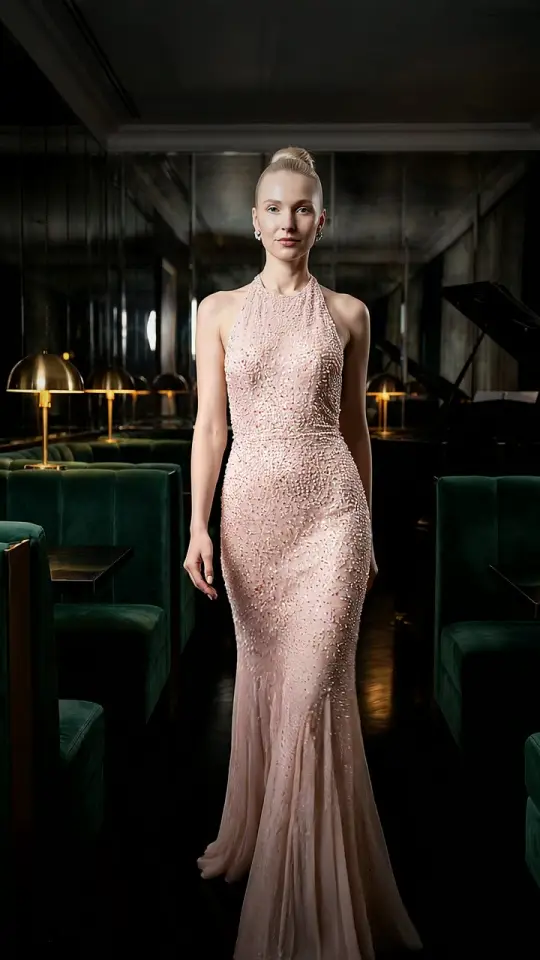
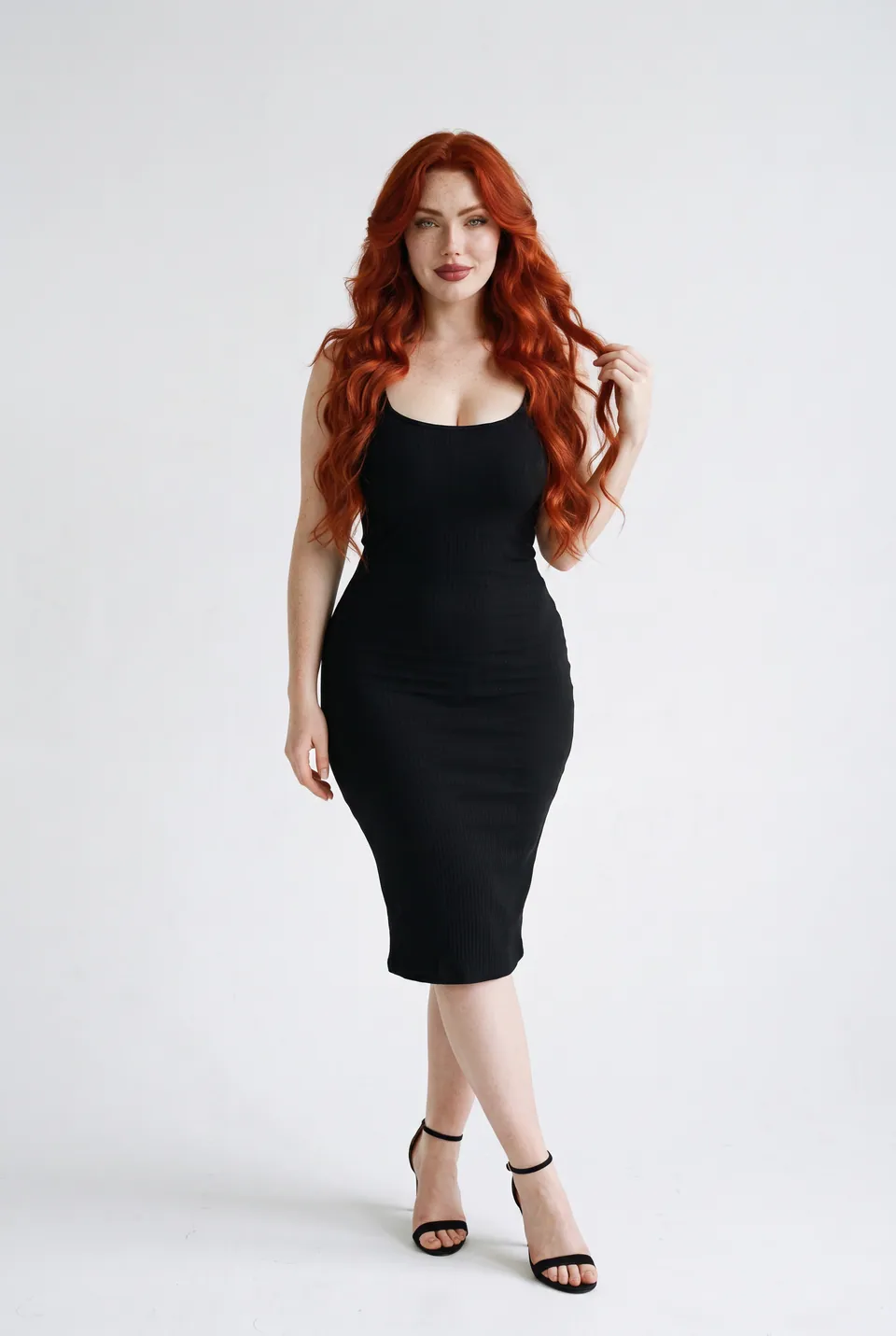
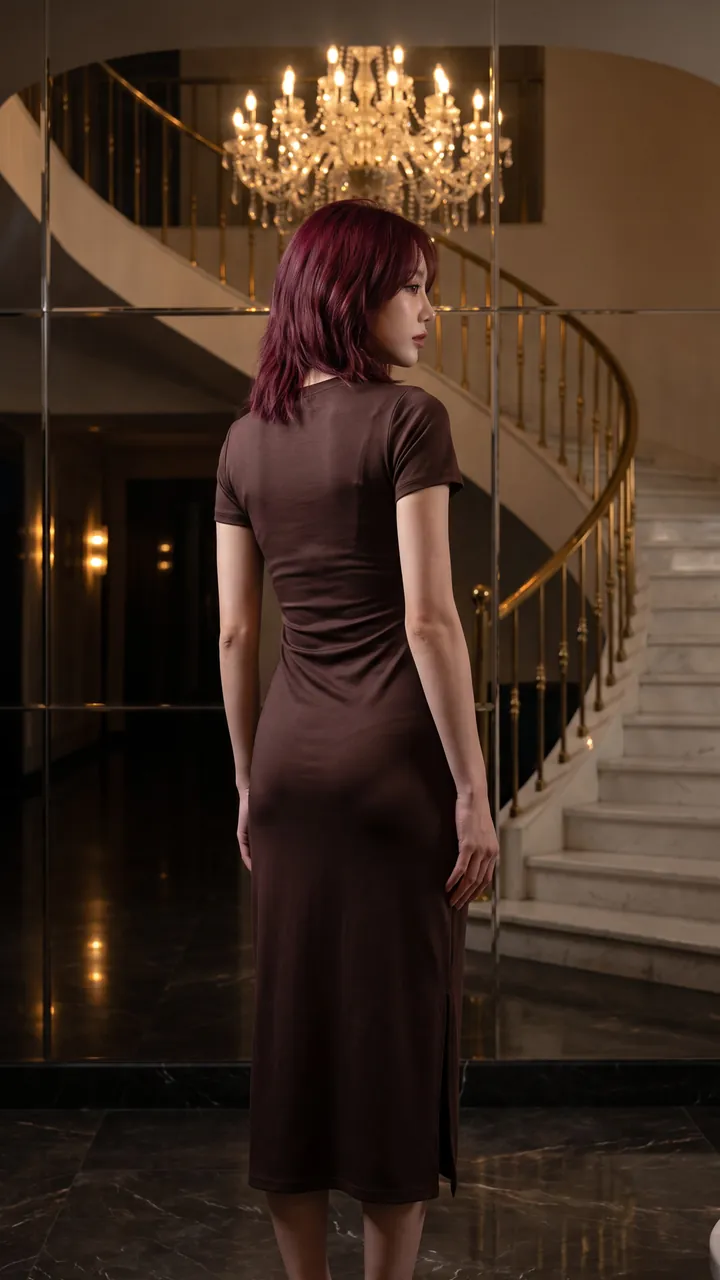
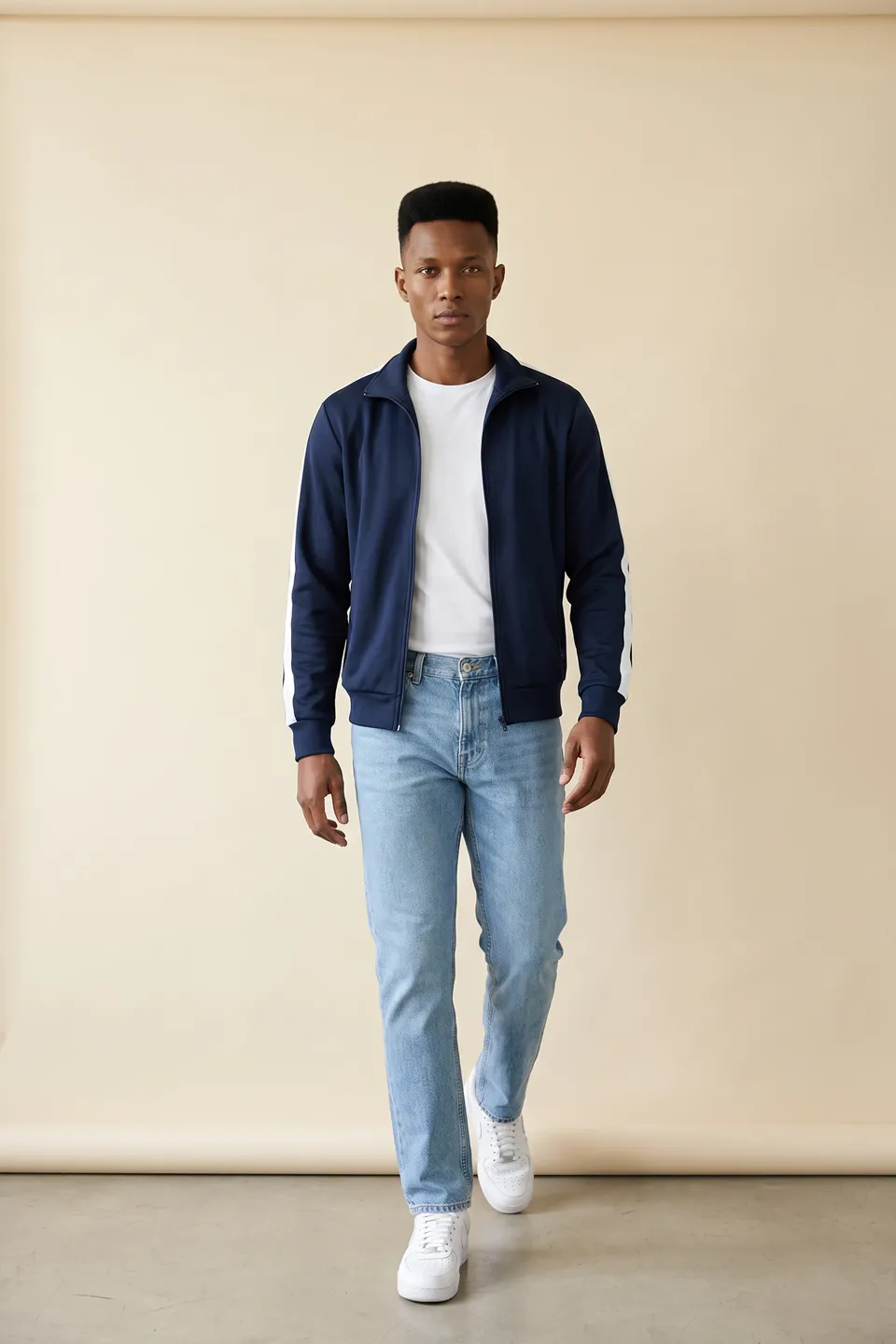
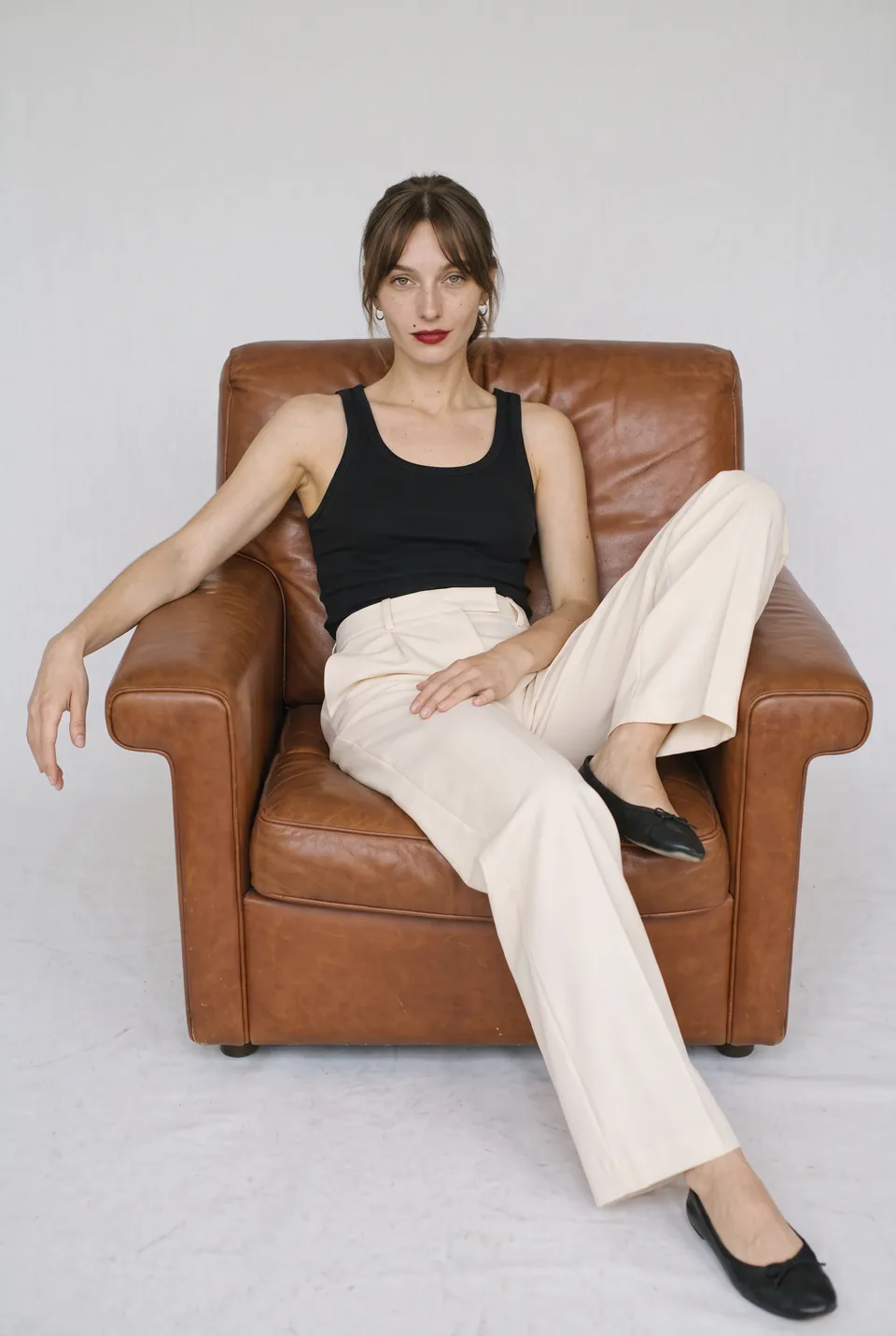
What this solution brings you
A sample is enough
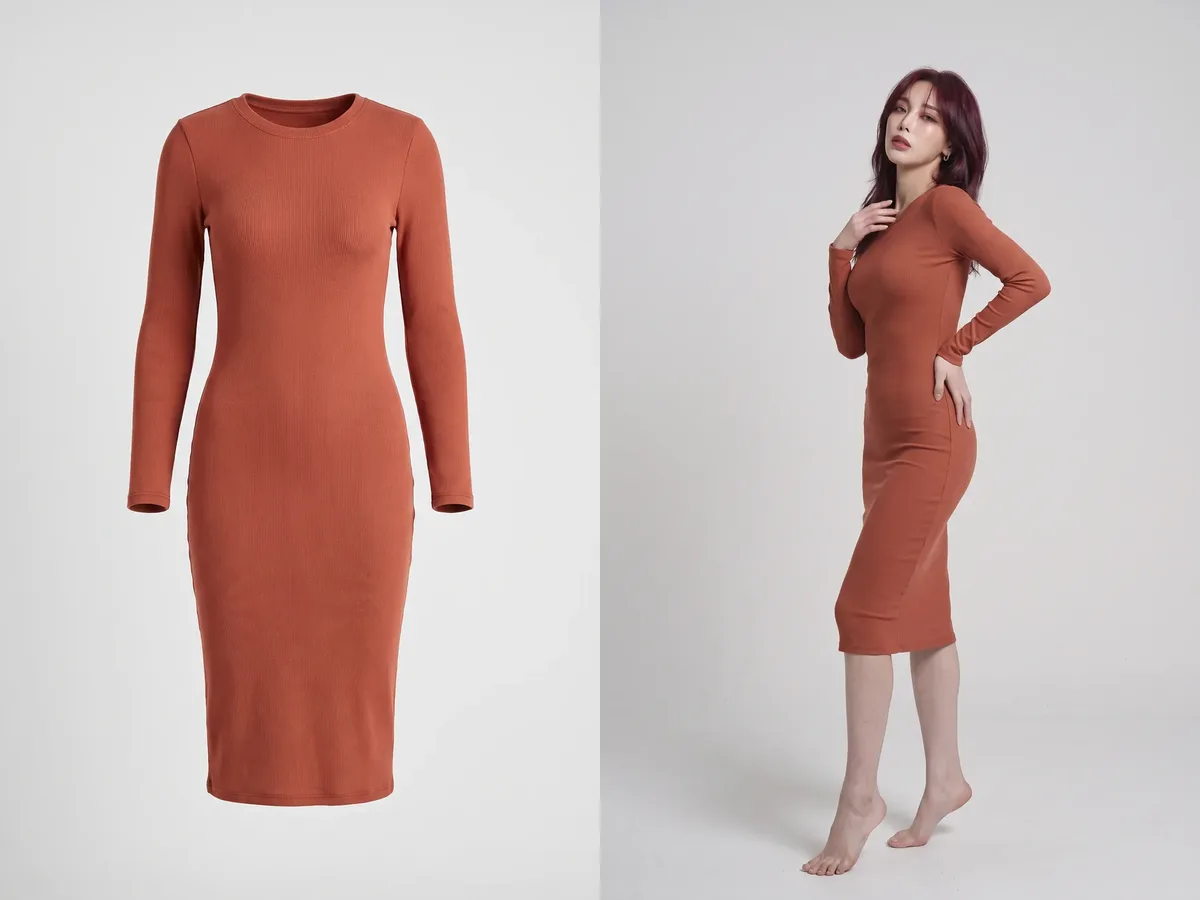
Lay the product flat and shoot it; no model, studio or crew needed.
Print and texture stay true
Prints, seams and fabric texture stay exactly as on the product.
Several poses per product
Turn a single product into a gallery of poses.
One product, start to finish
Every frame in this section comes from the same production: the uploaded product, the chosen model, the poses and the result.
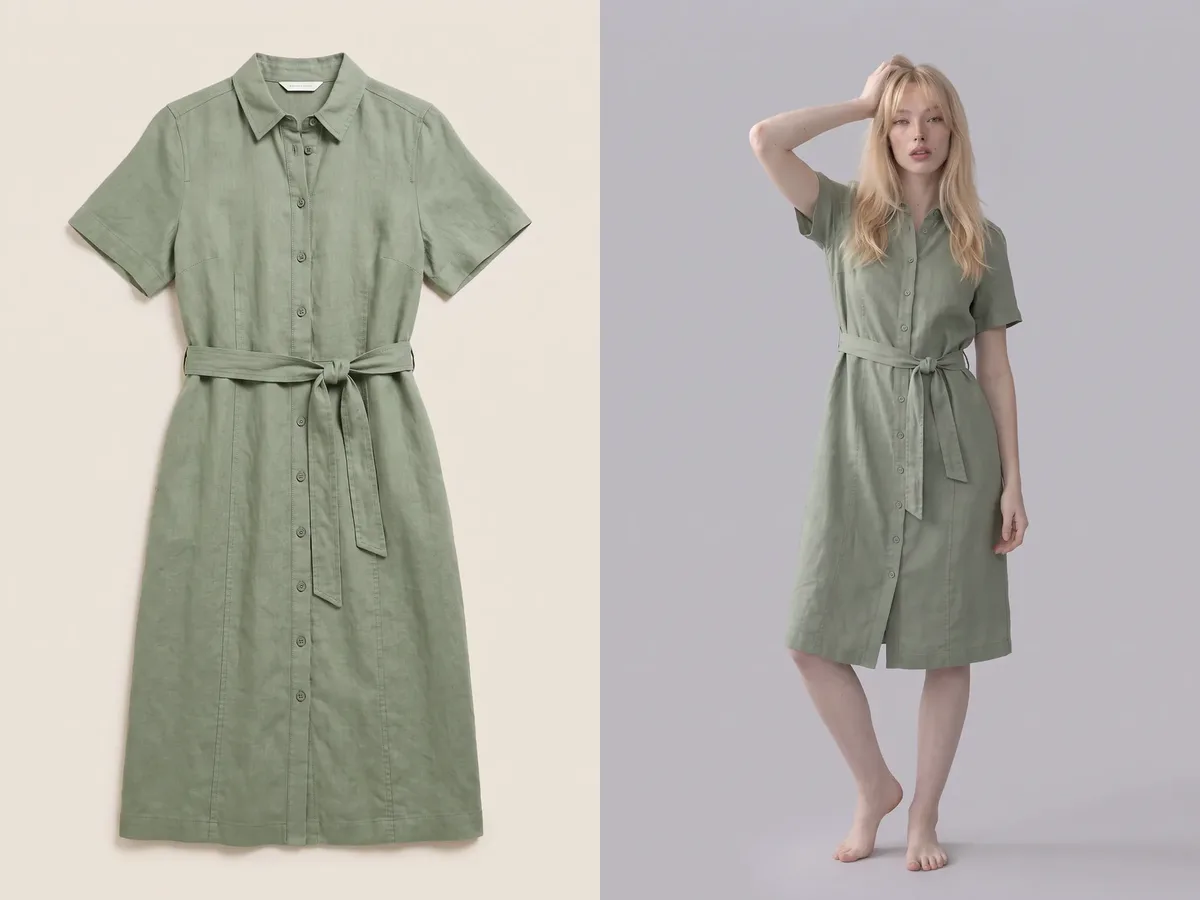
Sage green linen shirt dress 01Product
Upload the product
Sage green linen shirt dress. A single photo is enough; no model, studio or crew needed.
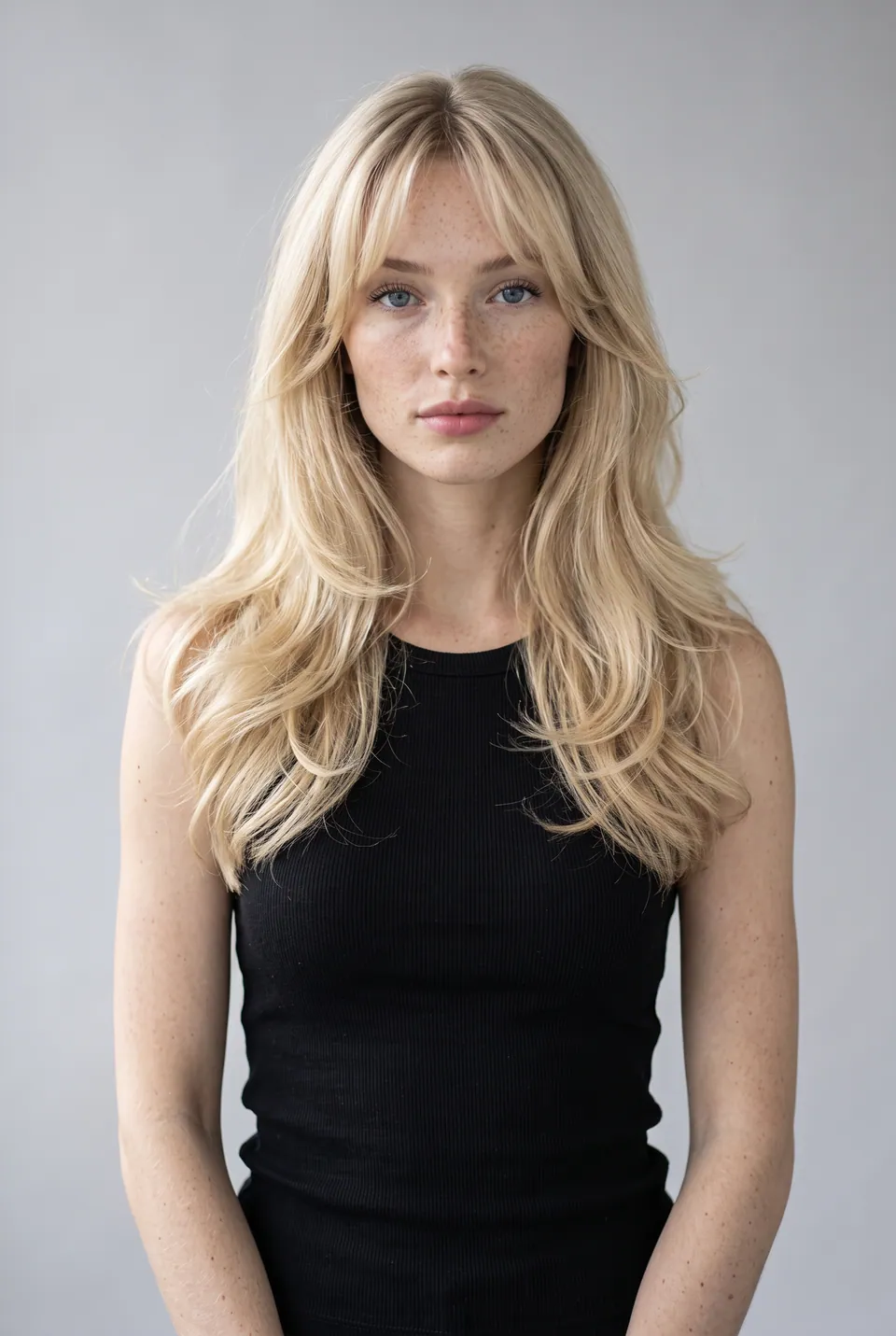
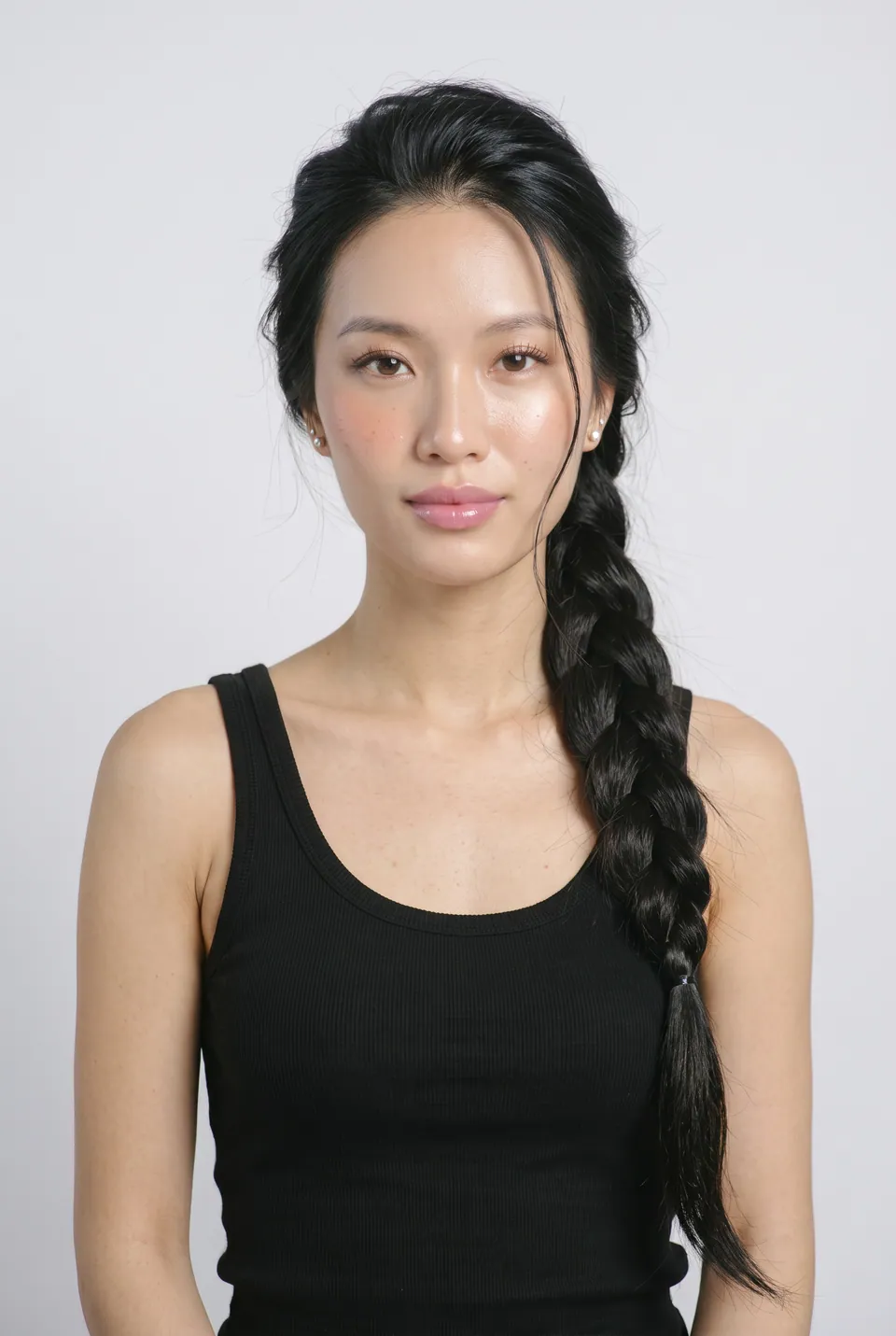
Chloe
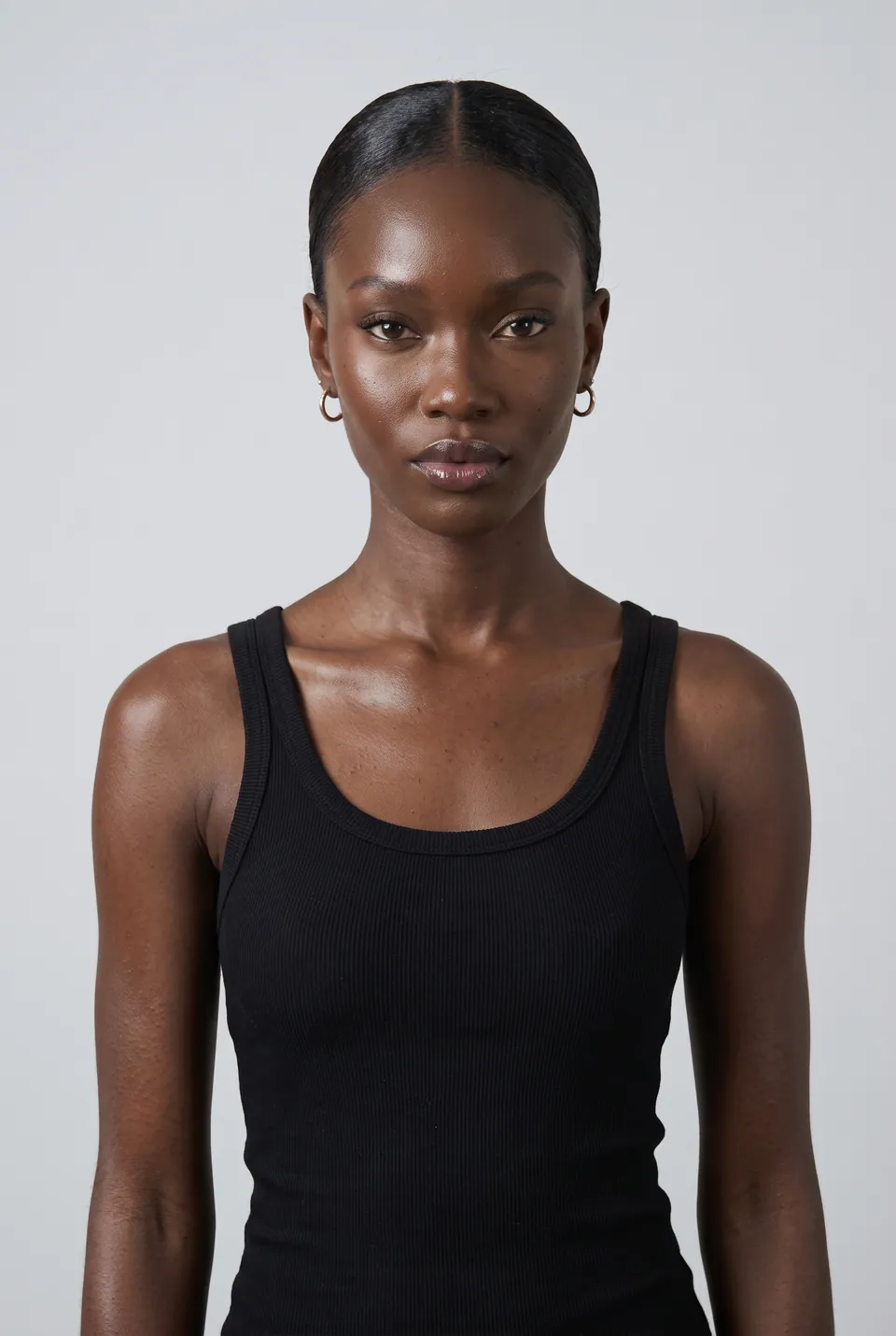
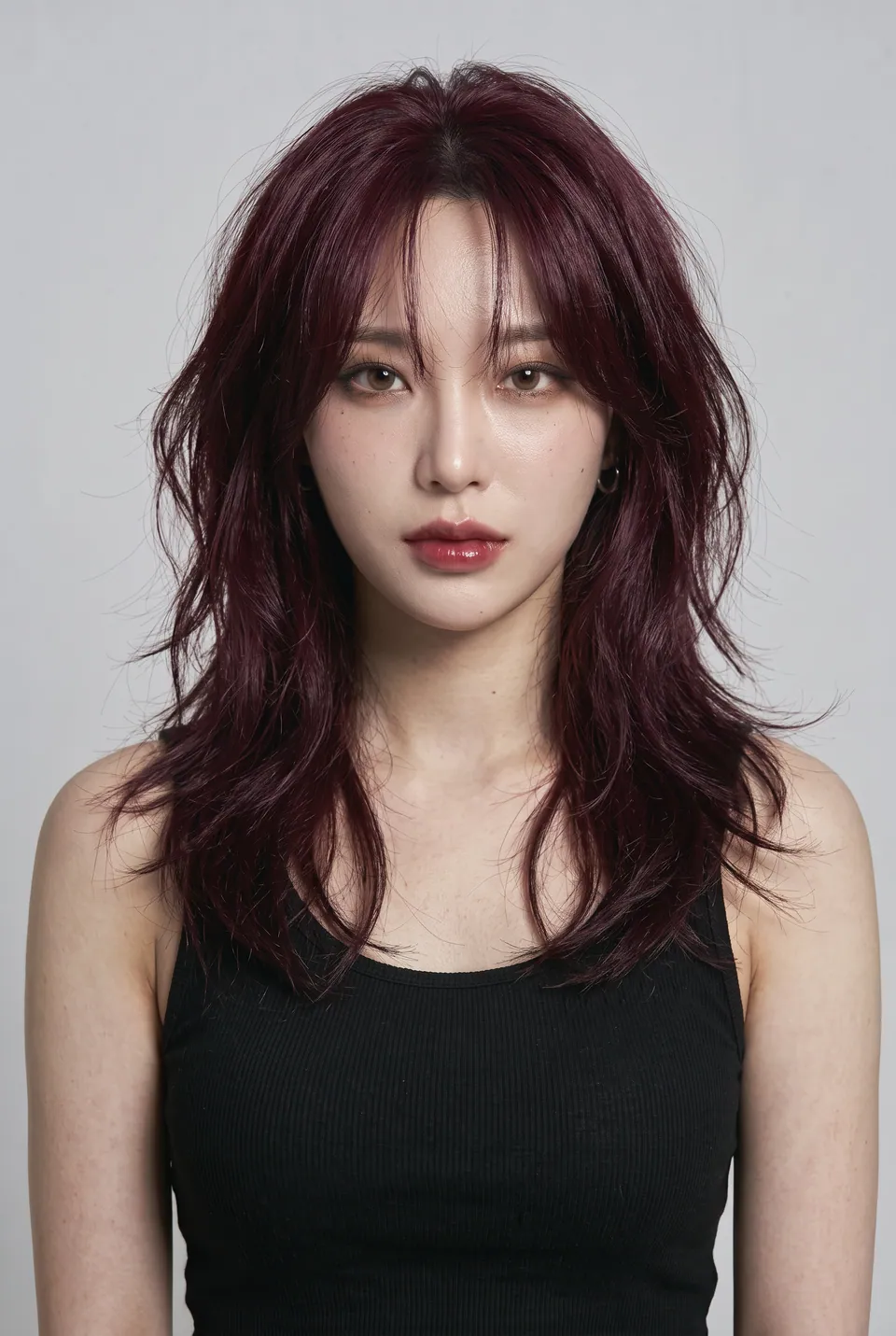
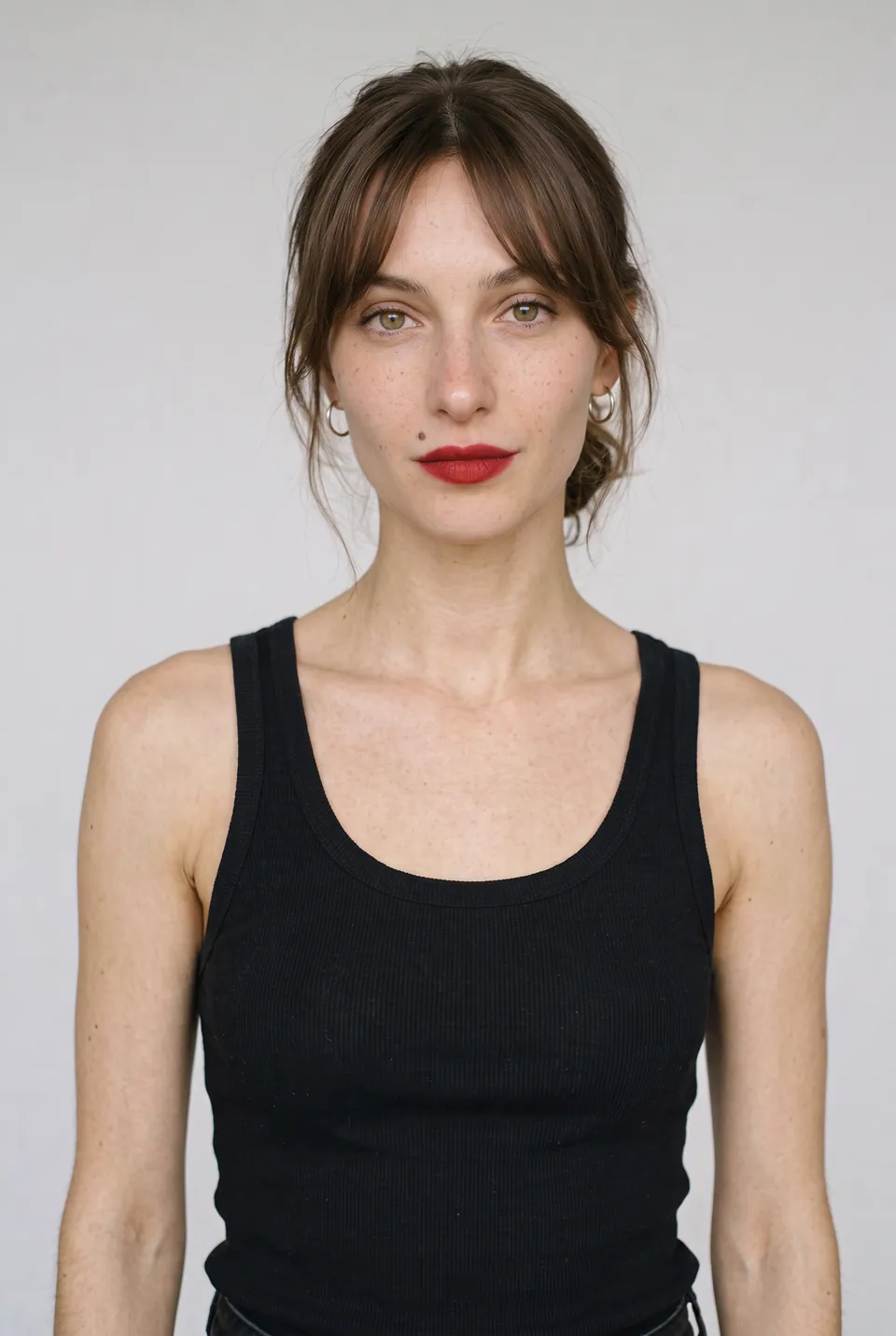
02Model
Choose the model
Chloe was picked from the catalog. Her face and body stay the same in every frame.
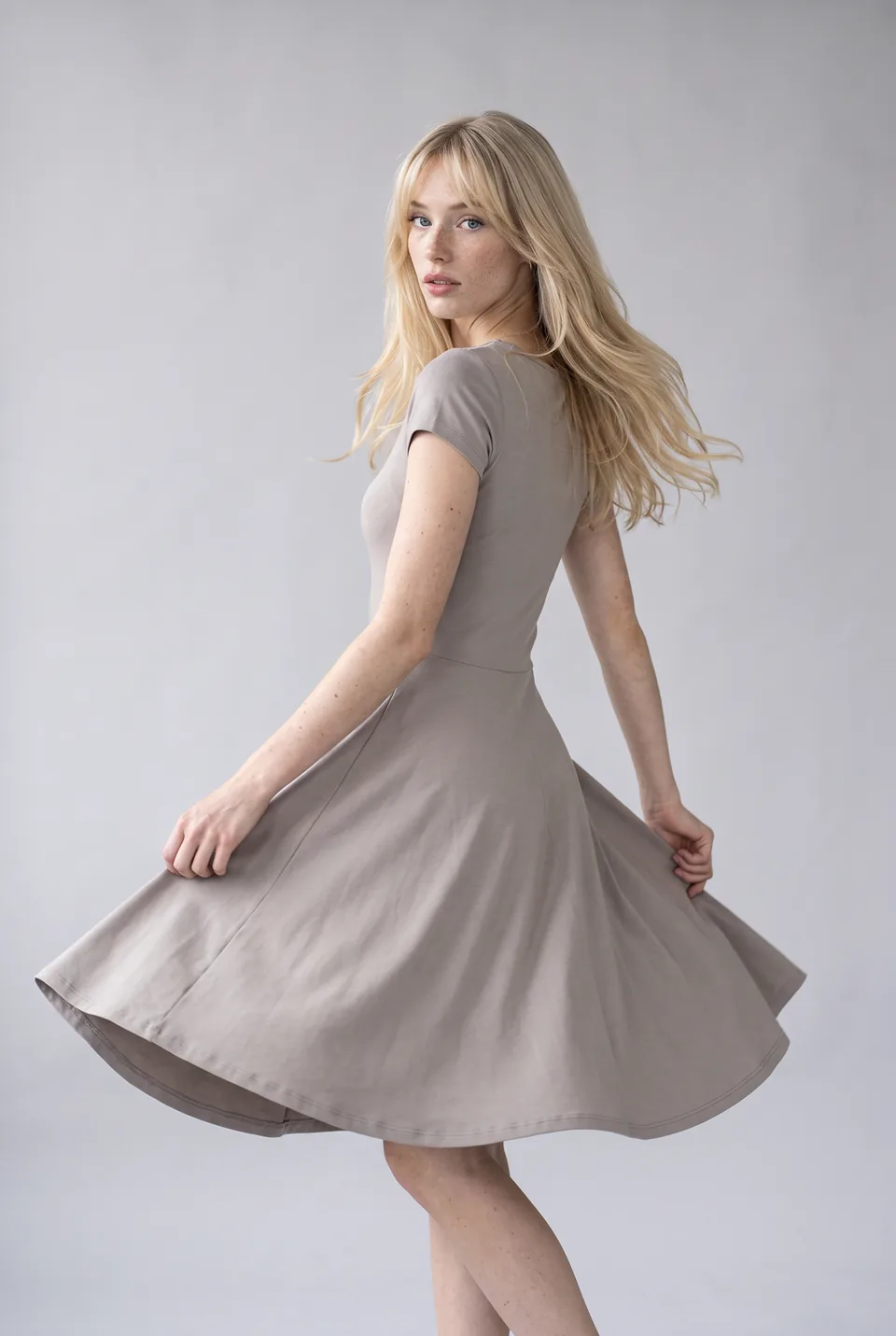
Arm raised 03Poses
Set the poses
Chloe's ready pose bases. Identity and pose are fixed; only the garment changes.
- LoraLook
Sage green linen shirt dress
04Result
Get the result
The Sage green linen shirt dress became a ready-to-publish frame on Chloe. No studio, crew or shoot day needed.
- Pose baseLoraLook
Arm raised 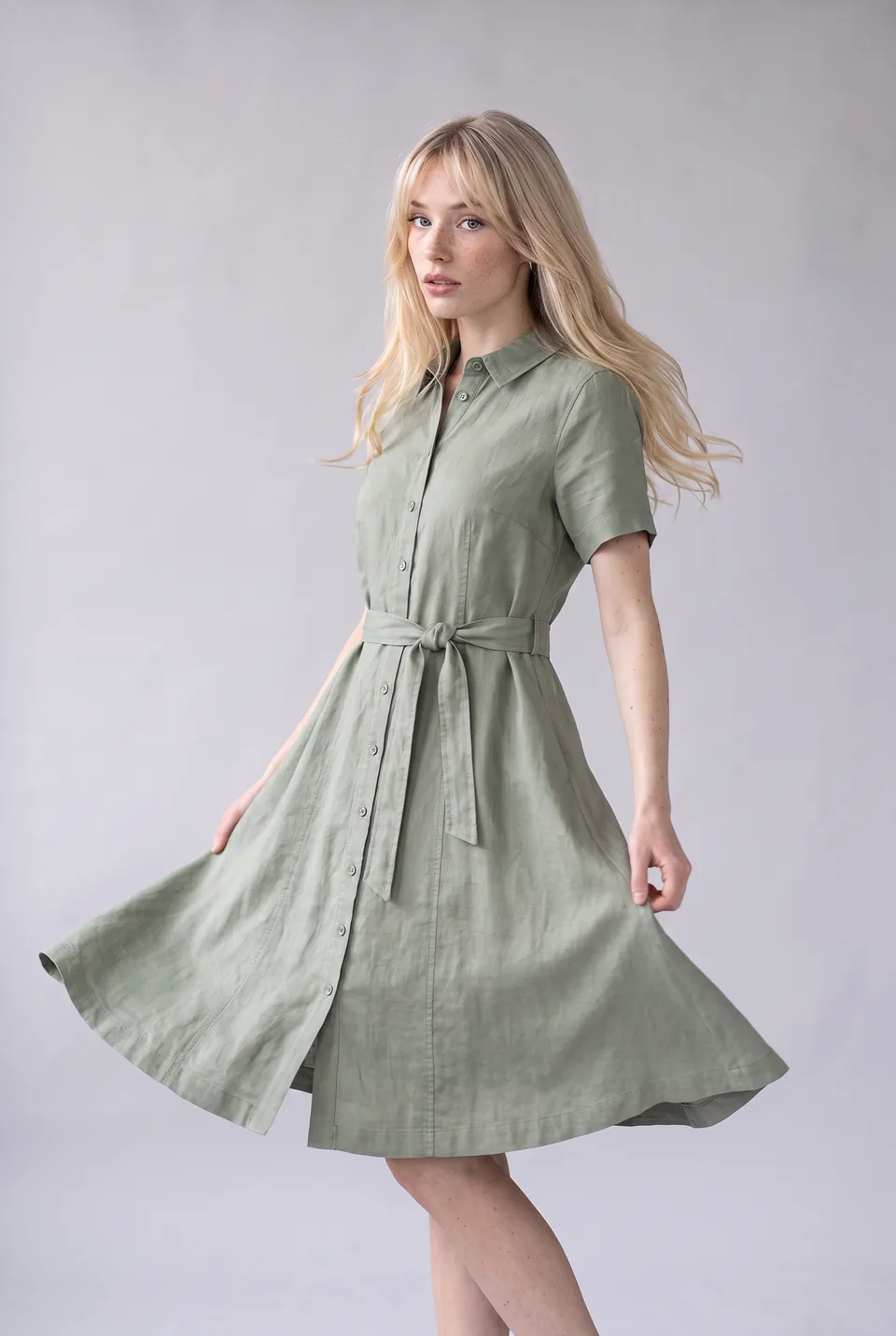 Pose baseLoraLook
Twirl 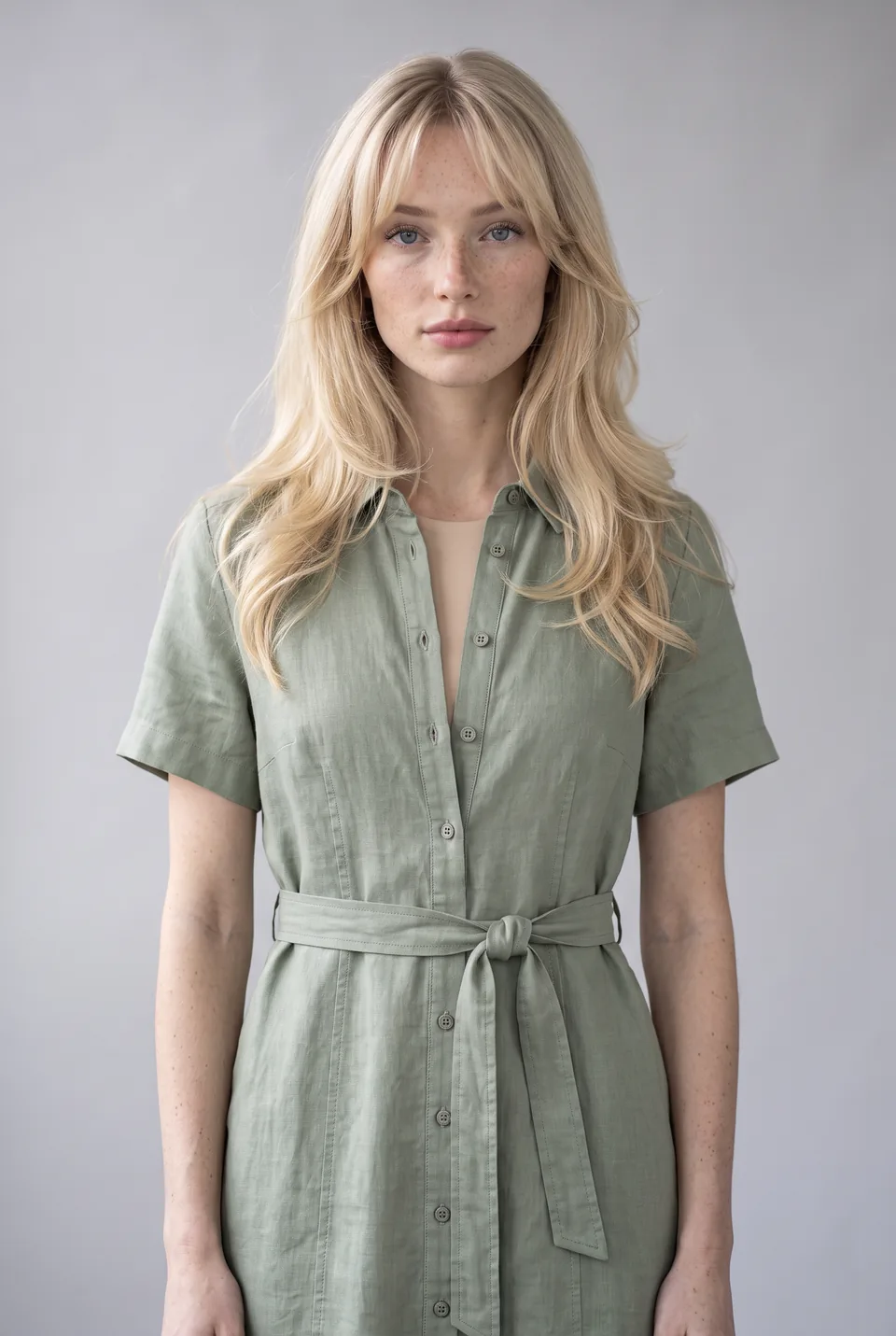 Pose baseLoraLook
Waist up 05Result
The same product in every pose
The same product on Chloe in three poses. Hover a frame to see the pose base it came from.
- Pose baseLoraLook
Chloe 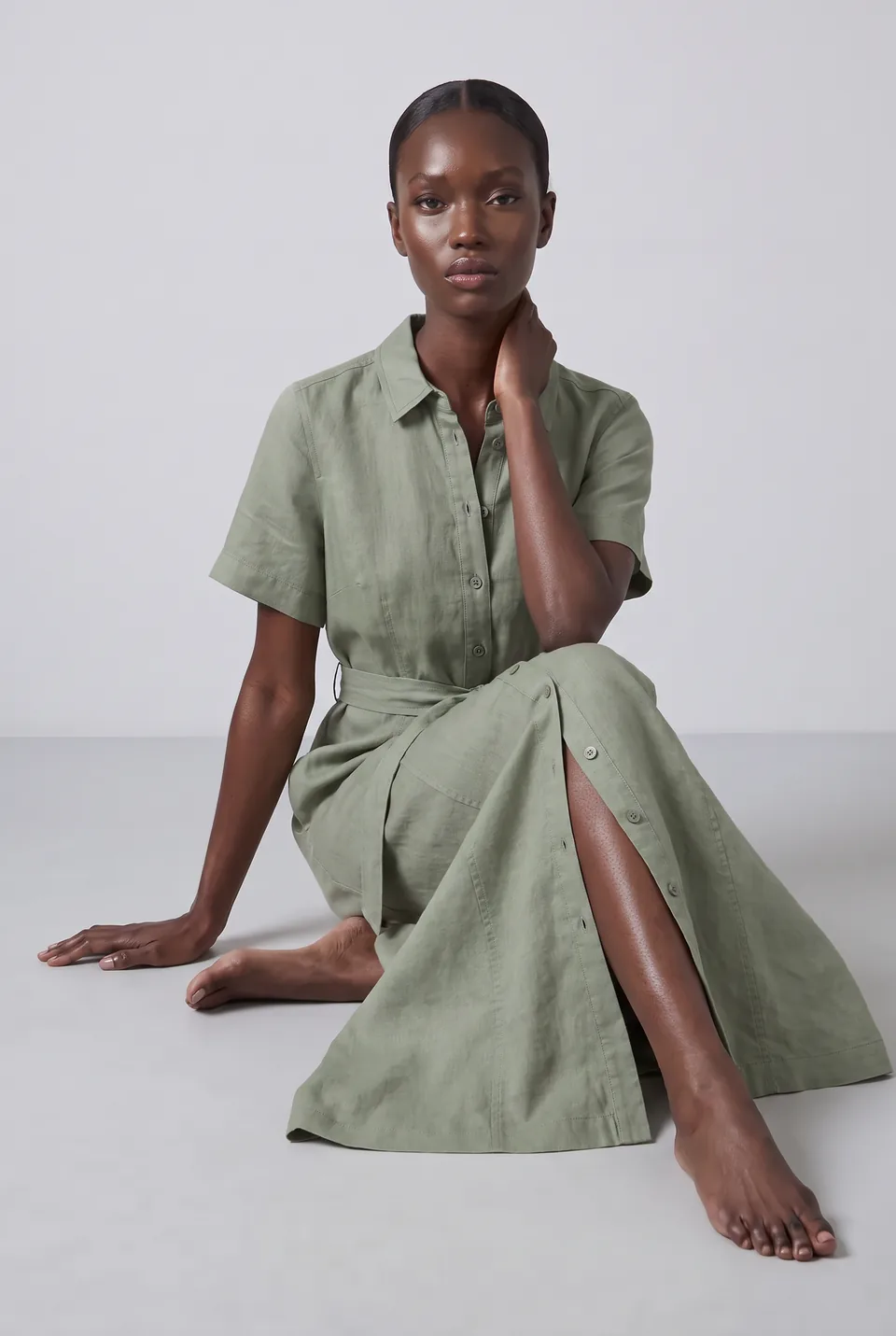
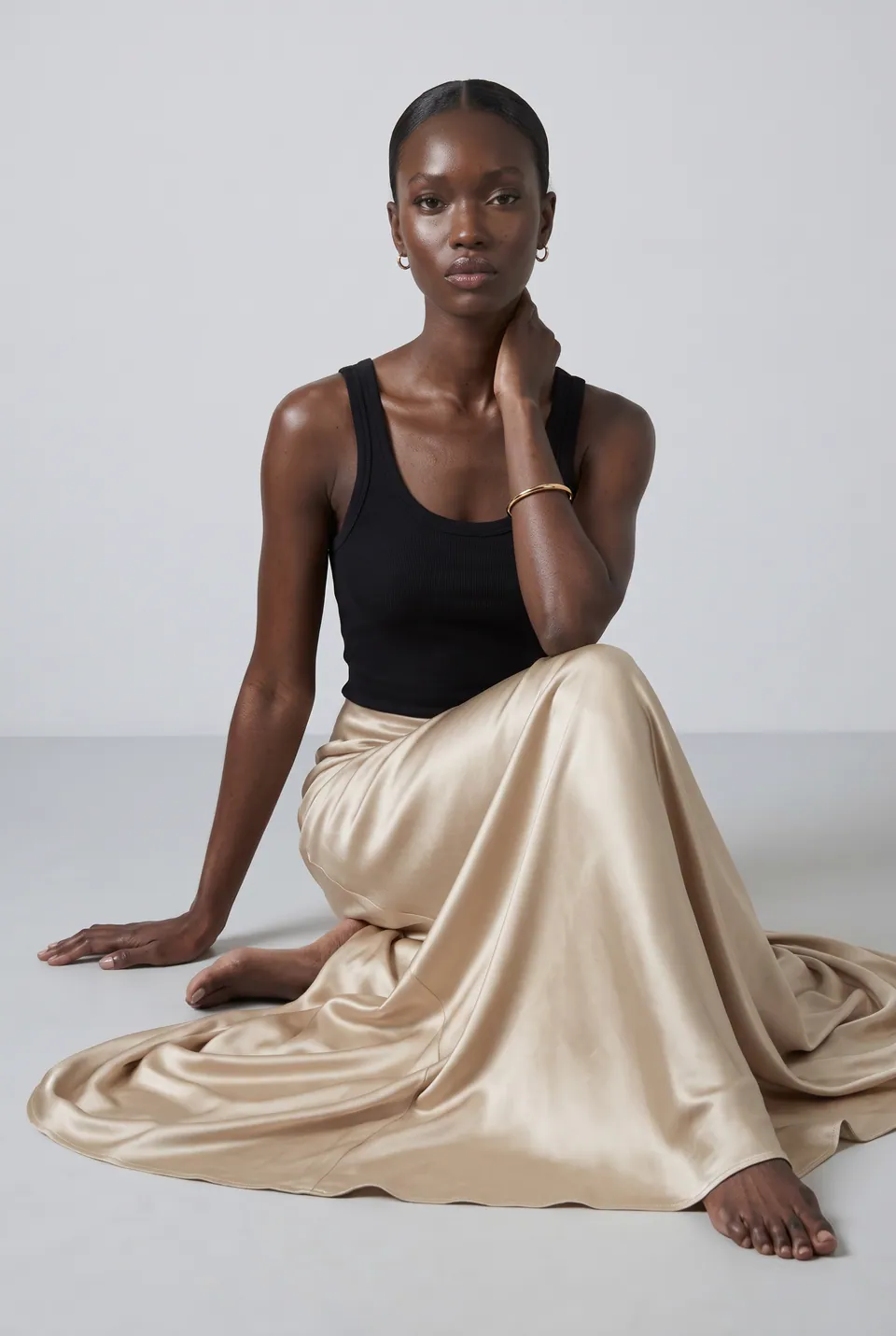 Pose baseLoraLook
Adaeze 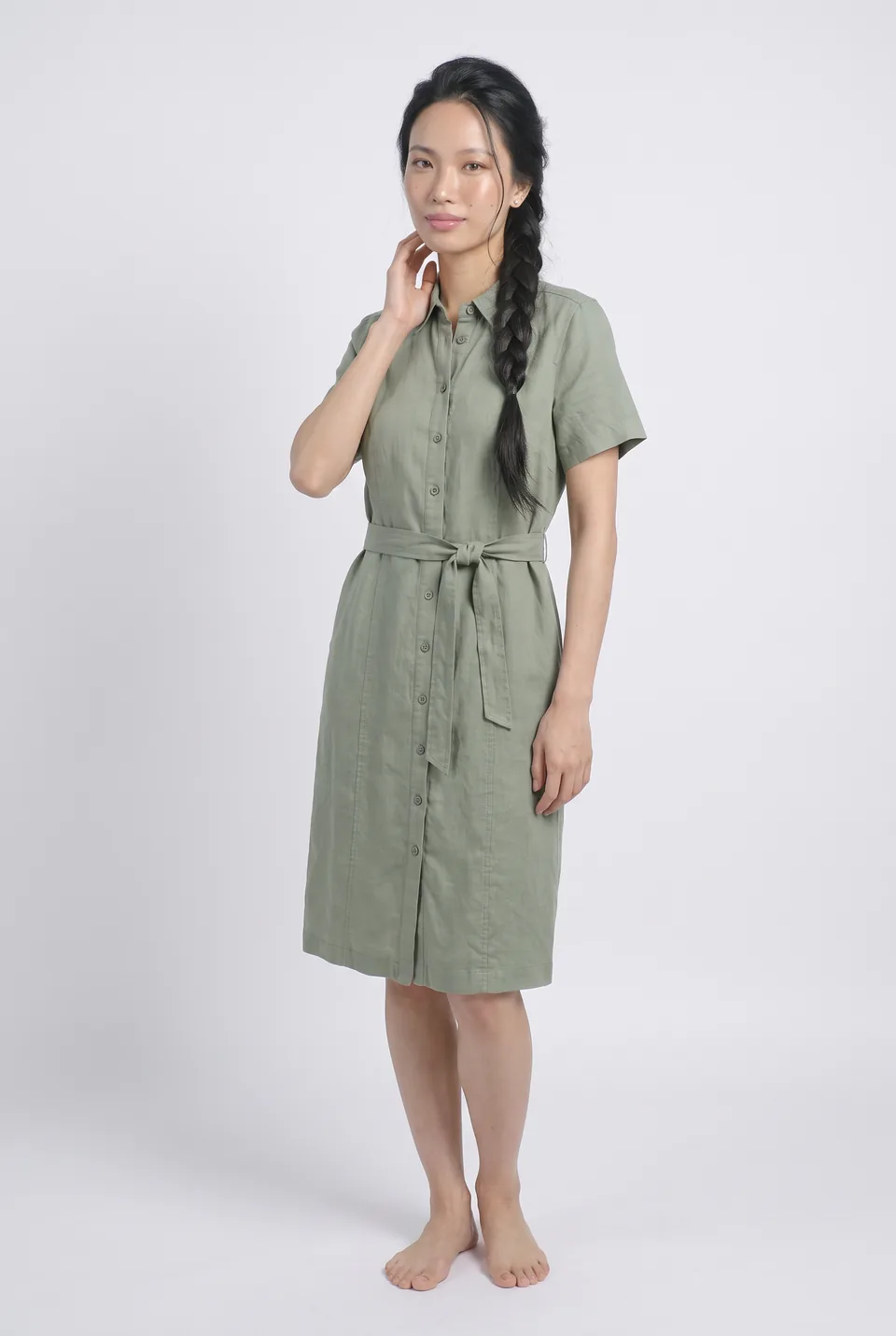
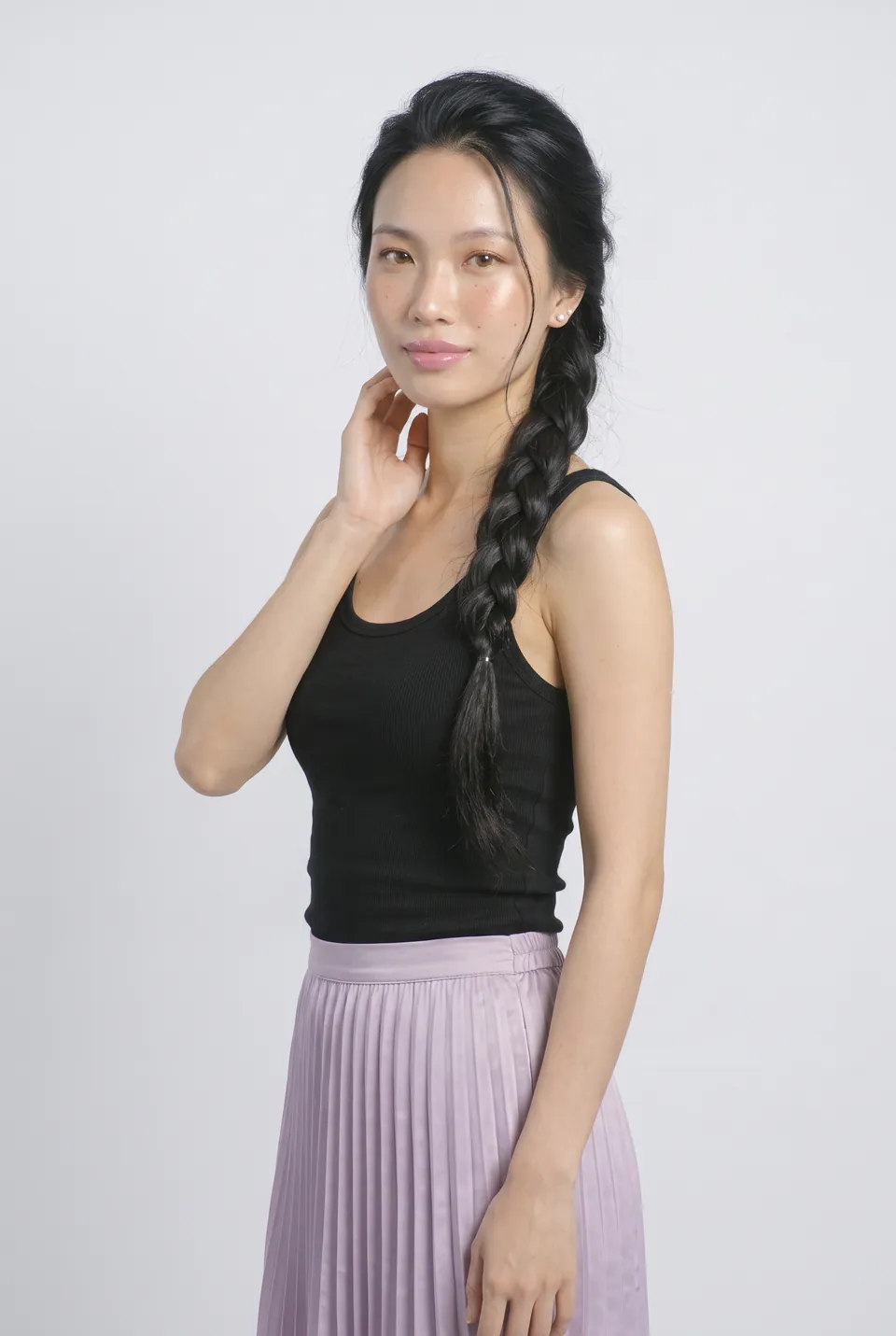 Pose baseLoraLook
Linh 06Diversity
Same product, different model
Try the same product on other faces; each model in her own pose.
You choose the format and quality
Aspect ratio, resolution and delivery are yours on every generation; the ratio you pick shows up in the preview instantly.
Ratio
Resolution
Delivery
1:1 · 2KWhich photos work best?
Sample inputUpload like this
- Lay the product flat and wrinkle-free
- Use daylight or even, soft light
- Keep the whole product in frame
Avoid these
- Hard shadows and glare
- Overlapping or folded pieces
A traditional shoot or LoraLook?
Send straight to your store and marketplaces






Frequently asked questions
Frequently asked questions about flat-lay to model
Can't find your answer? Write to us at info@loralook.com.
A well-lit shot of the whole product laid flat works best. JPEG, PNG, WebP or AVIF with a short edge of 1024 pixels or more is recommended.
That is the goal. Every frame passes quality control; if a pattern, logo or cut is distorted, the frame is rejected and its credit refunded.
The library has more than 200 poses. Pick several poses and models; each combination becomes its own frame.
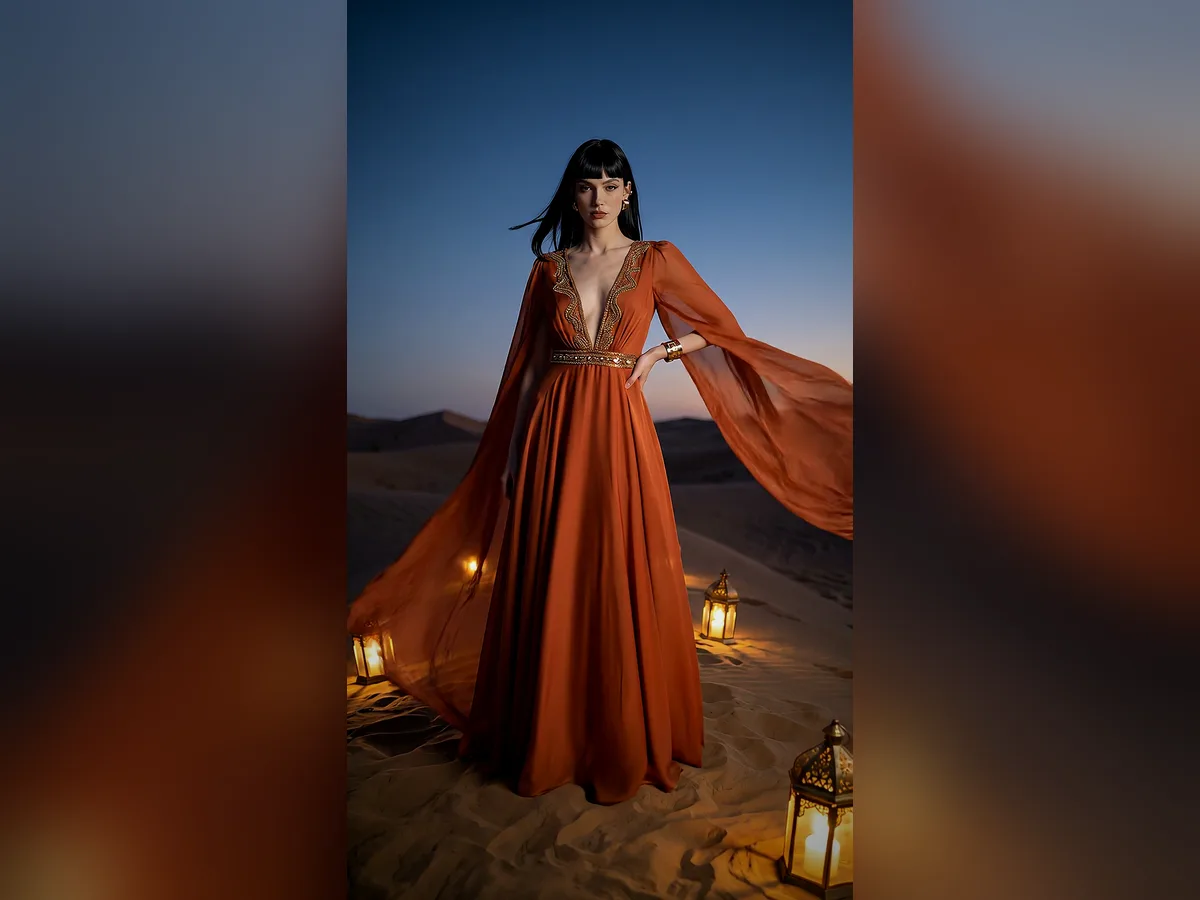
Yes. Choose from 40 scenes and backgrounds, and generate the same product in several scenes.
Usually minutes. Frames collect in your project, and you can download them all at once as a ZIP.
Each model × pose frame is one credit at standard resolution; 2K and 4K cost extra. The full cost is shown before you start.