
Reshoot what you already have
Refresh past campaign photos with new faces and new scenes, while the garment stays the same.
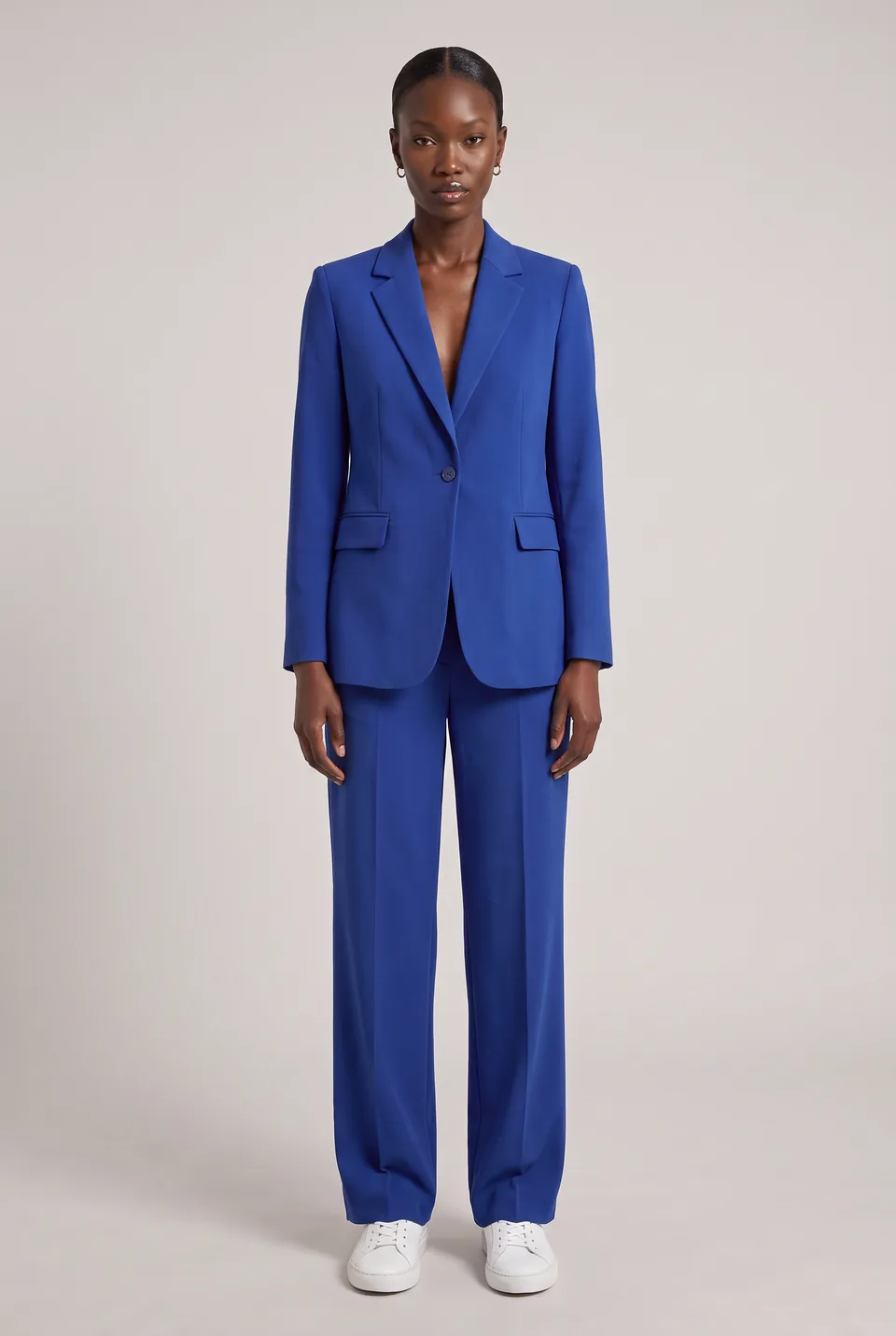
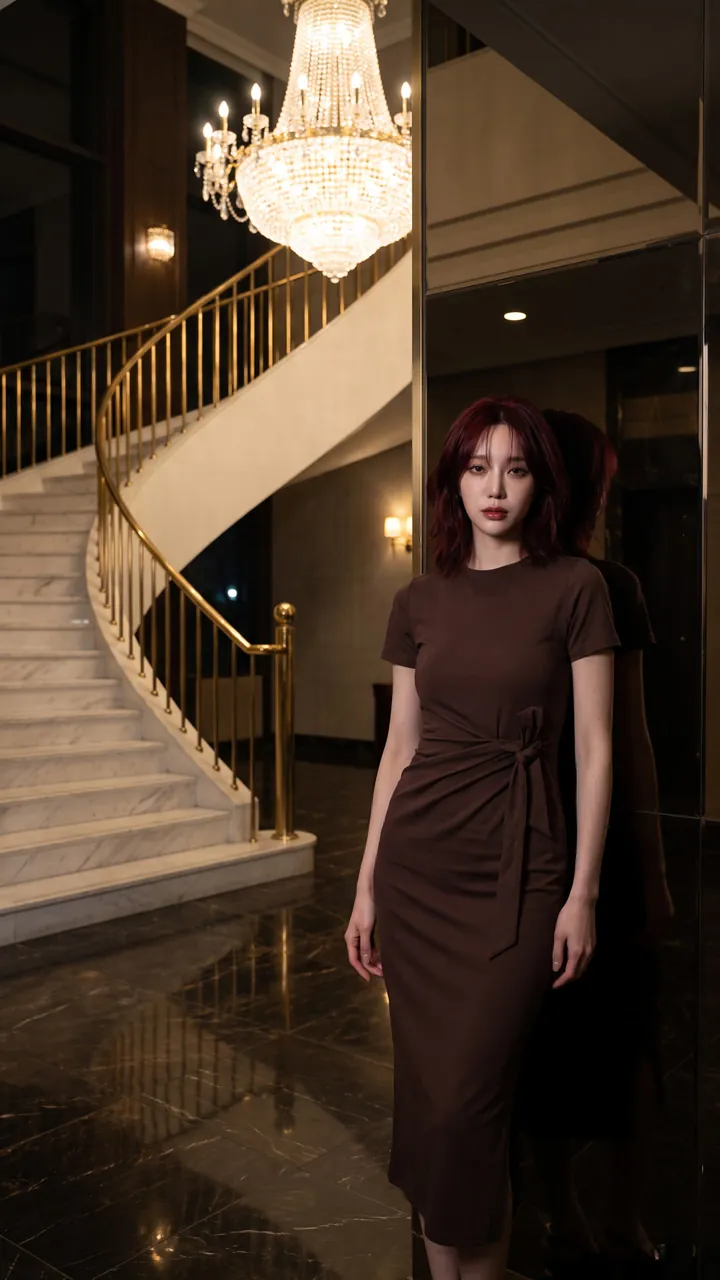
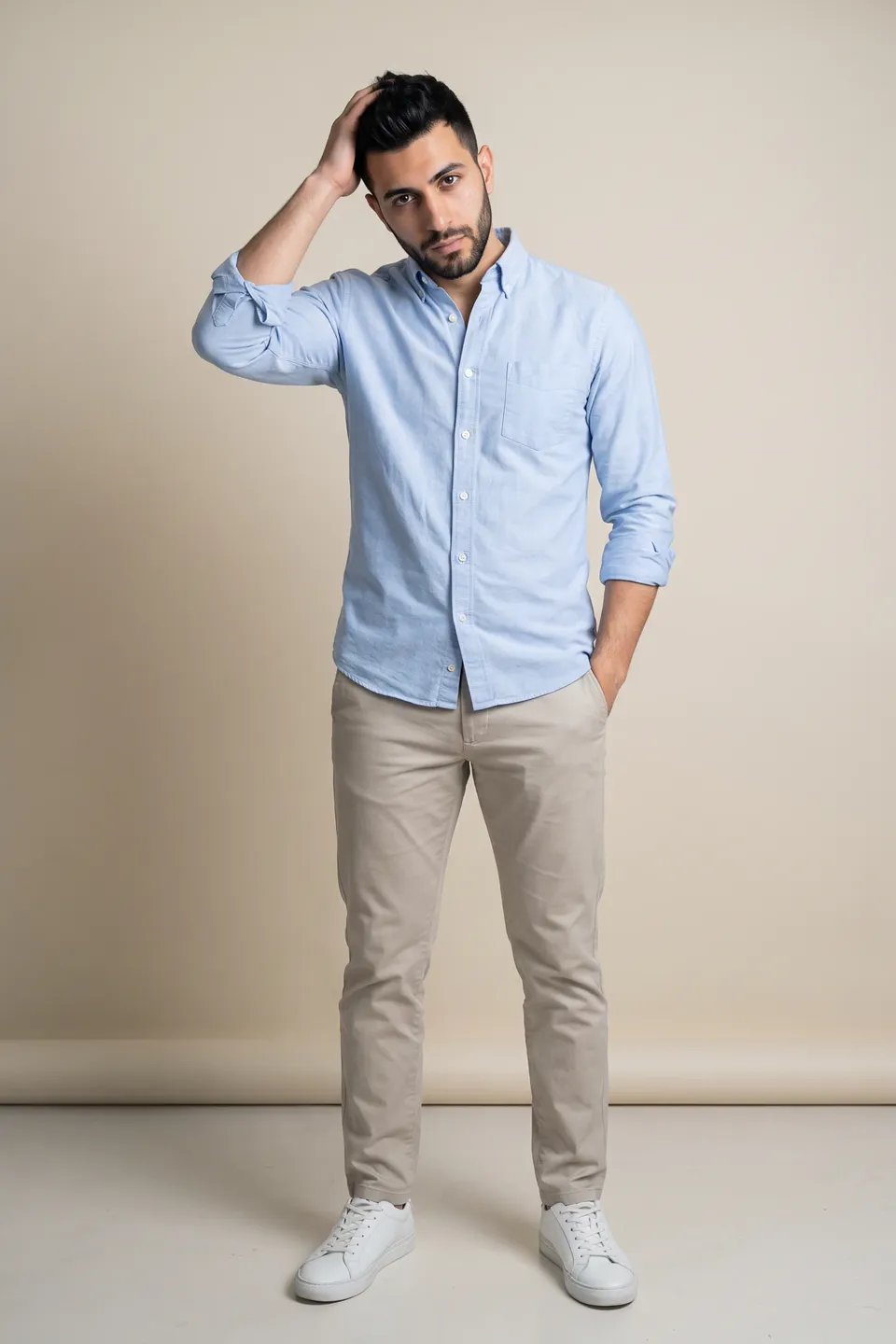
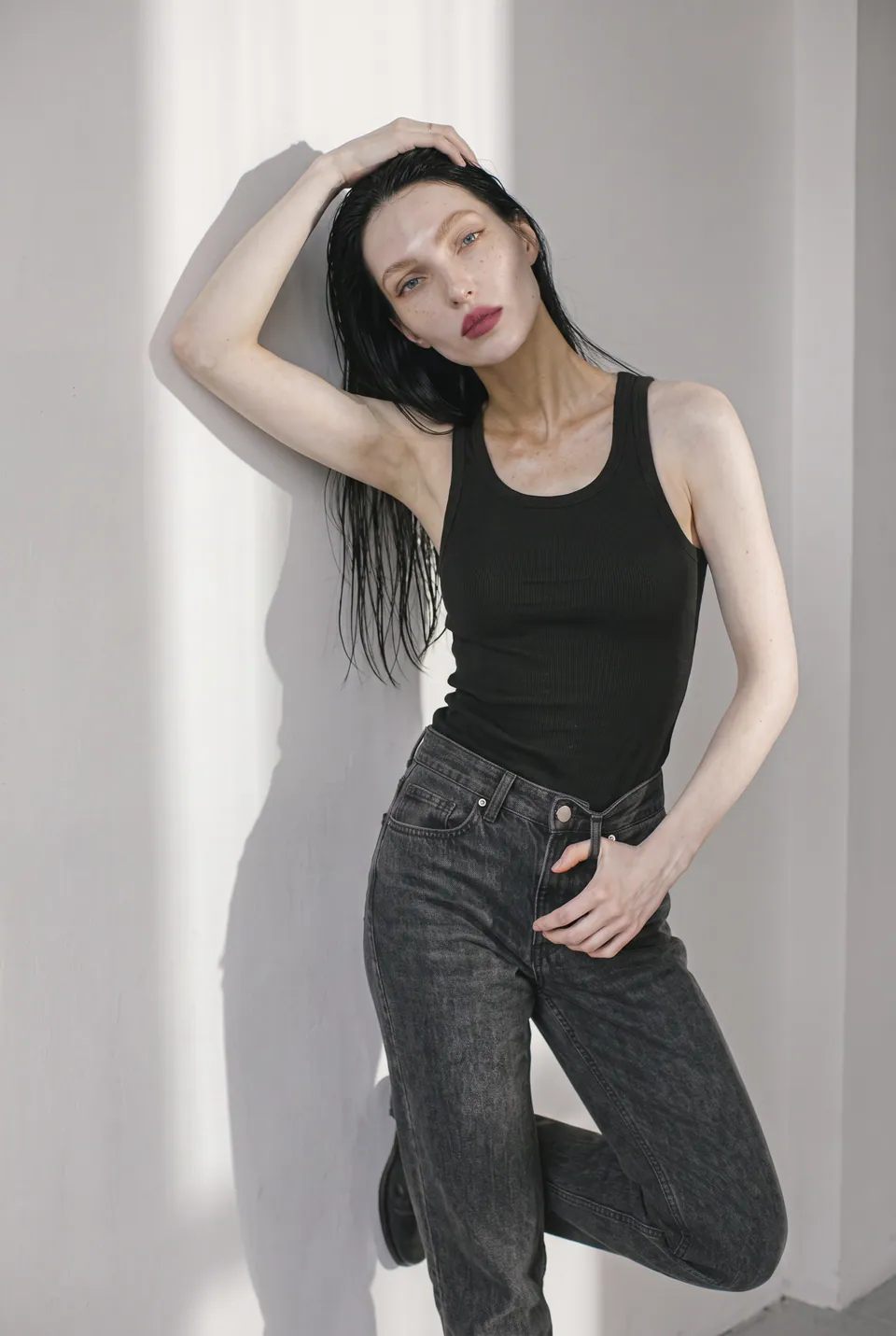
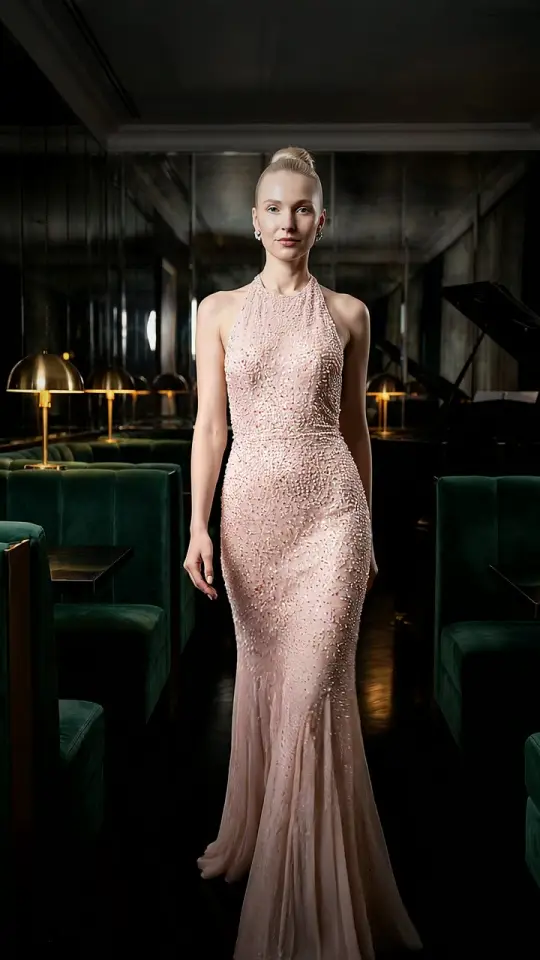
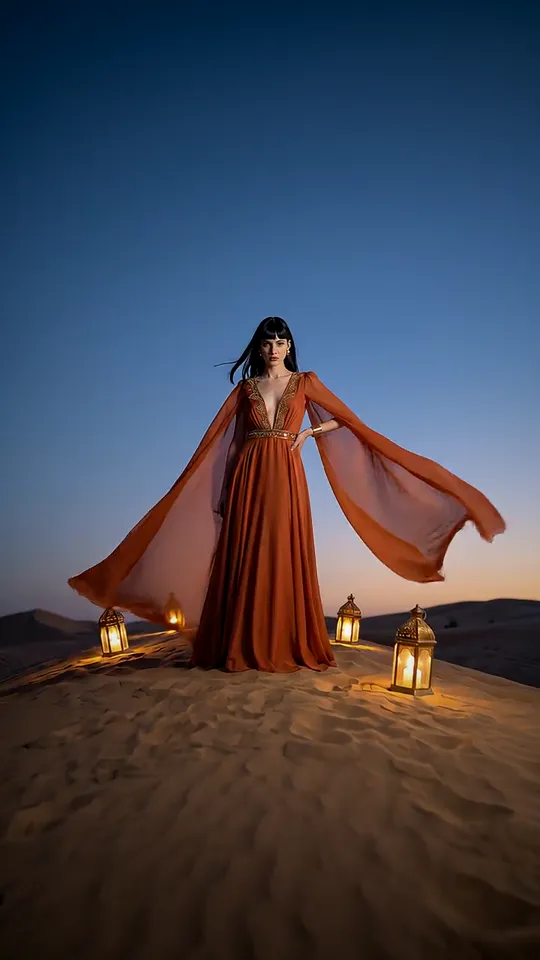
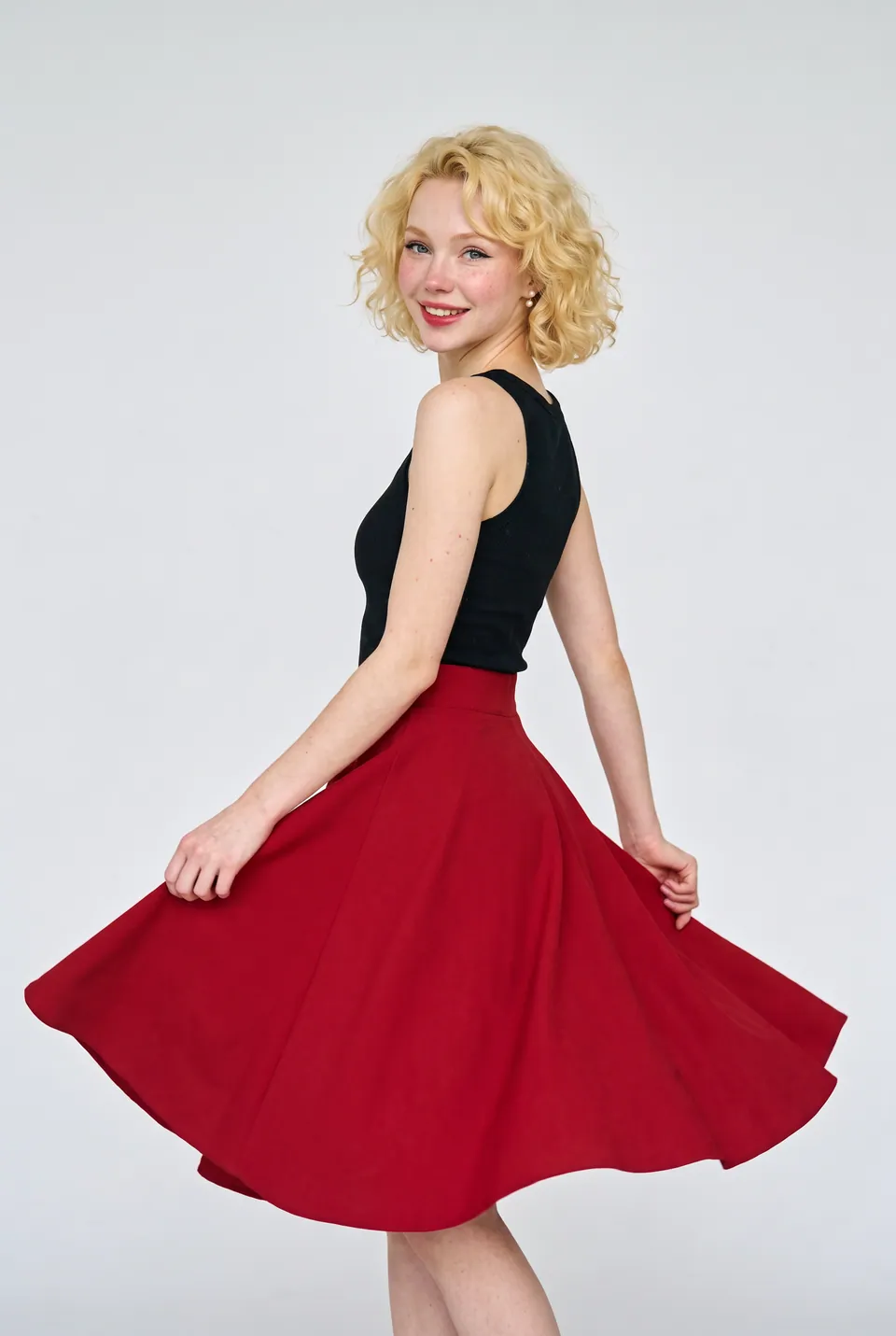
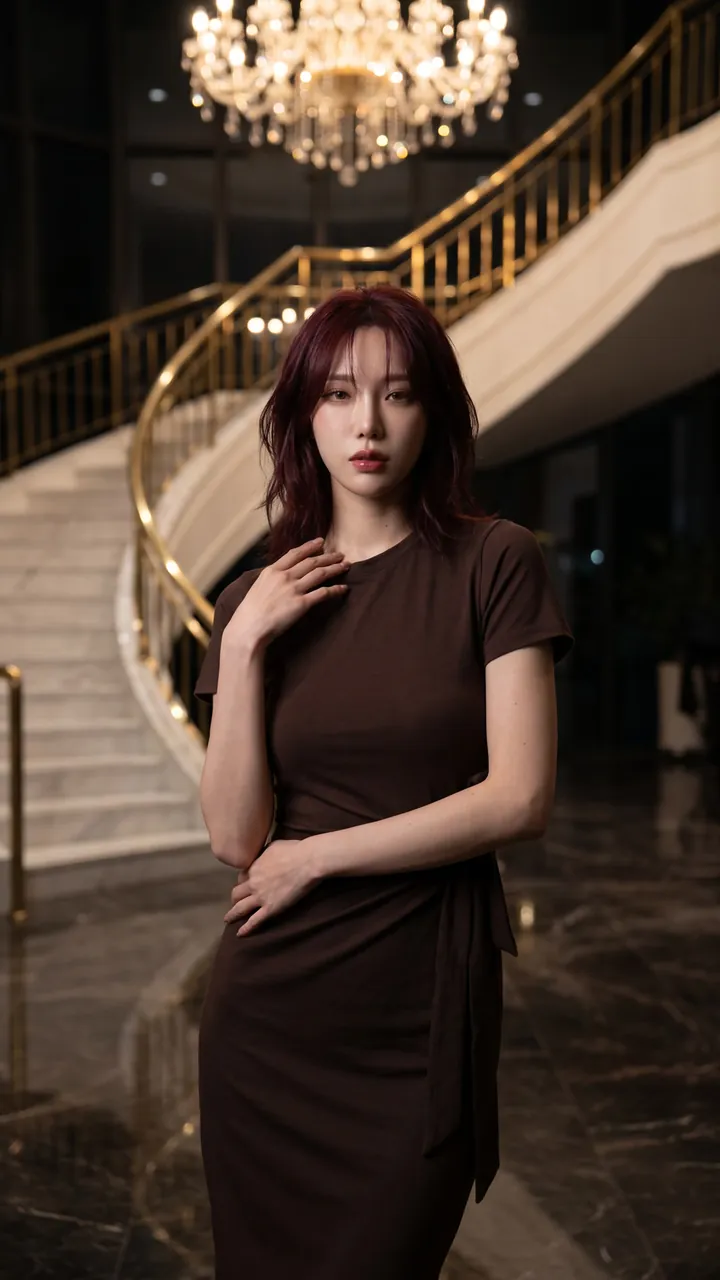
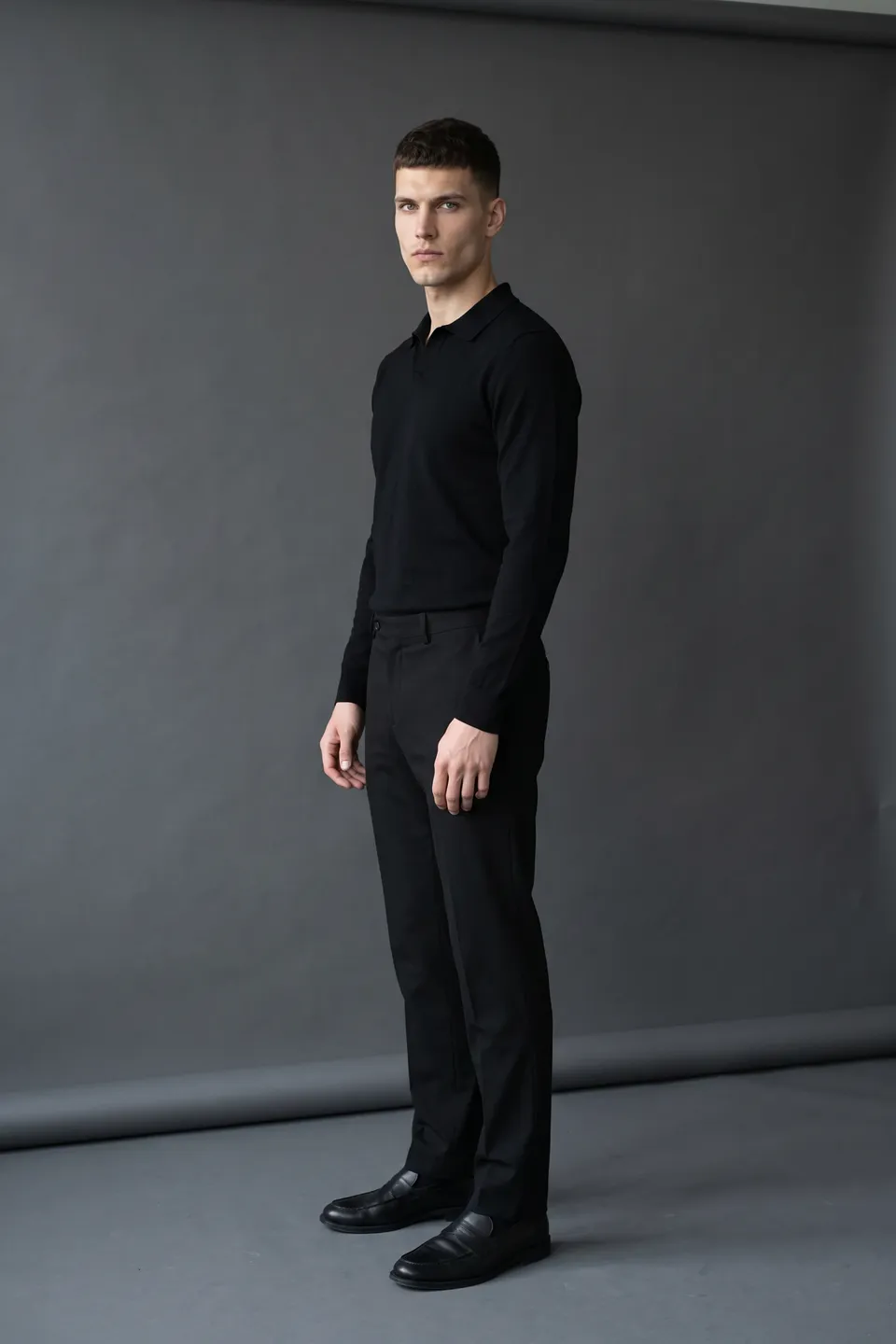
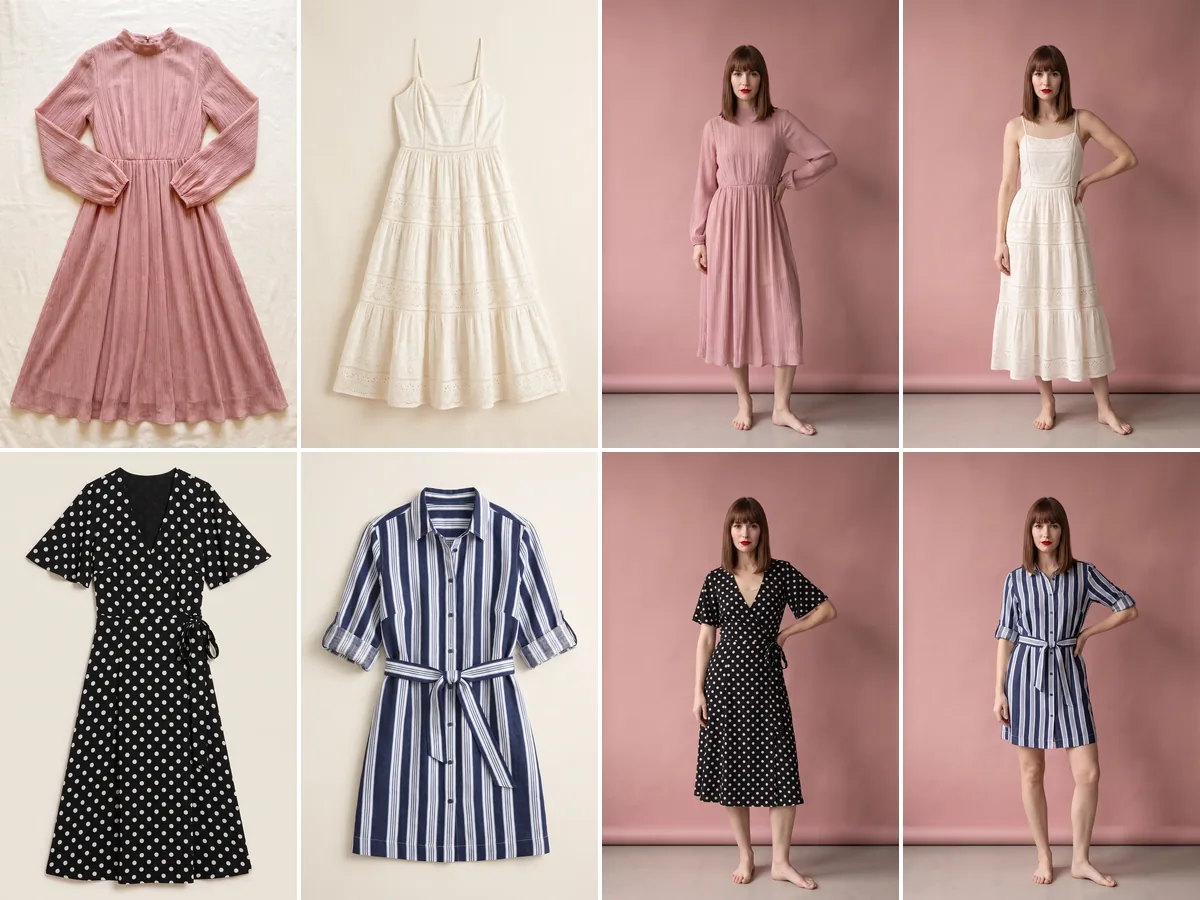
Real frames from the catalog
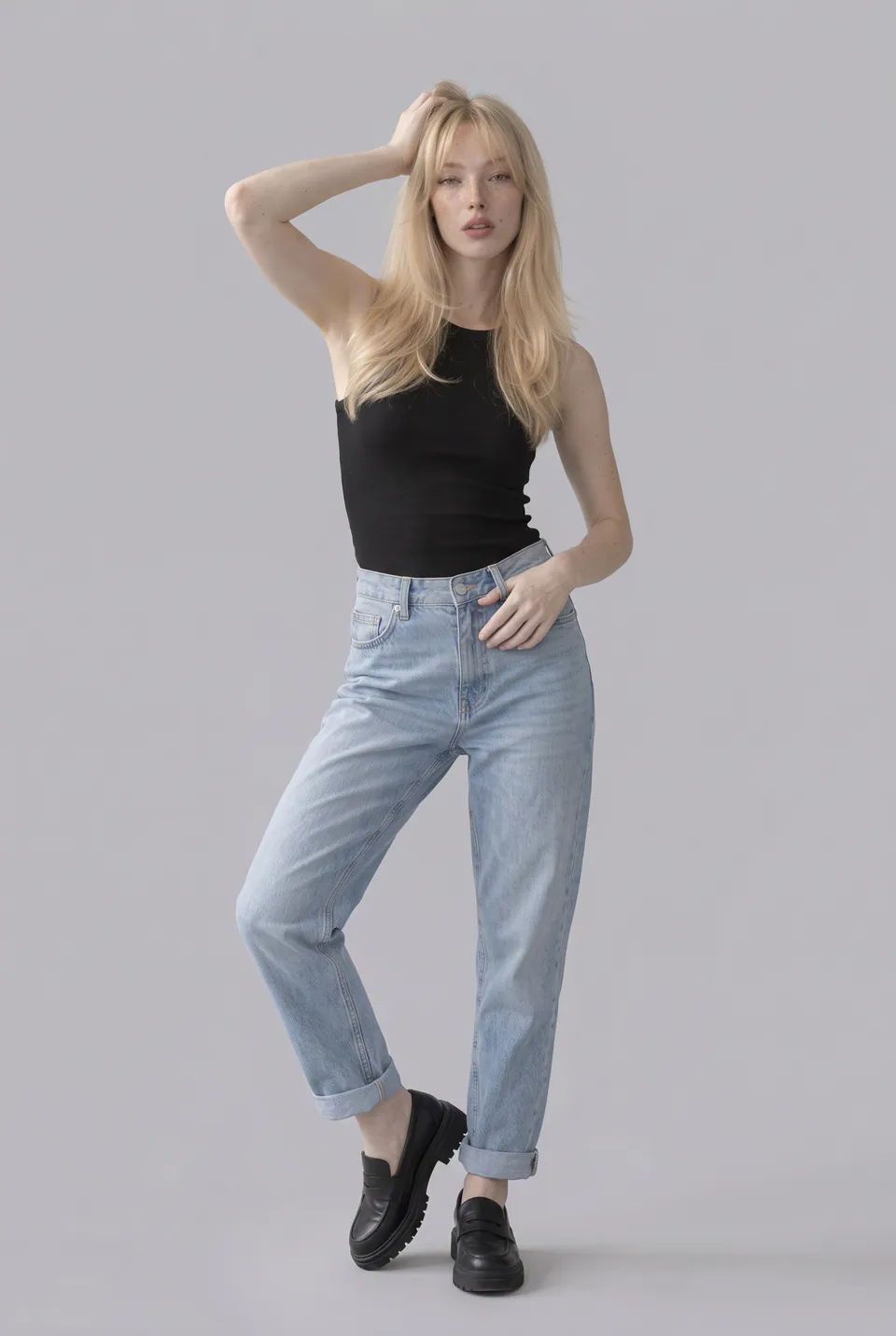
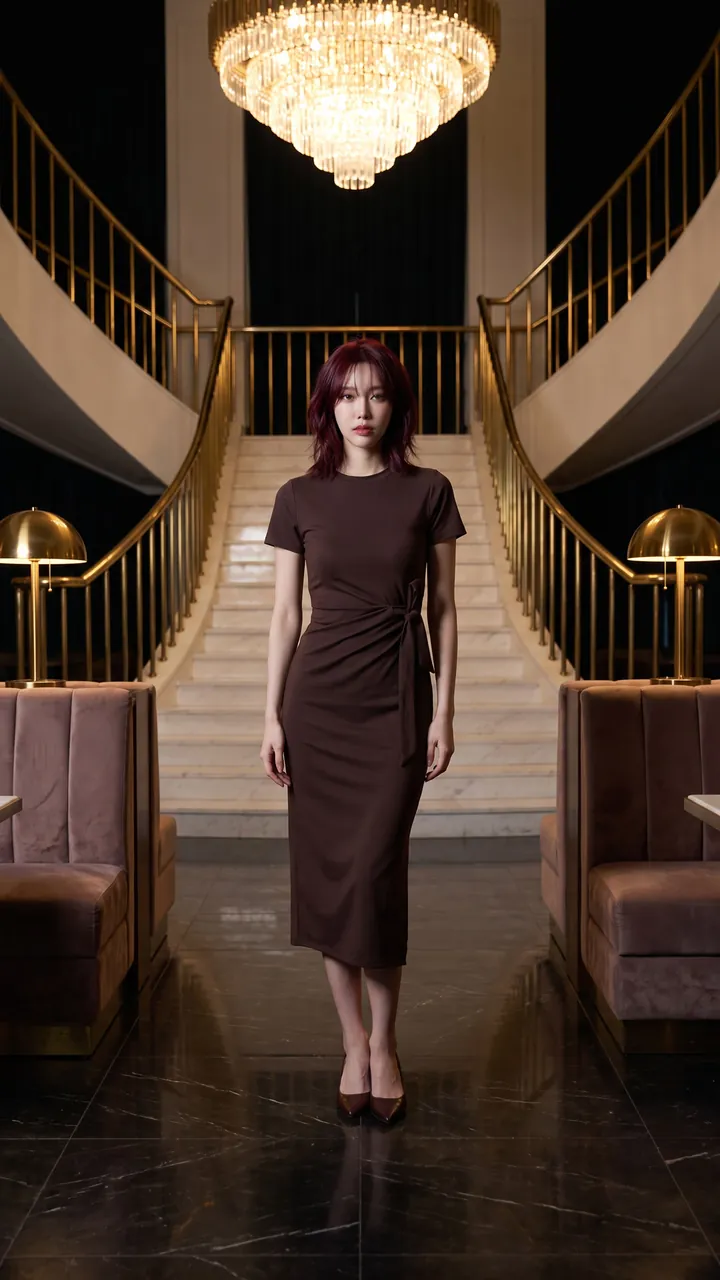
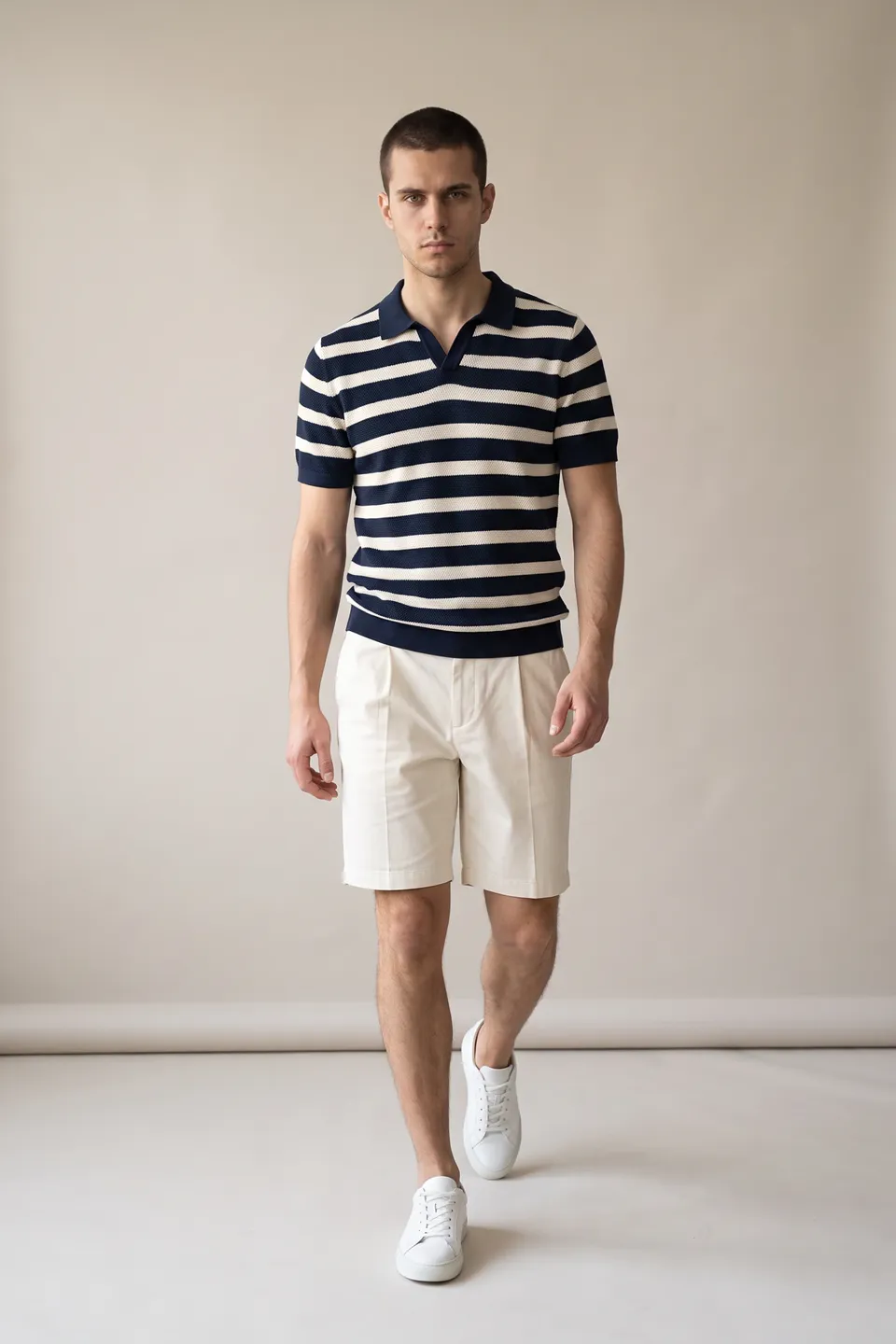
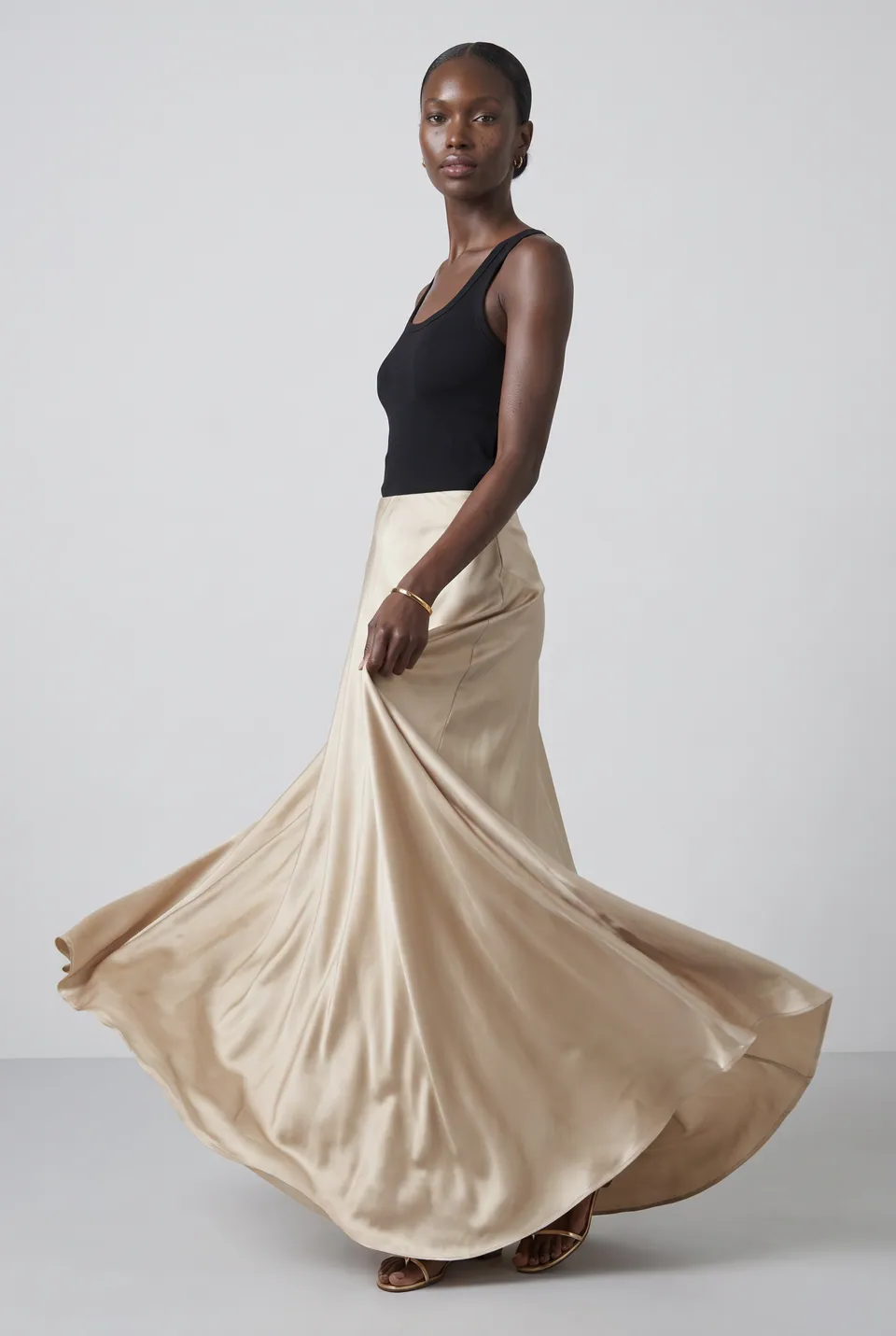
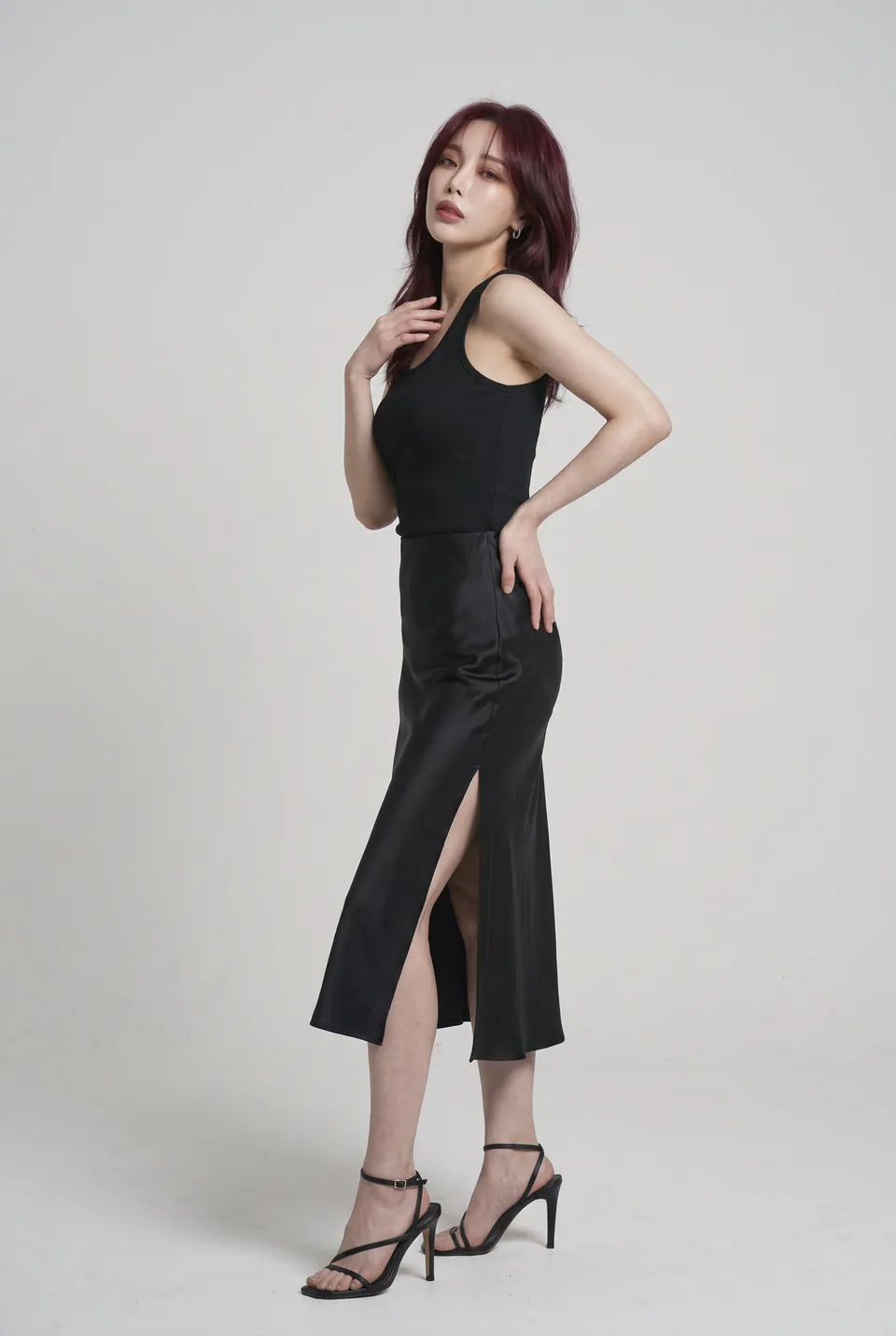
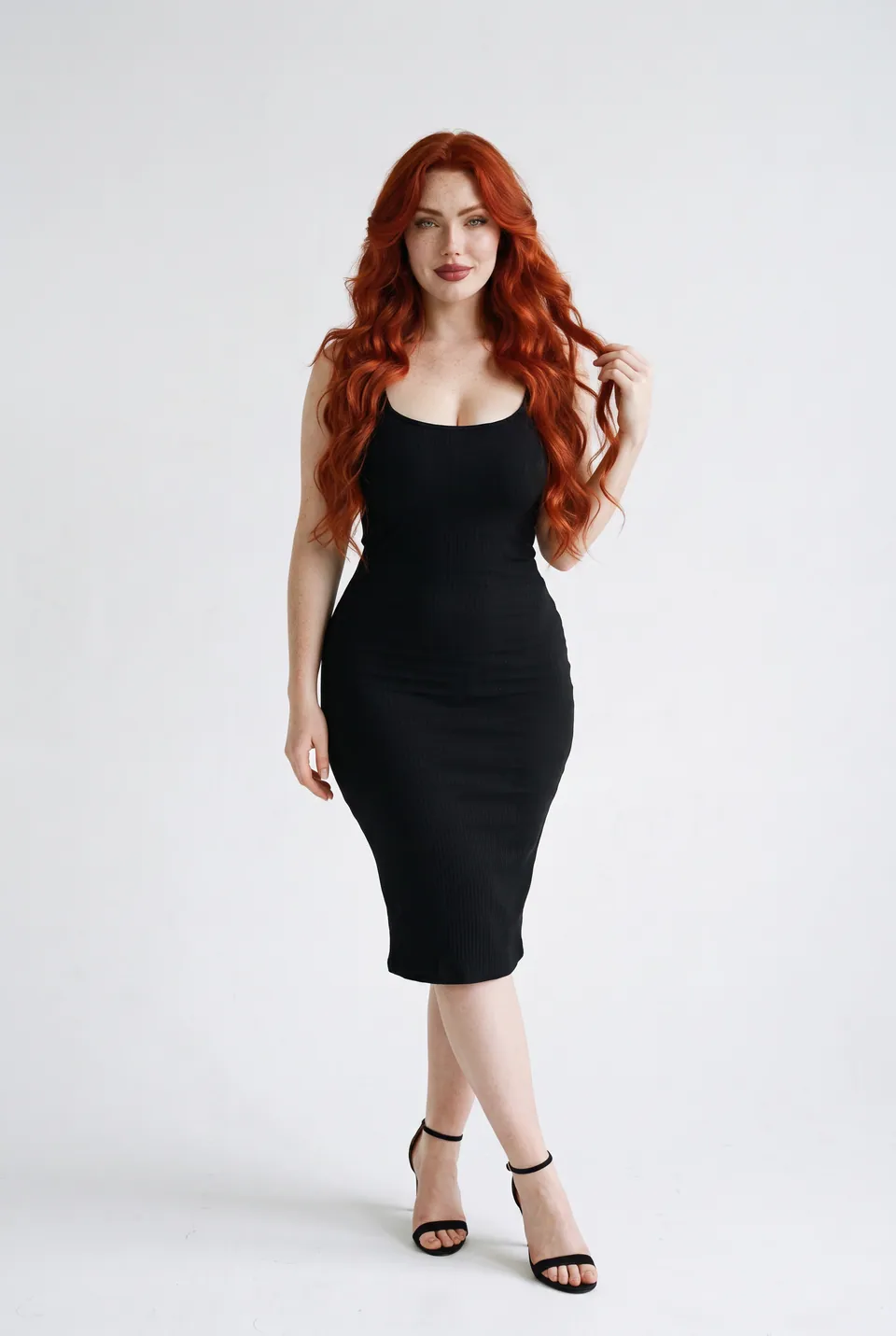
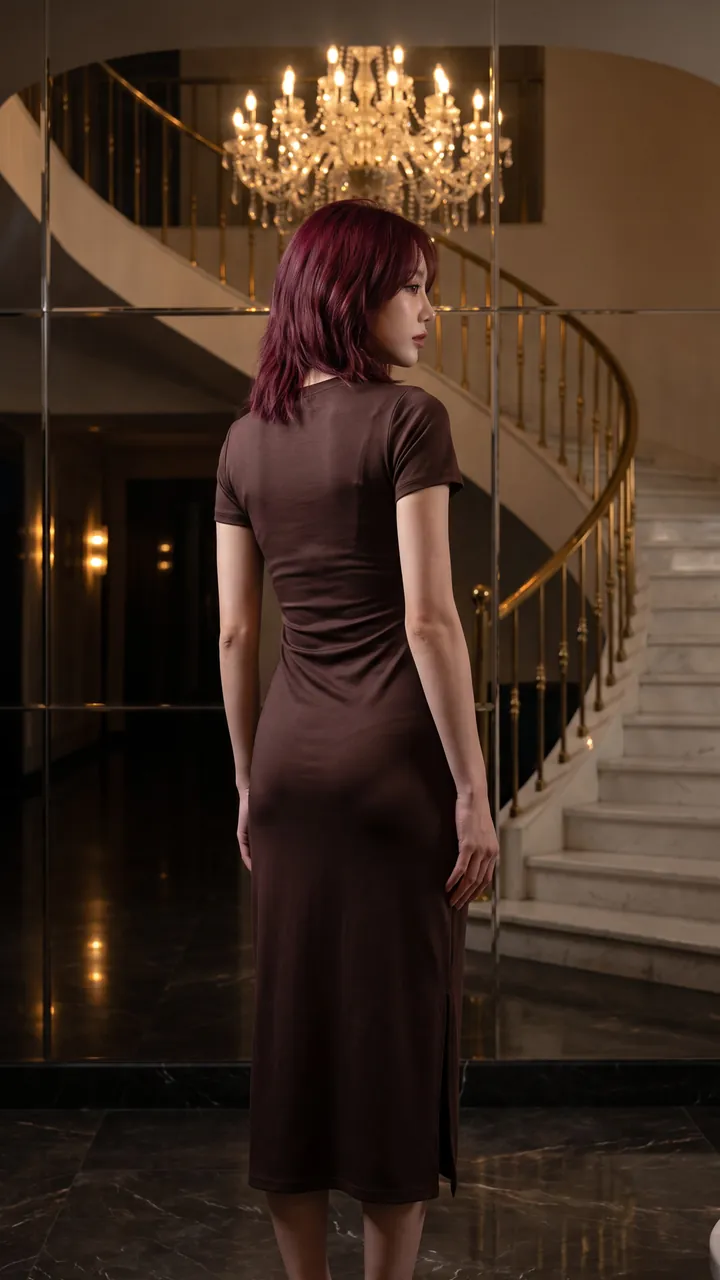
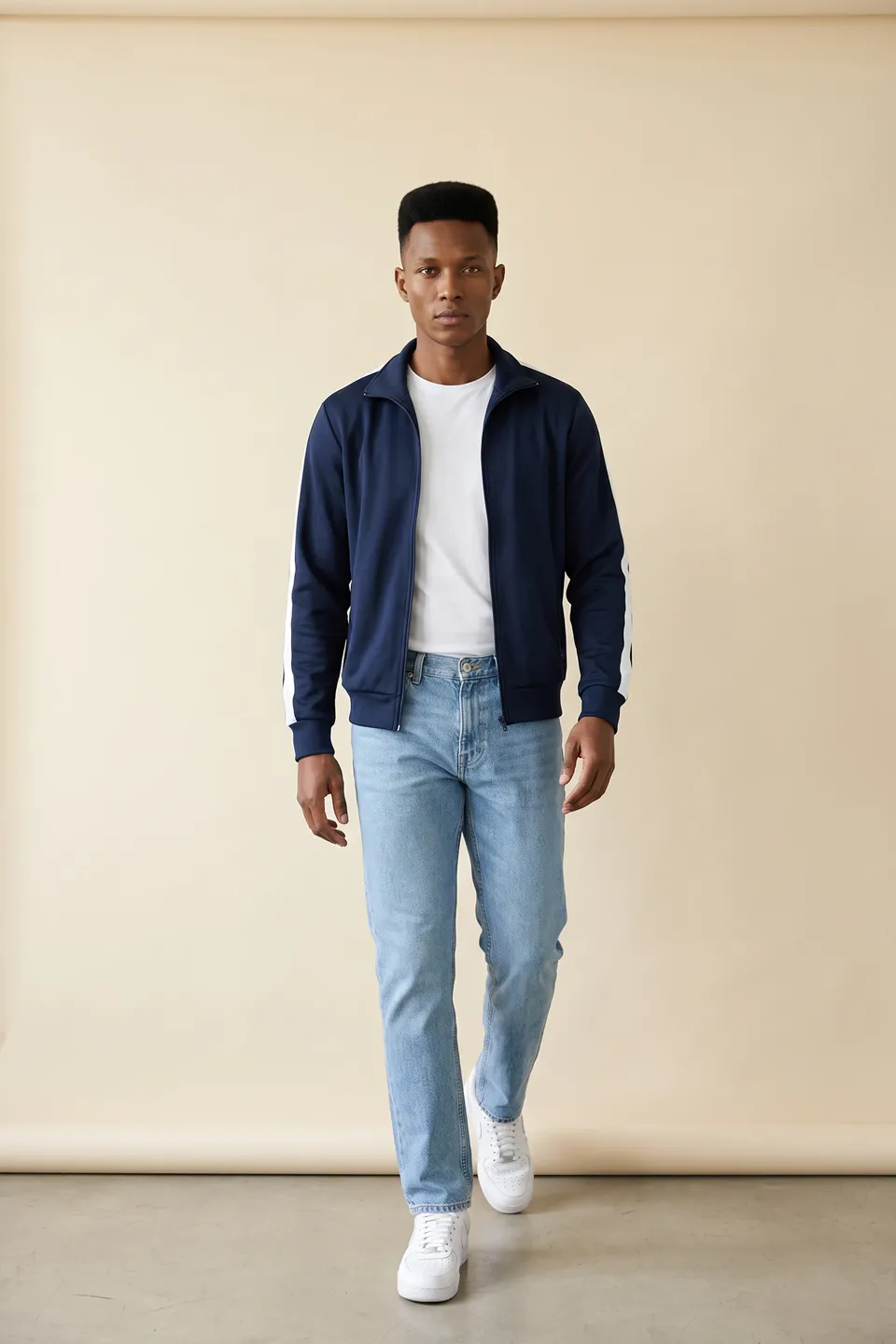
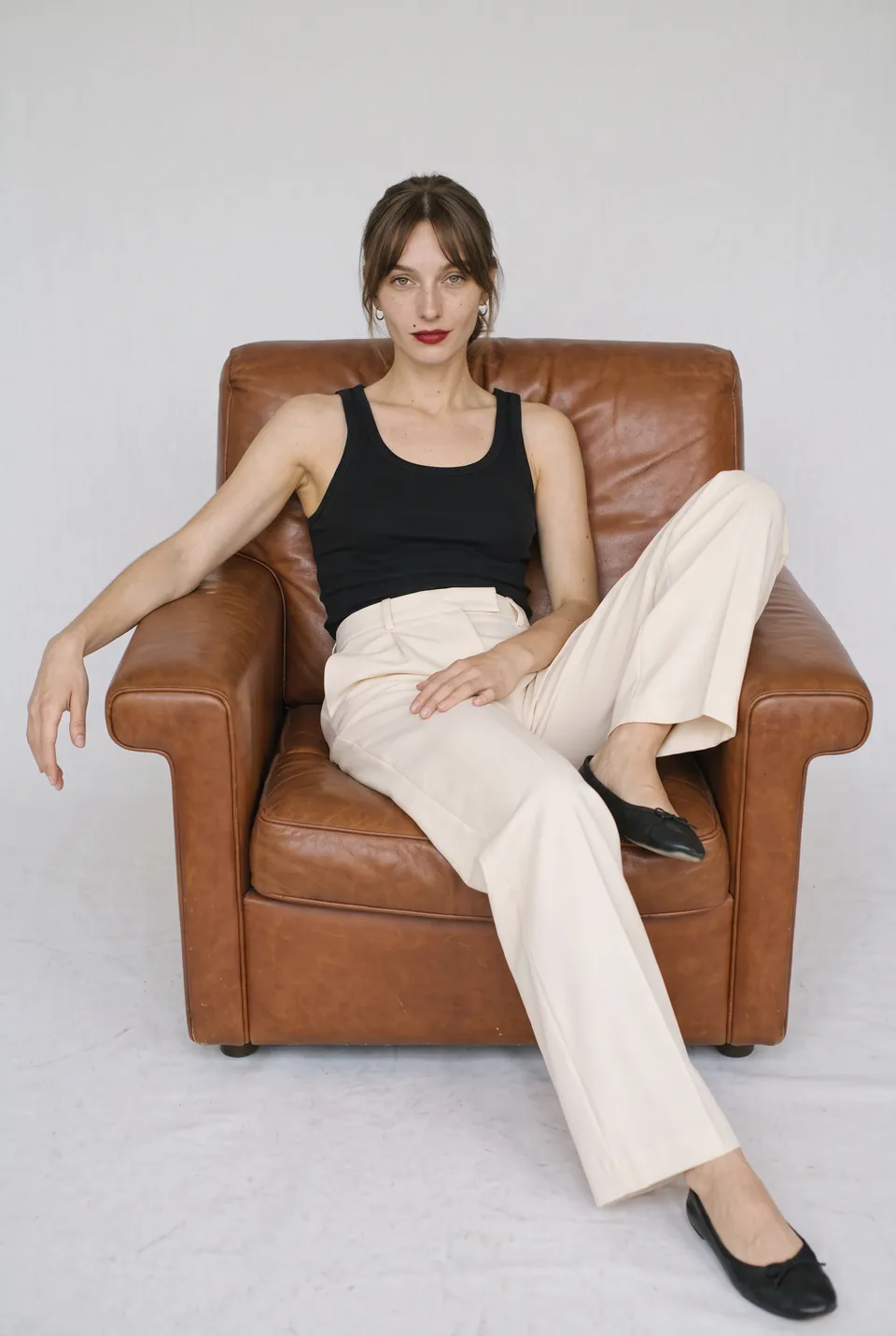
What this solution brings you
Your archive gains new value
Reuse past shoots with new faces.
The right face for every market
Switch the model to match your audience.
The garment stays as is
Only the model and scene change; the product is preserved.
One product, start to finish
Every frame in this section comes from the same production: the uploaded product, the chosen model, the poses and the result.
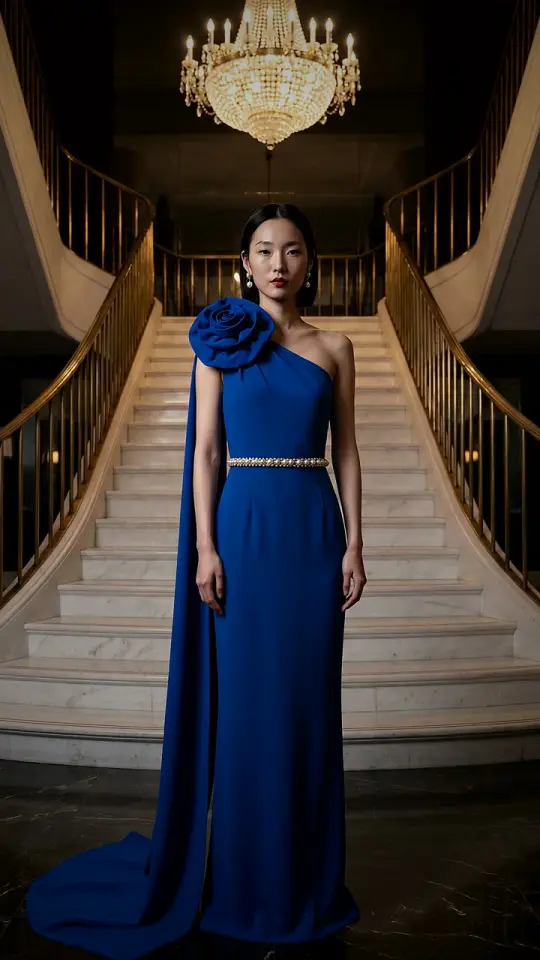
Cobalt blue suit 01Source frame
Upload an existing shoot
Cobalt blue suit. Garment, framing and light stay exactly the same.
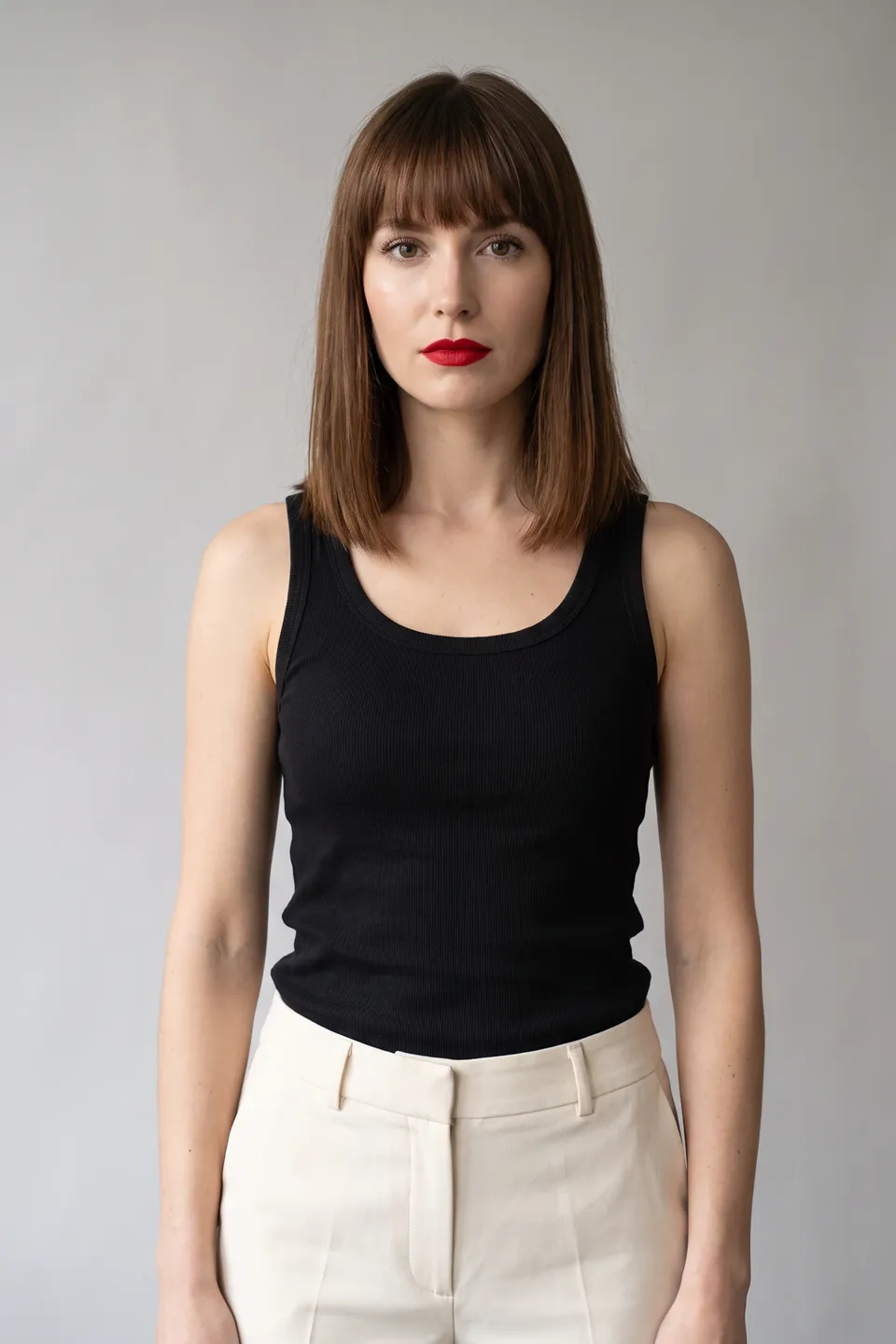
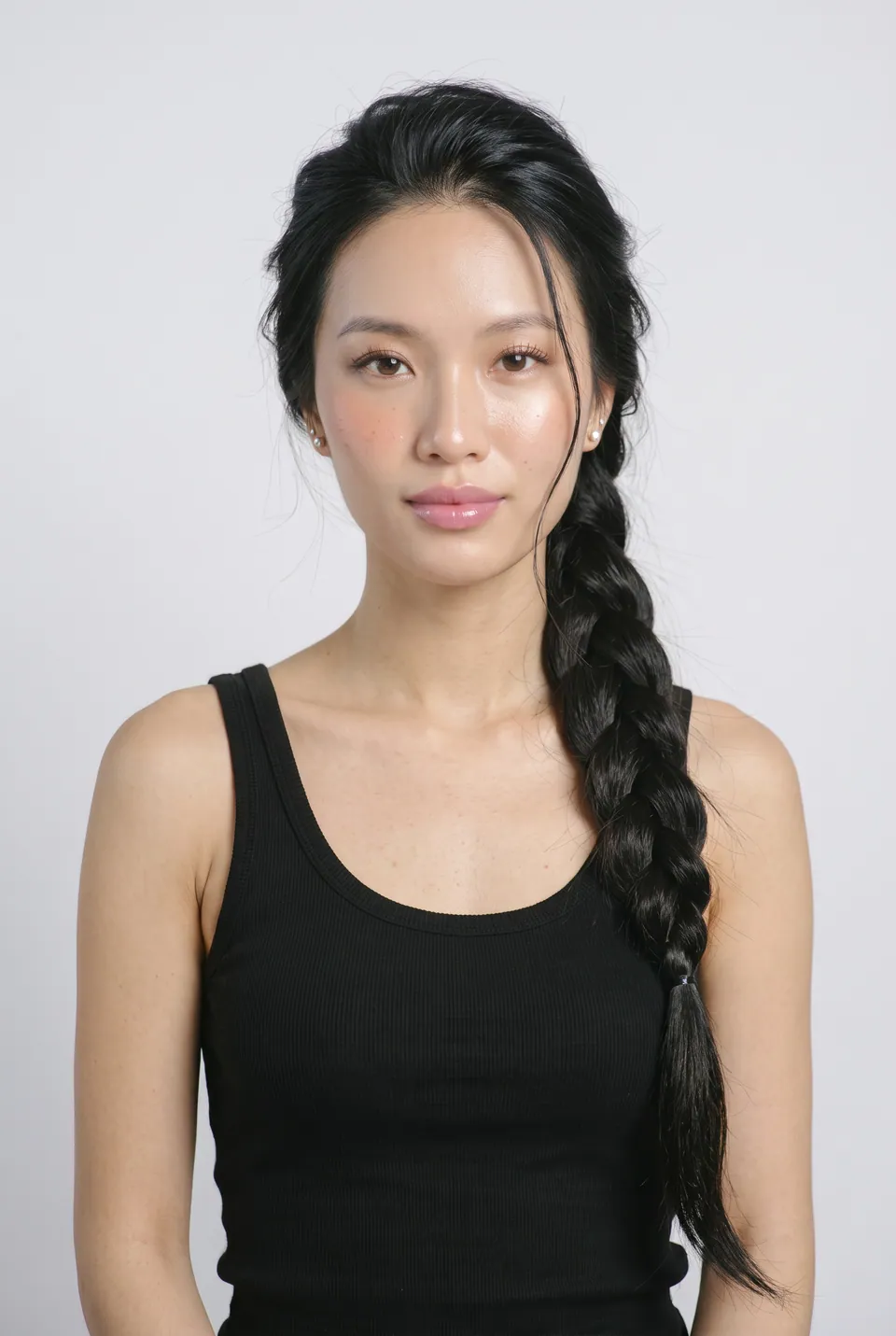
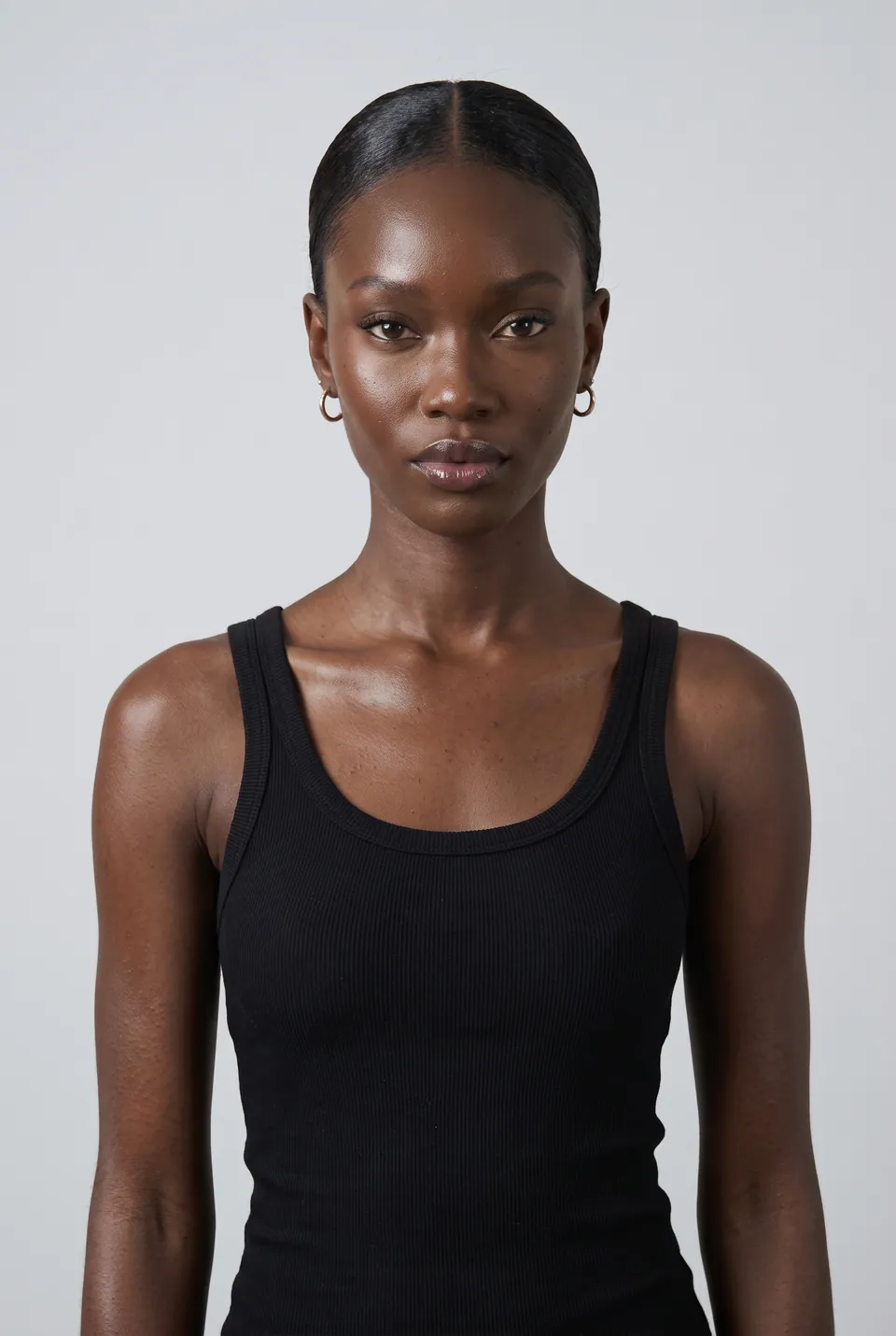
Adaeze 02Model
Choose new faces
Three models were picked from the catalog: Adaeze, Linh, Celine.
- LoraLook
Cobalt blue suit
03Result
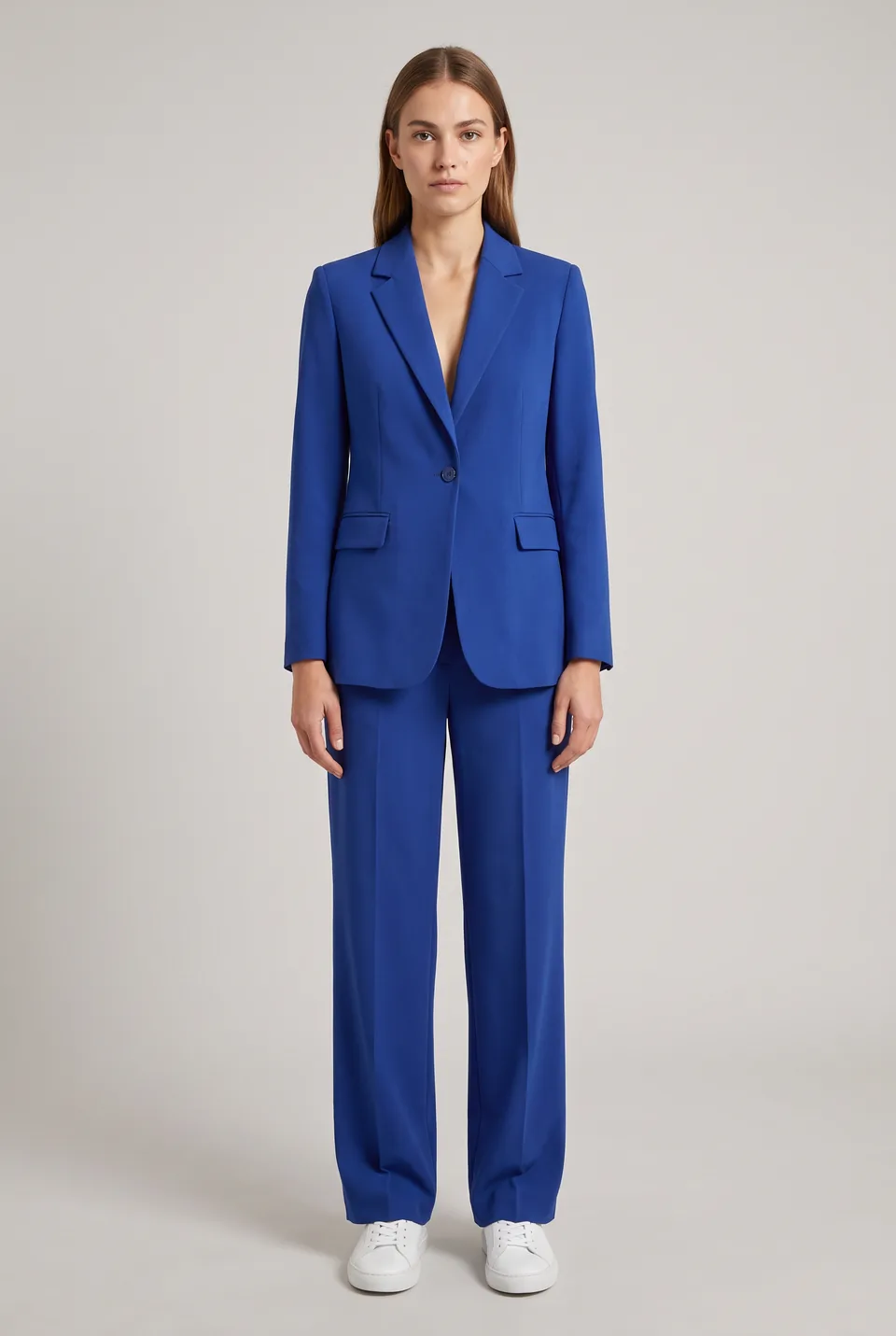
Same frame, new model
Garment and framing unchanged; only the model changed. Hover to see the source frame.
- Source frameLoraLook
Adaeze 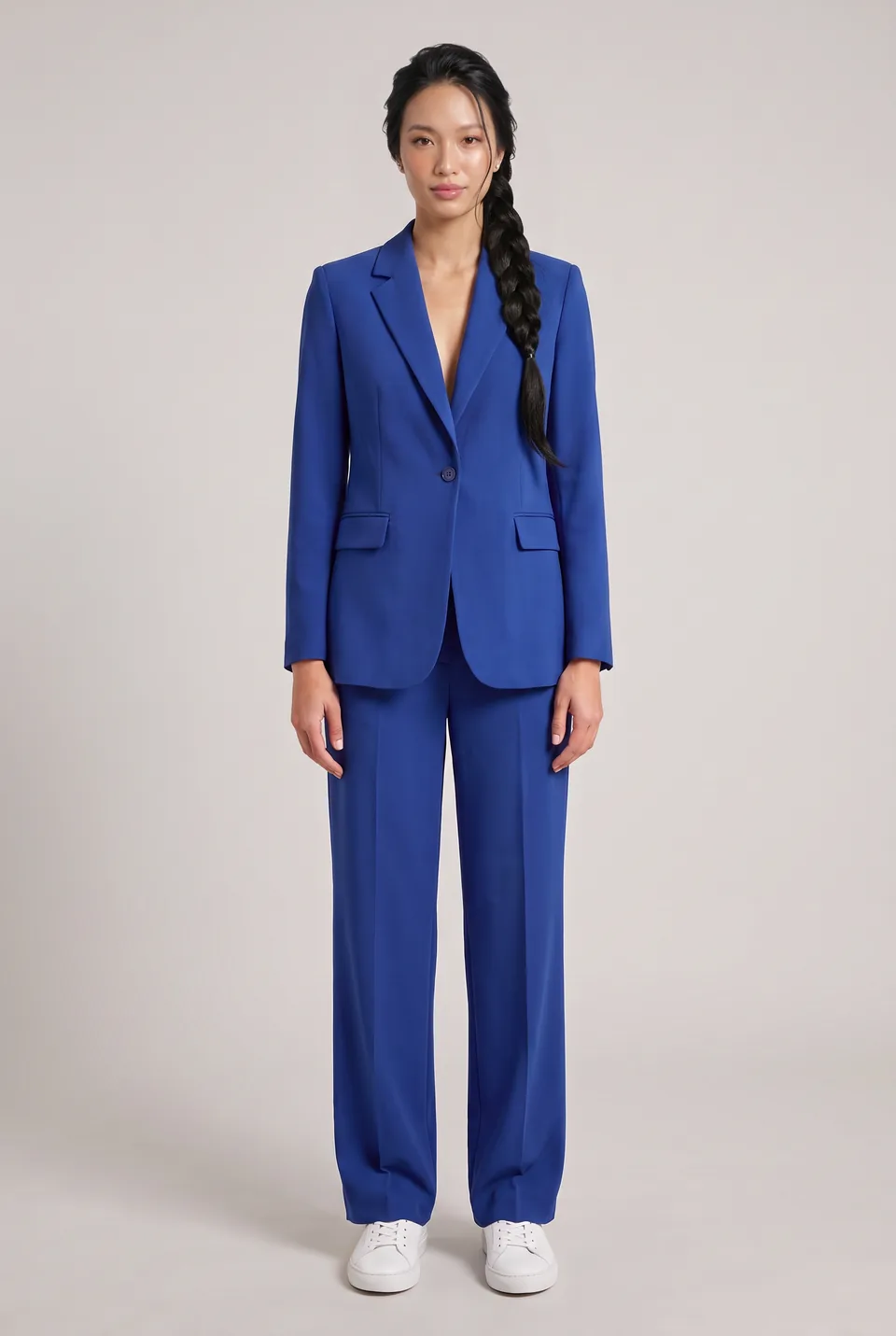 Source frameLoraLook
Linh 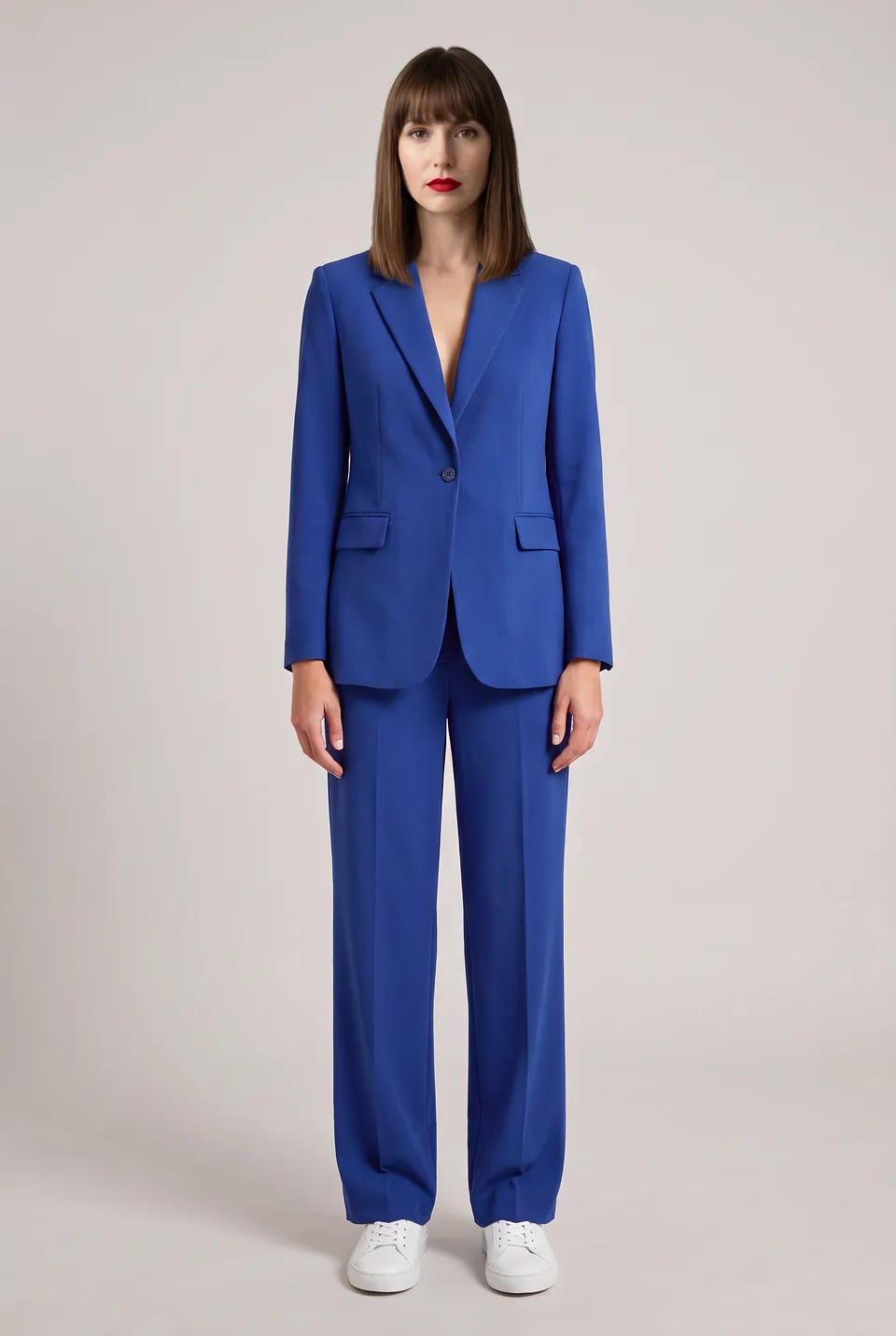 Source frameLoraLook
Celine 04Result
Three new faces, same frame
Three models were picked from the catalog: Adaeze, Linh, Celine.
You choose the format and quality
Aspect ratio, resolution and delivery are yours on every generation; the ratio you pick shows up in the preview instantly.
Ratio
Resolution
Delivery
1:1 · 2KWhich photos work best?
Sample inputUpload like this
- Shots where the garment is clearly visible
- Full-length or waist-up shots of the model
- High-resolution photos
Avoid these
- Hands, bags or hair covering the garment
- Blurry or very dark frames
A traditional shoot or LoraLook?
Send straight to your store and marketplaces






Frequently asked questions
Frequently asked questions about refreshing on-model shots
Can't find your answer? Write to us at info@loralook.com.
No. Only the fictional model you choose appears; the garment is taken from the original photo.
Photos where the garment is clear and fully visible. You must hold the necessary rights to the images you upload.
Yes. Choose from 40 scenes to move an old studio shot to a new setting.
That is the goal: color, pattern and cut are preserved. A distorted frame is rejected in quality control and its credit refunded.
Yes. Generate the same photo with different models and scenes to build a separate image set for each audience.
Each model × pose frame is one credit at standard resolution; 2K and 4K cost extra. The full cost is shown before you start.
Other solutions
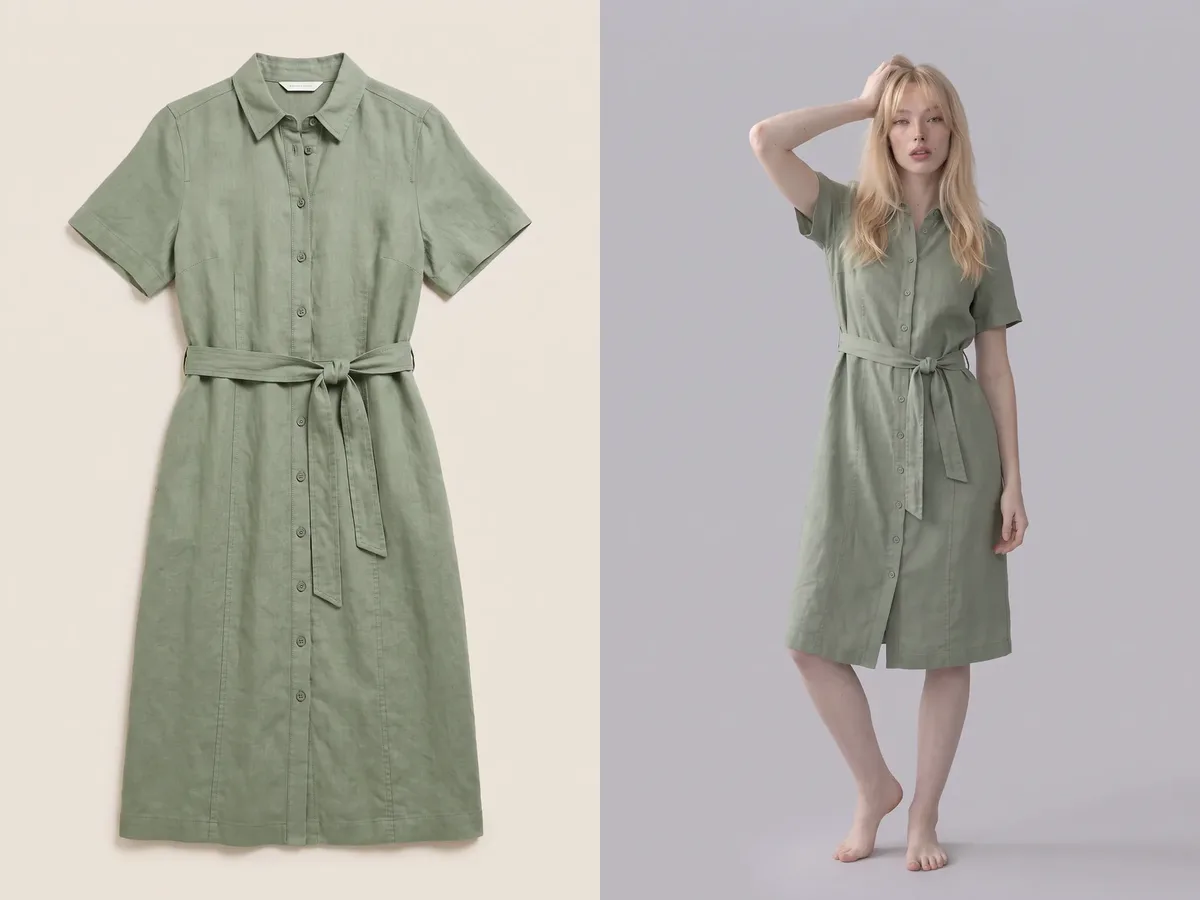
Flat lay → on-model→
From a flat lay product photo to an on-model shot.
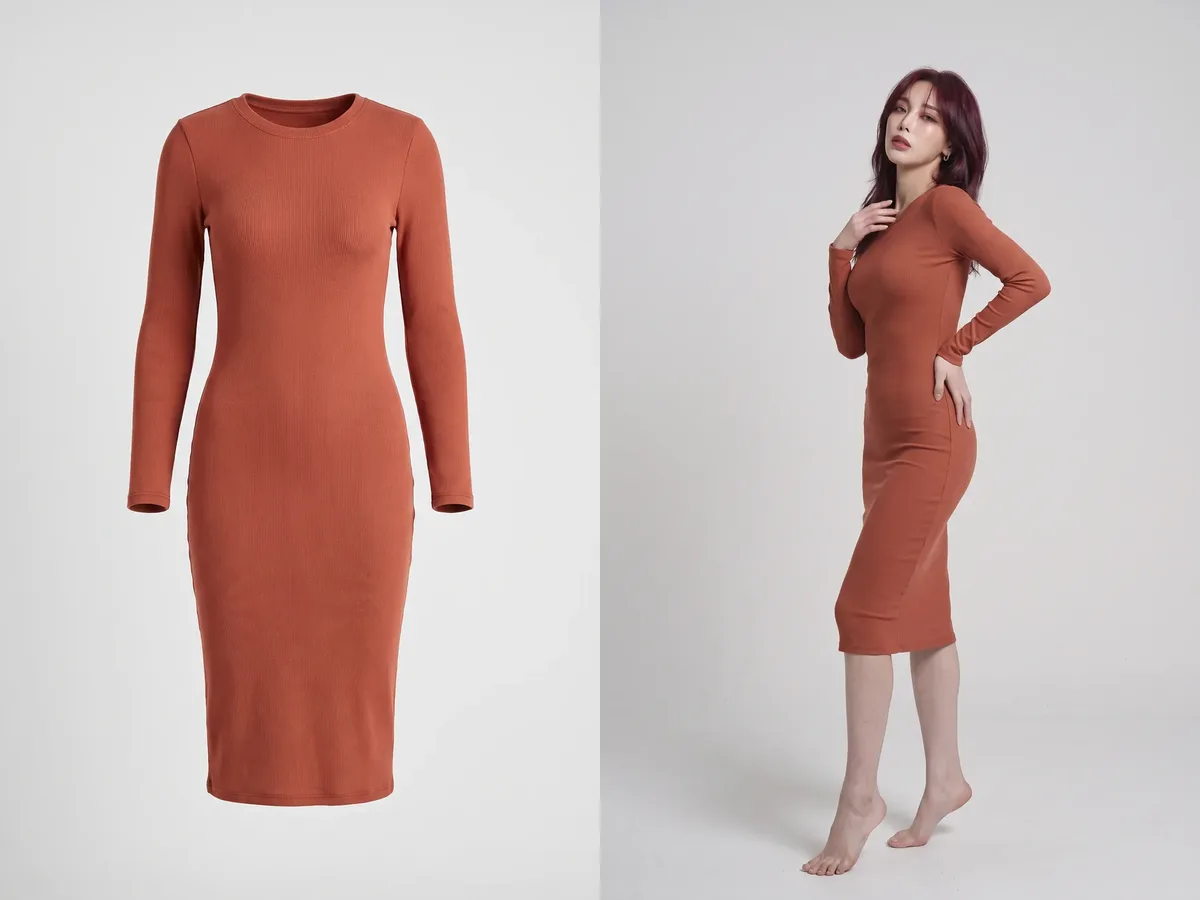
Mannequin → model→
From a mannequin shot to a real on-model image.

Editorial shoot→
Campaign images with scene, pose and framing.
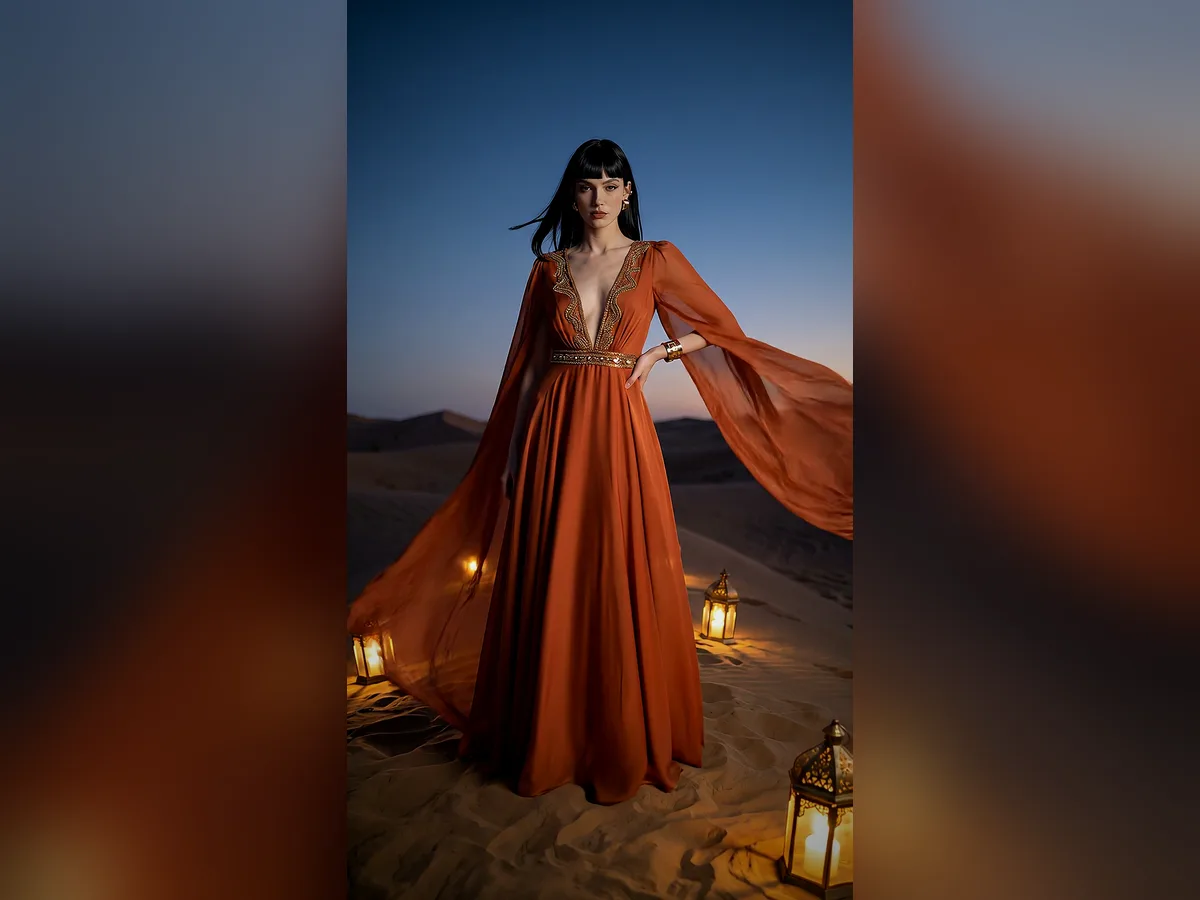
Short video→
Ad and storefront videos from a photo.
Collection mode→
The whole season at once, consistently.